Google Home Mini speakers may have been discontinued, but there are plenty still being used. If you have one, let’s talk about how to reset it.
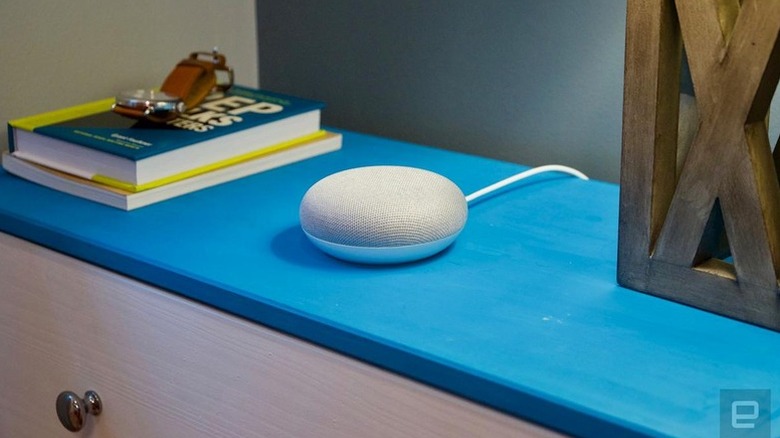

Google Home Mini speakers may have been discontinued, but there are plenty still being used. If you have one, let’s talk about how to reset it.
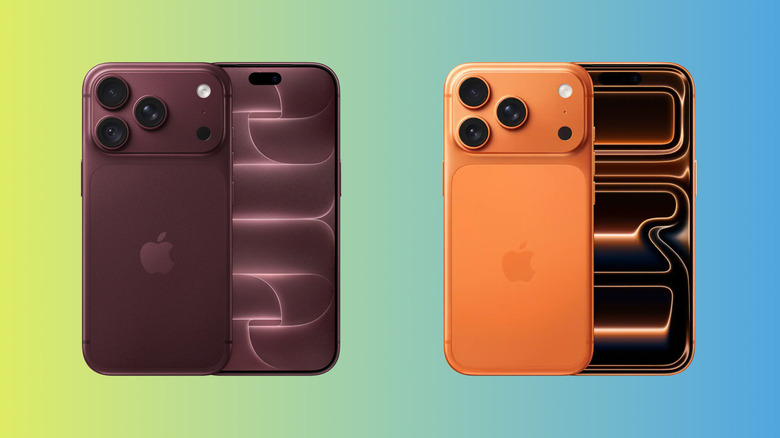
The iPhone 18 Pro iterates on the iPhone 17 Pro while making some minor improvements, but what exactly is different?
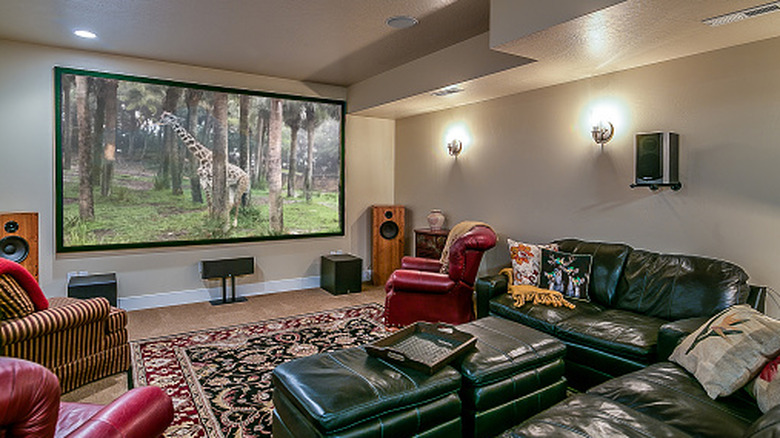
Too much height makes dialogue and fine details sound less direct.
Phone manufacturers are pretty direct in their guidance on this one.
Microsoft’s senior product manager for Excel acknowledges that “Throughout Excel’s 40-year history, you’ve only been able to put one value per cell.” But that’s now changing with arrays in cells (as well as nested arrays) and lists.
“You can create a list by selecting Insert > List or pressing Ctrl+J, then typing or pasting items separated by commas or semicolons, depending on your regional settings. Selecting the icon in the cell shows the individual values…”
“With lists, you can filter by one or more individual items instead of whole text entries. Referencing a list returns all its values for calculations. For example, =B2 spills those values into separate cells…”
“For the first time in Excel, arrays can exist natively in cells as values or as formula results. They can be any size or shape and can even contain other arrays. You can now keep the result of any spilling formula in a single cell by “wrapping” the formula body with braces { }.”
“Since the introduction of dynamic arrays, array results have spilled across cells — for example ={1;2;3}. Wrapping the original array with braces creates a 1×1 array around it, so instead of spilling to multiple cells, the array stays in a single cell. Braces have long been used to describe arrays in Excel and this extends that behavior by allowing multiple layers of braces. This gives you more flexibility when building spreadsheets. Instead of leaving room for a formula to spill, you can keep the result in one cell.”
“Arrays can now also ‘nest’ inside other arrays… Previously, a formula that produced an array of arrays would return a truncated result or #CALC! error. Now, supported formulas return the complete nested result… FLATTEN(array, [pad_value], [levels]) simplifies nested arrays by removing one or more levels of nesting…”
Three HAS functions check whether values are in an array:
— HAS(array, value) returns TRUE if value appears anywhere in array, and FALSE otherwise.
— HASANY(array, values) returns TRUE if any of the values appear anywhere in array, and FALSE otherwise.
— HASALL(array, values) returns TRUE if all of the values appear anywhere in array, and FALSE otherwise.


Read more of this story at Slashdot.
As AI generated material consumes much of the gaming and entertainment world, major tabletop players like UKGE refuse to roll the dice with the unpopular tech
You probably don’t think much about your PlayStation’s power cord unless it needs to be replaced. If that time comes, here’s what to know.


The WiCi One is available for preorders starting at $1,999.

The WiCi One is available for preorders starting at $1,999.

Building off his HBO series, Wilson’s feature length poetic odyssey examines why it’s hard to get excited about the future when the present visibly crumbles
The Sift will first be released with Minecraft Dungeons 2 later this month before arriving in the base game.

The Sift will first be released with Minecraft Dungeons 2 later this month before arriving in the base game.

An old netbook can automate the devices that otherwise aren’t interested in talking to one another.

Start with the vents before you reach for a screwdriver.

Apple is reportedly looking to appeal the jury verdict.

Tesla CEO Elon Musk has insisted investors think of his electric automaker as a robotics and autonomous vehicle company now. He’s targeted a $20 trillion valuation—nearly four times the value of market leader Nvidia—on that premise. But his Tesla team was in Sparks, Nevada, on Thursday to focus on, well, an electric vehicle: the long-awaited Tesla Semi.
The Semi concept first rolled onto a Tesla event stage in late 2017. Nearly a decade later, Tesla officially launched high-volume production at a livestreamed but invite-only event at the company’s factory. It targeted a niche audience: the cost-conscious people who manage large trucking fleets. A handful of them, all men, trooped across the stage to be thanked for their orders to a pulsing techno beat.
“It’s going to be, really, a driver’s truck. It’s like a sports car in truck form.” Musk said in a pre-taped video played during the evening event. (Musk, for years the ringmaster at Tesla’s circus-like events, skipped his second vehicle debut in a row; he was attending a White House China State Dinner featuring President Xi Jinping.)
TikTok has settled Alabama’s social media addiction lawsuit before it was supposed to go to trial.

macOS Golden Gate refines the Mac software experience, but not everyone can upgrade.

The Sift will be the fourth dimension in the game, joining the Overworld, Nether and the End