
What are GNOME Shell extensions? Imagine that Fedora Workstation is your desk, and GNOME Shell extensions are small accessories you add to make it feel more personal. It’s like placing a pencil case on the right side, a lamp that helps you focus, or a small cabinet to keep your things from getting scattered. It’s […]
Running Archinstall and Post installation LVs reconfiguration step via remote SSH connection
Remote connection via ssh is significantly more convenient for cut and paste all set of LVs resizing, creating, removing commands along with fstab’s updates then typing all of them manually during local Arch Linux Instance setup with more or less complicated LVs updated layout .
Xbox Is Marching Forward With AI Features But Says It Wants To Protect Content Creators

The company outlined its ongoing ambitions around gaming copilot
TrueNAS Connect Announced For Offering Enterprise Features Without The Hardware
Last year TrueNAS unified their SCALE and CORE offerings as part of solidifying their enterprise storage efforts around Linux from their prior FreeBSD base. This year the developers at iXsystems have another change in store with announcing TrueNAS Connect as a new bridge for accessing TrueNAS enterprise storage features without having to invest in their hardware…
Ubuntu’s AppArmor Hit By Several Security Issues – Can Yield Local Privilege Escalation
The AppArmor Linux kernel security module used notably by Ubuntu Linux and currently maintained by Canonical has been affected by several vulnerabilities made public today…
Igalia Introduces Moonforge Linux, a Yocto-Based OS for Embedded Devices
Moonforge Linux is a new Yocto-based open-source framework that streamlines the development and maintenance of embedded Linux systems.
Ghost Of Yotei’s New Free Online Mode Is So Good I’d Pay Money For It

Free online spin-off Legends lets you and some buddies cut down supernatural baddies, level up, and unlock cool hats together
MacBook Neo Tested With Cyberpunk 2077, Elden Ring And 8 More Games

The newly released $599 MacBook Neo might be an iPhone chip slapped into a low-cost Mac chassis with passive cooling, but it’s shockingly competent as long as you accept its limitations. YouTuber and PCGamingWiki founder Andrew Tsai rejects those limitations and put Apple’s new entry-level laptop through its paces to see exactly what this
Games Executive Jason Rubin Leaves Meta After 12 Years
Jason Rubin has left Meta after 12 years, having been VP of Content at Oculus, Facebook, and then Meta, with various official titles.
Rubin was the second longest standing executive from the 2014 era of Oculus still at Meta, with Michael Abrash (still at Meta) being the first.
In a statement, Rubin described the decision to leave as “difficult”, saying that he has “nothing but deep appreciation” for Meta leadership, and stating that he’s “incredibly proud” of his work and excited for the future of VR and Horizon.
“This was a difficult decision and I have nothing but deep appreciation for Mark and Boz’s leadership, gratitude to the company, love for my coworkers, and excitement for our Horizon and VR roadmap.
I’m incredibly proud of multiple eras of my work at Meta. I helped to build the Oculus Content team, Meta’s first content production and dev rel organization, and producing a lot of highly reviewed and industry applauded titles. I’m also proud of building the Metaverse Creative Team, empowering Design and Art, and raising our quality bar.
Why now? And the answer is relatively boring: This seems like a good time. I am going to chase animals with a camera. You can follow the results on my Instagram.”
In 1984 Rubin co-founded Naughty Dog, the game studio behind Rings of Power, Way of the Warrior, Crash Bandicoot, and Jak and Daxter, as well as (after Rubin left) Uncharted and The Last Of Us.
He left Naughty Dog in 2004, and became the president of publisher THQ in 2012. However, by this time THQ was already almost dead, and Rubin was unable to save it, with the company going bankrupt less than a year later.
In 2014, Rubin joined Oculus VR, a few months after Facebook announced it was acquiring the startup.
E3 2019: Q&A With Oculus’ Jason Rubin On Quest, Rift, Go And Valve Index
At E3 this week in Los Angeles I played an early demo version of official 360-degree songs from Beat Saber and learned to steer a kayak in VR. Afterward, I went to get lunch with Senior Editor David Jagneaux and we found Jason Rubin “VP of Special Gaming Strategies” at
 UploadVRIan Hamilton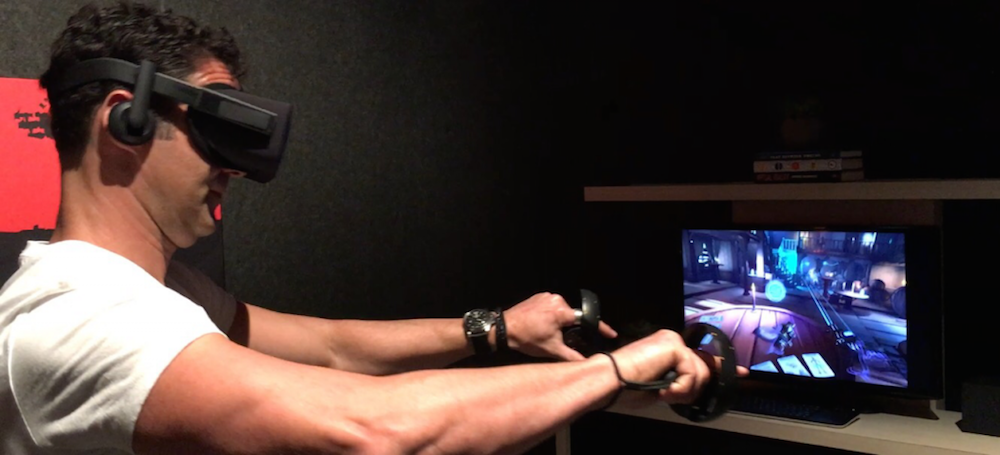
Initially Head of Worldwide Studios, by 2016 Rubin’s title had shifted to VP of Content. He managed the first and second party content initiatives for the Oculus Rift, delivering a strong launch content lineup for both the Xbox gamepad the Rift was originally shipped with and the Oculus Touch controllers that shipped eight months later.
His official title changed multiple times over the years as Oculus was absorbed into Facebook and then as the company rebranded to Meta, and his role expanded to cover more of the company’s gaming and content initiatives.
In 2018 he became Facebook’s VP of AR/VR Content & Partnerships, in 2019 the VP of Special Gaming Initiatives, in 2020 the VP of Play, and in 2021 the VP of Metaverse Content / Creative.
In these expanded roles, as well as Quest, he became responsible for gaming on Facebook Portal, Messenger, and Facebook Cloud Gaming. Essentially, Rubin was Mark Zuckerberg’s gaming chief.
Meta Closes Deadpool VR, Asgard’s Wrath & Resident Evil 4 VR Studios
Meta has shut down Twisted Pixel Games (Deadpool VR), Sanzaru Games (Asgard’s Wrath), and Armature Studio (Resident Evil 4 VR), UploadVR can confirm.
 UploadVRDavid Heaney
Of course, while Rubin’s stated reason for leaving is to pursue wildlife photography, the timing is notable. The departure comes just two months after Meta shut down three of its acquired VR game studios, conducted significant layoffs at a fourth, and canceled the Batman: Arkham Shadow sequel. Rubin had worked closely with these studios for the better part of a decade, and while we won’t put words in his mouth, it seems unlikely that his departure after so long is entirely unrelated to Meta’s strategy shift.
Which Cowardly Game Company Will Be The First To Stand Up To Trump?

The White House will not stop posting video game memes to spread fascism
A ‘Super El Niño’ Could Be Coming—Here’s What That Means for You
Climate models suggest this year could bring one of the strongest El Niño events on record, driving more extreme weather and smashing global temperature records.
I Fell In Love With Highguard And Now It’s Gone Forever

RIP to a real one
Google To Finally Provide Chrome ARM64 Binaries For Linux
Google has shared exciting news with us today that they are bringing their Chrome web browser to ARM64 Linux devices…
Pokémon Pokopia Fan Artists, Are Y’all Okay?

The life sim has Pokémon artists getting real angsty on the timeline
Google Play Levels Up On PC With Game Trials And Android Cross-Platform Purchases
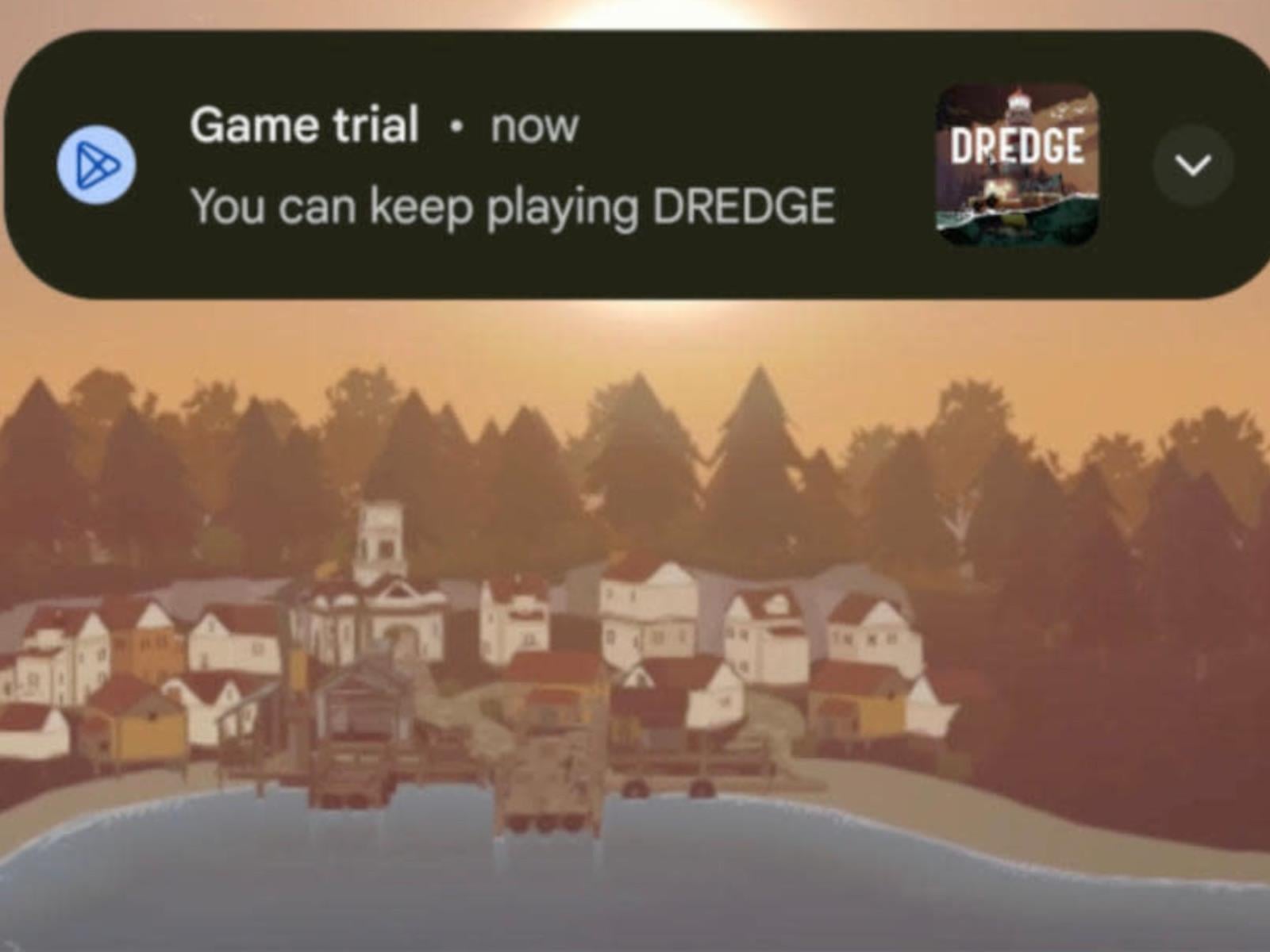
In an unexpected move, Google announced it will be bringing some of its mobile catalog to PC. There’s now a PC section in the Play Store Games tab, which will serve as “your dedicated home for (Android) games optimized to play on Windows PCs.” This doesn’t apply to every cross-platform game on the platform, but for at least “Select paid games”
Orcs Must Die! By The Blade Review: Patched To Perfection?
One month and a major update later, Orcs Must Die! By the Blade has gone from a shaky VR debut to a fun and frantic melee brawler.
When Orcs Must Die! By the Blade launched in mid-February, combat felt unsatisfying, the user interface could be annoying, and limited movement options disrupted the game’s flow. With a recent patch that addresses most (if not all) of those early issues, the game deserves a second look.
Developed by Teravision Games, the VR-exclusive entry in the long-running Orcs Must Die! franchise attempts to translate the series’ chaotic trap-based strategizing into a more tactile, immersive experience.
It does this by placing greater emphasis on first-person melee combat than on the series’ more traditional tower defense mechanics. While I find the result to be fun and engaging, players looking for the more strategic elements of previous Orcs Must Die! games may feel a bit underserved.
0:00
/1:03
Combat wave in Orcs Must Die! By the Blade captured by UploadVR
The Facts
What is it?: a melee combat / tower-defense game.
Platforms: Meta Quest
Release Date: February 12, 2026
Developer: Teravision Games
Publisher: Teravision Games
Price: $19.99
Presentation
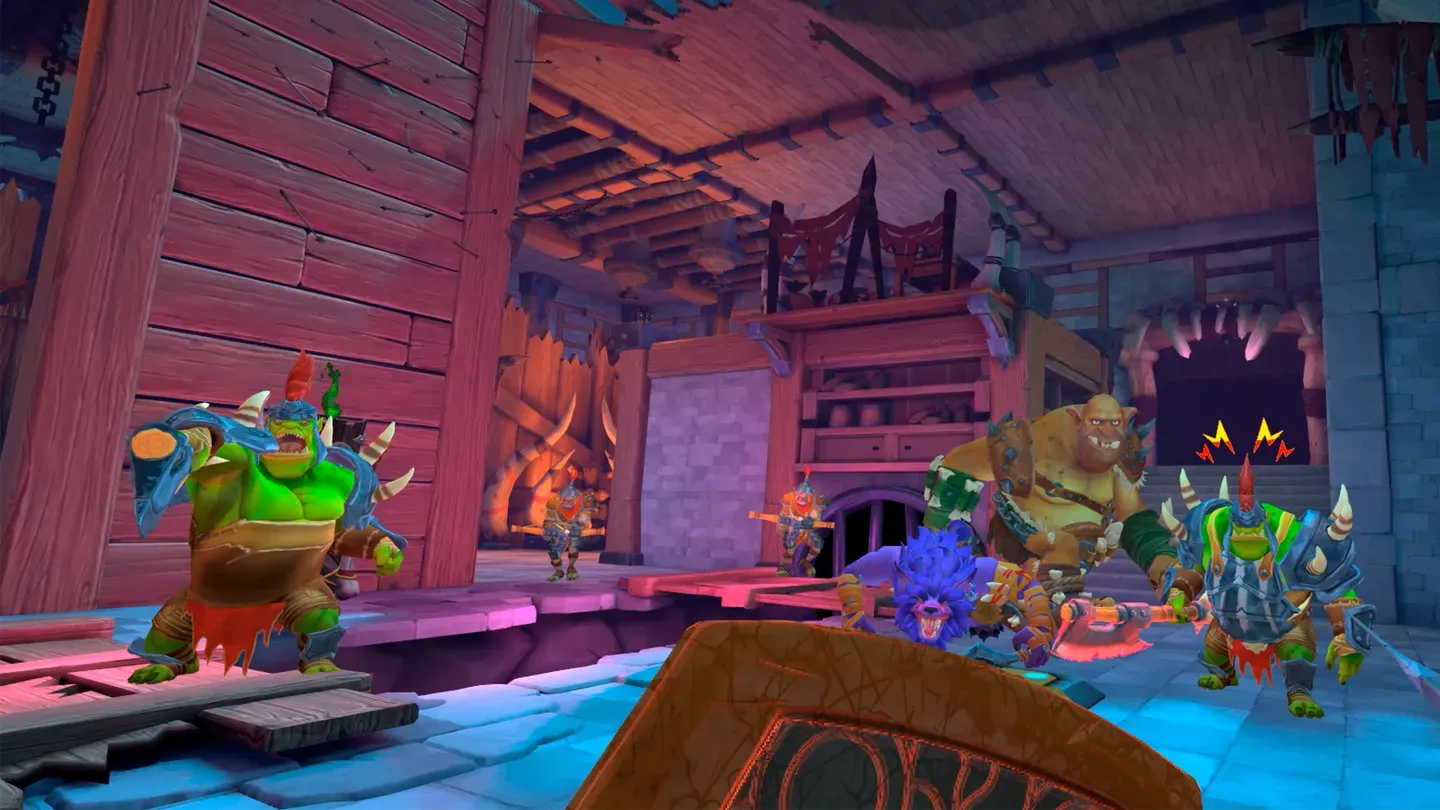
My first thought when Orcs Must Die! By the Blade came to life in the lenses of my Quest 3S was, “Wow! That’s beautiful!” And it is. The environments are gorgeous and carefully crafted cartoon fantasy zones. The visuals lean heavily into the series’ signature exaggerated style, in which everything is slightly oversized and a bit ridiculous. You’ll move through a land of worn and weathered stone, hefty, aged wood, chunky tankards of mead and even chunkier weaponry.
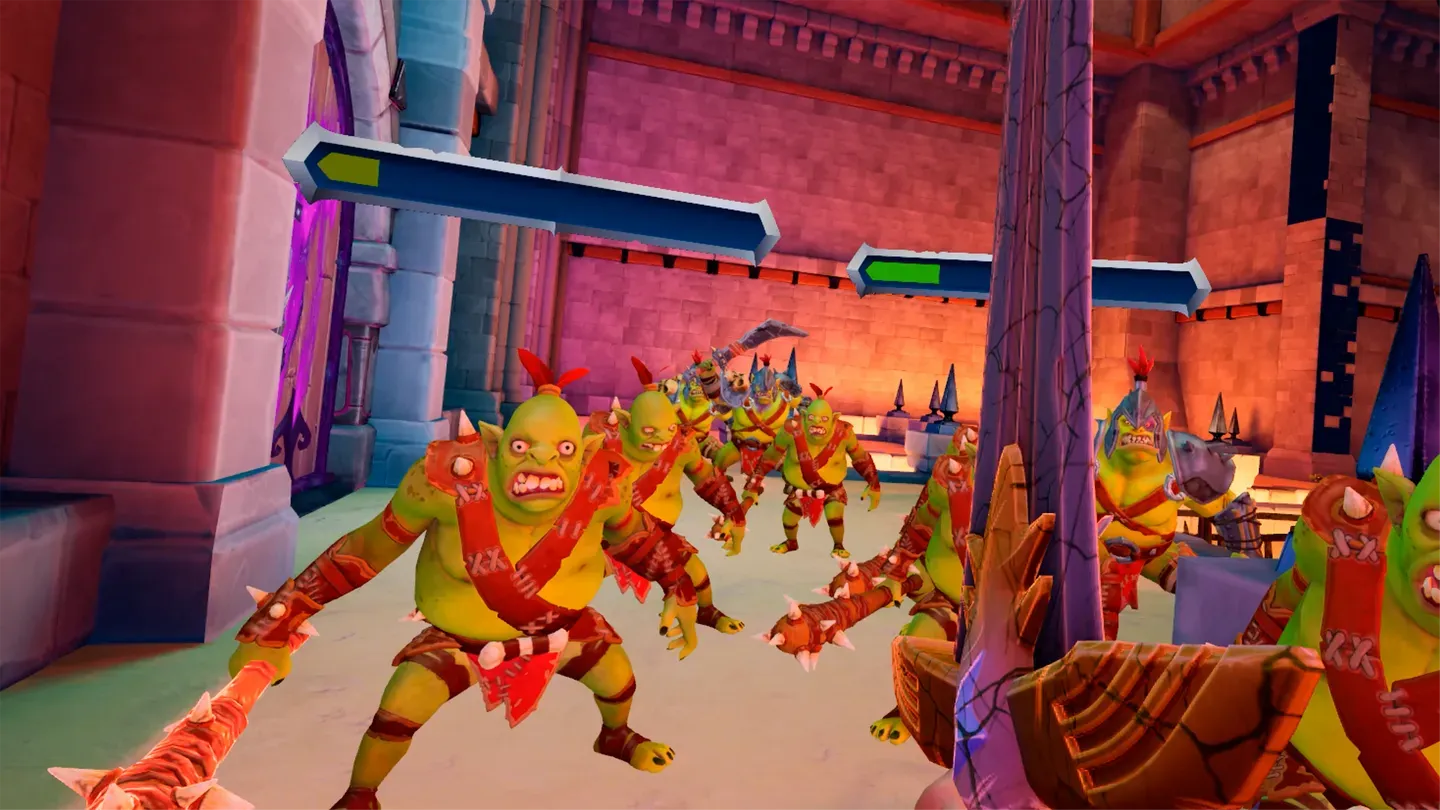
Enemies, too, are delightfully stylized; muscly orcs brimming with spiky armor and gruesome, snarling scowls, who become truly menacing in VR. When a towering ogre charges from the depths of a shadowed portcullis, or a fresh wave of speedy little orcs comes rushing over your traps, there’s a physical presence that’s far stronger than in the series’ flat-screen games.
Sound design is wonderful, too, with atmospheric tunes backing a soundscape of medieval foley. The stone halls echo with your bootsteps. Lava bubbles and pops in the dungeons. Rusty hinges creak achingly. Your sword rings against steel, or squelches horribly as it slices through meaty goblins. Over all this, our heroes do their best to provide quippy commentary. While these voice-acted lines can get repetitive, I don’t find it egregious.
In short, Orcs Must Die! By the Blade looks great, sounds great, and presents as a highly polished experience.
0:00
/1:17
Story elements captured by UploadVR
Gameplay
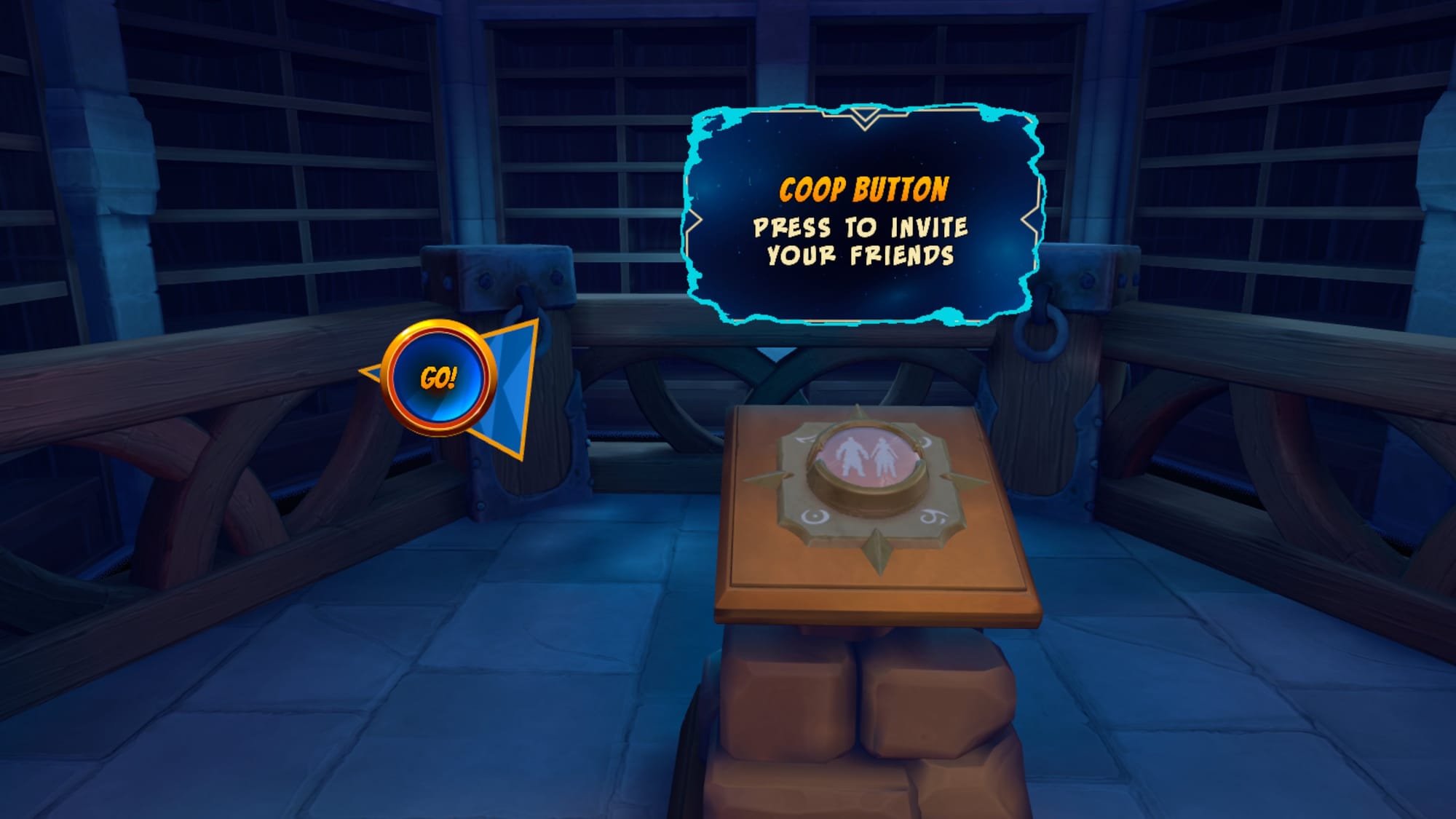
The gameplay loop will be familiar to fans of the series, even if its priorities have shifted. Across three chapters of four levels each, played single-player or co-operatively with one other player, you’ll explore an environment in a way reminiscent of dungeon-crawlers.
You’ll move through corridors and castles, at various points encountering areas where you must defend yourself or other objectives (such as treasure chests) against waves of attacking orcs. To do this, you’ll place traps in the environment and supplement this destructive power with your own formidable melee skills.
Each of these instances has a set-up period during which you’ll choose your traps and place them where you think they’ll be most effective. There’s a wide variety of traps, such as floor spikes, springboards, and wall-mounted arrow launchers, and more continually unlock as you work through the game.
Once a wave starts, you’ll use your handheld melee weapons, or weapons scavenged from the environment, to slice and dice your way through the onrushing orcs. While combat felt bland and janky when the game launched, the most recent patch has set things right. In its current form, combat feels great. Attacks are weighty and responsive, with color-coded prompts for enemy attacks that may be parried or ones which are unblockable, and additional prompts for the most effective counterattacks.
Swinging your weapons harder creates more damage, and with just a few minutes of practice, body parts are flying in all directions. While these dismemberments are a bit violent, they retain an exaggerated, cartoony unrealism that keeps the visuals from descending into true gore.
Movement has also been improved in the latest patch. An optional smooth-turn control scheme has been added which makes the game feel far more fluid than before, though users prone to VR motion sickness may struggle with the constant movement demanded by levels which can take up to 40 minutes to clear.
0:00
/1:32
Strategy and Progression
By clearing a level, smashing boxes, and dispatching enemy orcs and bosses, you’re awarded treasure and coins which can be spent in the game’s armory. Here you can upgrade your weapons and traps, or buy entirely new weapons, traps, and equippable items.
This gradual progression keeps things moving in the right direction. There’s always a new weapon to unlock, or an interesting upgrade for your existing arsenal. By the end, there’s almost no limit to the many ways you can kill orcs.
But to say that there’s much strategy would be a lie. While there’s great variety of weapons and traps, the core of the gameplay really comes down to flailing away with your melee weapons. Traps soften enemies up, and can even dispatch them entirely, but most of your time in Orcs Must Die! By the Blade will be spent hacking and slashing by hand.
0:00
/0:37
Unlocking weapons and traps captured by UploadVR
Comfort
Orcs Must Die! By the Blade uses stick-based movement with options for smooth or snap turning. It also has motion vignettes that can be turned off for experienced players. The game also can be comfortably played seated.
Orcs Must Die! By the Blade – Final Verdict
At launch, Orcs Must Die! By the Blade felt like a missed opportunity. There was a sense that there was a good game in there, but it was weighed down by some strange design decisions. Though the core idea was strong, reimagining a compelling franchise as a VR combat game, technical issues kept it from reaching its full potential.
The recent patch changes this considerably. The improved combat responsiveness, expanded movement options, and general polish have made the game much more enjoyable.
That said, the shift toward melee-heavy gameplay means the strategic depth of earlier Orcs titles isn’t as prevalent in the made-for-VR game. While By the Blade’s melee action is certainly fun and engaging, it presents an experience that’s far from strategic. Players who loved creating elaborate trap corridors and carefully implementing a torture chamber for onrushing orcs may feel unfulfilled by the melee focus of By the Blade.
Still, for VR players looking for an energetic blend of action and light strategic elements, Orcs Must Die! By the Blade will deliver plenty of hack and slash fun.

UploadVR uses a 5-Star rating system for our game reviews – you can read a breakdown of each star rating in our review guidelines.
Netflix Finally Stops Beating Around The Bush And Confirms KPop Demon Hunters 2

Huntr/x will reunite on Netflix as part of an ‘exclusive multiyear’ partnership with directors Maggie Kang and Chris Appelhans
BeatBanker Malware Spoofs Starlink App To Take Over Android Devices

The security researchers at Kaspersky have detailed a new malware campaign targeting Android users, which aims to take over a victim’s device to abscond with user data while simultaneously putting it work mining cryptocurrencies. This new malware, dubbed BeatBanker, deploys several interesting techniques for its distribution while flying under
Meta is testing clickable links in Instagram captions for verified subscribers
Instagram has long limited users’ ability to share links, restricting link-sharing to Stories, Reels and user profiles. But that might now be changing. The company has started to test clickable links inside of post captions for subscribers to Meta Verified.
The new feature, which has been a long-requested update from creators, was spotted by blogger Andrea Valeria, who posted screenshots of a clickable Substack link she was able to add to an Instagram post. According to Valeria, an in-app message indicated she could share up to 10 links a month.
Meta confirmed to Engadget that it’s testing links in captions for subscribers to Meta Verified, but didn’t provide details on how many people have access to the feature or if it will be widely available. It does seem to be somewhat limited, however, as the link on Valeria’s post appears on Instagram’s mobile app, but now when viewing the same post on Instagram’s website.
Instagram’s restrictions on link-sharing have been a notable part of the platform since its early days. The limitation helped kickstart an entire industry of “link in bio” platforms like Linktree, which help creators direct followers to off-platform websites based on what they share on Instagram. If Meta begins implementing the feature widely, it could drastically change how creators are able to interact with their followers (although a 10-link per month limit would likely still require “link in bio” solutions).
The test is also the latest way that Meta has experimented with making link-sharing a paid feature. The company has also recently tested restricting creators’ ability to share links on Facebook by requiring a Meta Verified subscription. Meta Verified for creators starts at $14.99 a month, with the most expensive plans costing $499.99 a month.
This article originally appeared on Engadget at https://www.engadget.com/social-media/meta-is-testing-clickable-links-in-instagram-captions-for-verified-subscribers-184555406.html?src=rss
PEGI ratings for game releases in Europe will be age-restricted if they contain loot boxes
European regulators are continuing to crack down on loot boxes and gaming features it classifies as “interactive risk categories.” The Pan-European Game Information, better known as PEGI, is rolling out new rules that will apply age ratings based on the presence of loot boxes and other in-game purchases or systems that could be tied to gambling or addictive behavior. The exact policies are as follows:
-
Purchases of in-game content: games with time-limited or quantity-limited offers will be classified with a PEGI 12, games with NFTs or blockchain-related mechanisms will be PEGI 18.
-
Paid random items: the default rating will be PEGI 16 if the game contains paid random items (and in some cases they can be a PEGI 18).
-
Play-by-appointment: mechanisms that reward returning to the game (e.g. daily quests) will get a PEGI 7. If these mechanisms punish players for not returning (e.g. by losing content or reducing progress) they will become PEGI 12.
-
Safe online gameplay: if games contain entirely unrestricted communication features (e.g. no blocking or reporting), they will be PEGI 18.
These changes will apply to newly submitted games beginning in June 2026. The messaging from the ratings body is that these rules are aimed at helping parents direct their children’s online safety. “With the updated set of age rating criteria, PEGI aims to make parents aware that certain features in games should be carefully assessed, and that parental tools can be a very helpful assistant when doing that,” PEGI Council Chair Beate Våje said.
Many titles may see an impact from the new policy, some more drastic than others. Online shooters might seen a bump from PEGI 12 to PEGI 16, but a franchise like EA Sports FC would leap to at least PEGI 16 from its current installment’s rating of PEGI 3.
Loot boxes have a history of causing strife among regulators. In 2018, Belgium determined that loot boxes were a form of gambling and made them illegal. Other nations have taken similar measures to restrict or prohibit this game mechanic, which has already led some game studios to limit access to their titles. For instance, Blizzard’s free-to-play Diablo Immortaldidn’t launch in Belgium or the Netherlands due to their laws connecting loot boxes and gambling. Stateside, there has been a renewed push against the concept, with the New York attorney general suing Valve over loot boxes.
This article originally appeared on Engadget at https://www.engadget.com/gaming/pegi-ratings-for-game-releases-in-europe-will-be-age-restricted-if-they-contain-loot-boxes-184325819.html?src=rss