How to run a script at start-up on a Raspberry Pi using crontab

Do you need to run a script whenever your Raspberry Pi turns on? Here’s Estefannie to explain how to edit crontab to do exactly that.

How to start a script at start-up on a Raspberry Pi // LEARN SOMETHING

Do you want your Raspberry Pi to automatically run your code when it is connected to power? Then you are in the right place. In this new #LEARNSOMETHING video I show you how to make you Raspberry Pi run your script automatically when it is connected to a power source.

Running script on startup

While there are many ways of asking your Raspberry Pi to run a script on start-up, crontab -e is definitely one of the easiest.

AND, as Estefannie explains (in part thanks to me bullying asking her to do so), if you create a run folder on your desktop, you can switch out the Python scripts you want to run at start-up whenever you like and will never have to edit crontab again!

Weeeeee!

Now go write some wonderful and inspiring festive scripts while I take a well-earned nap. I just got off a plane yet here I am, writing blog posts for y’all because I love you THAT DARN MUCH!

Teddy perfectly demonstrating my jet-lagged expression

And don’t forget to like and subscribe for more Estefannie Explains it All goodness!

The post How to run a script at start-up on a Raspberry Pi using crontab appeared first on Raspberry Pi.


Source: Raspberry Pi – How to run a script at start-up on a Raspberry Pi using crontab

Raspberry Pi capacitive-touch musical Christmas tree

What, your Christmas tree ISN’T touch-enabled?

Capacitive Touch Christmas Tree How To | Raspberry Pi | Bare Conductive Pi Cap

Turn your Christmas tree into a capacitive touch-interactive musical instrument using a Raspberry Pi and a Bare Conductive Pi Cap. You’ll be rocking around the Christmas tree in no time! /* Bare Conductive */ Pi Cap: https://www.bareconductive.com/shop/pi-cap/ Touch Board: https://www.bareconductive.com/shop/touch-board/ Code: https://github.com/BareConductive/picap-touch-mp3-py #RasberryPi #BareConductive #Christmas

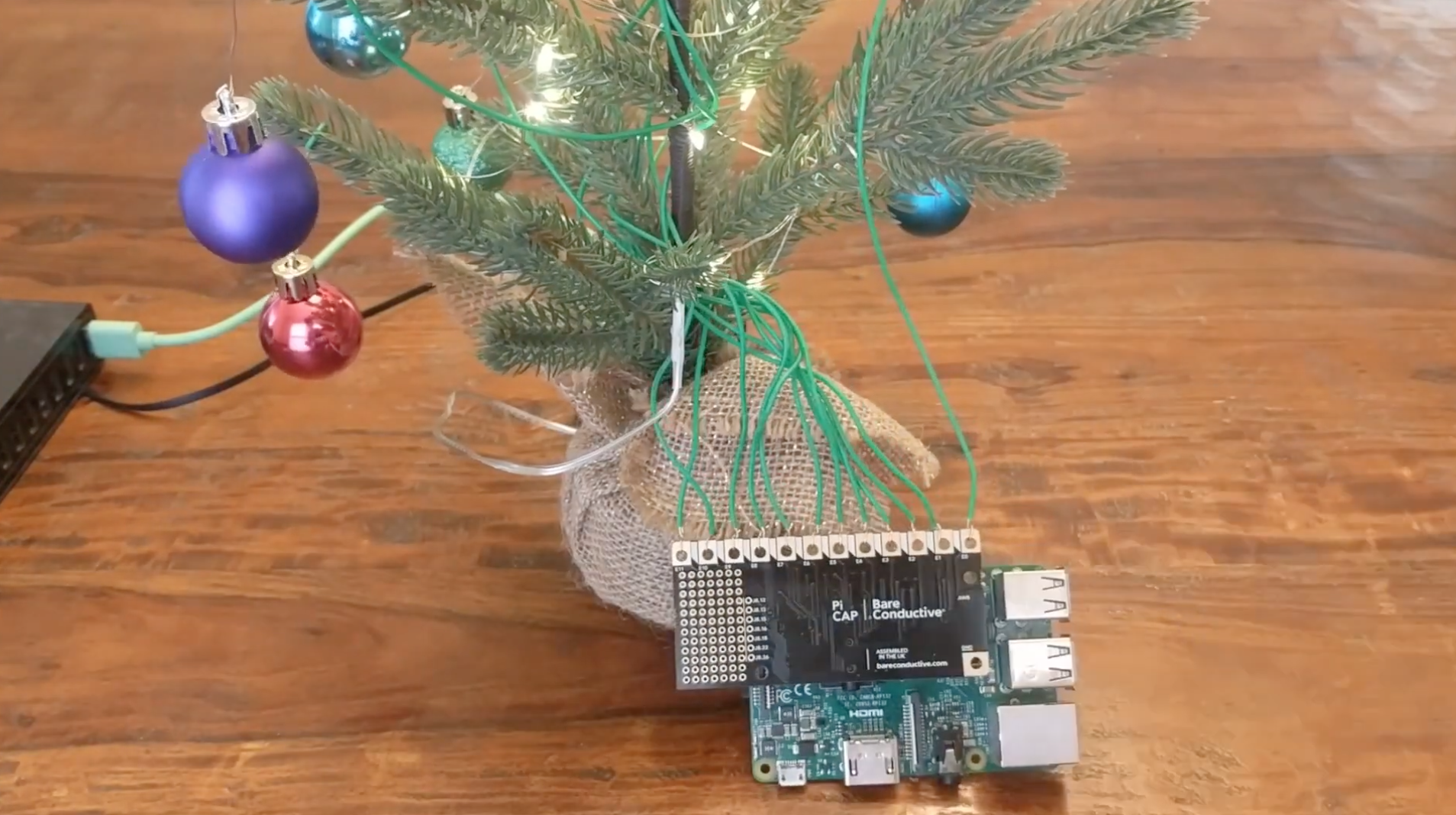
Using the Bare Conductive Pi Cap, Davy Wybiral hooked up his fairy lights and baubles to a Raspberry Pi. The result? Musical baubles that allow the user to play their favourite festive classics at the touch of a finger. These baubles are fantastic, and it’s easy to make your own. Just watch the video for Davy’s how-to.

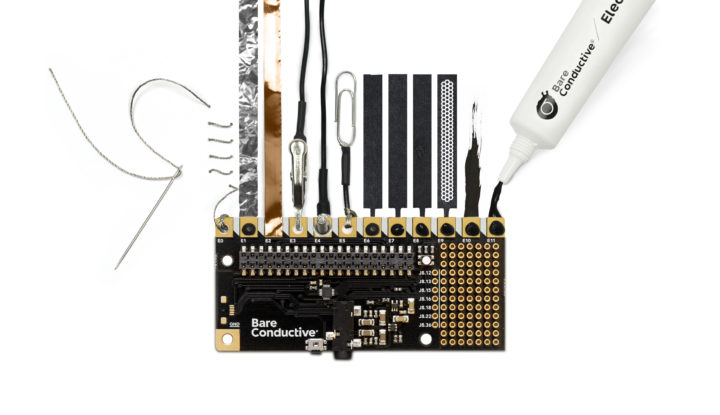
The code for Bare Conductive’s Pi Cap polyphonic touch MP3 utility can be found in this GitHub repo, and you can pick up a Pi Cap on the Bare Conductive website. Then all you need to do is hook up your favourite tree decorations to the Pi Cap via insulated wires, and you’re good to go. It’s OK if your decorations aren’t conductive: you’ll actually be touching the wires and not the ornaments themselves.

And don’t worry about touching the wires, it’s perfectly safe. But just in this instance. Please don’t make a habit of touching wires.

Make sure to subscribe to Davy on YouTube (we did) and give him a like for the baubles video. Also, leave a comment to tell him how great it is, because nice comments are lovely, and we should all be leaving as many of them as we can on the videos for our favourite creators.

The post Raspberry Pi capacitive-touch musical Christmas tree appeared first on Raspberry Pi.


Source: Raspberry Pi – Raspberry Pi capacitive-touch musical Christmas tree

Using a Raspberry Pi as a synthesiser

Synthesiser? Synthesizer? Whichever it is*, check out this video of Floyd Steinberg showing how he set up his Raspberry Pi as one of them.

How to use a Raspberry PI as a synthesizer

How to use a Raspberry PI as a synthesizer. Table of contents below! The Raspberry PI is a popular card-sized computer. In this video, I show how to set up a Raspberry PI V3 as a virtual analog synthesizer with keyboard and knobs for realtime sound tweaking, using standard MIDI controllers and some very minor shell script editing.

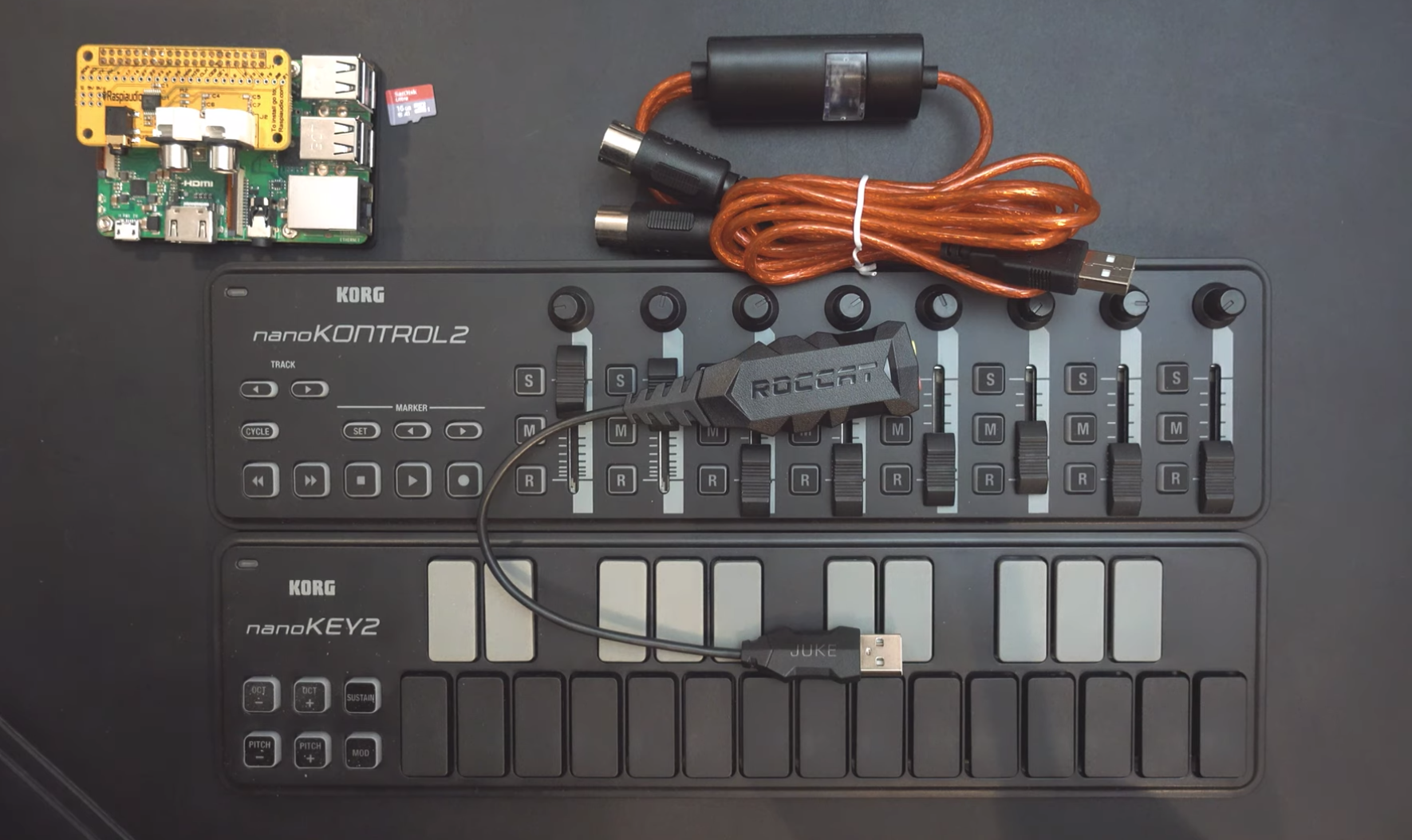
“In this video,” Floyd explains on YouTube, “I show how to set up a Raspberry Pi 3 as a virtual analogue synthesiser with keyboard and knobs for real-time sound tweaking, using standard MIDI controllers and some very minor shell script editing. The result is a battery-powered mini synth creating quite impressive sounds!”

The components of a virtual analogue Raspberry Pu synthesiser

We know a fair few of you (Raspberry Pi staff included) love dabbling in the world of Raspberry Pi synth sound, so be sure to watch the video to see what Floyd gets up to while turning a Raspberry Pi 3 into a virtual analogue synthesiser.

Be sure to check out Floyd’s other videos for more synthy goodness, and comment on his video if you’d like him to experiment further with Raspberry Pi. (The answer is yes, yes we would 🙏🙌)


*[Editor’s note: it’s spelled with a z in US English, and with an s in UK English. You’re welcome, Alex.]

The post Using a Raspberry Pi as a synthesiser appeared first on Raspberry Pi.


Source: Raspberry Pi – Using a Raspberry Pi as a synthesiser

Code the Classics on sale now

TL;DR: we made a fully automated luxury gay space communist type-in-listing book. Buy it now and get it in time for Christmas.

Code the Classics cover

Back in the dawn of time, in the late 1980s, I grew up on a diet of type-in computer game listings. From the BBC Micro User Guide, to The Micro User magazine, to the ubiquitous Usborne books: an hour or two of painstaking copying and a little imagination would provide you with an experience which wasn’t a million miles away from what you could buy on the shelves of your local computer store.

Can you believe they did “Machine Code for Beginners”?

The simple act of typing in a game helped to familiarise you with a programming language (usually a dialect of BASIC), and by making mistakes you could start to understand what other, more intentional changes might accomplish. Some of the earliest games I wrote started off as heavily modified versions of type-in listings; in fact, one of these made a sneaky reappearance on this blog last year.

Fast forward to the present day, and aside from regular appearances in our own MagPi and Wireframe magazines, type-in listings have faded from view. Commercial games, even casual ones, have become much more sophisticated, beyond what you might expect to be able to enter into a computer in a reasonable amount of time. At the same time, tools like Unity remove the need to develop every title from the ground up.

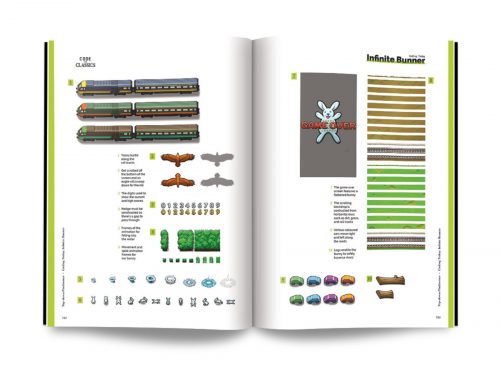
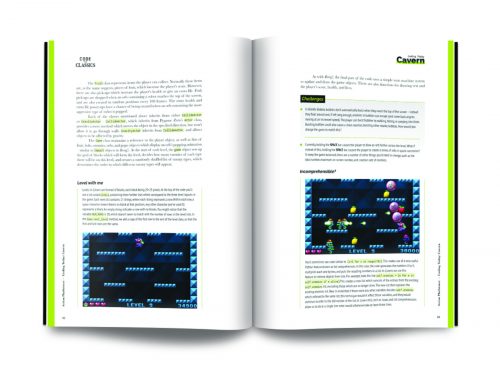
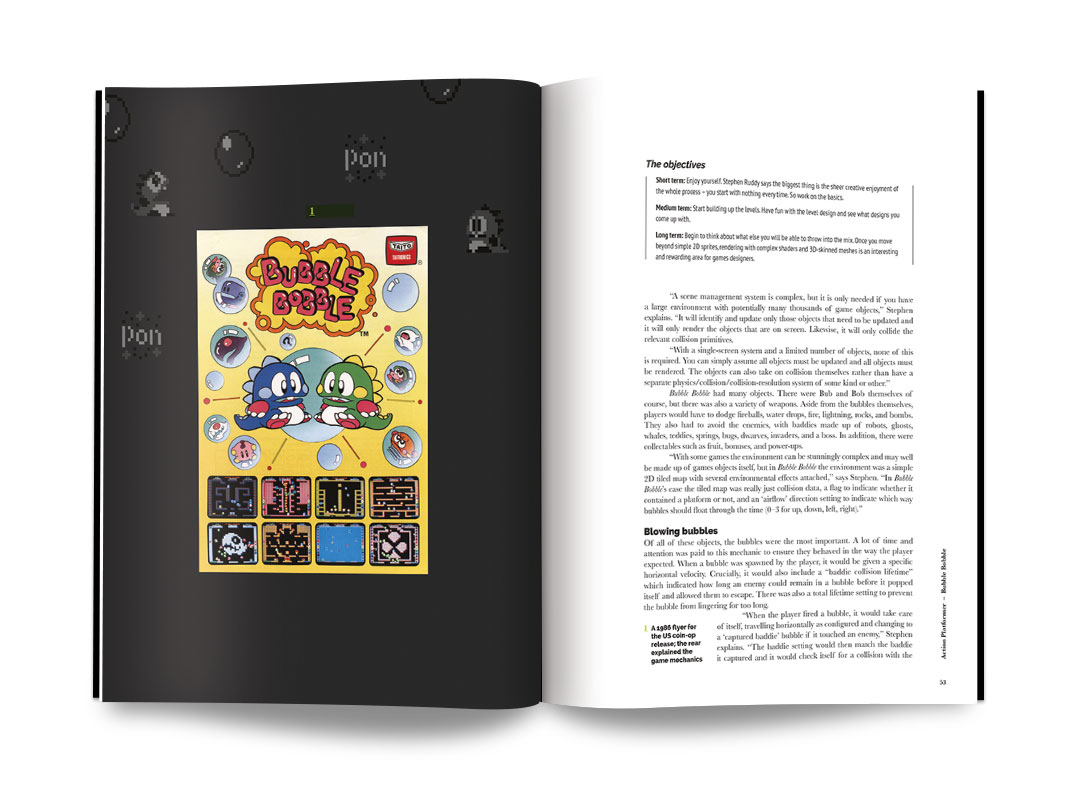
But there’s still a lot to be said for the immediacy of the type-in experience. Three years ago, we asked ourselves whether we could make a type-in game listing book for the modern era. The end result, of which we’re launching the first volume today, is Code the Classics. David Crookes and Liz Upton will take you behind the scenes of the creation of five classic arcade games, and then I’ll show you how to implement a simple Python game inspired by each one.

Cavern

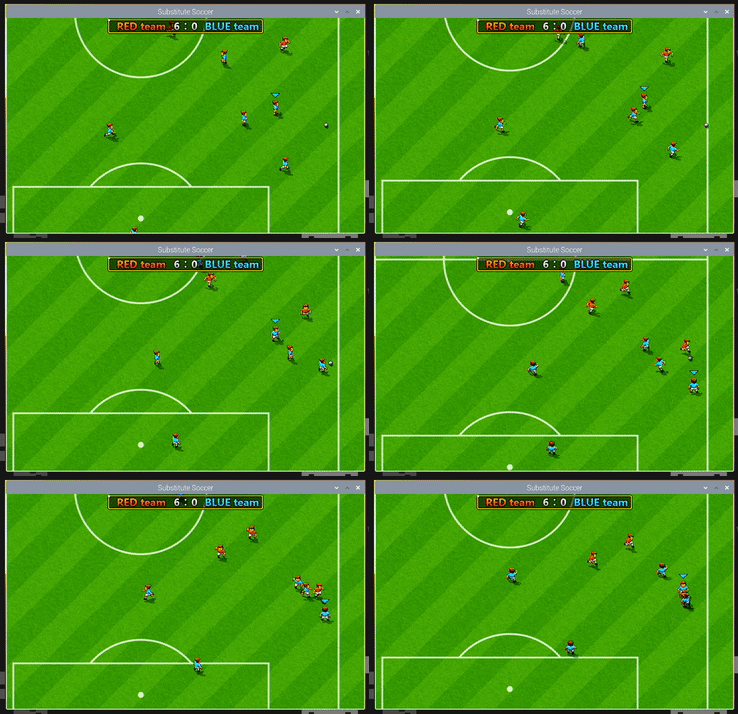
Substitute Soccer

Developing retro arcade games has been a hobby of mine since those early BBC Micro days, and I spent many happy evenings developing these titles, ably assisted by Andrew Gillett and Sean Tracey. It was important to us that these games be as close as possible to the standard of modern commercial casual games. With this in mind, we invited Dan Malone, famous among many other things for his work with The Bitmap Brothers, to provide graphics, and long-time game audio pro Allister Brimble to provide music and sound effects. I’ve known Dan for nearly twenty years, and have admired Allister’s work since childhood; it was an enormous pleasure to work with them, and we took the opportunity to snag interviews with them both, which you’ll also find in the book. Here’s Dan to offer you a taster.

Meet the artist behind Code the Classics

Subscribe to our YouTube channel: http://rpf.io/ytsub Help us reach a wider audience by translating our video content: http://rpf.io/yttranslate Buy a Raspberry Pi from one of our Approved Resellers: http://rpf.io/ytproducts Find out more about the #RaspberryPi Foundation: Raspberry Pi http://rpf.io/ytrpi Code Club UK http://rpf.io/ytccuk Code Club International http://rpf.io/ytcci CoderDojo http://rpf.io/ytcd Check out our free online training courses: http://rpf.io/ytfl Find your local Raspberry Jam event: http://rpf.io/ytjam Work through our free online projects: http://rpf.io/ytprojects Do you have a question about your Raspberry Pi?

We’ve pushed the boat out on the production values for the book itself too: think of it as an object from a parallel universe where Usborne made luxury hardbound coffee-table type-in listing books rather than paperbacks.

So although, like all our books, you can download this one for free, you’ll really want a physical copy of Code the Classics to have, and to hold, and to leave on your bedside table to club intruders with.

And while the listings are rather long, and fully-commented versions are available on GitHub, perhaps you should think about spending a rainy afternoon actually typing one in.

The post Code the Classics on sale now appeared first on Raspberry Pi.


Source: Raspberry Pi – Code the Classics on sale now

Really, really awesome Raspberry Pi NeoPixel LED mirror

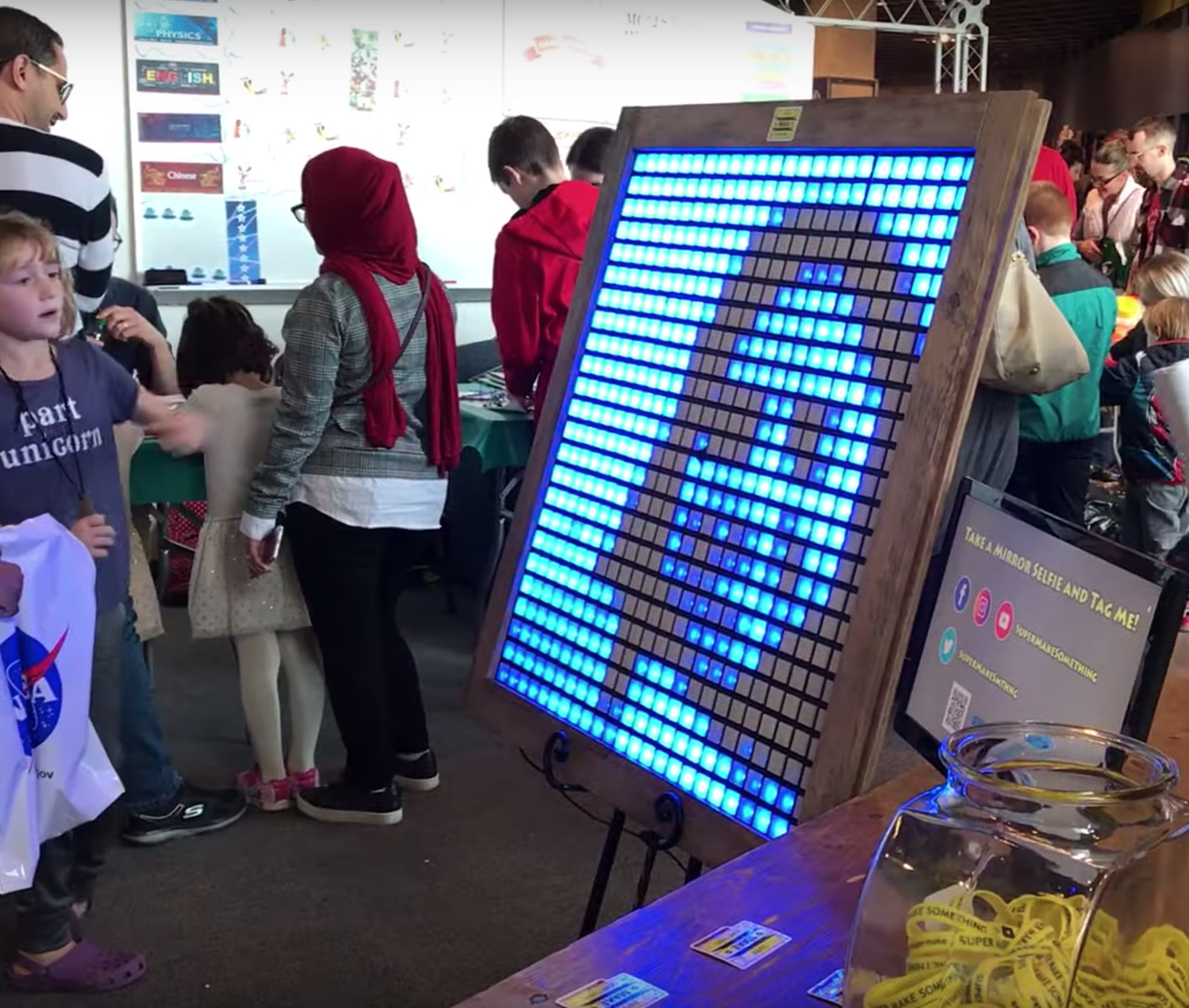
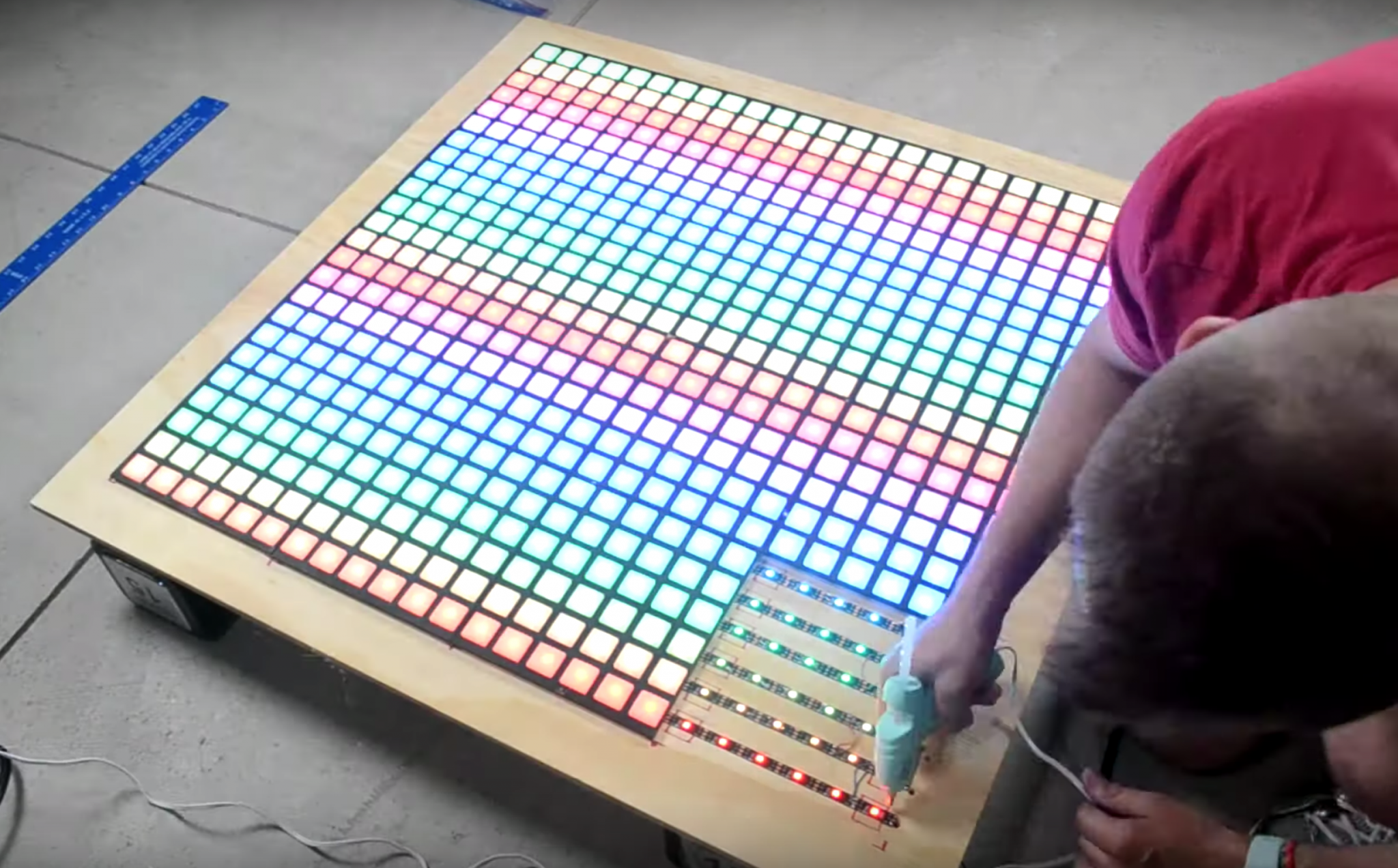
Check out Super Make Something’s awesome NeoPixel LED mirror: a 576 RGB LED display that converts images via the Raspberry Pi Camera Module and Raspberry Pi 3B+ into a pixelated light show.

Neopixel LED Mirror (Python, Raspberry Pi, Arduino, 3D Printing, Laser Cutting!) DIY How To

Time to pull out all the stops for the biggest Super Make Something project to date! Using 3D printing, laser cutting, a Raspberry Pi, computer vision, Python, and nearly 600 Neopixel LEDs, I build a low resolution LED mirror that displays your reflection on a massive 3 foot by 3 foot grid made from an array of 24 by 24 RGB LEDs!

Mechanical mirrors

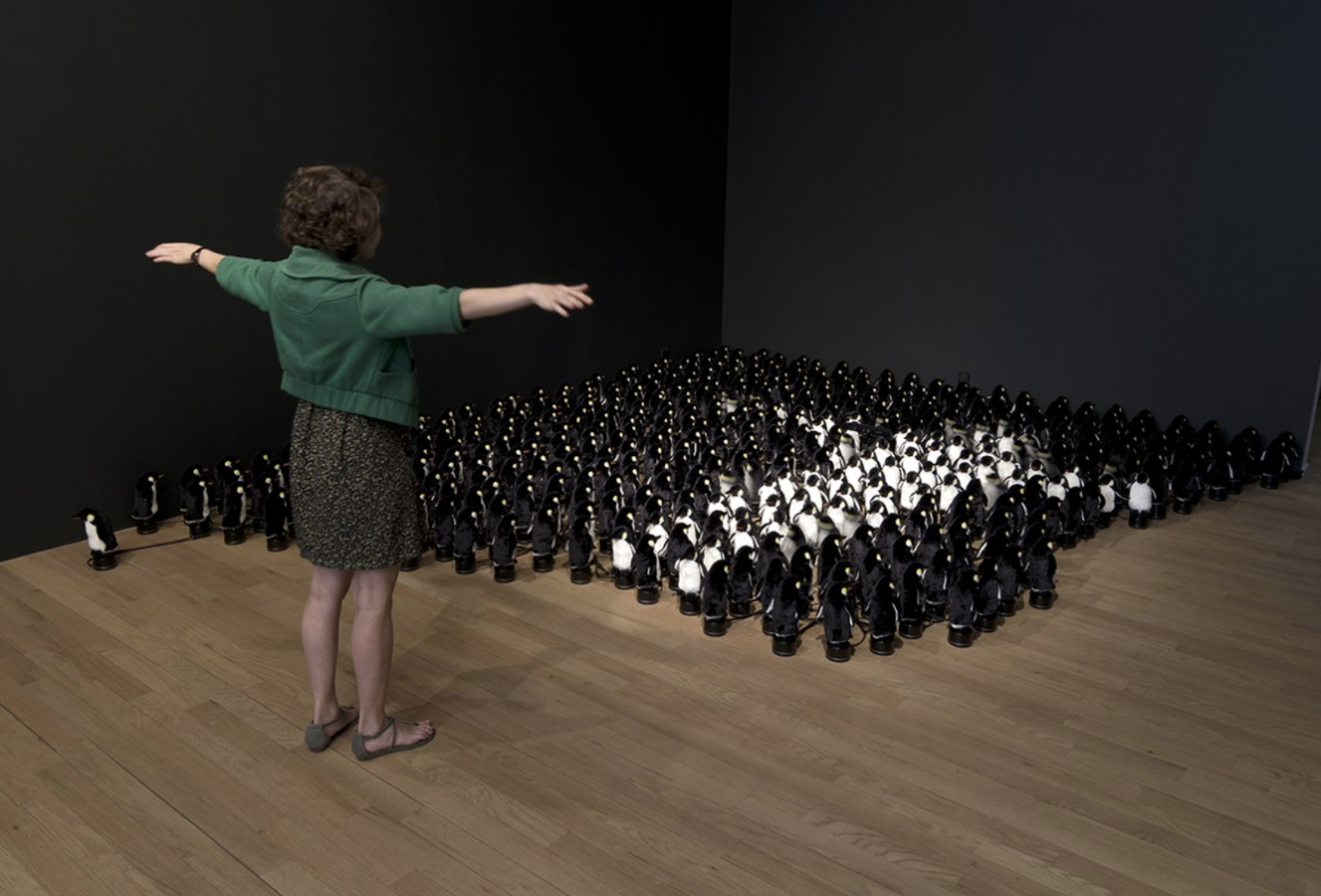
If you’re into cool uses of tech, you may be aware of Daniel Rozin, the creative artist building mechanical mirrors out of wooden panels, trash, and…penguins, to name but a few of his wonderful builds.

A woman standing in front of a mechanical mirror made of toy penguins

Yup, this is a mechanical mirror made of toy penguins.

A digital mechanical mirror?

Inspired by Daniel Rozin’s work, Alex, the person behind Super Make Something, put an RGB LED spin on the concept, producing this stunning mirror that thoroughly impressed visitors at Cleveland Maker Faire last month.

“Inspired by Danny Rozin’s mechanical mirrors, this 3 foot by 3 foot mirror is powered by a Raspberry Pi, and uses Python and OpenCV computer vision libraries to process captured images in real time to light up 576 individual RGB LEDs!” Alex explains on Instagram. “Also onboard are nearly 600 3D-printed squares to diffuse the light from each NeoPixel, as well as 16 laser-cut panels to hold everything in place!”

The video above gives a brilliantly detailed explanation of how Alex made the, so we highly recommend giving it a watch if you’re feeling inspired to make your own.

Seriously, we really want to make one of these for Raspberry Pi Towers!

As always, be sure to subscribe to Super Make Something on YouTube and leave a comment on the video if, like us, you love the project. Most online makers are producing content such as this with very little return on their investment, so every like and subscriber really does make a difference.

The post Really, really awesome Raspberry Pi NeoPixel LED mirror appeared first on Raspberry Pi.


Source: Raspberry Pi – Really, really awesome Raspberry Pi NeoPixel LED mirror

IoT ugly Christmas sweaters

If there’s one thing we Brits love, it’s an ugly Christmas sweater. Jim Bennett, a Senior Cloud Advocate at Microsoft, has taken his ugly sweater game to the next level by adding IoT-controlled, Twitter-connected LEDs thanks to a Raspberry Pi Zero.

IoT is Fun for Everyone! (Ugly Sweater Edition)

An Ugly Sweater is great-but what’s even better (https://aka.ms/IoTShow/UglySweater) is an IoT-enabled Ugly Sweater. In this episode of the IoT Show, Olivier Bloch is joined by Jim Bennett, a Senior Cloud Advocate at Microsoft. Jim has built an Ugly Sweater using Azure IoT Central, Microsoft’s IoT app platform, and a Raspberry Pi Zero.

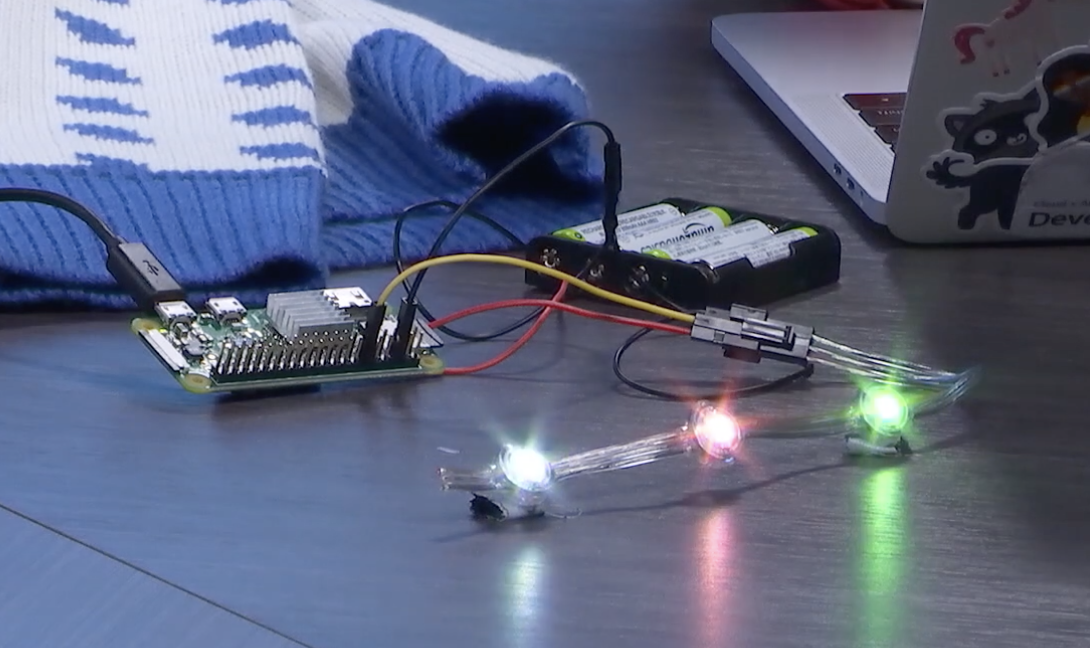
Jim upgraded his ugly sweater to become IoT-compatible using Microsoft’s IoT app platform Azure IoT Central, Adafruit’s programmable NeoPixel LED Dots Strand and, of course, our sweet baby, the Raspberry Pi Zero W.

After sewing the LED strand into the ugly sweater and connecting it to Raspberry Pi Zero, Jim was able to control the colour of the LEDs. Taking it one step further, he then built a list of commands within Azure IoT Central and linked the Raspberry Pi Zero to a Twitter account to create the IoT element of the project.

Watch the video above for full details on the project, and find all the code on Github.

The post IoT ugly Christmas sweaters appeared first on Raspberry Pi.


Source: Raspberry Pi – IoT ugly Christmas sweaters

Create a turn-based combat system | Wireframe #28

Learn how to create the turn-based combat system found in games like Pokémon, Final Fantasy, and Undertale. Raspberry Pi’s Rik Cross shows you how.

With their emphasis on trading and collecting as well as turn-based combat, the Pokémon games helped bring RPG concepts to the masses.

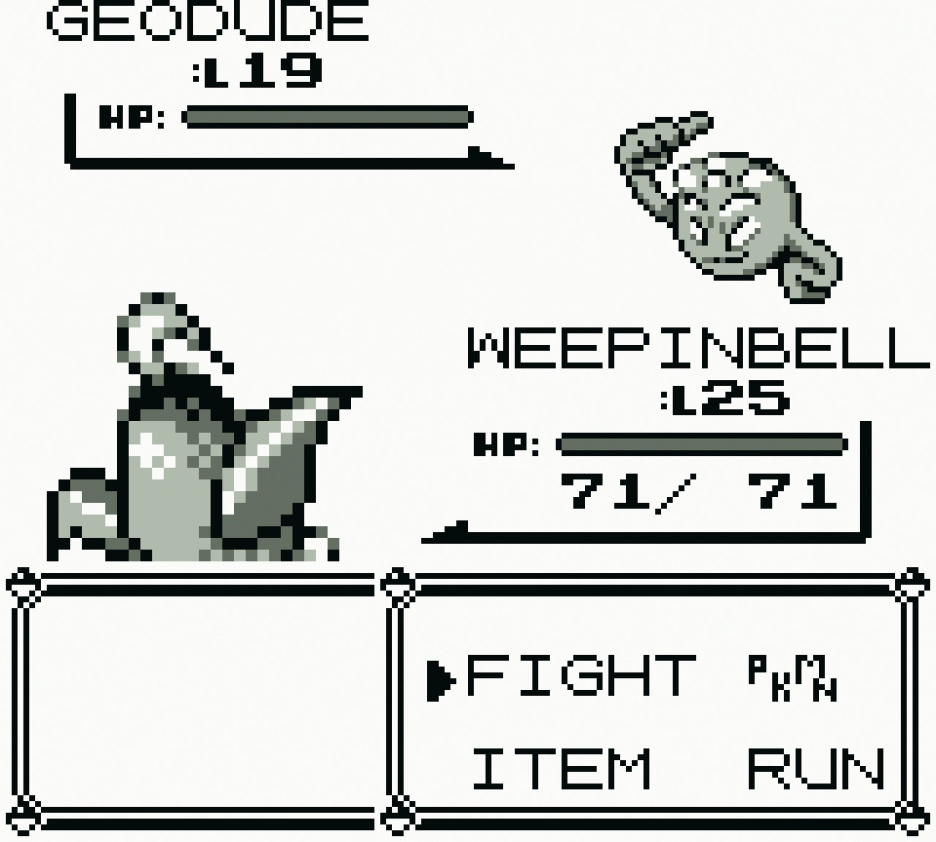
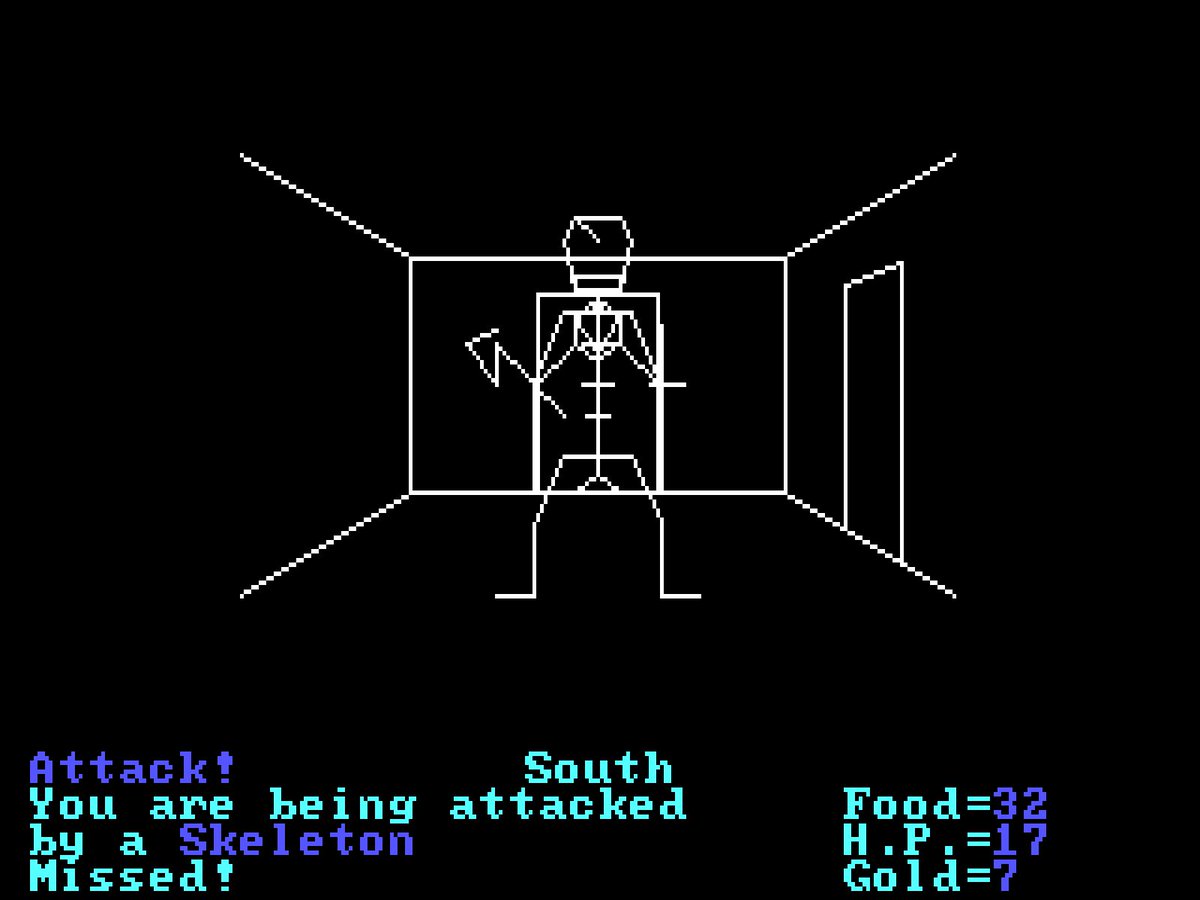
In the late 1970s, high school student Richard Garriott made a little game called Akalabeth. Programmed in Applesoft BASIC, it helped set the template for the role-playing genre on computers. Even today, turn-based combat is still a common sight in games, with this autumn’s Pokémon Sword and Shield revolving around a battle system which sees opponents take turns to plan and execute attacks or defensive moves.

The turn-based combat system in this article is text-only, and works by allowing players to choose to defend against or attack their opponent in turn. The battle ends when only one player has some health remaining.

Each Player taking part in the battle is added to the static players list as it’s created. Players have a name, a health value (initially set to 100) and a Boolean defending value (initially set to False) to indicate whether a player is using their shield. Players also have an inputmethod attribute, which is the function used for getting player input for making various choices in the game. This function is passed to the object when created, and means that we can have human players that give their input through the keyboard, as well as computer players that make choices (in our case simply by making a random choice between the available options).

Richard Garriott’s Akalabeth laid the groundwork for Ultima, and was one of the earliest CRPGs.

A base Action class specifies an action owner and an opponent, as well as an execute() method which has no effect on the game. Subclasses of the base class override this execute() method to specify the effect the action has on the owner and/or the opponent of the action. As a basic example, two actions have been created: Defend, which sets the owner’s defending attribute to True, and Attack, which sets the owner’s defending attribute to False, and lowers the opponent’s health by a random amount depending on whether or not they are defending.

Players take turns to choose a single action to perform in the battle, starting with the human ‘Hero’ player. The choose_action() method is used to decide what to do next (in this case either attack or defend), as well as an opponent if the player has chosen to attack. A player can only be selected as an opponent if they have a health value greater than 0, and are therefore still in the game. This choose_action() method returns an Action, which is then executed using its execute() method. A few time.sleep() commands have also been thrown in here  to ramp up the suspense!

After each player has had their turn, a check is done to make sure that at least two players still have a health value greater than 0, and therefore that the battle can continue. If so, the static get_next_player() method finds the next player still in the game to take their turn in the battle, otherwise, the game ends and the winner is announced.

Our example battle can be easily extended in lots of interesting ways. The AI for choosing an action could also be made more sophisticated, by looking at opponents’ health or defending attributes before choosing an action. You could also give each action a ‘cost’, and give players a number of action ‘points’ per turn. Chosen actions would be added to a list, until all of the points have been used. These actions would then be executed one after the other, before moving on to the next player’s turn.

Here’s Rik’s code, which gets a simple turn-based combat system running in Python. To get it working on your system, you’ll first need to install Pygame Zero. And to download the full code, go here.

You can read more features like this one in Wireframe issue 28, available now at Tesco, WHSmith, all good independent UK newsagents, and the Raspberry Pi Store, Cambridge.

Or you can buy Wireframe directly from Raspberry Pi Press — delivery is available worldwide. And if you’d like a handy digital version of the magazine, you can also download issue 28 for free in PDF format.

Make sure to follow Wireframe on Twitter and Facebook for updates and exclusive offers and giveaways. Subscribe on the Wireframe website to save up to 49% compared to newsstand pricing!

The post Create a turn-based combat system | Wireframe #28 appeared first on Raspberry Pi.


Source: Raspberry Pi – Create a turn-based combat system | Wireframe #28

Celebrate the Raspberry Pi’s 8th birthday at a Raspberry Jam

On 29 February 2020, the Raspberry Pi Foundation will celebrate the eighth birthday of the Raspberry Pi computer (or its second birthday, depending on how strict you are about counting leap years).

Like any parent, we feel like time has flown by, and it’s remarkable to think how far we’ve come in such a short space of time.

Since launching the credit-card–sized $35 Raspberry Pi Model B, we have sold 30 million high-quality, low-cost computers worldwide. Raspberry Pi has become the third best-selling general-purpose computer ever, behind only the Mac and the PC.

Women using Raspberry Pi and Trinket

Our latest model, Raspberry Pi 4 Model B, is still the size of a credit card and still costs $35, but it’s around 20 times faster, with more and speedier connectivity, as well as the neater board design that we introduced in 2014. Raspberry Pi computers are used everywhere from homes, schools, and factories to penguin colonies, volcanoes, and the International Space Station.

An amazing community

In many ways, what’s been even more remarkable than the success of the product is the amazing community that has formed around our tiny, low-cost computer. These are the makers, educators, hobbyists, and entrepreneurs from all walks of life and all corners of the globe who share our passion for inspiring the next generation of digital creators. You can often read about them on this blog and in the official community magazine, The MagPi. You can also meet them in person at a Raspberry Jam.

Raspberry Jam Manchester

Meet up with other Raspberry Pi enthusiasts!

Celebrate at a Raspberry Jam

Raspberry Jams are community-led meetups that bring people together to share, connect, and learn from each other. The first one was held in Manchester in 2012, and so far Jams have been held in more than 70 countries — and that’s just the ones we know about.

Raspberry Jam Manchester

While Jams take place throughout the year, there’s a special tradition of Jams celebrating the birthday of the Raspberry Pi computer. This year, there were over 130 Raspberry Jam events in 39 countries, attended by 8000 people. Now that’s a party!

Register your Birthday Jam and we’ll send you some special swag

Next year, because it’s a big birthday, we’ll be sending a special box of swag to any Jam that is taking place between Saturday 15 February and Sunday 15 March 2020.

It’s really simple to register your Birthday Jam: just fill in the Raspberry Jam submission form, including a valid event information URL linking to a webpage with more information about your event. (This is an excellent example of a Jam event listing.)

Raspberry Jam logo and illustrations

We’d prefer you to link to a public ticketing system (e.g. Eventbrite) if possible, but we know some libraries and community centres have restrictions that prevent them from doing this.

In order to ensure that your pack reaches you in time, we need you to register your Birthday Jam at least six weeks before your event.

As always, if you have any questions, please don’t hesitate to ask us via jam@raspberrypi.org.

The post Celebrate the Raspberry Pi’s 8th birthday at a Raspberry Jam appeared first on Raspberry Pi.


Source: Raspberry Pi – Celebrate the Raspberry Pi’s 8th birthday at a Raspberry Jam

Raspberry Pi Christmas Shopping Guide 2019

Stuck for what to buy your friends and family this Christmas? Whether you’re looking to introduce someone to Raspberry Pi and coding, or trying to find the perfect gift for the tech-mad hobbyist in your life, our Christmas Shopping Guide 2019 will help you complete your shopping list. So, let’s get started…

The good ol’ Raspberry Pi

They’ve asked for a Raspberry Pi but not told you which one they want? You know they like coding but don’t know where to start? They’re an avid baker and you think they may have spelt ‘pie’ wrong on their Christmas list? No problem, we’ve got you sorted.

Raspberry Pi 4 Desktop Kit

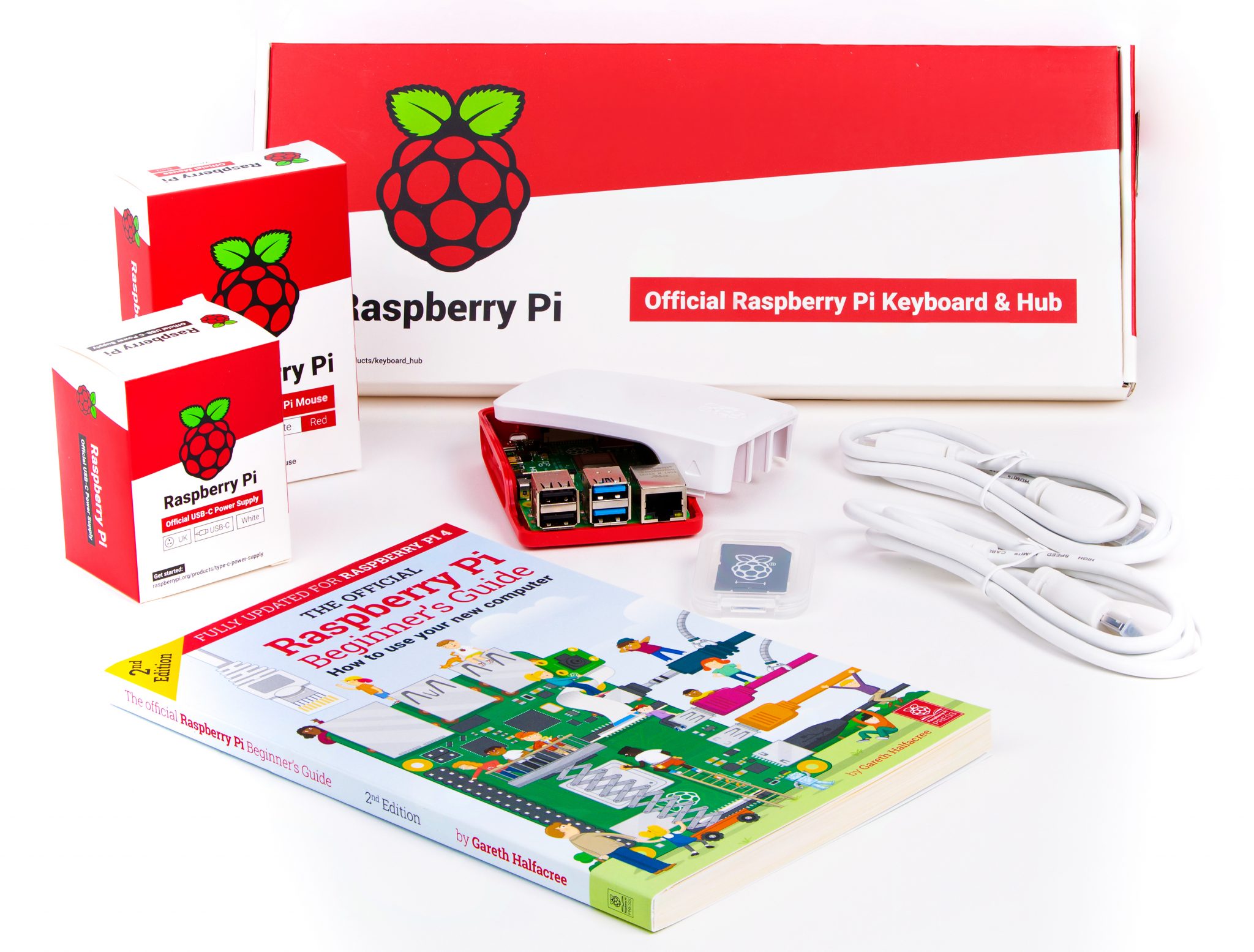
With everything you need to get started using Raspberry Pi 4, the Raspberry Pi 4 Desktop Kit contains our official mouse, keyboard with an integrated USB hub, USB-C power adapter, case, two micro HDMI leads, our Beginner’s Guide and, of course, the 4GB Raspberry Pi 4. Available from our Approved Resellers and the Raspberry Pi Store, Cambridge, the Desktop Kit is the perfect gift for anyone who’s wanting to get started with coding and digital making, or who’s simply looking to upgrade their current home computer to a smaller, less power-hungry setup.

Visit the Raspberry Pi Store, Cambridge, or find your nearest Approved Reseller online.

Raspberry Pi Zero W

Raspberry Pi Zero WH

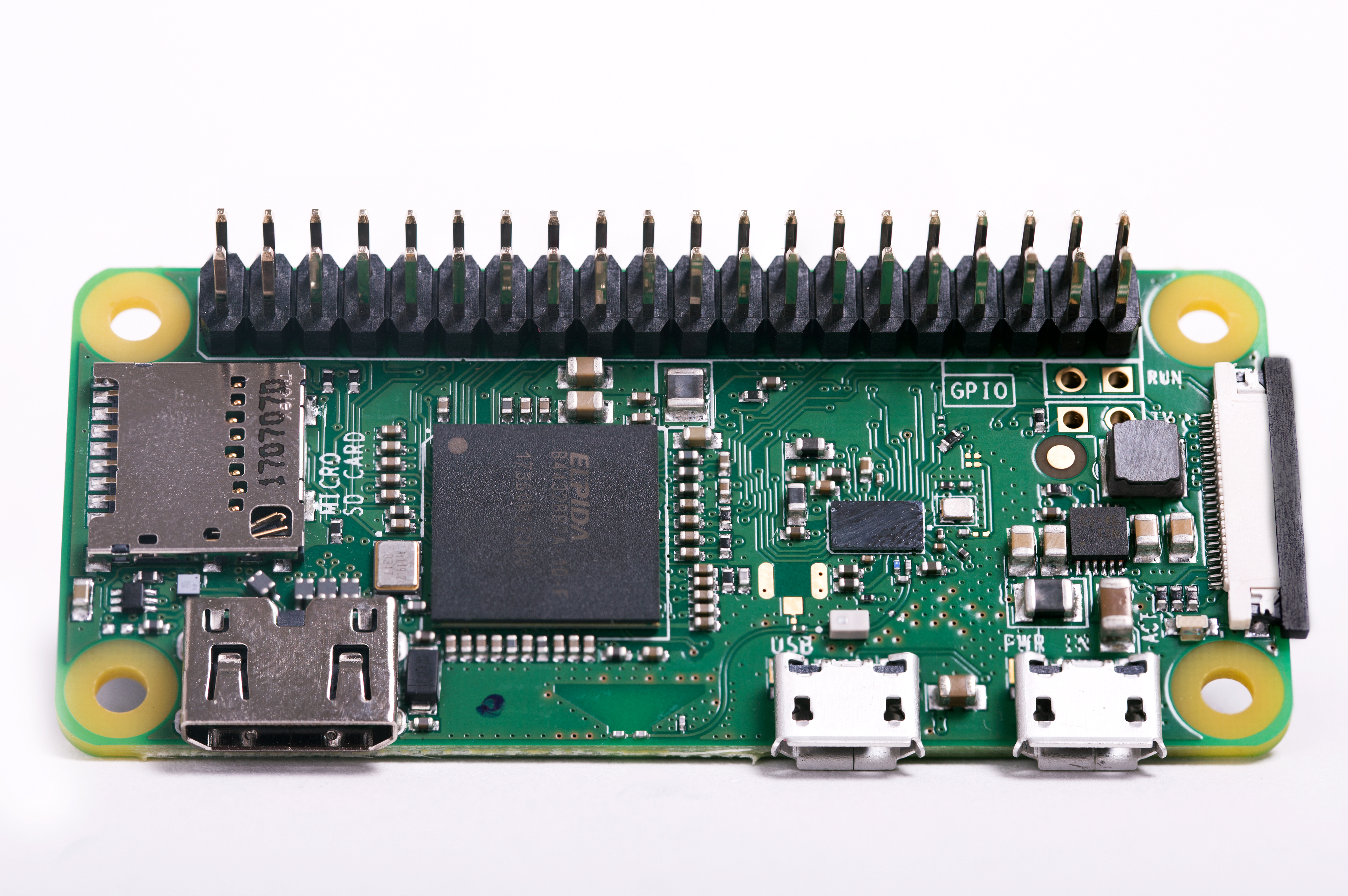
The smallest Raspberry Pi still packs a punch despite its size and price. For $10, Raspberry Pi Zero W is perfect for embedding into projects and, with onboard Bluetooth and wireless LAN, there are fewer cables to worry about. Buy a Raspberry Pi Zero W with or without pre-soldered header pins, and pop it in someone’s stocking this Christmas as a great maker surprise.

Visit the Raspberry Pi Store, Cambridge, or find your nearest Approved Reseller online.

Get Started with Raspberry Pi 3A+


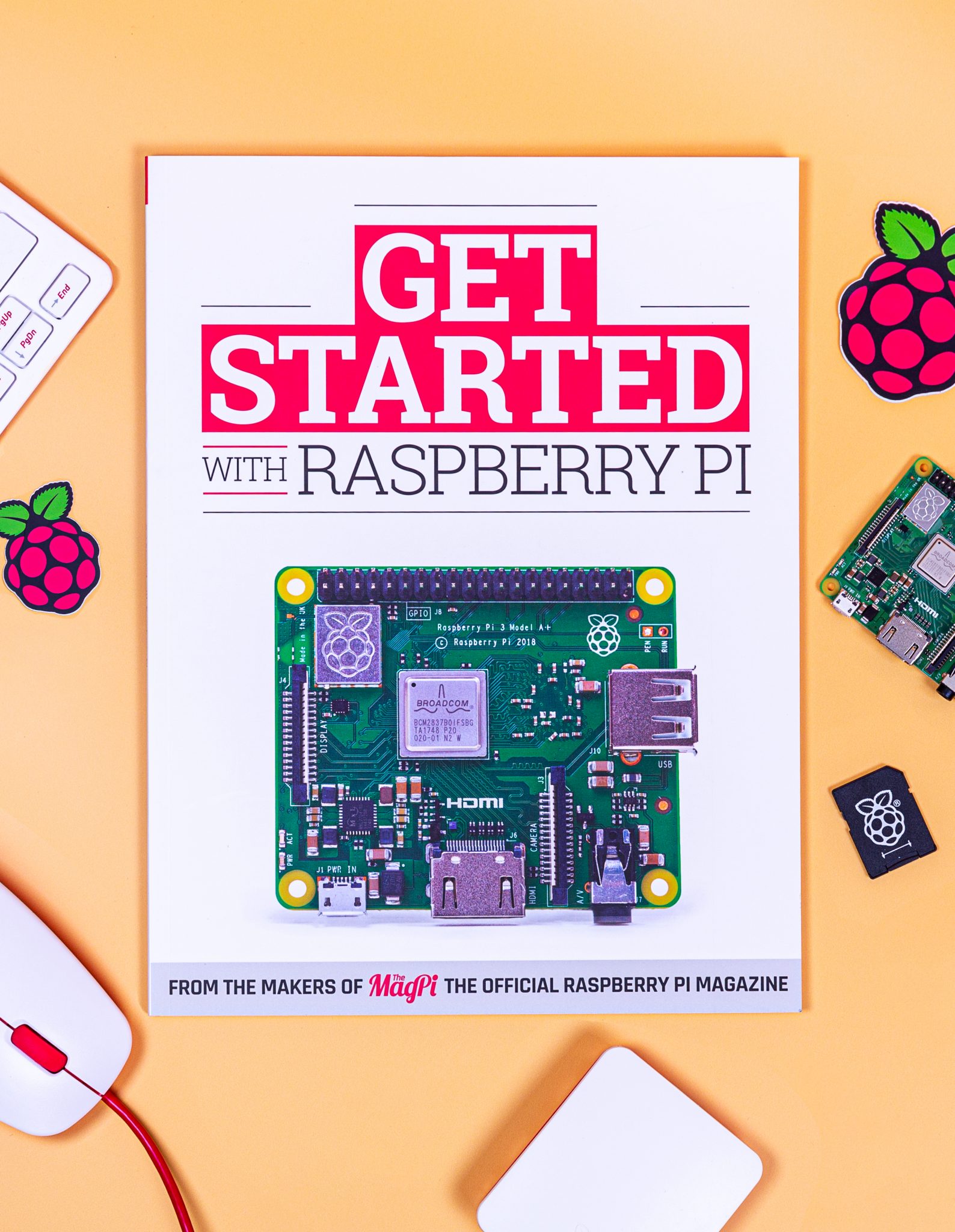
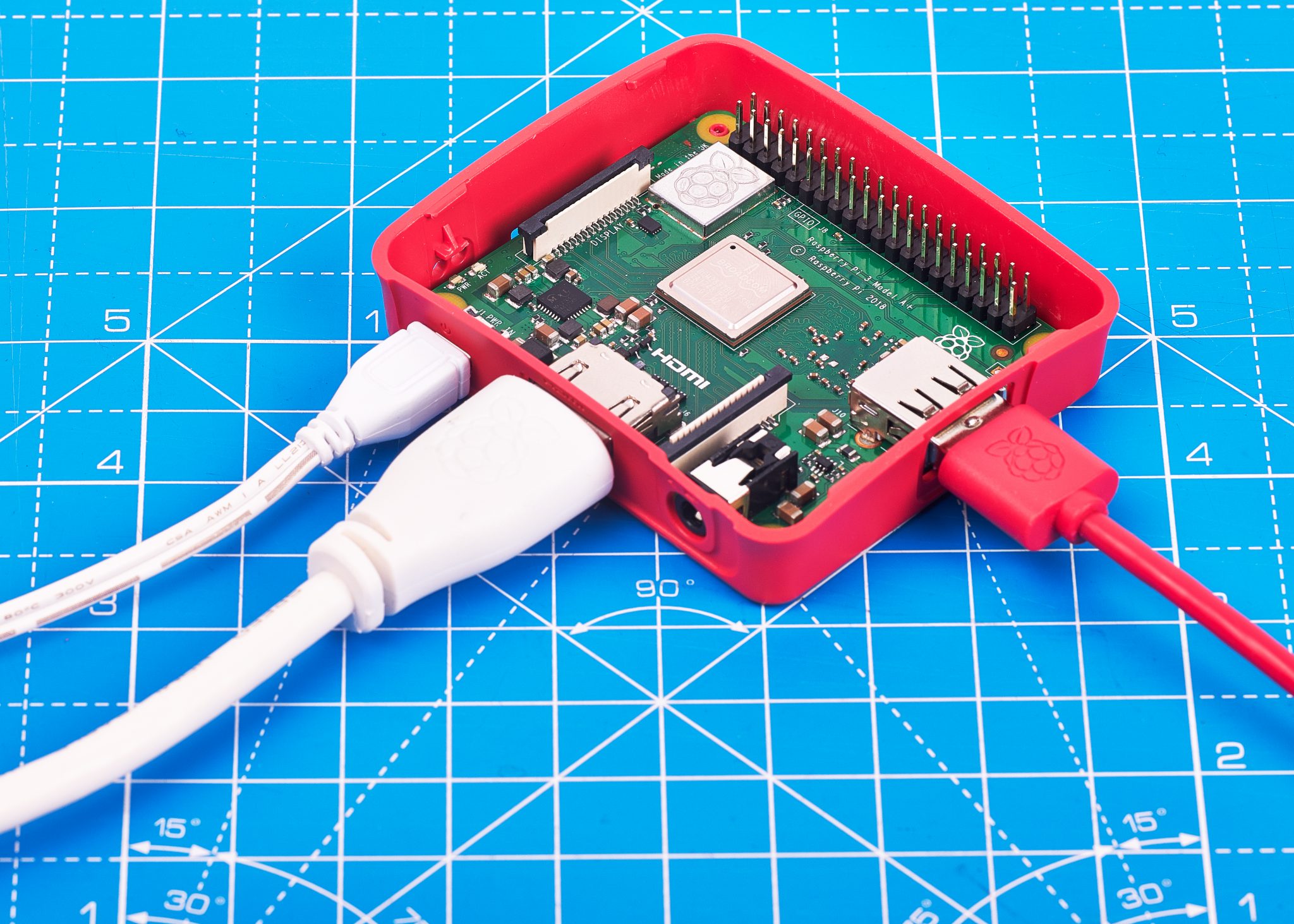
This isn’t just a book: it’s a book with a computer on the front. Getting Started with Raspberry Pi is a great gift for anyone curious about coding and, at £35, it’s a pretty affordable gift to give this festive season. Alongside the 116-page getting-started guide, the package also contains a Raspberry Pi 3A+, official case, and 16GB micro SD card pre-loaded with NOOBs. Raspberry Pi 3A+ can be powered with a good-quality micro USB phone charger, and it can be connected to any TV or computer display via standard HDMI. Grab a keyboard and mouse — you’ll be surprised how many people have a keyboard and mouse lying around — and you’re good to go!

Order your gift today from the Raspberry Pi Press online store, with international shipping available.

A full range of all Raspberry Pi variants, official accessories, and add-ons can be found on our products page.

A Raspberry Pie

Don’t be lazy, make your own!

Books

Raspberry Pi Press has released a small library’s worth of publications these last few months — have you ordered all your copies yet?

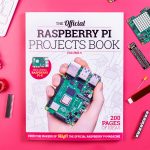



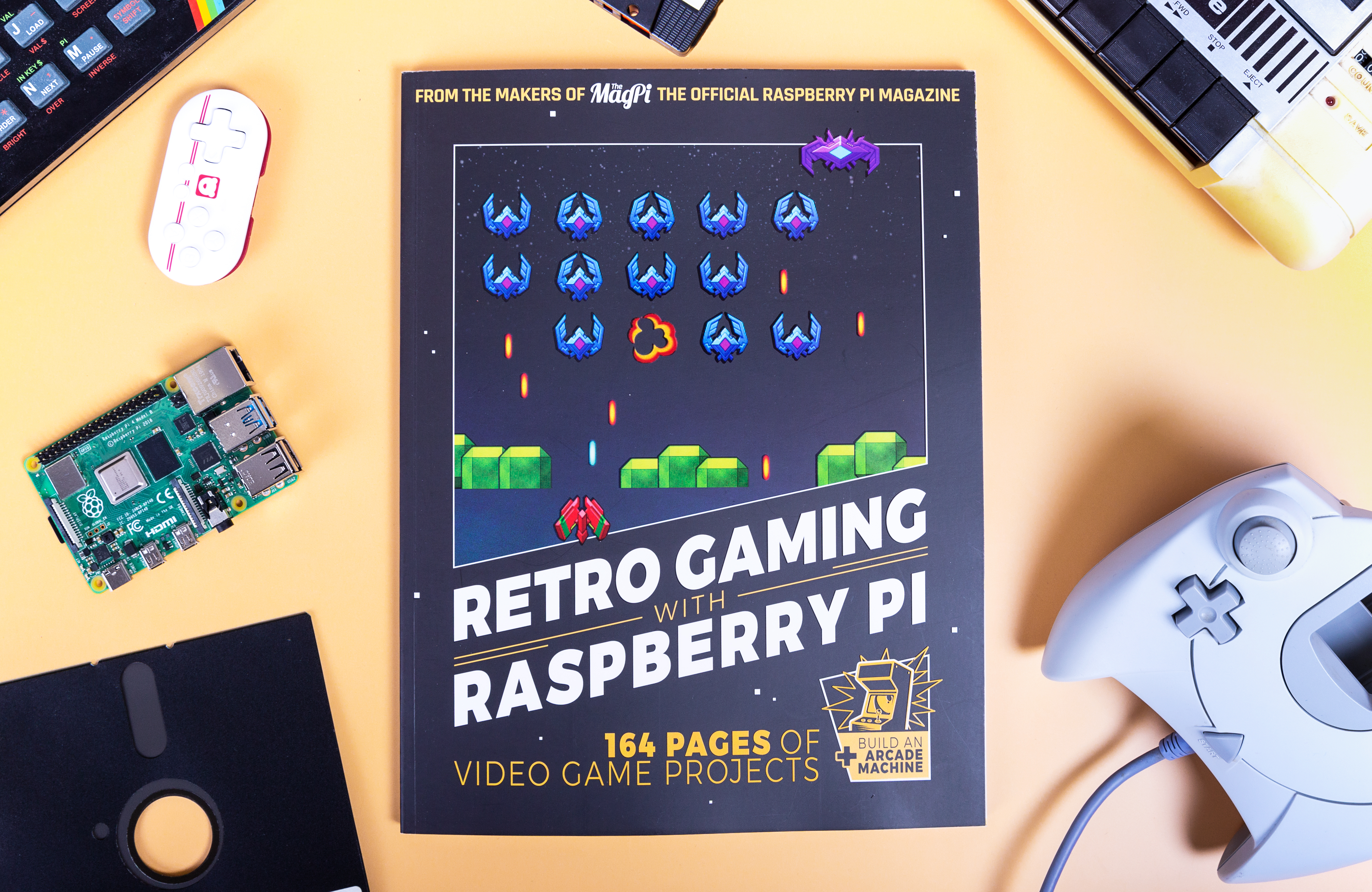
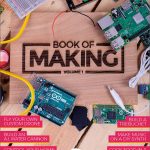
Pre-orders are now open for our glorious Code the Classics, so secure your copy now for the 13 December release date, with free UK shipping. And, while you’re on our Raspberry Pi Press page, check out our latest range of publications to suit all techy interests: Retro Gaming with Raspberry Pi will show the budding gamer in your life how to build their own Raspberry Pi retro arcade to play their Code the Classics favourites on, while Book of Making 2 and Raspberry Pi Projects Book 5 will inspire them to make all manner of amazing projects, from electronics and woodworking to crafts and rockets.

An Introduction to C and GUI programming by Simon Long

If they’re already full to the brim with Raspberry Pi, why not treat them to our Get Started with Arduino guide so they can expand upon their electronics skills. We also offer a host of established publications at discounted prices, including Sophy Wong’s Wearable Tech Projects, An Introduction to C & GUI Programming, and previous volumes of the Book of Making and the Raspberry Pi Projects Book.

Visit the Raspberry Pi Press online store, or head to the Raspberry Pi Store, Cambridge to find all our publications. You may also find a selection in your local WHSmith, Sainsbury’s, or Barnes & Noble.

Magazine subscriptions

Subscriptions are available for all of our magazines. 12-month subscribers to The MagPi magazine will receive a free Raspberry Pi, while a 12-month subscription to HackSpace magazine will net you a free Adafruit Circuit Playground Express.

Subscribers to Wireframe magazine, Custom PC magazine, and Digital SLR Photography will save up to 49% compared to newsstand prices, with many subscription options to choose from.

Babbage Bear
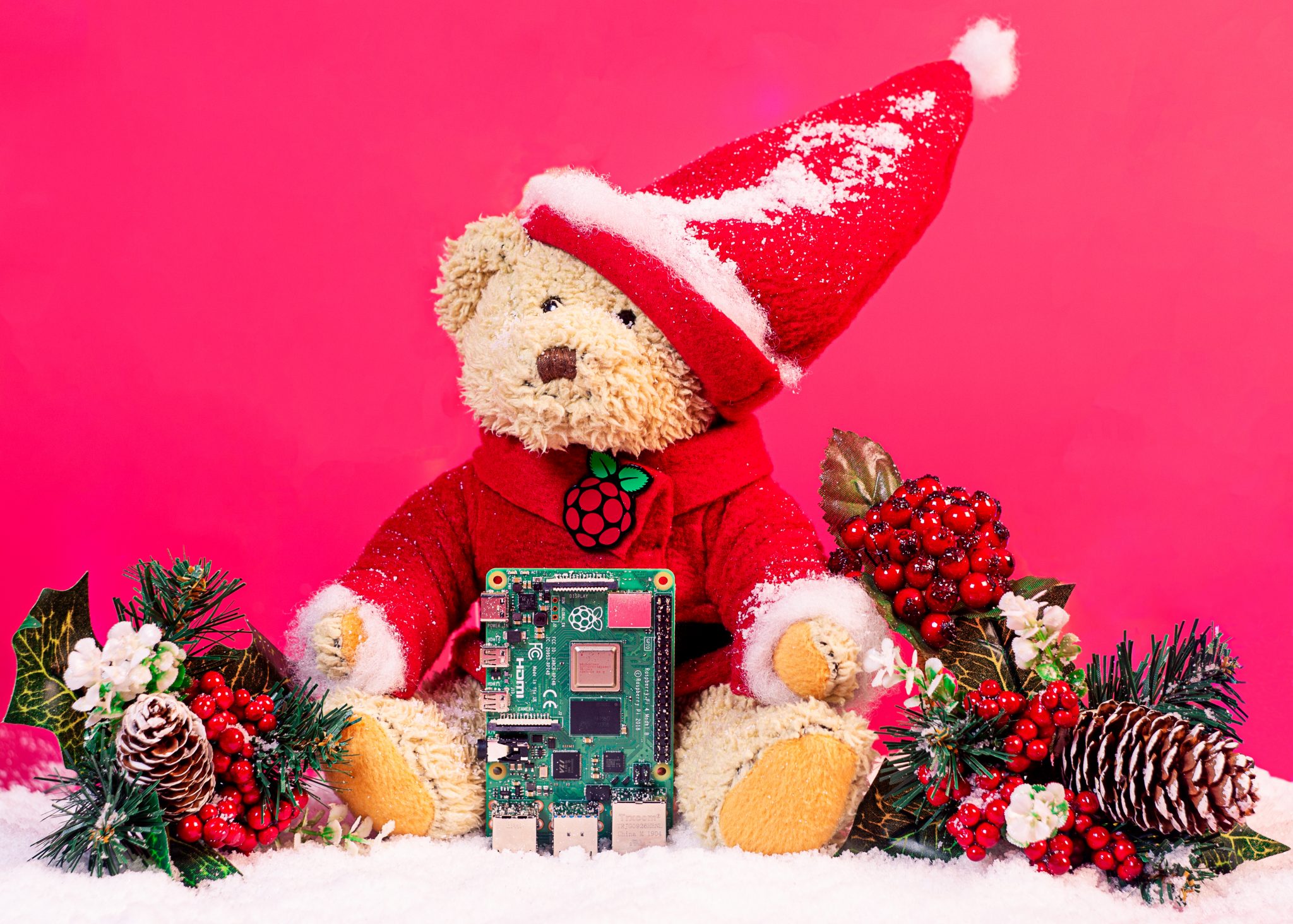
Everyone needs a Babbage Bear. Your new Babs will come complete with their own Raspberry Pi-branded shirt. And, with some felt, stuffing, and a stapler, you can make them as festive as ours in no time!

Order yours online, or buy Babbage at the Raspberry Pi Store, Cambridge.

Great third-party add-ons and essential kit

The Pi Hut’s 3D Xmas Tree

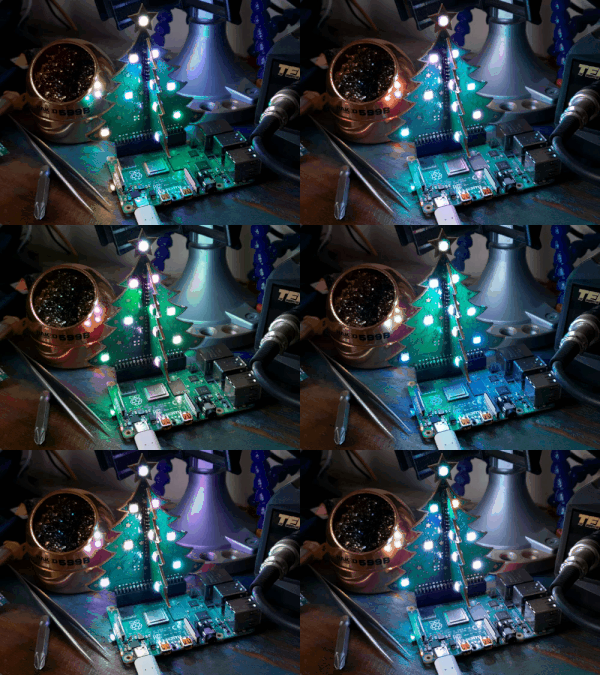
This newest iteration of The Pi Hut 3D Xmas Tree includes programmable RGB LEDs! Simply detach the two halves of the tree from their frame, slot them together, and place them onto the GPIO pins of your Raspberry Pi. With the provided libraries of code, the tree will be lit up and merry before you know it.

How about programming it to flash to your favourite Christmas song? Get yours today from The Pi Hut and the Raspberry Pi Store, Cambridge.

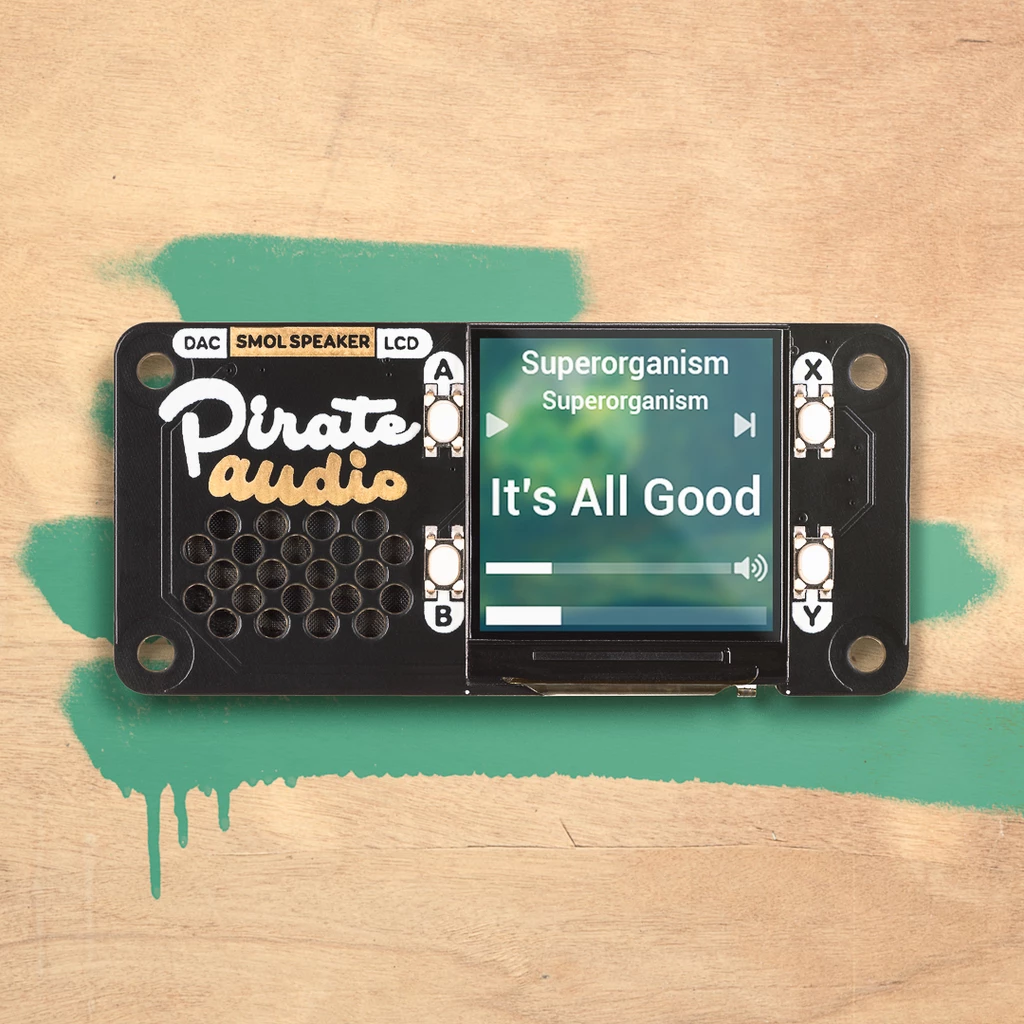
Pimoroni Pirate Radio

“Pirate Audio Speaker,” Pimoroni explain “is perfect for making a Lilliputian radio, sound effect player, or even as a teeny-weeny games console!”

Attach this HAT to any 40-pin Raspberry Pi and start creating a whole host of wonderful audio-visual projects — such as a Christmas #1 jukebox — to get you in the mood for your office party.

Available from the Pimoroni website and the Raspberry Pi Store, Cambridge.

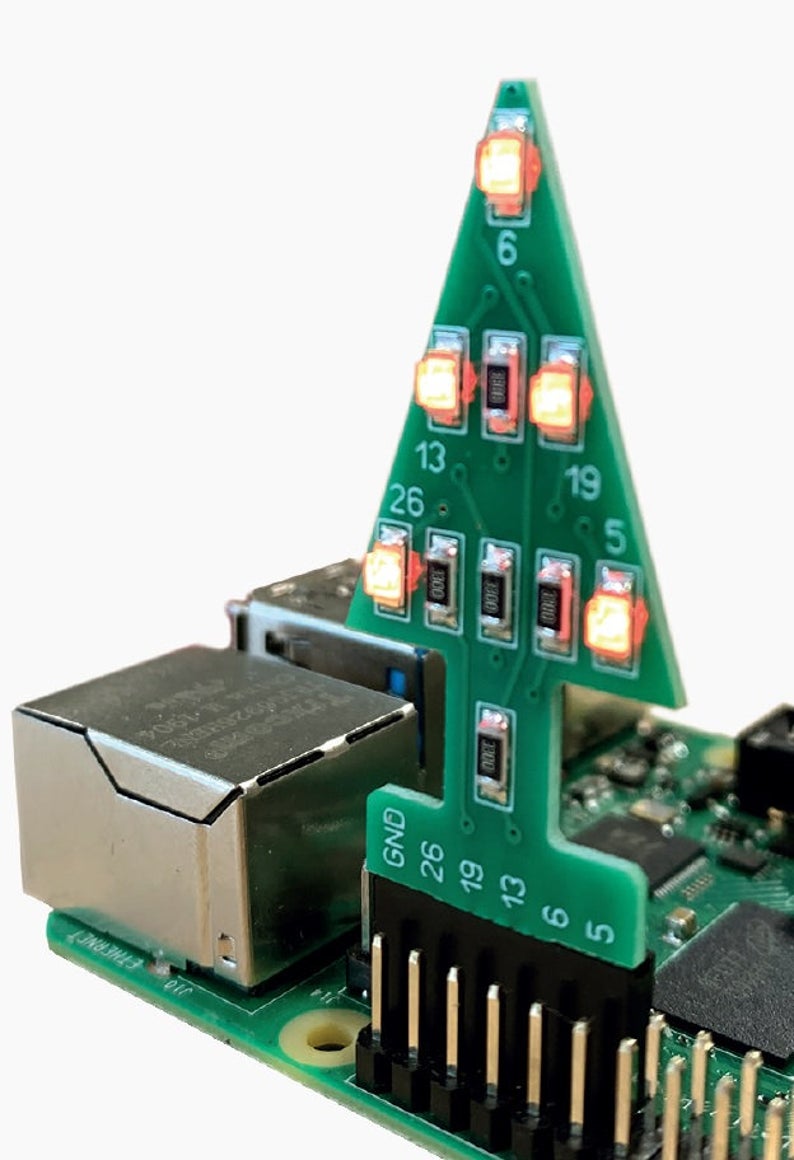
PocketMoneyTronics GPIO Christmas Tree

This super-cute GPIO add-on allows users to write their own light shows via GPIO. Available for £4 from the Raspberry Pi Store, Cambridge, and the PocketMoneyTronics website, it’s a nice festive addition to any coders stocking.

Full instructions are provided with the kit, and are also available online. Buy the kit pre-soldered or loose, depending on your giftee’s soldering skills.

Visit the websites of all our Approved Resellers for more great Raspberry Pi gifts. Find your local Approved Reseller by selecting your country from the dropdown menu on any Raspberry Pi Products page.

Essential kit

Fill their maker kit this festive season, with a whole host of great components and tools. A soldering iron is a great way for coders to start bringing their projects out into the real world, allowing them to permanently add sensors, lights, buttons, etc. to their Raspberry Pi. They’ll also need one if they want to add header pins to the $5 Raspberry Pi Zero and $10 Raspberry Pi Zero W.

You can never have enough LEDs. Available in a variety of sizes and colours, you can find packs of LEDs online or in your local electronics store.
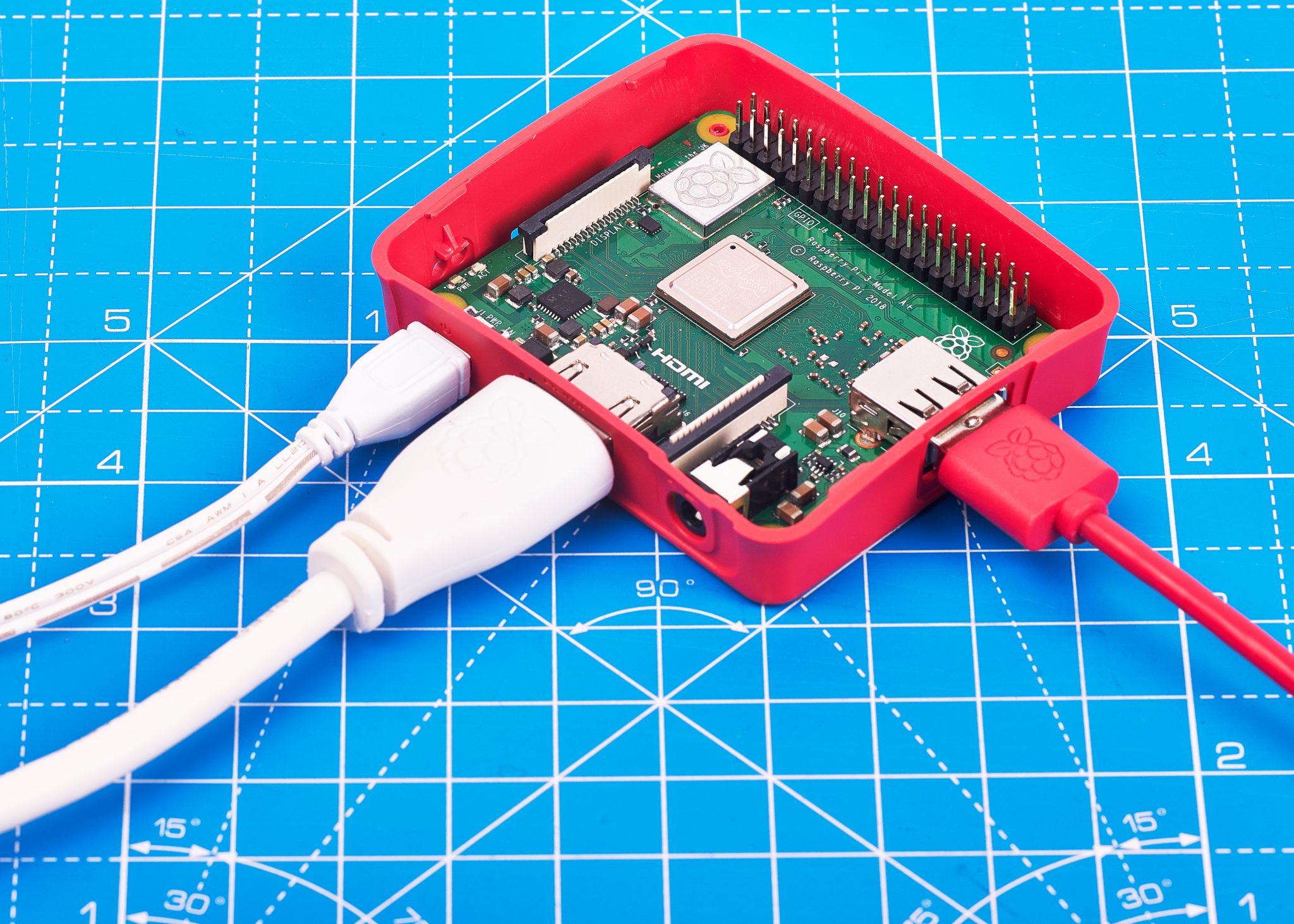
Never underestimate the importance of a cutting mat. Not only will it save your tabletop from craft knife cuts and soldering iron burns, but they also look great in photos for when its time to show of their latest project!

Amazon Smile

If you plan on making online purchases via Amazon, please consider selecting the Raspberry Pi Foundation via Amazon Smile! Your items will still be the same cost to you, but Amazon will donate a portion of the purchase price to help us continue to make free computer science education available to adults  and young people everywhere.

  • Amazon Smile for the UK
  • Amazon Smile for the US
  • For those of you based elsewhere, we’re pretty sure that you just need to add smile. before amazon in the Amazon web address you use in your country, so give that a try. If that doesn’t work, try searching for Amazon Smile via your prefered search engine.

Our gift to you

We wanted to give you a gift this festive season, so we asked the incredibly talented Sam Alder to design an illustration for you to print or use as your desktop wallpaper.

The poster is completely free for you to use and can be opened by clicking on the image above. We just ask that you don’t sell it, print it onto a t-shirt or mug, tattoo it onto your body, or manipulate it. But do feel free to print it as a poster for your home, classroom, or office, or to upload it as your computer wallpaper. And, when you do, be sure to take a photo and share it with us on social media.

You can also download a wider version of the image.

Happy gift-giving this 2019!

The post Raspberry Pi Christmas Shopping Guide 2019 appeared first on Raspberry Pi.


Source: Raspberry Pi – Raspberry Pi Christmas Shopping Guide 2019

More new books from The MagPi and HackSpace magazines

If our recent release of Retro Gaming with Raspberry Pi, Getting Started with Arduino, and Coding the Classics isn’t enough for you, today sees the release of TWO MORE publications from Raspberry Pi Press!

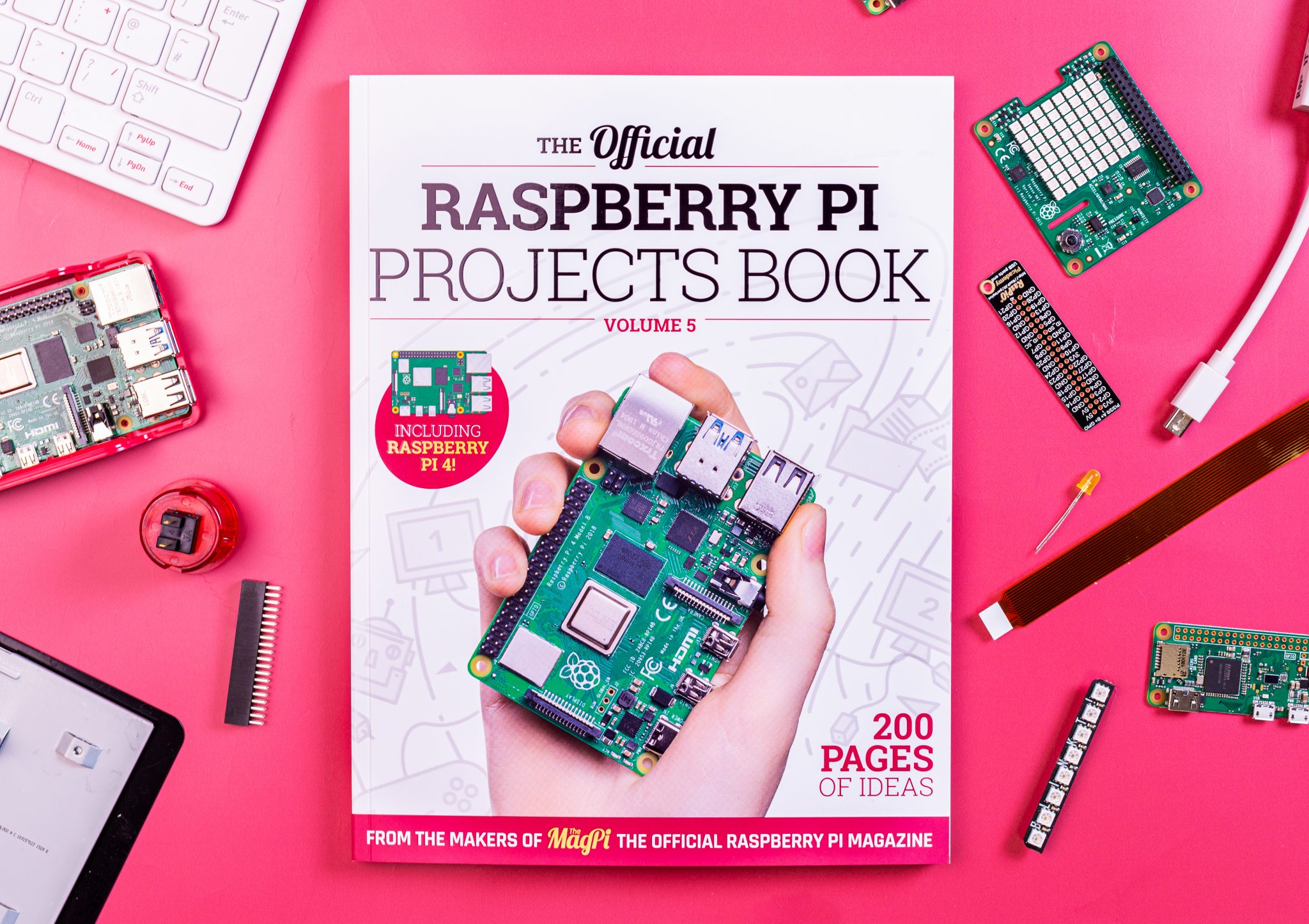
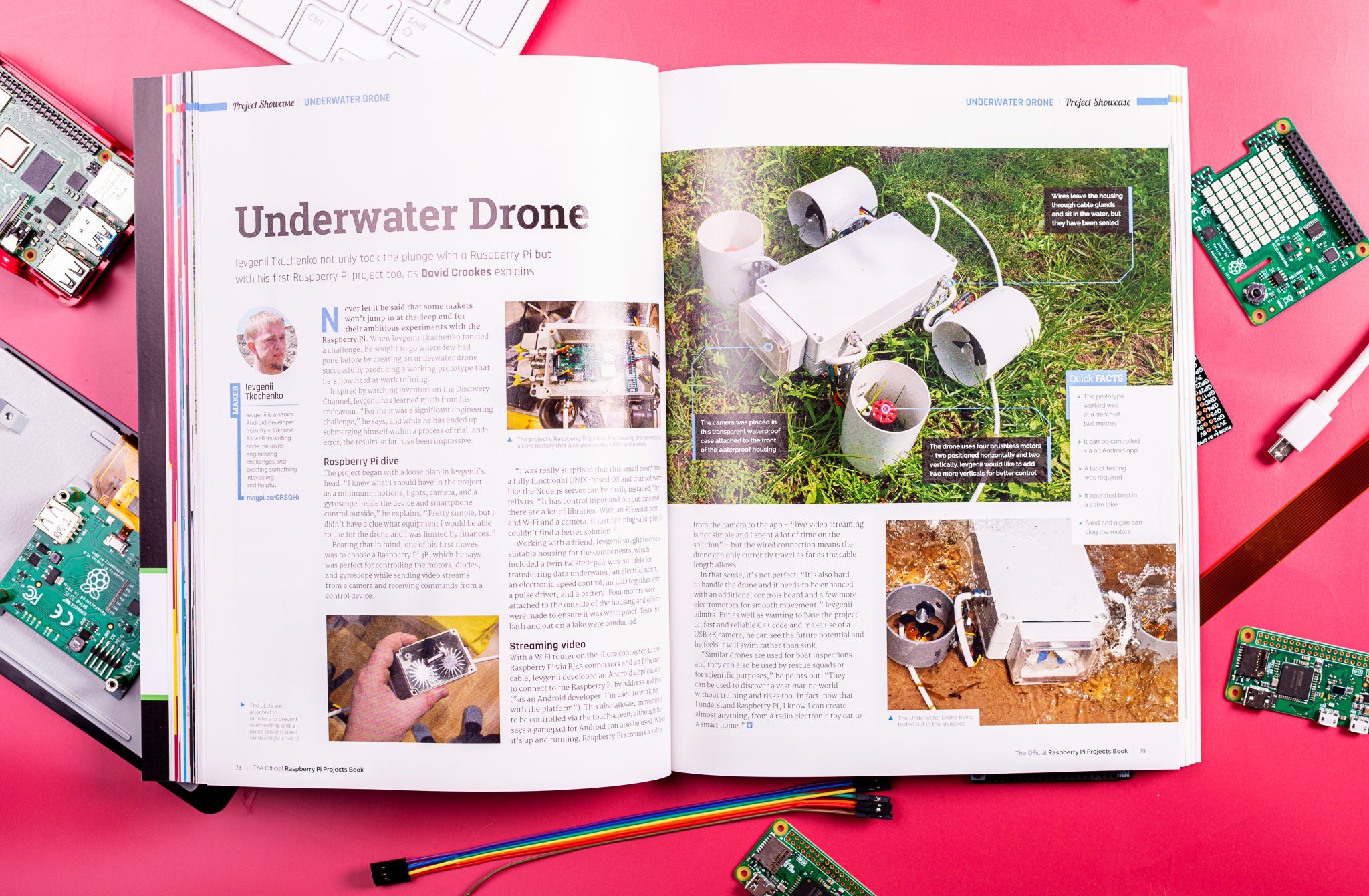
The Official Raspberry Pi Projects Book Volume 5

If you’re looking for Raspberry Pi inspiration, volume 5 of the ever popular Raspberry Pi Projects Book is for you. Packed full of ideas, projects, and incredible builds, The Official Raspberry Pi Projects Book Volume 5 is the perfect read for any budding coder, maker, or fan of cool stuff.

Get your copy now

Buy The Official Raspberry Pi Projects Book Volume 5 directly from the Raspberry Pi Press online store today with FREE WORLDWIDE SHIPPING, or pick up your copy from the Raspberry Pi Store, Cambridge; local UK newsagents and supermarkets such as WHSmith and Sainsbury’s; or from Barnes & Noble in the US in the next few weeks.

If you’d like to sample The Official Raspberry Pi Projects Book Volume 5, you can download the PDF from The MagPi website.

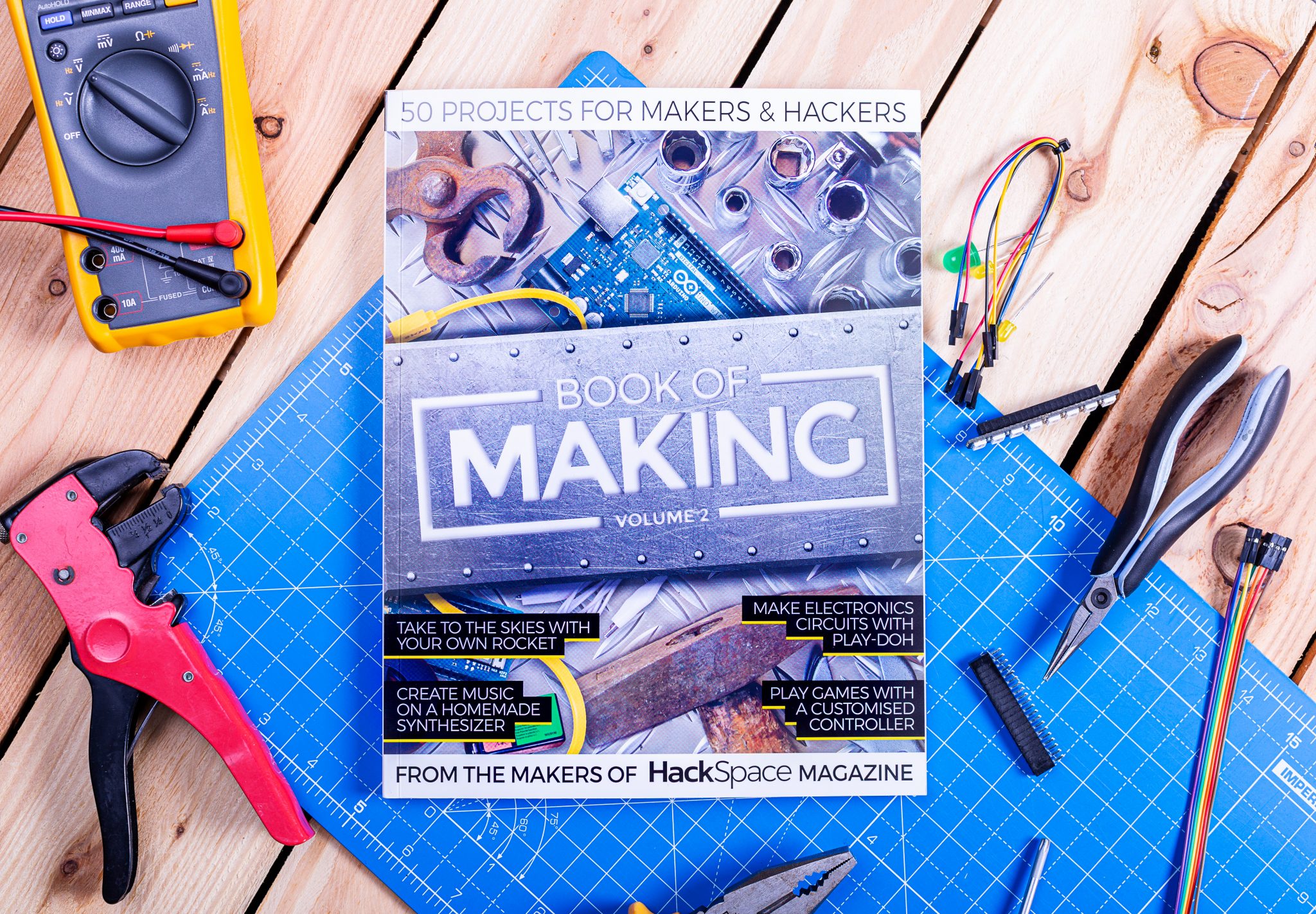
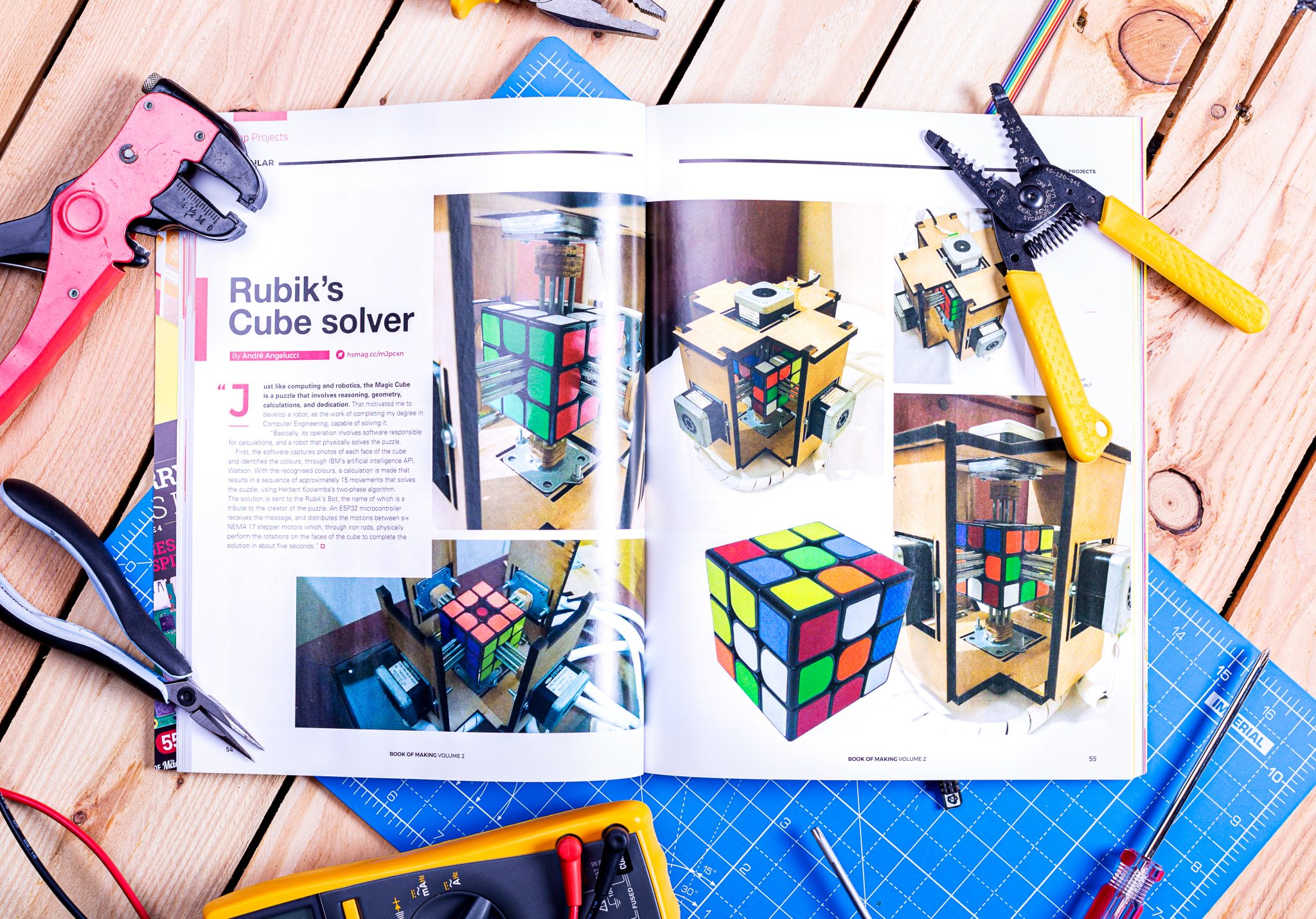
Book of Making Volume 2

Much like The Official Raspberry Pi Projects Book Volume 5, Book of Making Volume 2 collects together some of the very best projects and tutorials from the makersphere, whether they involve wood- and metalwork or fine electronics and 3D printing. If you’re a maker hobbyist, or simply a fan of awesome projects and unusual builds, Book of Making Volume 2 is the publication for you.

Get your copy today

You can buy Book of Making Volume 2 directly from the Raspberry Pi Press online store today, again with FREE WORLDWIDE SHIPPING. It’ll also be available from the Raspberry Pi Store, Cambridge; local UK newsagents and supermarkets such as WHSmith and Sainsbury’s; or Barnes & Noble in the US in the next few weeks.

You can also download the free PDF from HackSpace magazine’s website.

The post More new books from The MagPi and HackSpace magazines appeared first on Raspberry Pi.


Source: Raspberry Pi – More new books from The MagPi and HackSpace magazines

The Nest Box: DIY Springwatch with Raspberry Pi

Last week, lots and lots of you shared your Raspberry Pi builds with us on social media using the hashtag #IUseMyRaspberryPiFor. Jay Wainwright from Liverpool noticed the conversation and got in touch to tell us about The Nest Box, which uses Raspberry Pi to bring impressively high-quality images and video from British bird boxes to your Facebook feed.

Jay runs a small network of livestreaming nest box cameras, with three currently sited and another three in the pipeline; excitingly, the new ones will include a kestrel box and a barn owl box! During the spring, all the cameras stream live to The Nest Box’s Facebook page, which has steadily built a solid following of several thousand wildlife fans.

A pair of blue tits feeds their chicks in a woolly nest

The Nest Box’s setup uses a Raspberry Pi and Camera Module, along with a Raspberry Pi PoE HAT to provide both power and internet connectivity, so there’s only one cable connection to weatherproof. There’s also a custom HAT that Jay has designed to control LED lights and to govern the Raspberry Pi Camera Module’s IR filter, ensuring high-quality images both during the day and at night. To top it all off, he has written some Python code to record visitors to the nest boxes and go into live streaming mode whenever the action is happening.

As we can see from this nest box design for swifts, shown on the project’s crowdfunding profile, plenty of thought has evidently been put into the design of the boxes so that they provide tempting quarters for their feathered occupants while also accommodating all the electronic components.

Follow The Nest Box on Facebook to add British birds into your social media mix — whatever you’ve got now, I’ll bet all tomorrow’s coffees that it’ll be an improvement. And if you’re using Raspberry Pi for a wildlife project, or you’ve got plans along those lines, let us know in the comments.

The post The Nest Box: DIY Springwatch with Raspberry Pi appeared first on Raspberry Pi.


Source: Raspberry Pi – The Nest Box: DIY Springwatch with Raspberry Pi

Support the Raspberry Pi Foundation this #GivingTuesday

Today is Giving Tuesday. Giving Tuesday takes place on the day following the well-known shopping days of Black Friday and Cyber Monday, as a celebration of the generosity of the human spirit. It’s your chance to give something back, or to pay it forward, whichever feels right to you.

Coolest Projects UK 2018 Raspberry Pi Foundation CoderDojo
Happy computing enthusiasts at a Code Club
Two smiling girls observe a colourful LED arrangement

Giving makes you happy

There is now plenty of evidence for what we all know intuitively to be true: giving makes you happy.

Whether it’s giving gifts for Christmas, volunteering your time for a cause that you care about, or donating some of your hard-earned cash to support a nonprofit organisation, there’s a proven neural link between generosity and happiness (if you want to check the science, this recent study is a good place to start).

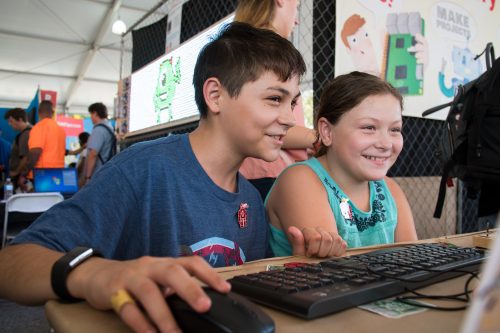
A smiling boy and girl looking at a computer screen

Help young people get creative with coding and hardware!

This link certainly exists for the tens of thousands of people who give their time to support young people at Code Clubs and CodeDojos; whenever I ask volunteers why they give their time, they consistently talk about the feeling of joy they experience when they see a young person having a breakthrough and learning something new.

Thank you to our supporters

We’re coming to the end of another remarkable year at the Raspberry Pi Foundation, and I wanted to use this Giving Tuesday to say thank you to all of our supporters.

Three excited girls in front of a computer

You can become part of a movement that empowers young people to express themselves through creative tech projects.

  • There are now over 10000 Code Clubs and CoderDojos, supported by more than 20000 amazing educators and volunteers, helping hundreds of thousands of young people all over the world to learn how to create with digital technologies.
  • Millions more people are using our free learning resources in schools and at home.
  • Tens of thousands of educators are improving their skills and knowledge through our free online courses.
  • In England, we are delivering the most ambitious programme ever to train computing teachers in every school.

Taken together, that’s millions more young people learning how to create with digital technologies, many of whom wouldn’t otherwise have had the opportunity to discover the power of digital making.

We couldn’t achieve any of this without the incredible generosity of our supporters, who give their time, expertise, and money to bring our work to life.

You can become a supporter too

If you’d like to experience some of the unadulterated joy that comes with supporting the mission of the Raspberry Pi Foundation, it couldn’t be easier:

  • Buy a Raspberry Pi computer: every time you purchase one of our products, you help support the work of the Raspberry Pi Foundation.
  • Volunteer at a Code Club or CoderDojo: join tens of thousands of people who run free computing clubs for young people.
  • Donate to us: this year, around a third of the money we spend will come from grants, donations, and sponsorship. Whether you are an individual or an organisation, every Pound, Dollar, and Euro you trust us with makes a huge difference.

If you want to get involved in supporting the next generation of digital makers, you can support us with a one-off or regular donation: www.raspberrypi.org/donate

Thank you, and happy Giving Tuesday!

The post Support the Raspberry Pi Foundation this #GivingTuesday appeared first on Raspberry Pi.


Source: Raspberry Pi – Support the Raspberry Pi Foundation this #GivingTuesday

Pre-order Code the Classics today!

Today, we are proud to announce Code the Classics, the latest (and long-awaited) publication from Raspberry Pi Press.

Pre-order Code the Classics today

Subscribe to our YouTube channel: http://rpf.io/ytsub Help us reach a wider audience by translating our video content: http://rpf.io/yttranslate Buy a Raspberry Pi from one of our Approved Resellers: http://rpf.io/ytproducts Find out more about the #RaspberryPi Foundation: Raspberry Pi http://rpf.io/ytrpi Code Club UK http://rpf.io/ytccuk Code Club International http://rpf.io/ytcci CoderDojo http://rpf.io/ytcd Check out our free online training courses: http://rpf.io/ytfl Find your local Raspberry Jam event: http://rpf.io/ytjam Work through our free online projects: http://rpf.io/ytprojects Do you have a question about your Raspberry Pi?

Code the Classics

Code the Classics not only tells the stories of some of the seminal video games of the 1970s and 1980s, but shows you how to create your own games inspired by them using Python and Pygame Zero, following examples programmed by Raspberry Pi founder Eben Upton.

Get game design tips and tricks from the masters. Explore the code listings and find out how they work.

Learn how to code your own games with Pygame Zero. Download and play games examples by Eben Upton.

Pre-order Code the Classics today

Code the Classics is available to pre-order now from the Raspberry Pi Press online store, and it will be released in time for Christmas on 13 December. Pre-order today for FREE UK shipping.

Code the Classics is the perfect gift for anyone with fond memories of the video games of the 1970s and 1980s, and it’s also a brilliant way for young coders to get into understanding the code mechanics behind gaming, helping to inspire them to create their own.

The post Pre-order Code the Classics today! appeared first on Raspberry Pi.


Source: Raspberry Pi – Pre-order Code the Classics today!

Your amazing Raspberry Pi projects #IUseMyRaspberryPiFor

Yesterday, we asked you to share your Raspberry Pi builds on social media using the hashtag #IUseMyRaspberryPiFor. The result was amazing, with so many of you sharing some really interesting projects, inspiring both us, and others, to get creative.

While we can’t share them all here today, we picked out some to highlight, and we strongly recommend you check out the hashtag on Twitter to see them all.

Making music

$danielKraft; on Twitter

🤘 Live digital audio effects processing with @blokaslabs MODEP #IUseMyRaspberryPiFor https://t.co/7HVhxns2p1

We see a lot of music-based Raspberry Pi projects, from guitar pedals to radios, soundboards, and capacitive-touch fruit baskets. This effects processor for Daniel Kraft’s drum kit will have many of the musically inclined members of Raspberry Pi Towers getting code-happy in no time.

Spying on hedgehogs

Matt Nayler on Twitter

IUseMyRaspberryPiFor monitoring the wildlife in my garden.

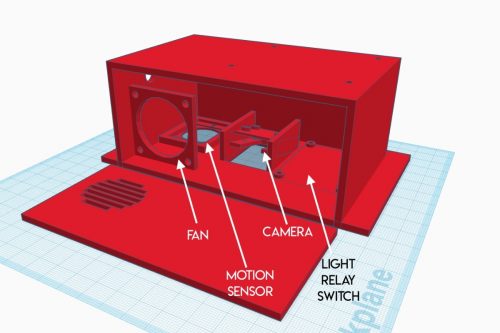
Matt uses his Raspberry Pi to monitor wildlife in his garden. Add a motion sensor and a camera to your Raspberry Pi, and you’ve made your own nature camera trap.

Inspiring the next generation

Pierre-yves Baloche on Twitter

IUseMyRaspberryPiFor building autonomous robots, securing our house Internet access, picturing wildlife in our garden, but mostly to introduce IT to my daughter and how much can be accomplished and learned through it (creativity, patience,…), all thanks to the community 🙂 !

Pierre-Yves Baloche uses his Raspberry Pi for a multitude of tasks, including as a tool to introduce his daughter to technology, and to the technical and non-technical skills that come with learning to make stuff.

Accessibility assistant

Gabriel Cruz on Twitter

RT:(@Raspberry_Pi) RT @sarru1291: I’m using raspberry pi for building a visual guide for visually impaired people. It is portable and fully voice-controlled. It can be used for most of the daily life activities. #IUseMyRaspberryPiFor #RaspberryPi https://t.co/QMhBYxzpKJ #don…

This project from Gabriel Cruz is a great example of how Raspberry Pi can be used to create low-cost accessibility aids.

Plane-spotting

selftronics on Twitter

This is how planespotters use their TVs. ☺ Log and monitor the planes approaching and landing to an airport with @Raspberry_Pi #IUseMyRaspberryPiFor #AI #flightradar24 Source here: https://t.co/1t5Lau2bt9

Our colleagues at the Raspberry Pi North America office have a similar setup for plane spotting.

Reptile management

Patrick Fitzgerald on Twitter

IUseMyRaspberryPiFor monitoring and managing my bearded dragon’s vivarium.

Patrick uses a Raspberry Pi to monitor a bearded dragons vivarium. We really appreciate this photo, because bearded dragons are awesome!

Everything

Nathan Chantrell on Twitter

IUseMyRaspberryPiFor Loads of things! Everything from home automation with Node-RED, HA touch screens, sensor monitoring with InfluxDB/Grafana, VoIP PBX, Octoprint, fixed & pan/tilt cameras, control of a Cambridge Audio amp, UniFi controller, PiHole, probably missed loads!

Nathan uses a Raspberry Pi for just about everything! Great work!

Octoprint

🌦 Phil 🌤🌪 on Twitter

IUseMyRaspberryPiFor Remote controlling my 3D printer and recording timelapses as it prints. Just like now! #octoprint @Creality3dprint

Phil uses a Raspberry Pi to run Octoprint, allowing for remote control of a 3D printer. We do this too in the Raspberry Pi Foundation makerspace.

As we said, there are simply too many projects to share in one blog post. However, we found some great blog-fodder that we’ll be writing more about in the near future — keep your eyes peeled.

It’s not too late to share your Raspberry Pi project using #IUseMyRaspberryPiFor, so keep posting!

The post Your amazing Raspberry Pi projects #IUseMyRaspberryPiFor appeared first on Raspberry Pi.


Source: Raspberry Pi – Your amazing Raspberry Pi projects #IUseMyRaspberryPiFor

What do you use your Raspberry Pi for?

Our very own Brian made this lovely What is a Raspberry Pi? video for our YouTube channel. Thanks, Brian.

What is a Pi FINAL

Subscribe to our YouTube channel: http://rpf.io/ytsub Help us reach a wider audience by translating our video content: http://rpf.io/yttranslate Buy a Raspberry Pi from one of our Approved Resellers: http://rpf.io/ytproducts Find out more about the #RaspberryPi Foundation: Raspberry Pi http://rpf.io/ytrpi Code Club UK http://rpf.io/ytccuk Code Club International http://rpf.io/ytcci CoderDojo http://rpf.io/ytcd Check out our free online training courses: http://rpf.io/ytfl Find your local Raspberry Jam event: http://rpf.io/ytjam Work through our free online projects: http://rpf.io/ytprojects Do you have a question about your Raspberry Pi?

What do you do with your Raspberry Pi? Use #IUseMyRaspberryPiFor on social media so we can see!

The post What do you use your Raspberry Pi for? appeared first on Raspberry Pi.


Source: Raspberry Pi – What do you use your Raspberry Pi for?

Code a Frogger-style road-crossing game | Wireframe #27

Guide a frog across busy roads and rivers. Mark Vanstone shows you how to code a simple remake of Konami’s arcade game, Frogger.

Konami’s original Frogger: so iconic, it even featured in a 1998 episode of Seinfeld.

Frogger

Why did the frog cross the road? Because Frogger would be a pretty boring game if it didn’t. Released in 1981 by Konami, the game appeared in assorted bars, sports halls, and arcades across the world, and became an instant hit. The concept was simple: players used the joystick to move a succession of frogs from the bottom of the screen to the top, avoiding a variety of hazards – cars, lorries, and later, the occasional crocodile. Each frog had to be safely manoeuvred to one of five alcoves within a time limit, while extra points were awarded for eating flies along the way.

Before Frogger, Konami mainly focused on churning out clones of other hit arcade games like Space Invaders and Breakout; Frogger was one of its earliest original ideas, and the simplicity of its concept saw it ported to just about every home system available at the time. (Ironically, Konami’s game would fall victim to repeated cloning by other developers.) Decades later, developers still take inspiration from it; Hipster Whale’s Crossy Road turned Frogger into an endless running game; earlier this year, Konami returned to the creative well with Frogger in Toy Town, released on Apple Arcade.

Code your own Konami Frogger

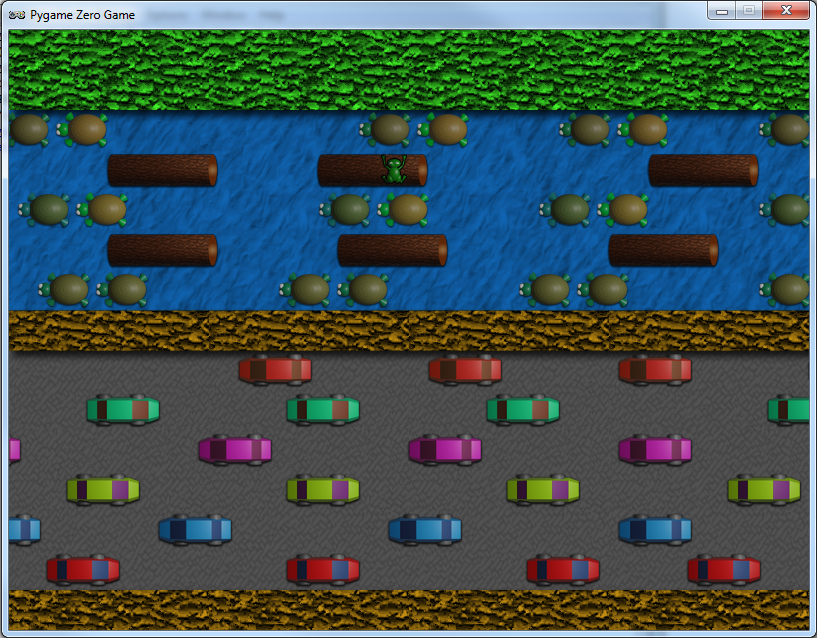
We can recreate much of Frogger’s gameplay in just a few lines of Pygame Zero code. The key elements are the frog’s movement, which use the arrow keys, vehicles that move across the screen, and floating objects – logs and turtles – moving in opposite directions. Our background graphic will provide the road, river, and grass for our frog to move over. The frog’s movement will be triggered from an on_key_down() function, and as the frog moves, we switch to a second frame with legs outstretched, reverting back to a sitting position after a short delay. We can use the inbuilt Actor properties to change the image and set the angle of rotation.

In our Frogger homage, we move the frog with the arrow keys to avoid the traffic, and jump onto the floating logs and turtles.

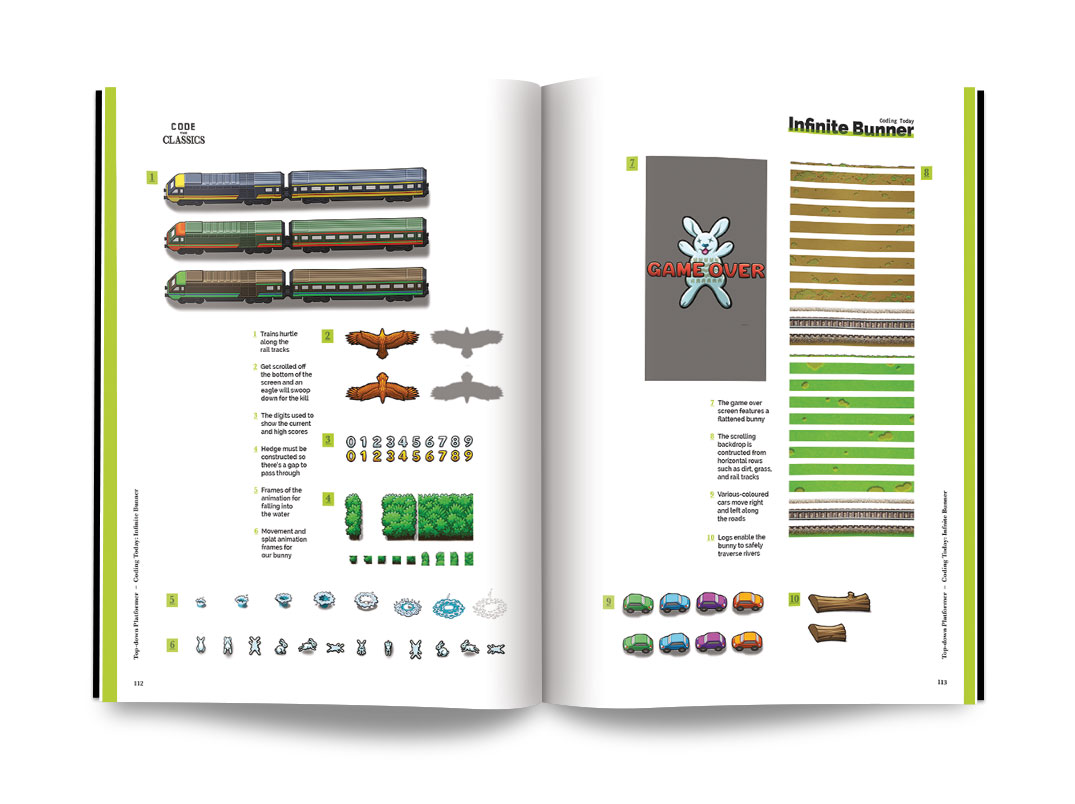
For all the other moving elements, we can also use Pygame Zero Actors; we just need to make an array for our cars with different graphics for the various rows, and an array for our floating objects in the same way.
In our update() function, we need to move each Actor according to which row it’s in, and when an Actor disappears off the screen, set the x coordinate so that it reappears on the opposite side.

Handling the logic of the frog moving across the road is quite easy; we just check for collision with each of the cars, and if the frog hits a car, then we have a squashed frog. The river crossing is a little more complicated. Each time the frog moves on the river, we need to make sure that it’s on a floating Actor. We therefore check to make sure that the frog is in collision with one of the floating elements, otherwise it’s game over.

There are lots of other elements you could add to the example shown here: the original arcade game provided several frogs to guide to their alcoves on the other side of the river, while crocodiles also popped up from time to time to add a bit more danger. Pygame Zero has all the tools you need to make a fully functional version of Konami’s hit.

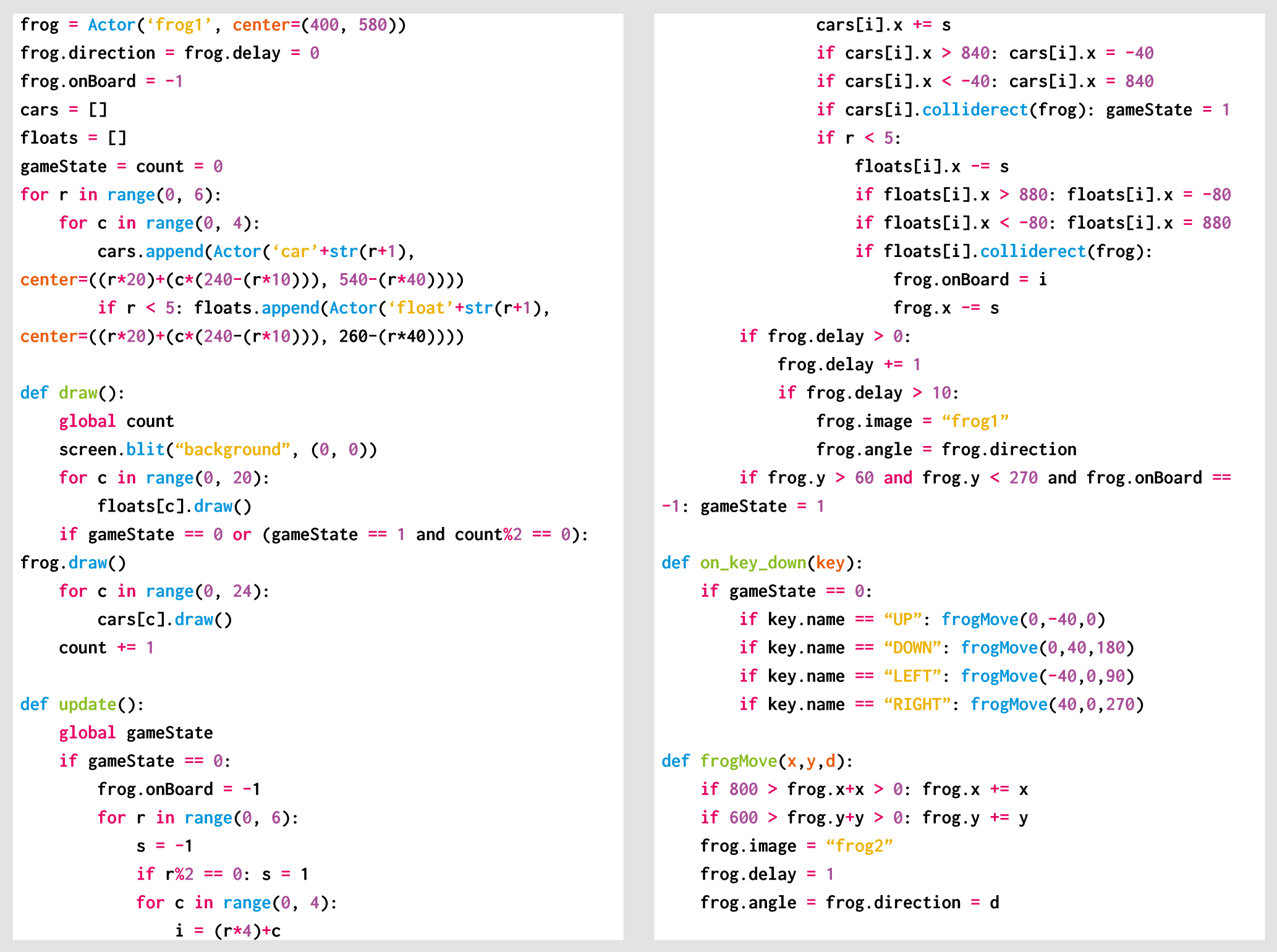
Here’s Mark’s code, which gets a Frogger homage running in Python. To get it working on your system, you’ll first need to install Pygame Zero. And to download the full code, go here.

Get your copy of Wireframe issue 27

You can read more features like this one in Wireframe issue 27, available now at Tesco, WHSmith, all good independent UK newsagents, and the Raspberry Pi Store, Cambridge.

Or you can buy Wireframe directly from Raspberry Pi Press — delivery is available worldwide. And if you’d like a handy digital version of the magazine, you can also download issue 27 for free in PDF format.

Make sure to follow Wireframe on Twitter and Facebook for updates and exclusive offers and giveaways. Subscribe on the Wireframe website to save up to 49% compared to newsstand pricing!

The post Code a Frogger-style road-crossing game | Wireframe #27 appeared first on Raspberry Pi.


Source: Raspberry Pi – Code a Frogger-style road-crossing game | Wireframe #27

“17% women in tech is not enough”

Technology should be for everyone, but it has to be built by everyone to be for everyone. At Raspberry Pi, we work to empower everyone to become a tech creator and shape our collective digital future, and we hope that our work will help to increase the tech sector’s diversity.

Woman teacher and female students at a computer

Today, part of our team is attending WeAreTheCity’s WeAreTechWomen conference to spread the word about our free programming courses and encourage more women to share their digital skills with the next generation.

I asked Carrie Anne Philbin, our Director of Educator Support, and Vanessa Vallely OBE, Managing Director at WeAreTheCity, about their thoughts on how we can make the tech sector more diverse, and what part role models, education, and professional development play in this.


Photo©John Cassidy The Headshot Guy® http://www.theheadshotguy.co.uk 07768 401009

Vanessa, WeAreTheCity helps organisations foster a strong female workforce, and provides opportunities for women to network and develop their skills. Why do you think it’s important for women and people from minority backgrounds to support each other in the professional world?

Vanessa Vallely: I believe it is important for everyone to support each other. It is important that we work as a collective and collaborate, as at the end of the day we are all trying to achieve the same goal. 17% women in tech [in the UK] is not enough.

“We want more women in tech, and we want them to represent all aspects of society.” – Vanessa Vallely OBE

We cannot be what we cannot see, therefore asking women who are already working in tech to stand up and own their role model status is a great start.

What can individuals do to address the lack of diversity in the tech sector?

Carrie Anne Philbin: Firstly, let’s recognise that we need the tech sector to be more representative of the population of the world. It’s problematic to have a small subsection of society be the controllers of a growing digital world.

Then, we need to be the change we want to see in the industry. Let’s try different avenues and then let’s be open about our challenges and successes.

VV: I believe every woman in the tech sector is a role model to future generations. There are a number of things individuals can do, for example go back to their schools and tell their tech stories, or contribute/write blogs. This doesn’t just raise their profile, it puts their story out there for others to aspire to. I think this is really important, especially if the individual is from a background where role models are less visible. There are lots of different organisations and networks that facilitate individuals getting involved in their school or early career initiatives which has made it easier to get involved and give back.

CAP: As a woman in the computing field, I think it is important that I hold the door open for other women coming through in my wake, and that I highlight where I can, great work by others.

Ever since I realised that my skills and knowledge in computing were useful and allowed me to be creative in a whole new way, I’ve championed computer science as a subject that everyone should experience. Once you’ve created your first computer program or built your first network, you’ll never want to stop.

Carrie Anne, how does your coding session at WATC’s WeAreTechWomen conference today tie into this?

CAP: At the Raspberry Pi Foundation, I spend a lot of time thinking about how to teach computing well, and about how young people can have great learning experiences so they can become the makers and creators of tomorrow.

“Technology is not a mystery, nor is it hard to learn. I want to dispel this myth for everyone regardless of gender, ethnicity, or economic status.” – Carrie Anne Philbin

During my session at WeAreTechWomen, I hope to support attendees to write their first creative python program, based on a project I wrote for Code Club to create a virtual pet. It is my hope that the session will be the spark of inspiration that gets more women and men from diverse backgrounds excited about being creators of technology.

You’ve built a career in tech education as a teacher, YouTuber, and Director at Raspberry Pi. How can beginners get comfortable creating with tech?

CAP: There isn’t anything magical about technology, and once you know this, you can start to explore with confidence, much like our ancestors when they learned that the earth was round and not flat.

“Phrases like ‘I’m not good with technology’ or ‘It’s all too complicated for me’ are reassuring to say in a society where the accepted view is that maths and science are hard, and where this view is reinforced by our media. But it is OK to be a beginner, it is OK to learn something new, and it is OK to play, explore, fail, and succeed on the journey.” – Carrie Anne Philbin

However you like to learn, be it on your own or with others, there is a way that suits you! I’ve always been quite project-minded: I have ideas about things I want to make, and then go and see if I can. This is how I stumbled across the Raspberry Pi in 2012 — it seemed like an accessible and cheap way to make my automation dreams come true. It also wasn’t too bad at randomly generating poems.

Aside from teacher-led instruction or independent exploration, another way is to learn with others in a relaxed and informal setting. If you’re a young person, then clubs like Code Club and CoderDojo are perfect. If you’re an adult, then attending a Raspberry Jam or conferences like WeAreTechWomen can provide a supportive environment.

“By being kinder to ourselves and seeing ourselves as life-long learners, it is easier to overcome insecurity and build confidence.” – Carrie Anne Philbin

A great way to approach new learning is at your own pace, and thanks to technology, we have access to online training courses with great videos, exercises, and discussion — many of these are completely free and let you connect with a community of learners as well.

How do you think educating the next generation about computing will change the makeup of the tech sector?

CAP: We’re in an exciting phase for computing education. The world has woken up to the importance of equipping our young people with the knowledge and skills for an ever increasing digital landscape. This means computer science is gaining more prominence in school curricula and giving all children the opportunity to discover the subject.

“Education can be democratising, and I expect to see the makeup of the tech sector reflect this movement in the next five to twenty years.” – Carrie Anne Philbin

Unlike physics or music, computing is still a relatively young field, so we need to do more research into what is encouraging and what isn’t, particularly when we work with young people in schools or clubs.

We’re still learning how to teach computing, and particularly programming, well to encourage greater diversity, so it’s great to see such a vast Gender Balance in Computing research project underway as part of the National Centre for Computing Education here in England. It’s not too late for schools in England to get involved in this project either…

What can I do today?

The post “17% women in tech is not enough” appeared first on Raspberry Pi.


Source: Raspberry Pi – “17% women in tech is not enough”

Get started with… Arduino?

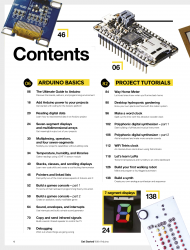
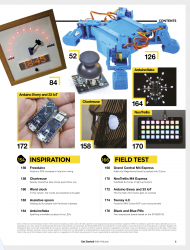
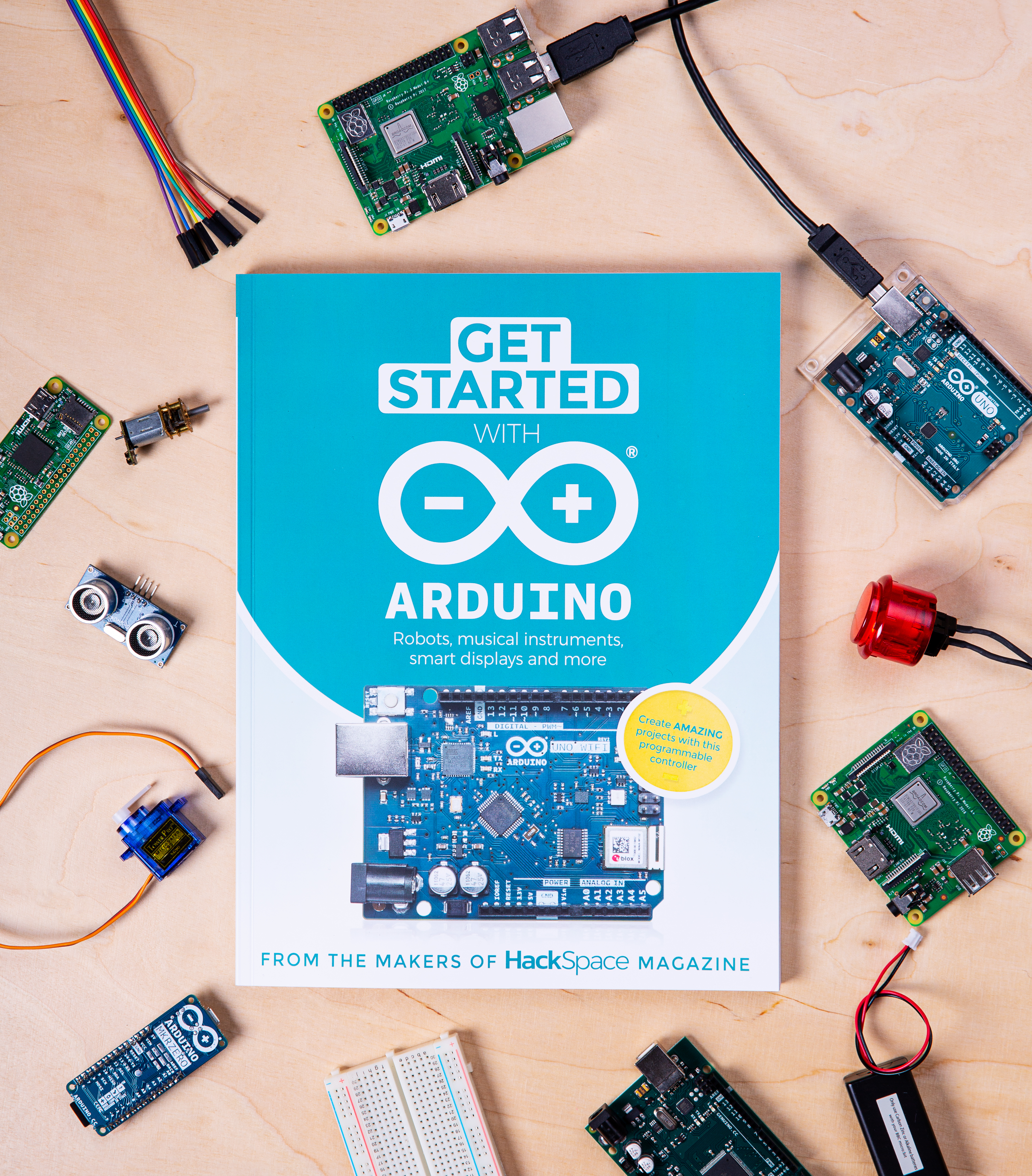
Yes, you read that title right, and no, you haven’t accidentally stumbled upon the Arduino Foundation’s website. Today, we’re pleased to announce a new addition to the Raspberry Pi Press family: Get Started with Arduino, a complete how-to guide to help you get hands on with the other pocket-sized board.

But why?

Why not? Our mission is to put the power of computing and digital making into the hands of people all over the world. Whether you’re using a Raspberry Pi, an Arduino, or any other piece of digital making kit, if you’re creating with tech, we’re happy. And Raspberry Pi and Arduino make wonderful project partners for all kinds of build.

What’s in the book?

Get Started with Arduino is packed full of how-tos and project tutorials to help you get better acquainted with the little blue microcontroller. Whether you’re brand new to digital making, a die-hard Raspberry Pi fan looking to expand your maker skillset, or simply a bit of a bookworm, Get Started with Arduino is a super addition to your bookshelves.


Aren’t Raspberry Pi and Arduino the same kind of thing?

Arduino is a microcontroller, while Raspberry Pi is a full computer. Microcontrollers don’t usually run a mainstream operating system, but they’re extremely power-efficient, so they can be great for projects that can’t stay plugged into the mains. You need to use a separate computer to set up your Arduino, but you can do everything on a Raspberry Pi itself… including setting up an Arduino. As we said, the two work really well together in some projects: for example, you might build a robot where the Raspberry Pi handles intensive processing tasks and provides you with a friendly environment for developing your code, while the Arduino handles precise real-time control of the motors.

Buy Get Started with Arduino today

Get Started with Arduino is out now! It’s available from the Raspberry Pi Press website with free international shipping, from the Raspberry Pi Store in Cambridge, and from WHSmith in the UK; it’ll reach Barnes & Noble stores in the US in a week or so.

Also out today…

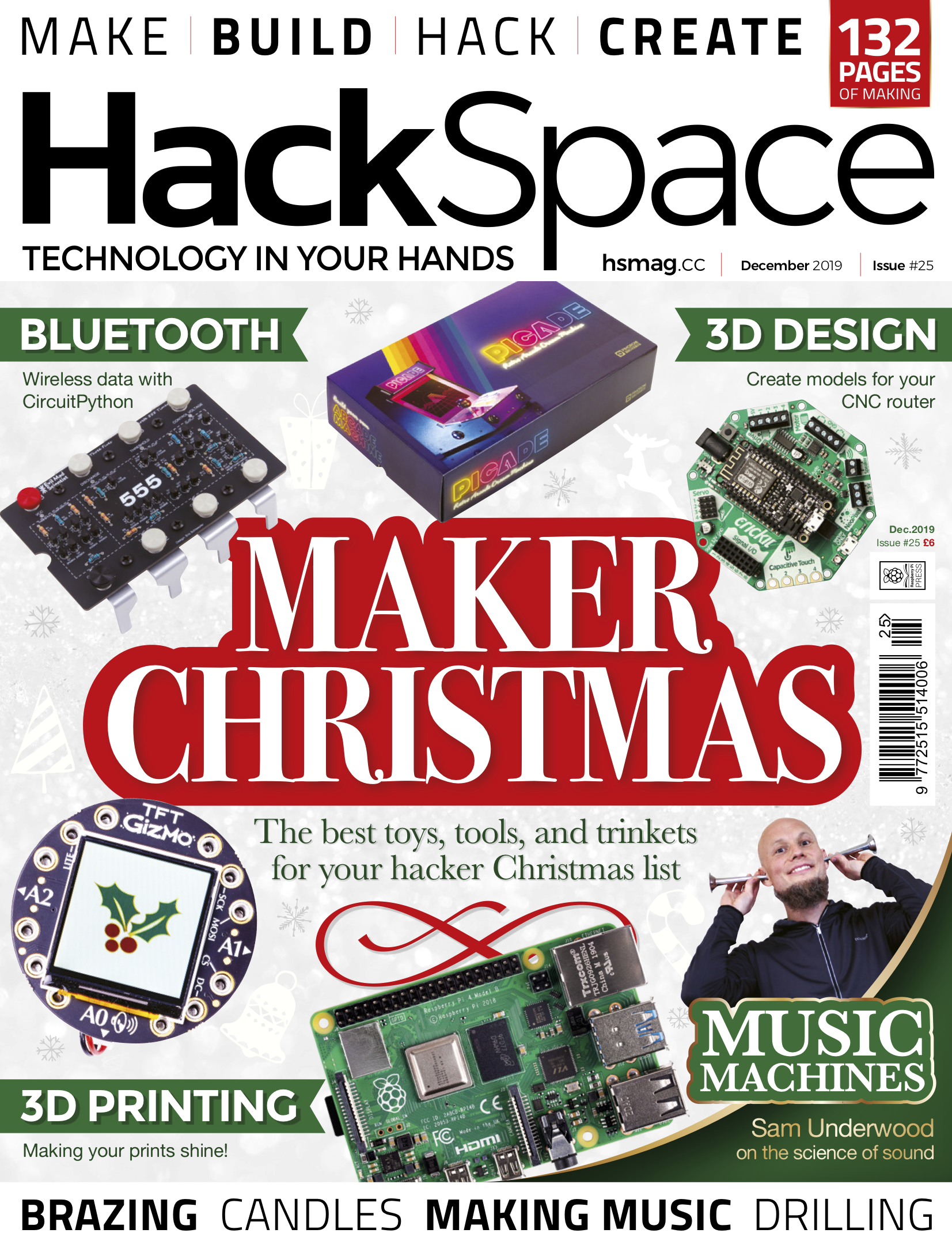
HackSpace magazine issue #25 is also out today, available from the Raspberry Pi Press website, the Raspberry Pi Store in Cambridge, and every newsagent that’s worth its salt.

And, if that’s not enough, Wireframe magazine issue 27 is also out today, and it too is available from Raspberry Pi Press, the Raspberry Pi Store, and newsagents across the UK.

But wait, there’s more!

In case you missed it, on Monday we released Retro Gaming with Raspberry Pi, your one-stop guide to creating and playing classic retro games on your Raspberry Pi.

Did someone say free?

For getting this far in today’s blog, here’s your reward: Get Started with Arduino, HackSpace magazine, Wireframe magazine and Retro Gaming with Raspberry Pi are all available as free PDF downloads. However, when you buy our publications, you’re supporting the work of the Raspberry Pi Foundation to bring computing to everyone, as well as the continued production of even more great magazines and special edition books. So, you know what to do.

The post Get started with… Arduino? appeared first on Raspberry Pi.


Source: Raspberry Pi – Get started with… Arduino?

Exploring the interface of ecology, mathematics, and digital making | Hello World #11

In Hello World issue 11, Pen Holland and Sarah Wyse discuss how educators and students can get closer to the natural world while honing maths and computing skills. Using a Raspberry Pi, you too can join this citizen science collaboration.

Connectedness to nature as measured by the Nature Connection Index is currently the lowest in young people aged 16-24, with everyone aged 8-34 reporting lower connectedness, compared to the 35+ age groups.

Although there is some positive correlation between individuals living in the same households, parents are now less likely to raise their children where they grew up themselves, and as such they may be less knowledgeable about local species. Connecting with nature does not have to mean a trip out into the wilds: urban ecology is increasingly popular in research, and even the most determined of city dwellers is likely to pass a municipal tree or two during their day.

The positive association between connectedness to nature and wellbeing should encourage us all to appreciate and explore our local environments. However, being at one with the natural world doesn’t preclude an abundance of enjoyable science and technology. For example, the authors’ overriding memory of GCSE maths involves triangles – a lot of triangles – combined with frequent musings over how this could possibly ever be useful in the real world. Fast forward 20 years, and we’ve spent more time than we’d like to count surrounded by triangles, chanting ‘SOH CAH TOA’ in the name of ecology.

Calculating the terminal velocity of winged seeds

The Seed Eater project arose from research into how fast winged seeds (samaras) fall, in order to predict how far they might travel across a landscape, and hence understand how quickly populations of invasive trees might spread. In the past, ecologists have measured the terminal velocity of seeds using stopwatches and lasers, but stopwatches are inaccurate, and lasers are expensive.

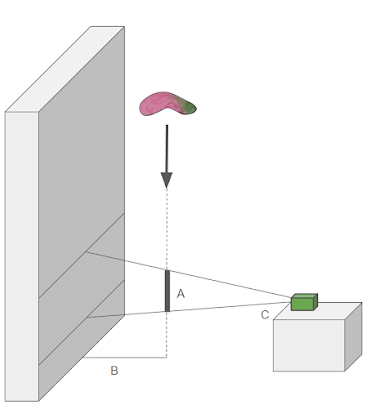
Timestamped images in which the seed appears tell us the time taken for it to fall through the field of view (A). The distance at which the seed lands from the wall (B) and the viewing angle of the camera (C) are used to calculate distance travelled by the seed while in view. Finally, the speed at which the seed is travelling can be calculated as distance/time.

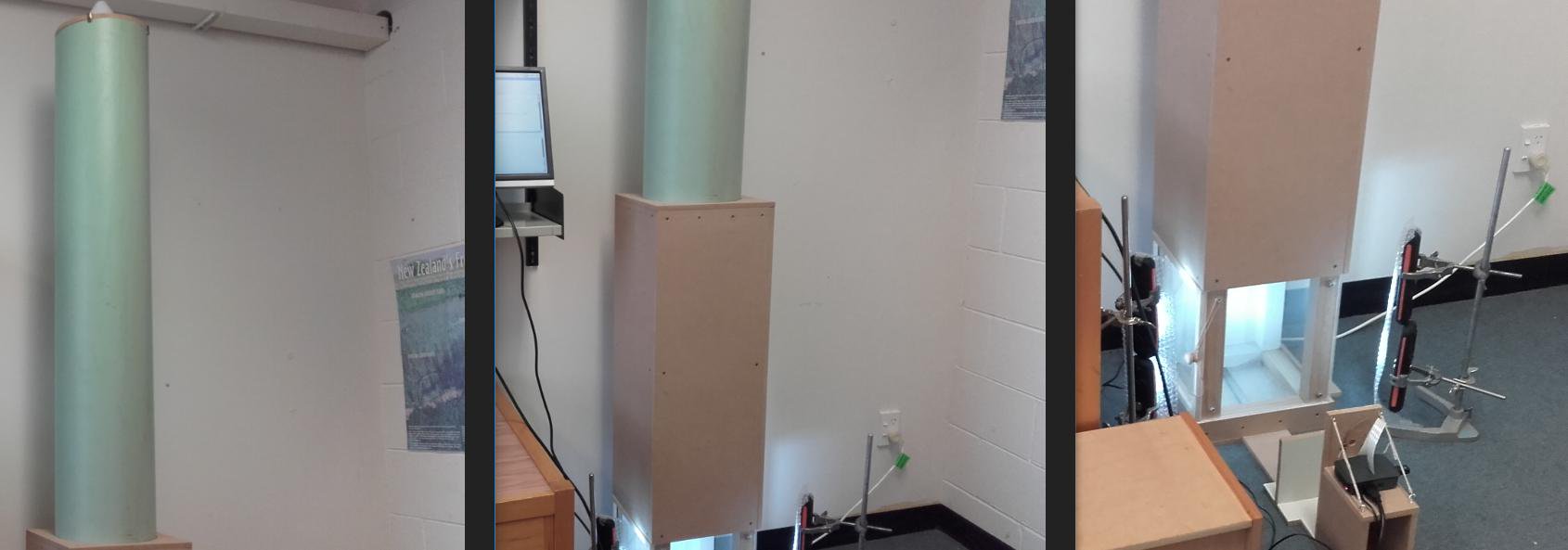
Enter stage left, Pieter the Seed Eater; a low-cost device fitted with a Raspberry Pi computer and camera that captures a sequence of images, assesses which timestamped images contain a falling seed, and then calculates how far the seed fell, and hence how fast it was travelling.

Pieter the Seed Eater was introduced in issue 10 of Hello World, and if you missed that, you can download a free PDF copy of the magazine from the website.

Pieter the Seed Eater was designed to measure the terminal velocity of pine (Pinus species) seeds from invasive trees in New Zealand, with a particular interest in the variation in falling speeds among seeds from the same cones, between different cones on the same tree, between trees in the same population, and between populations across the landscape. His diet is now expanding to take in a whole range of pine species, but there are many other species of tree around the world that also have winged seeds, in a variety of fascinating shapes.

Introducing teaching resources

To help emphasise the connections between nature and STEM, and because Pieter doesn’t have time to eat all the seeds, we are making cross-curricular resources available to support teaching activities. These range from tree identification and seed collection, through seed dispersal experiments and Seed Eater engineering, to terminal velocity measurements and understanding population spread.

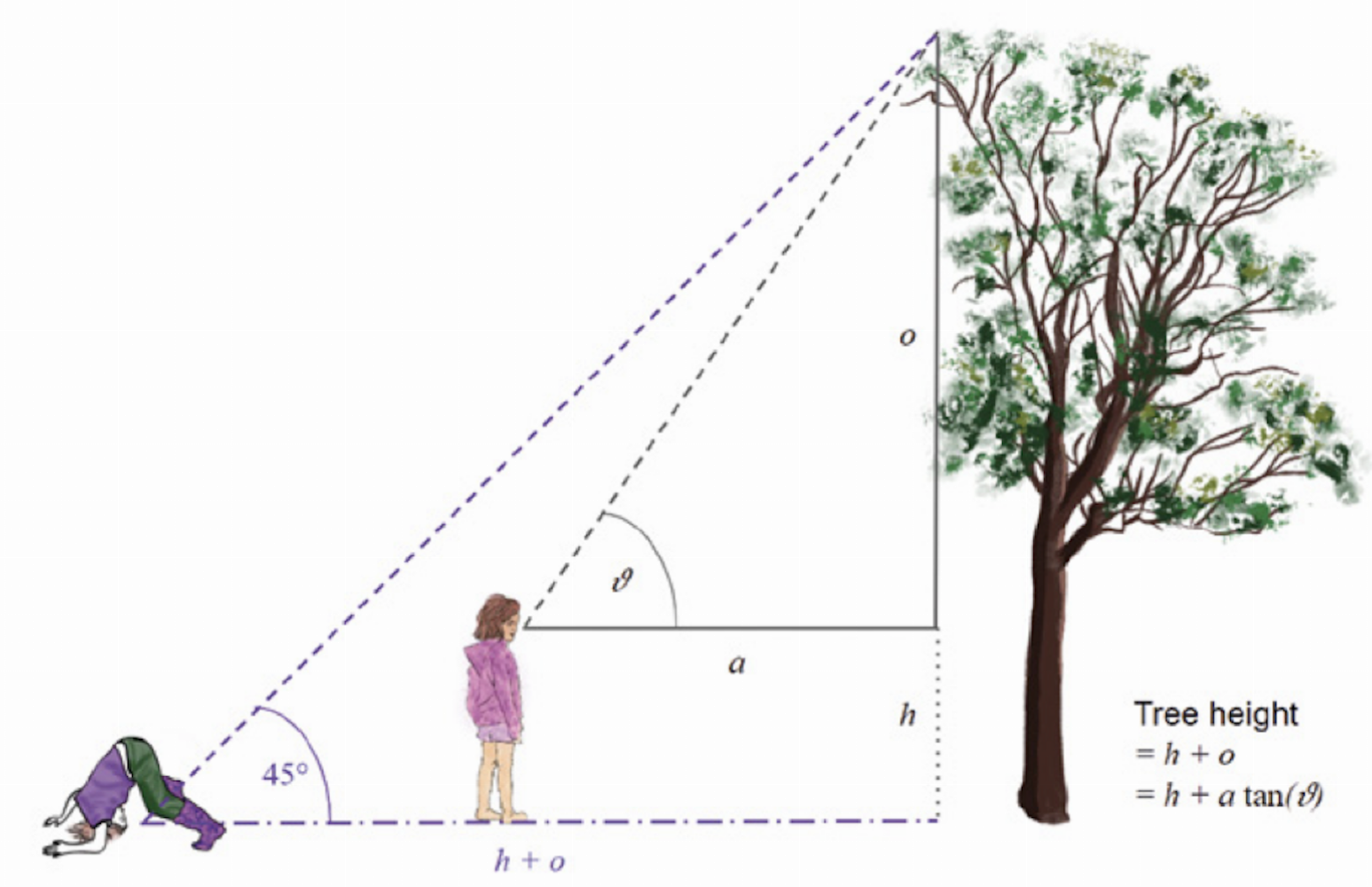
There are several ways to measure tree height, which can be a stimulating discussion and activity. Fire arrows attached to string over high branches, go exploring on Google street view, or use trigonometry, making measurements in a variety of simple or sophisticated ways. Are they all equally accurate? Would they all work on isolated trees and in a dense forest?

These draw on links from elsewhere (for example, the tree identification keys provided by the Natural History Museum, and helicopter seed templates hosted by STEM Learning UK), as well as new material designed specifically for Pieter the Seed Eater, and more general cross-curricular activities related to ecology. In addition, participants can contribute their data to an online database and explore questions about their data using visualisation tools for dispersal equations and population spread.

The teaching resources fall into four main categories:

  • Neighbourhood trees
  • Dispersal
  • Terminal velocity
  • Population spread

Each section contains background information, suggested activities for groups and individuals, data recording sheets, and stretch activities for students to carry out in class or at home. The resources are provided as Google slides under a Creative Commons license so that you can edit and adapt them for your own educational needs, with links to the National Curriculum highlighted throughout (thanks to Mary Howell, professional development leader at STEM Learning UK) and interactive graphics hosted online to help understand some of the concepts and equations more easily. Python code for the Seed Eater can be downloaded or written from scratch (or in Scratch!), so that you can set up the device or let students engineer it from first principles. It will need some calibration, but that is all part of the learning experience, and the resources come with some troubleshooting ideas to get started.

How can you join in?

Relevant resources are available here. These are currently aimed at Key Stage 3 (age 11-14) and 4 (14-16), but will be developed and extended as time passes, feedback is incorporated, and new requests are made.

Ultimately, we would like to reach Key Stage 1 to sixth form and beyond, and develop the project into a citizen science collaboration in which people around the world share information about their local trees and seeds with the global community.

We welcome feedback and engagement with the project from anyone who is interested in taking part – get in touch via Twitter or email pen.holland@york.ac.uk.

Get your FREE copy of Hello World today


Hello World is available now as a FREE PDF download. UK-based educators can also subscribe to receive Hello World directly to their door in all its shiny printed goodness. Visit the Hello World website for more information.

The post Exploring the interface of ecology, mathematics, and digital making | Hello World #11 appeared first on Raspberry Pi.


Source: Raspberry Pi – Exploring the interface of ecology, mathematics, and digital making | Hello World #11

Fabric-licious Raspberry Pi projects

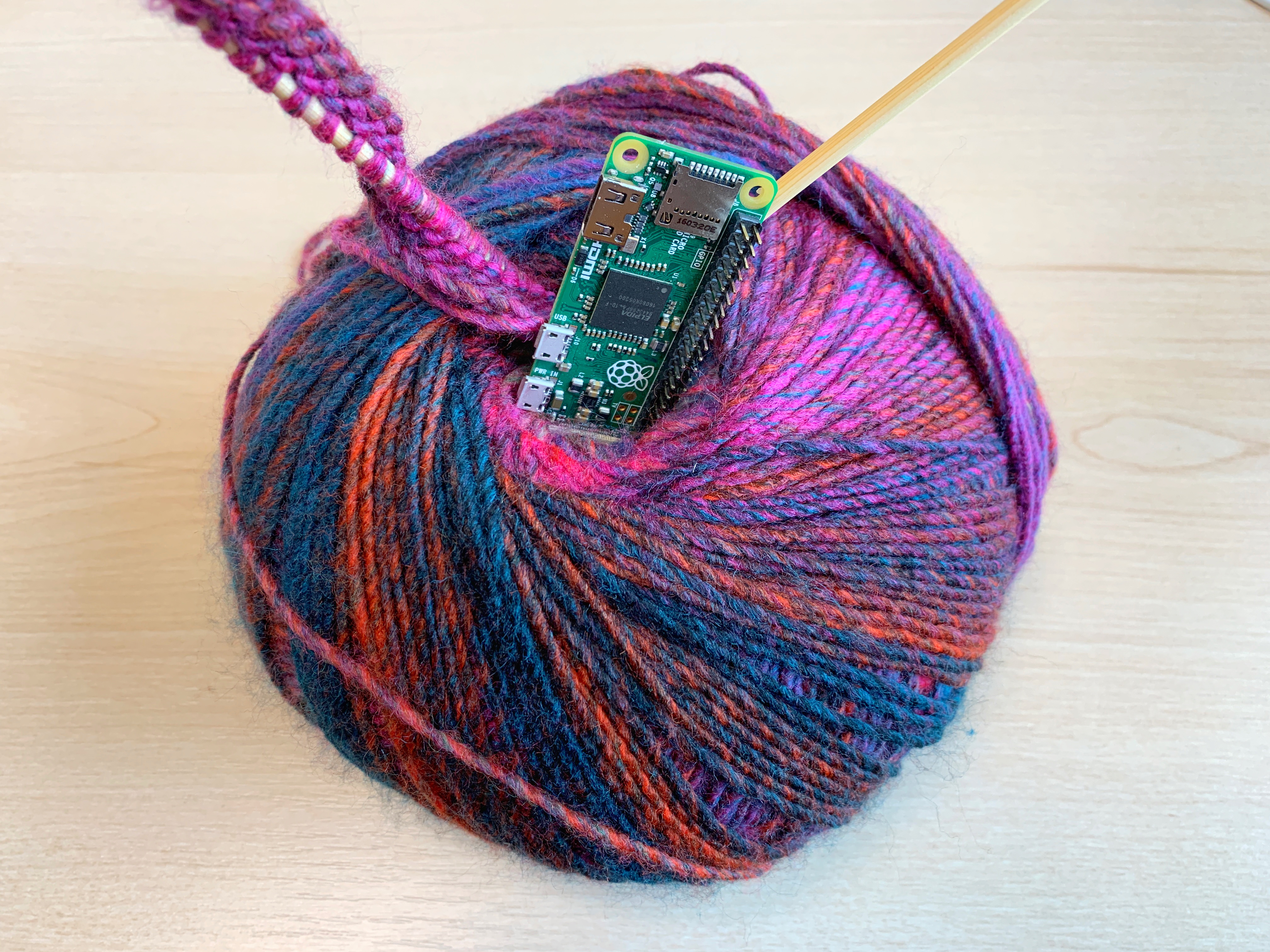
I’m currently (re)learning how to knit. Here are some textile-themed Raspberry Pi projects for the yarn-curious.

The Raspberry Pi-powered loom

Loom Operation

The general sequence of events for running my Raspberry Pi controlled loom. The project was really a proof of concept idea rather than an actual production model. This video is intended to supplement my blog at www.photographic-perspectives.com Sorry, there is not audio with this.

Fred Hoefler has taken a desktop loom and added a Raspberry Pi to automate it. Read more in our blog post.

Networked knitting machine: not your average knit one, purl one

Knitting Printer! (slowest speed)

Printing a scarf on a Brother KM950i knitting machine from the 1980’s. To do this I have a Brother Motor arm to push the carriage back and forth and a homemade colour changer that automatically selects the colour on the left (the white and purple device with the LED).

The moment we saw Sarah Spencer‘s knitted Stargazing tapestry, we knew we needed to know more. A couple of emails later, and here’s Sarah with a guest blog post telling you all you need to know about her hacking adventure with a 1980s knitting machine and a Raspberry Pi.

Raspberry Pi spinning wheel

Hendrix College Raspberry Pi Bake-Off

Uploaded by Hendrix College on 2014-04-08.

Cyndi Minister runs The Twisted Purl, a yarn company in Arkansas. She’s also a bit of a geek, and when her ankles became sore from too much work at the treadle, she hit on the idea of making a Raspberry Pi-powered spinning wheel for her hand-made yarn. Read more.

Jacquard looms, and a Pi simulator

Loom Computer (Jacquard Simulator)

Raspberry Pi based Jacquard Loom simulator on display at Macclesfield Silk Museum (http://http://www.silkmacclesfield.org.uk).

Next time you’re out shopping for curtain fabric, or buying intricately woven cushion covers, step back for a moment and think about the computing history you’re holding in your hands. Computing’s everywhere. Find out more here.

The post Fabric-licious Raspberry Pi projects appeared first on Raspberry Pi.


Source: Raspberry Pi – Fabric-licious Raspberry Pi projects