
As if players didn’t hate the game enough…

As if players didn’t hate the game enough…
A new trailer and press release gives more details for the follow up to Affected: The Manor.
We first reported back in 2022 that Affected: The Asylum was expected to release on all VR platforms in 2023. Then, in late 2023, the developer announced the game was delayed into 2024. Since then, there has been radio silence – until now.
Developer Dead Boss Games and publisher Evolution Publishing have released a new short teaser trailer and details about the anticipated horror sequel.
0:00
The official press release expands on what players can expect in the story.
A sanatorium with a long, dark history, many years ago, the line between medicine and madness was intentionally erased. Controlled by a secretive cult, they used the institution not to treat patients, but to experiment upon them.
Through a series of harrowing procedures, patients were subjected to “The Preparation”, a systematic process of indoctrination and physical alteration. Through this process, the cult sought to merge biology with belief, creating a collective hive mind using a parasitic entity known as the “Holy Gift”.
Step into the dilapidated remnants of Blackthorne Asylum to discover the cult’s crowning achievement and greatest failure: SUBJECT 357. An employee who was forcibly selected for the “Apex Experiment” after falling foul of the leader, the process broke them. However, what remained was something more than human. They now roam the asylum as an ever-present predator, a warped manifestation of the cult’s ambitions.
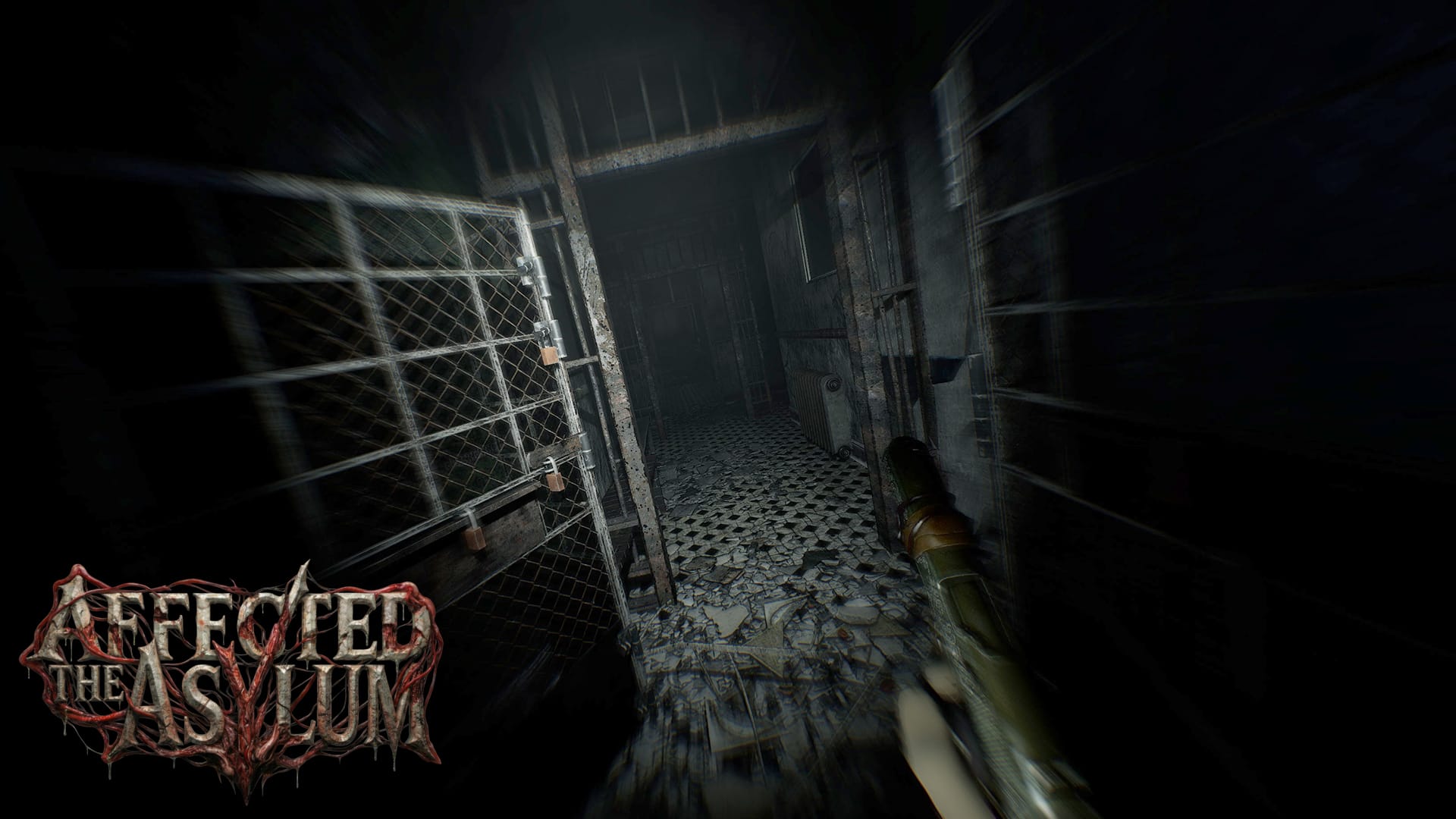
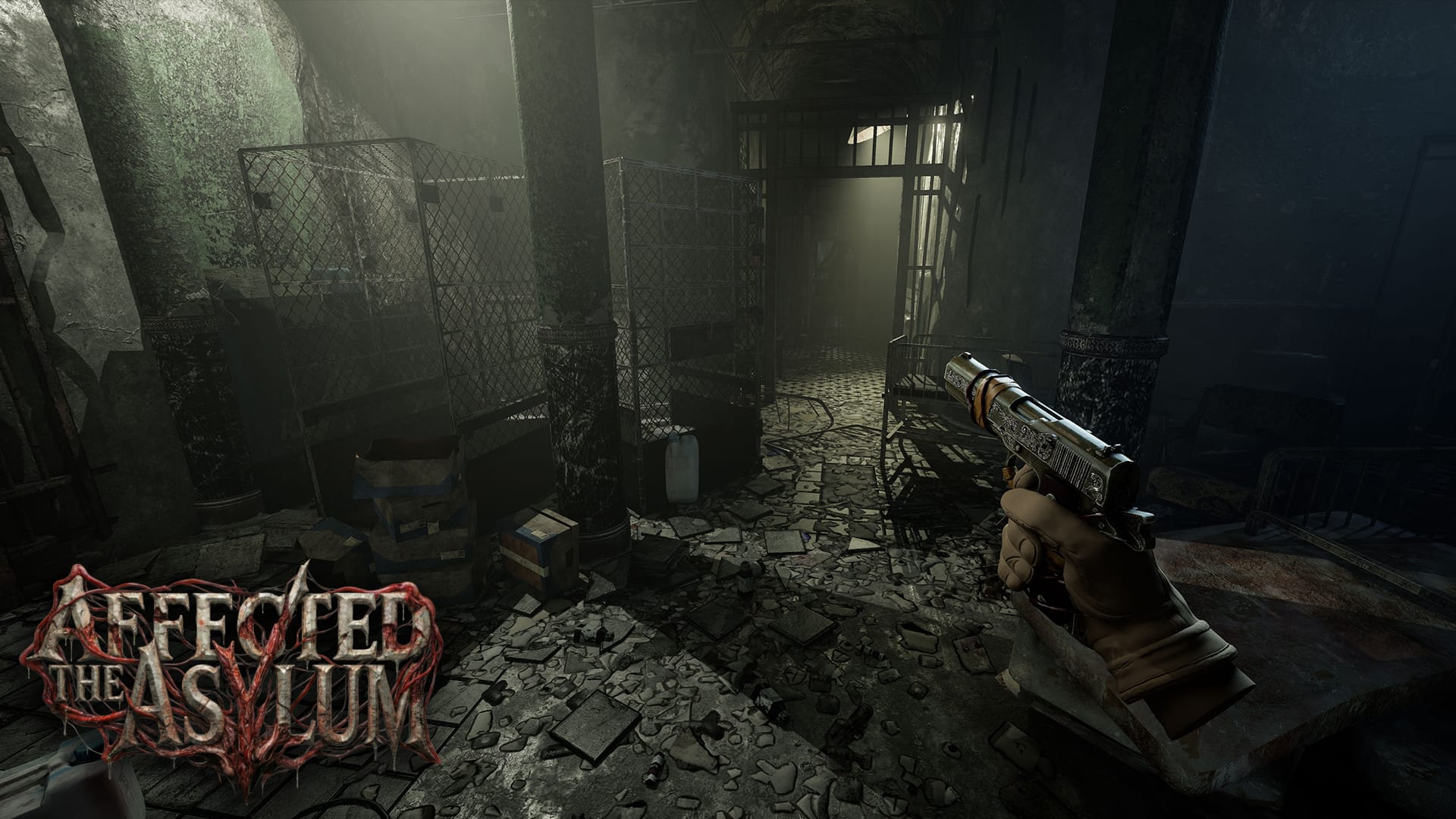
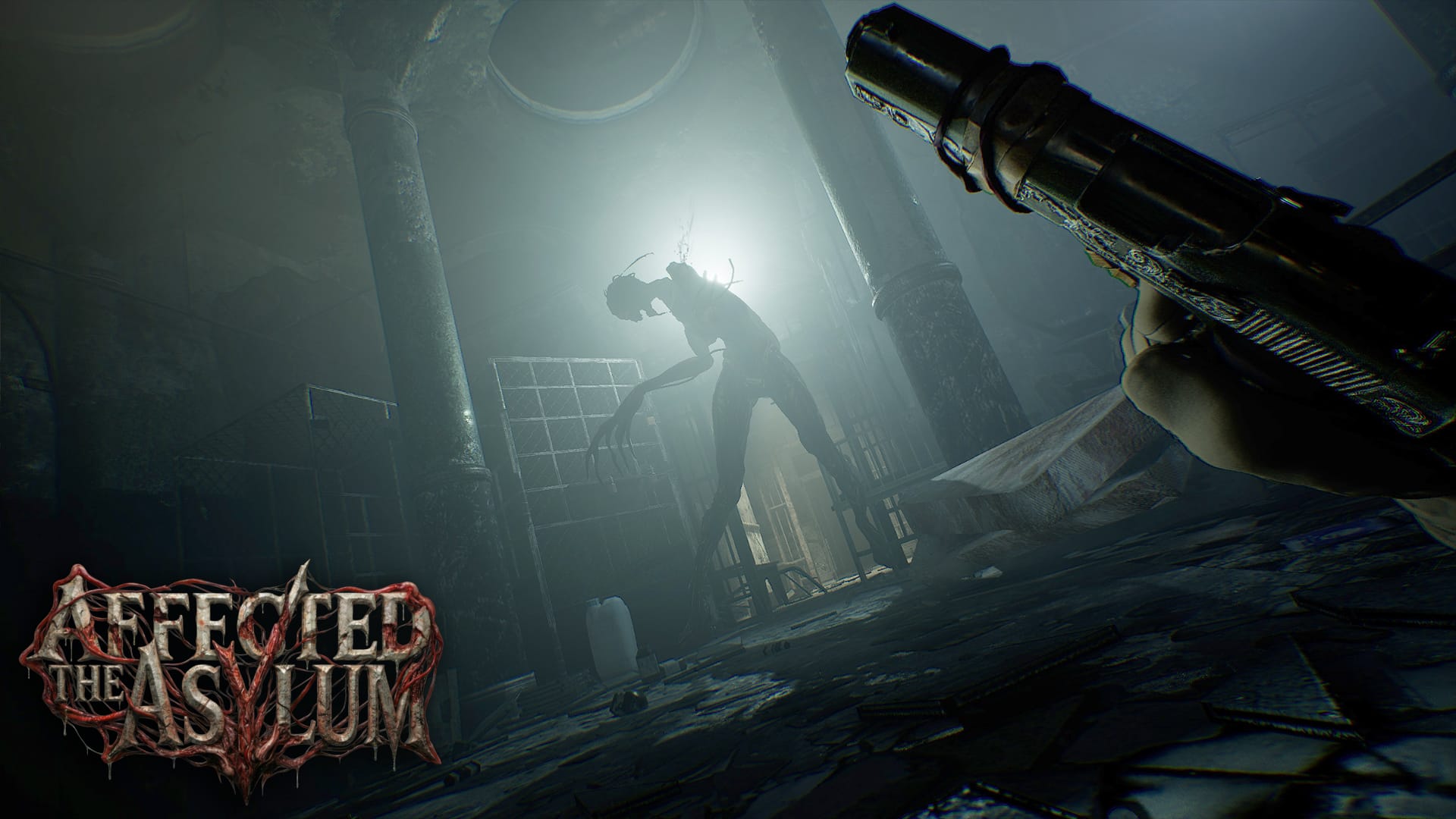
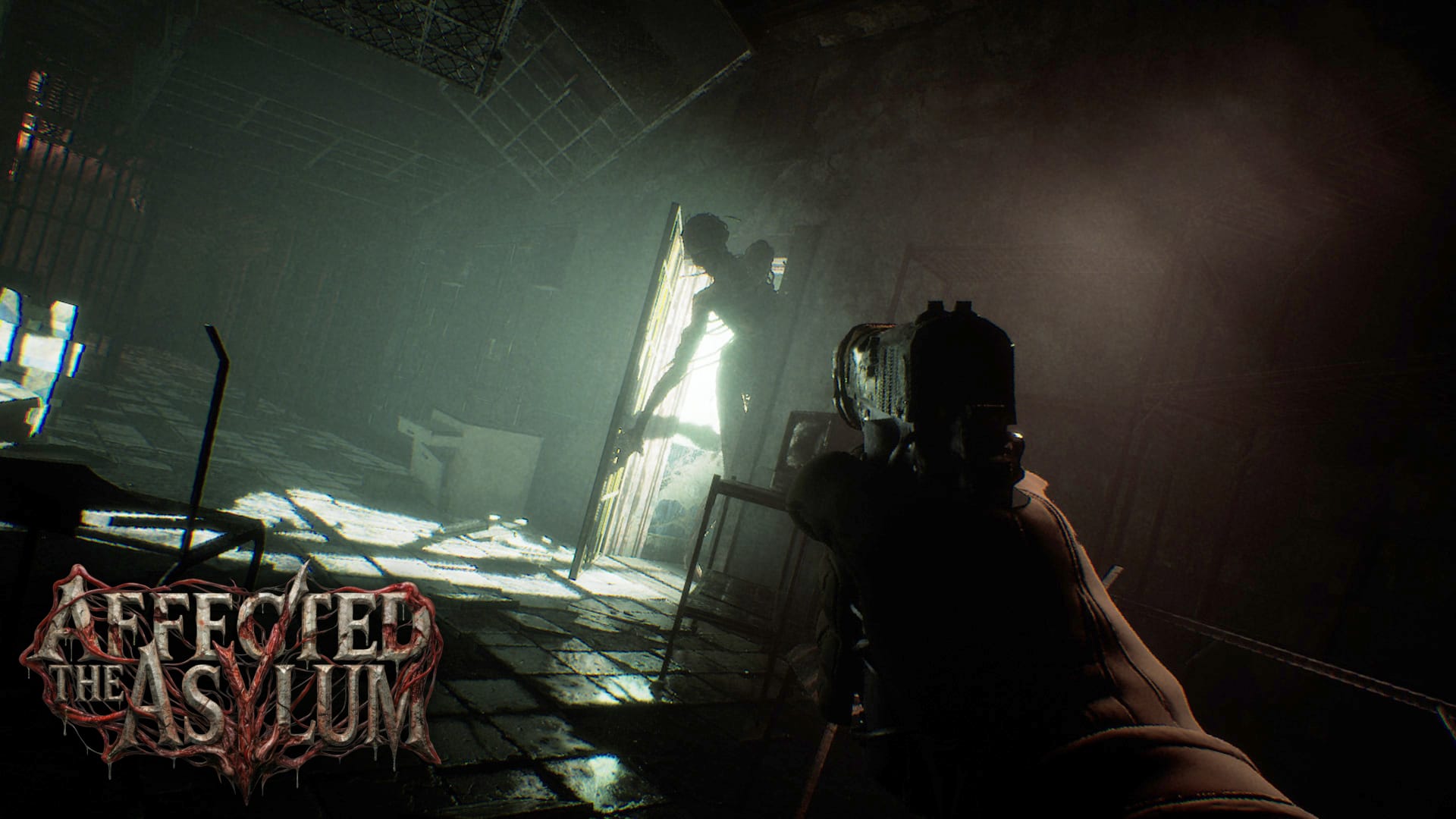
Affected The Asylum screenshots provided by Evolution Publishing
Another takeaway from the new press release is a pivot away from multiplayer. The Asylum was originally announced to have a competitive four player multiplayer mode titled ‘The Assessment.’ There is no mention of that in the new release and the game is now described as a ‘single player psychological survival horror.’
Lastly, Dead Boss Games confirmed to me that it has taken over active development of the game ‘with support from Evolution Publishing.’ Affected: The Manor was developed and produced by Fallen Planet Studios.
Affected: The Asylum is coming soon to Meta Quest and PC VR in summer 2026.

For those who need instant gratification, here’s how to get past Pokopia’s time-gated mechanics

What connects Control, Control Resonant and FBC: Firebreak beyond the lore and visuals?

The major update adds an entire skill tree, XP progression, and hero

Co-CEO Mark Gerhard asserts that Mindseye was the target of ‘organised espionage and corporate sabotage’

It is the latest example of Donald Trump’s White House using video games in their propaganda

Polymarket briefly let people put money down on the possibility of a nuclear weapon going off this year

Scalpers ransacked Japanese Pokémon stores for the black-and-white plush

What started with a silly video from McDonald’s CEO last week has turned into one of the weirdest pop culture moments of the last decade

The MacBook Neo looks cheap and fun

A meme image referencing one of the most iconic photographs in history is banned on the game’s official Discord

Also: Resident Evil Requiem is selling well and Atomic Heart‘s last DLC gets a release date

No story spoilers, but a Pokédex entry has some big ramifications

Control Resonant also features a better map than the original game, thankfully

There’s more to it than not wanting to repeat past designs

The long-rumored remake is apparently called Assassin’s Creed Black Flag Resynced
RUMBLE, a competitive PvP earth-bending game that originally launched in early access on Steam back in 2022, is now on Quest. Read on for our first impressions.
Over the years, RUMBLE has cultivated an active and dedicated community as the developers have continued to evolve their game. Buckethead Entertainment have now brought the full version of RUMBLE to Quest, introducing its notoriously high skill-floor combat to standalone VR.
RUMBLE is a purely online competitive experience with no solo mode to speak of, outside of a training arena designed to help players learn the fundamentals. And trust me – you are absolutely going to need it.
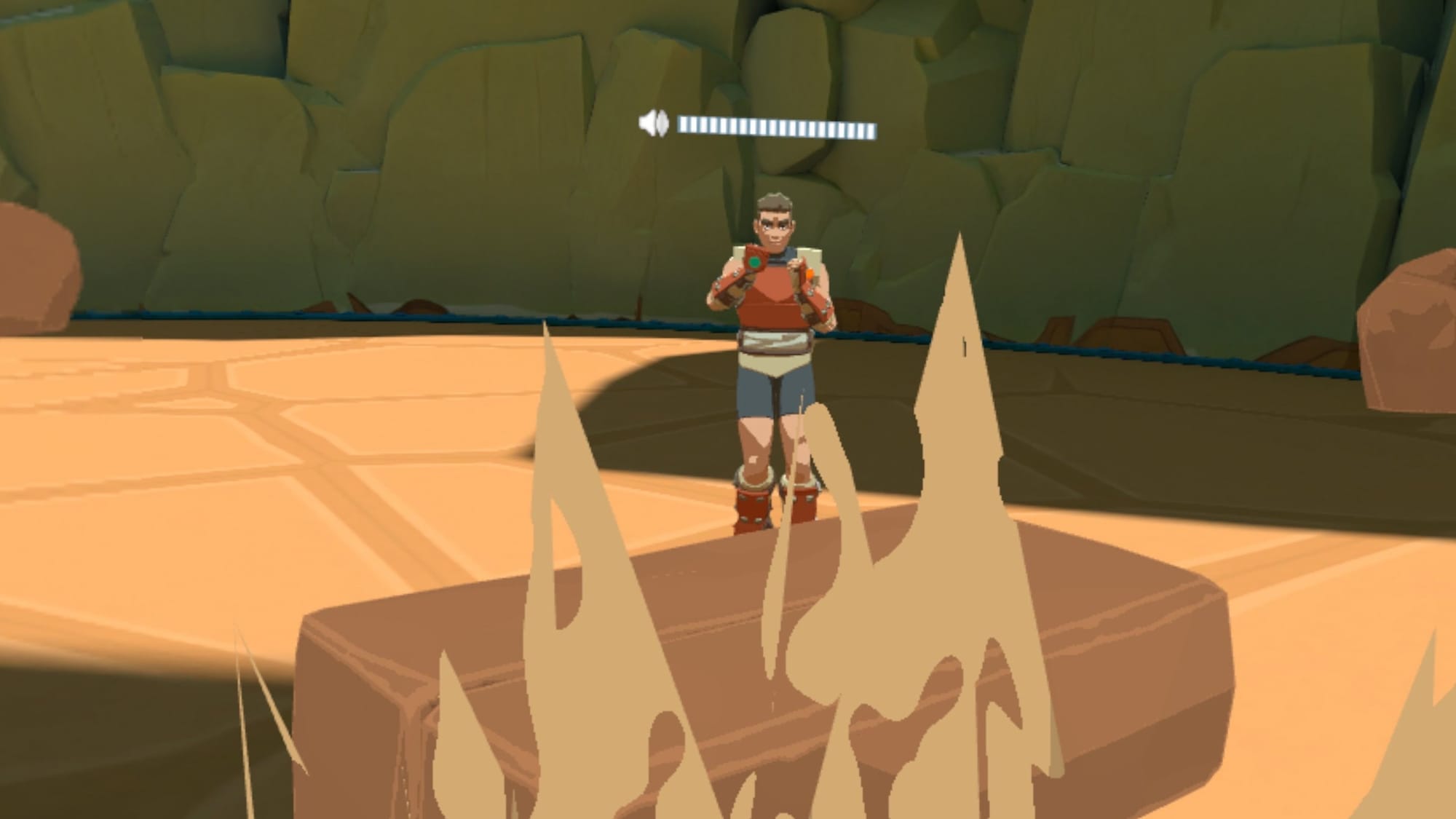
At its core, RUMBLE is built entirely around gesture-based combat. Players manipulate earth-bending abilities through physical poses and movements, summoning rocks and launching attacks against opponents in one-on-one arena battles. The entire experience lives or dies on your ability to correctly perform these gestures, many of which resemble martial arts stances that can be chained together into increasingly complex combinations.
Gesture-based magic systems are among my favourite mechanics in VR, and I’ve played just about every title that experiments with them. That context is important, because when I say RUMBLE is incredibly difficult to learn, it isn’t coming from a place of inexperience. Difficulty here is intentional. The game demands precision, patience and repetition before it begins to reveal what makes it compelling.
Between A Rock And A Hard place
My early encounters with RUMBLE were not especially positive. In fact, during the first hour I genuinely wondered if something was broken. Even when matching the on-screen ghost poses as closely as possible, abilities frequently failed to trigger. Movement also feels unusually slow and even activating the sprint gesture proved frustratingly inconsistent.
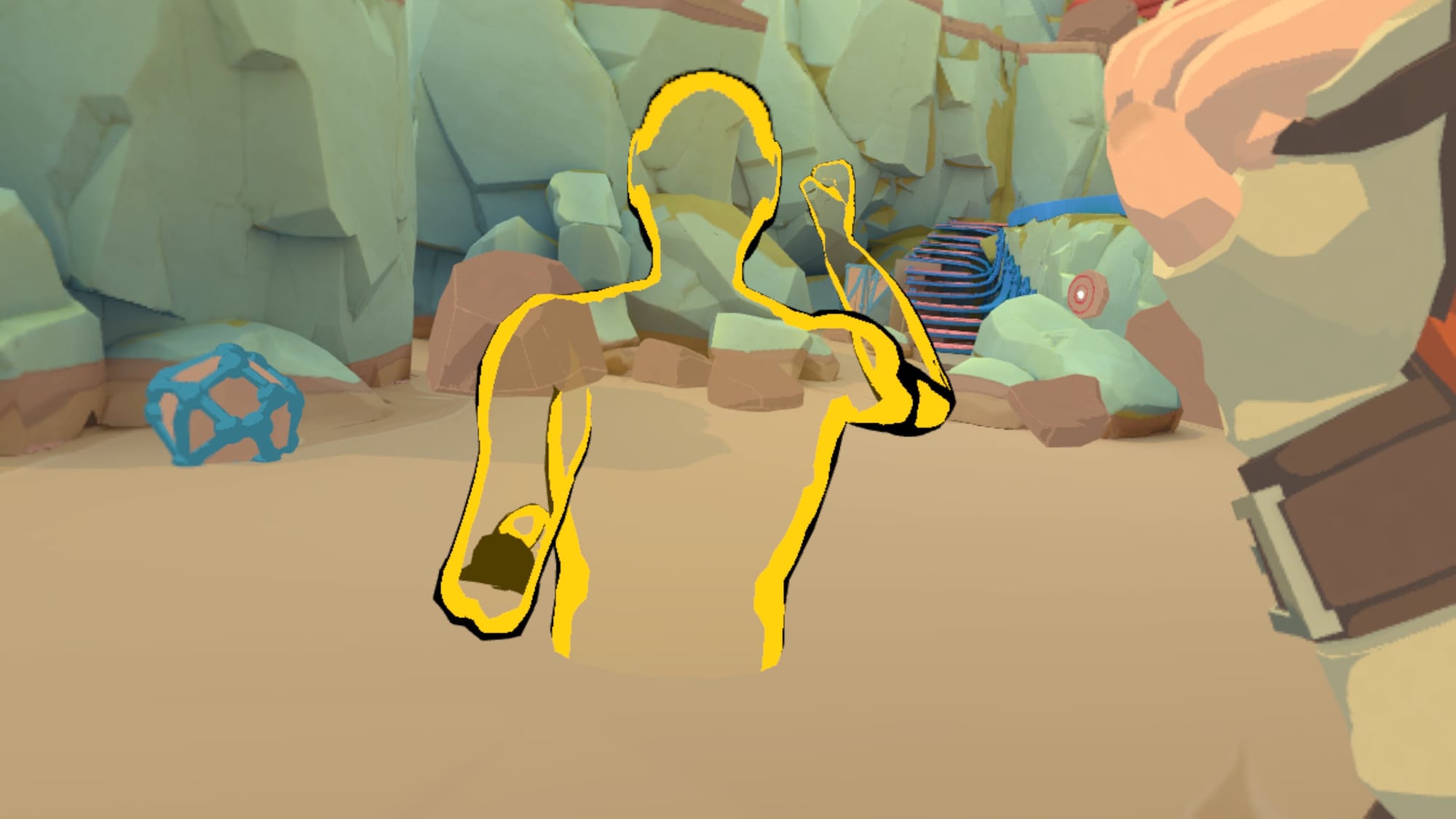
At that point, I would have been more than ready to walk away entirely. However, covering the game meant quitting that early wasn’t an option – and thankfully so. After watching several helpful tutorial videos and spending time with members of the community willing to demonstrate proper form, things eventually began to click.
Once gestures shifted from conscious effort to muscle memory, the experience transformed. Summoning rocks and launching attacks stopped feeling like a technical struggle and instead became a fluid expression of learned skill. This is the point where RUMBLE finally comes alive, and if you have the patience to get there, it’s definitely worth the time.
Those Who Throw Stones
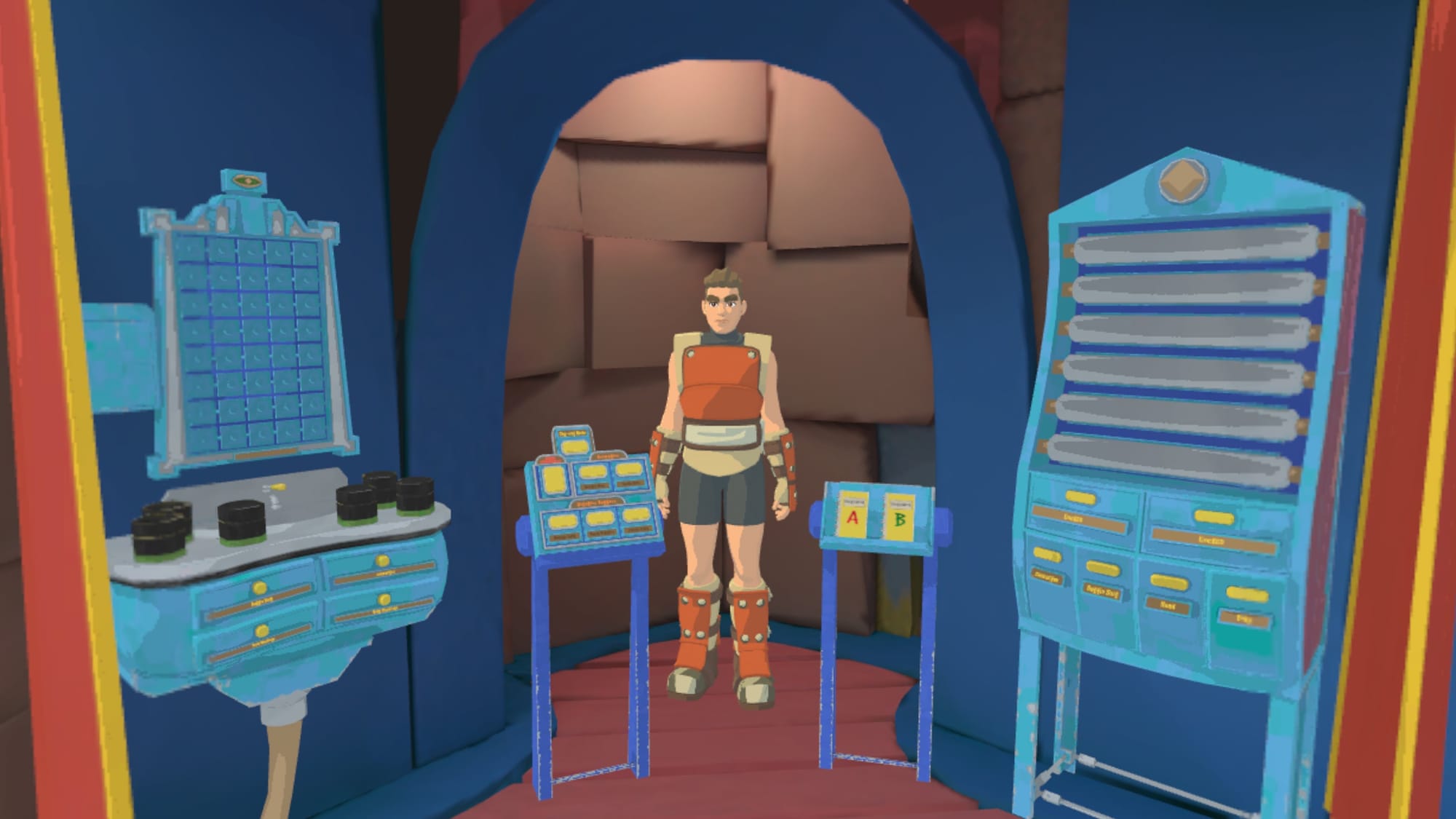
RUMBLE possesses an undeniably deep combat system. Moves can be chained into devastating combos and matches between equally skilled players quickly become tense, tactical duels. The game introduces mechanics gradually through a belt-based progression system which sees new moves unlocked over time.
Initially this restriction felt frustrating, but in hindsight it proves to be an effective way to prevent new players becoming overwhelmed. As experience is earned and new techniques unlock, players steadily expand their combat vocabulary and begin experimenting with more advanced strategies.
0:00
Working through some moves in the training arena
The core experience revolves around one-on-one arena battles, though social spaces such as the Park provide more relaxed environments to practice and interact. Through several play sessions at both peak and off-peak hours, matchmaking was consistently active. I was regularly paired with fellow beginners, alongside more experienced players who – encouragingly – often took time to help refine my technique.
There were occasional frustrations common to competitive online games, including players relying on spamming attacks or veterans who showed absolutely no mercy, but these moments were far from the norm.
That said, some of the game’s design choices remain divisive. The painfully unforgiving gesture detection often feels less like genuinely earning a skill and more like unnecessary gatekeeping that is likely to hurt the game’s broader appeal. Combined with the slow default movement speed – particularly in the hub area – and the learning process can feel harsher than necessary and the ‘fun’ can take too long to present itself.
Mastering RUMBLE clearly requires dedication, but a slightly more lenient gesture controls would make that journey far more enjoyable without sacrificing any of the game’s depth.
After several hours with RUMBLE on Quest, one thing becomes abundantly clear: this is not a game interested in instant gratification. It is neither easy to learn nor casually approachable. In fact, it is hard to learn and even harder to master.
For players seeking a deep, progression-driven competitive experience – one that rewards patience, practice and genuine skill development – RUMBLE may well become an obsession. Its combat system offers depth once understood, supported by an active community and meaningful mastery curve.
However, those looking for fast-paced, immediately accessible earth-bending action may find the experience overly demanding. If your goal is simply to throw rocks around and have some fun, more arcade-style alternatives like Elements Divided may be more your speed.
The outrageously cute and cozy puzzle game Interlocked: Puzzle Islands is coming to Meta Quest in March.
Developers Puzzle Dev and publisher Armor Games have announced that their extremely popular mobile puzzle game Interlocked: Puzzle Islands is coming to Meta Quest on March 24 with improved immersion and expanded gameplay.
Interlocked is a relaxing puzzle game in which players solve “burr puzzles,” ingenious 3D puzzles made of interconnected blocks of wood, where the goal is to slide, spin, turn, and twist pieces to separate the variously complicated assemblies of blocks. Interlocked contains more than 30 puzzles, all set against a cozy backdrop and augmented by a chill atmospheric soundtrack.
0:00
You’ll experience Interlocked’s puzzling journey alongside a baby bird companion, who grows and experiences a “mini story arc” as you progress through the game’s many puzzle islands.
Interlocked will be available on Quest on March 24, where you can now wishlist the game. It will also be coming to PC VR via Steam, though a release date for that platform has not yet been revealed.

CoD leaker TheGhostOfHope said that he will stop leaking information after receiving the demand