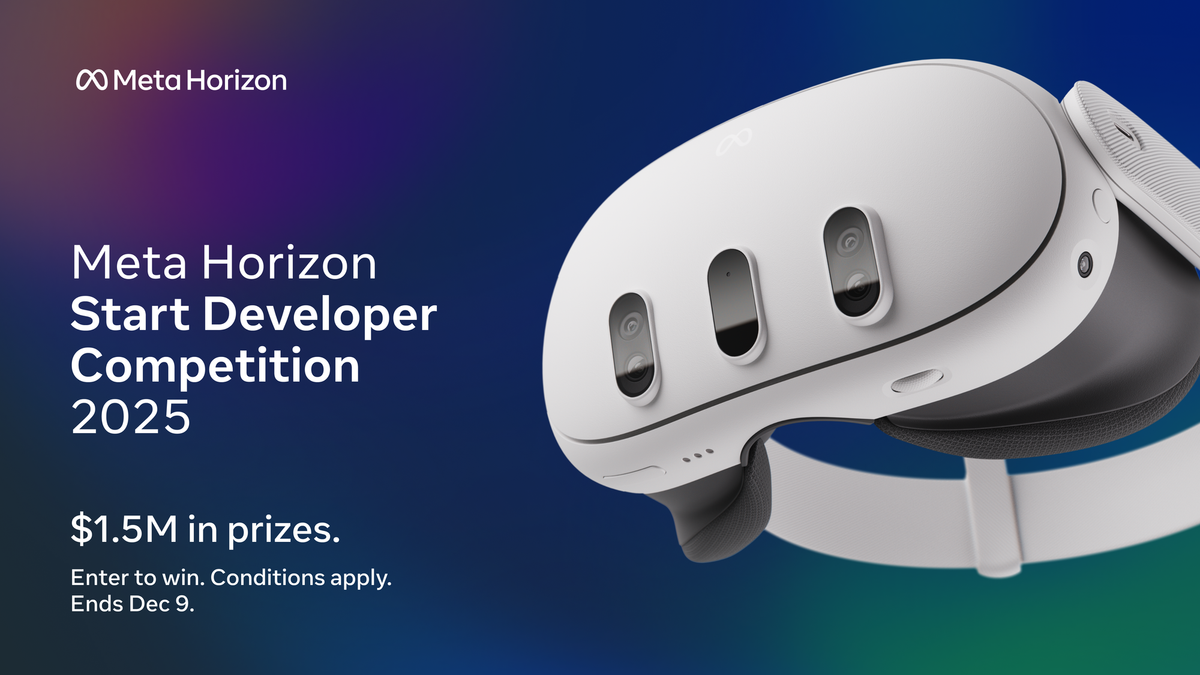
Meta Launches $1 Million Competition For “Hands-First” Apps Ahead Of VR Glasses

The Meta VR Start Developer Competition 2026 will award new “hands-first” Quest and VR Glasses apps, as well as adapted or significantly updated experiences, a total of $1 million across 20 prizes of up to $100,000.

Meta VR Start, previously called Meta Horizon Start and originally Oculus Start, is a program run by Meta that gives VR/MR developers direct access to Meta developer relations staff as well as a community Discord and “exclusive Meta events, advanced technical education, community mentorship, software credits, go-to-market guidance, and more.”

The most recent competition was in late 2025 and focused on entertainment, lifestyle, and gaming apps.

Meta Launches $1.5 Million Competition For New Quest Apps & Significant Updates
Meta just launched a developer competition that will award new Quest apps and “significant” updates a total of $1.5 million in 32 prizes of up to $100,000.
UploadVRDavid Heaney

Now, as announced during the Meta Connect 2026 Developer State of the Union, the company is running a new competition for developers to build, adapt, or significantly update Quest and VR Glasses apps across entertainment, gaming, and productivity, with a focus on “hands-first apps that make interaction more natural and gameplay more intuitive than ever before.”

The “Hard Requirements” are as follows:

Here is the list of awards and prizes:

  • Best New Gaming Experience
    • $100,000 Winner
    • $50,000 Runner-up
  • Best New Entertainment Experience
    • $100,000 Winner
    • $50,000 Runner-up
  • Best New Productivity Experience
    • $70,000 Winner
    • $35,000 Runner-up
  • Best Adapted / Significantly Updated Gaming Experience
    • $100,000 Winner
    • $50,000 Runner-up
  • Best Adapted / Significantly Updated Entertainment Experience
    • $100,000 Winner
    • $50,000 Runner-up
  • Best Adapted / Significantly Updated Productivity Experience
    • $70,000 Winner
    • $35,000 Runner-up
  • Best Social & Multiplayer Experience
    • $25,000 Winner
  • Best Reason to Come Back
    • $25,000 Winner
  • Best Accessibility Forward Experience
    • $25,000 Winner
  • Best Agentic Interaction
    • $25,000 Winner
  • Best First Five Minutes
    • $25,000 Winner
  • Boldest Original Concept
    • $25,000 Winner
  • Judge’s Choice
    • $20,000 each for 2 winners

Entries can be brand new or “adapted/significantly updated” apps. Meta says qualifying updates can include, but are not limited to:

“Implementing hand interactions as a new feature; adding multiplayer support; introducing a mixed reality (MR) interaction mode as a new feature; releasing a new user generated content creation tool.”

The deadline for submitting a project is November 18, 2026, and interested developers can enter the competition on Devpost. If you’re not already a Meta VR Start member, you’ll need to apply first.


The competition comes shortly after Meta VR Glasses were announced at Connect 2026. Notably, the device does not come with controllers by default, instead focusing on Eye and Hand Tracking, with optional support for the Touch Plus controllers introduced with Quest 3 and 3S.

The device will ship in spring 2027, with a catalogue of apps and games optimized for its inputs and form factor.

Meta VR Glasses Officially Announced, Shipping Spring 2027 For $1300
Meta VR Glasses have 2.4K micro-OLED displays, weigh 100 grams, and are powered by a tethered puck with Qualcomm’s Snapdragon Reality Elite chipset.
UploadVRDavid Heaney

KDE and GNOME Developers Ponder How to Handle AI-Generated Contributions

Last weekend KDE’s annual Akademy conference included a presentation proposing
an AI-native KDE,” writes The Register. This led KDE developer Nate Graham to open a discussion about proposed restrictions on LLM-assisted contributions which “rapidly became heated. Moderators issued warnings, restricted further comments, and eventually removed the thread.”

But as Graham writes on his blog, “A bunch of people mostly outside of KDE who disapprove of LLM usage derailed KDE’s attempt to add restrictions to LLM usage.”

Two people unknown to any KDE contributors appeared and began fighting with one another about the broader topic of the morality of AI, not the proposed guidelines… Someone else outside of KDE set up kdeforpeople.com in an attempt to… pressure KDE into banning LLMs. A bunch of people signed onto it, almost none of whom are known KDE contributors.
The topic was picked up on social media and the press with… varying levels of accuracy. The draft proposal was removed and the whole topic hidden… Yep, that’s where we’re at in the state of online discourse around AI…

The “lovable, sovereign, AI-native KDE” idea was presented by two people important to KDE in decades past, but who had not made any contributions recently besides this Akademy talk. Their idea does not reflect the overall direction of KDE or Plasma, and I don’t think it ever will. If “a lovable, sovereign, AI-native KDE” freaks you out, I believe it is completely reasonable and safe to ignore…

I completely understand why a lot of people have problems with LLMs. I have these concerns as well.

He concluded by asking people not to derail any future process to set usage guidelines, fighting over “the broader topic of AI in general.”

“The discussion is gone, but the argument continues,” adds The Register:

GNOME developer Jordan Petridis has also published The GNOME LLM Policy That I Want, proposing that LLMs be barred from creating or modifying anything submitted to GNOME or hosted on its infrastructure.

“You might be asked to prove your code meets this requirement,” Petridis writes, arguing for proposals that target the norms around developer behavior. His rationale? “The GNOME Project prioritizes the social and human aspects of collective software creation,”


Read more of this story at Slashdot.

After 40 Years, Microsoft Excel Will Add Single-Cell Lists and Arrays

Microsoft’s senior product manager for Excel acknowledges that “Throughout Excel’s 40-year history, you’ve only been able to put one value per cell.” But that’s now changing with arrays in cells (as well as nested arrays) and lists.

“You can create a list by selecting Insert > List or pressing Ctrl+J, then typing or pasting items separated by commas or semicolons, depending on your regional settings. Selecting the icon in the cell shows the individual values…”
“With lists, you can filter by one or more individual items instead of whole text entries. Referencing a list returns all its values for calculations. For example, =B2 spills those values into separate cells…”

“For the first time in Excel, arrays can exist natively in cells as values or as formula results. They can be any size or shape and can even contain other arrays. You can now keep the result of any spilling formula in a single cell by “wrapping” the formula body with braces { }.”

“Since the introduction of dynamic arrays, array results have spilled across cells — for example ={1;2;3}. Wrapping the original array with braces creates a 1×1 array around it, so instead of spilling to multiple cells, the array stays in a single cell. Braces have long been used to describe arrays in Excel and this extends that behavior by allowing multiple layers of braces. This gives you more flexibility when building spreadsheets. Instead of leaving room for a formula to spill, you can keep the result in one cell.”
“Arrays can now also ‘nest’ inside other arrays… Previously, a formula that produced an array of arrays would return a truncated result or #CALC! error. Now, supported formulas return the complete nested result… FLATTEN(array, [pad_value], [levels]) simplifies nested arrays by removing one or more levels of nesting…”

Three HAS functions check whether values are in an array:
— HAS(array, value) returns TRUE if value appears anywhere in array, and FALSE otherwise.
— HASANY(array, values) returns TRUE if any of the values appear anywhere in array, and FALSE otherwise.
— HASALL(array, values) returns TRUE if all of the values appear anywhere in array, and FALSE otherwise.


Read more of this story at Slashdot.

High-Res Die Shots Unpack Intel Panther Lake’s 18A Tiles In Stunning Detail

High-Res Die Shots Unpack Intel Panther Lake's 18A Tiles In Stunning Detail
French-language hardware site Hardware & Co has some brilliant die shots of most of Intel’s latest processors in a blog entry that was actually posted up back in July but only spotted recently in the broader international hardware community by well-known enthusiast InstLatX64. We’re only going to take a look at one of the die shots here, but