How to find lost AirPods

Losing AirPods happens to the best of us. They’re small, they slide into couch cushions and they love disappearing into bags or pockets when you least expect it. Luckily, Apple’s Find My system makes it easy to track down misplaced AirPods, whether you dropped the case somewhere or can’t find one of the individual earbuds. With the right settings enabled, your iPhone can show the last place they were connected, play a sound to help you hunt them down or even guide you with on-screen directions. Here’s how to use Find My to locate lost AirPods and how to track down the left or right earbud if only one has gone missing.

How to use Find My to locate AirPods

If your AirPods are paired with an Apple device linked to your Apple ID, they automatically appear in the Find My app. You don’t need to enable this manually, but you do need Bluetooth turned on during regular use so the system can refresh their location.

Open the Find My app on your iPhone, iPad or Mac and go to the Devices tab. Your AirPods should appear in the list. If they’re online or recently connected to your device, Find My will show their current location on a map. If they’re offline, the app will show the last place they were detected, which can help narrow down where to start searching.

For many people, this alone is enough to jog a memory. Find My might show your gym, a friend’s house or the bus stop where they slipped out of your pocket. If the location seems familiar, head there first and refresh the app once you arrive so it can update if the AirPods reconnect.

If Find My says your AirPods are nearby but you still can’t see them, you can make them play a locating sound. Tap Play Sound in the device menu and the earbuds will emit a rising chirp that gets louder over a few seconds. This is especially helpful for finding AirPods hiding under blankets, inside bags or behind furniture.

Keep in mind that AirPods need enough battery to make noise, and the charging case itself cannot play sound unless you have AirPods 4 (ANC), AirPods Pro 2, or AirPods Pro 3 that support that feature. If nothing plays, try refreshing the app or checking the last location again.

AirPods models, like the AirPods Pro (2nd gen) and AirPods Pro (3rd gen) with MagSafe charging cases support Precision Finding. This feature uses the U1 chip inside your iPhone to show a directional arrow, distance estimate and haptic feedback as you get closer. Not all models have this feature, but if yours do, the Find My app will display a Find Nearby button.

Follow the on-screen prompts and slowly rotate your phone. The iPhone will show when you’re walking in the right direction and tell you when you’re close enough to start looking under cushions or inside drawers.

How to locate individual AirPods

AirPods have a habit of separating from each other, and losing only the left or right earbud may happen as frequently as misplacing the entire case. One of the most useful features in Find My is the ability to track each earbud individually. Here’s how to do it:

  • Locate your AirPods in the Find My app and select the option to locate the Left or Right earbud.

  • Select the earbud that’s missing. The map will update to show its location. 

  • If the missing bud has nearby location support, you can use Find Nearby to get directional guidance. If not, you can still use Play Sound, as long as it has enough battery.

If Find My shows your lost earbud as Offline, you’ll still see its last known location. This can be enough to help you retrace your steps. Once you get within Bluetooth range again, the status may change to Online and let you use Play Sound.

If you think the earbud is still somewhere in your home, try refreshing Find My while walking slowly from room to room. The device may reconnect once you get close enough.

How to find a missing AirPods case

Finding the AirPods case is a little trickier because only newer models have support for sound playback or Precision Finding. If your case supports Find My, you’ll see options similar to locating the earbuds themselves. If it doesn’t, the app will only show the last place the case was connected.

If your earbuds are in the case but the case is not supported by Find My, you may not be able to play sound until you open it or pull one of the earbuds out.

Find My is a powerful tool for tracking down misplaced AirPods, and knowing how to use all of its features makes the search much easier. Whether you’re trying to find the entire set, one stray earbud or a case that wandered off, the app can lead you back to them with sound alerts, location markers and even directional guidance on supported models. With a few minutes of searching, you’ll usually have your AirPods back in your ears and your music playing again.

This article originally appeared on Engadget at https://www.engadget.com/audio/headphones/how-to-find-lost-airpods-120000144.html?src=rss

Ubuntu’s Rust Infatuation, New Optimizations & Other Ubuntu Linux 2025 Highlights

It was a very interesting year for Ubuntu Linux. Ahead of the important Ubuntu 26.04 LTS release due out this coming April, Ubuntu Linux this year was expeditiously migrating to new Rust-based system tools like sudo-rs and Rust Coreutils, new performance optimizations continued to be explored for bettering the out-of-the-box Ubuntu performance, better ARM64 support with its desktop ISO, and enhancing the Snapdragon X Elite laptop support were among the Ubuntu highlights in 2025…

Nova Driver Progress & Other NVIDIA Linux News From 2025

This year there was a lot of going on in the NVIDIA Linux world from their official driver stack seeing better Wayland support to a lot on the open-source scene from NVIDIA engineers contributing a lot directly to the Rust-based Nova open-source driver that continues taking shape, the Mesa NVK Vulkan driver becoming more performant and capable, and a lot of other happenings. Here is a look back at the most popular NVIDIA content of 2025 on Phoronix…

‘Memory is Running Out, and So Are Excuses For Software Bloat’

The relentless climb in memory prices driven by the AI boom’s insatiable demand for datacenter hardware has renewed an old debate about whether modern software has grown inexcusably fat, a column by the Register argues. The piece points to Windows Task Manager as a case study: the current executable occupies 6MB on disk and demands nearly 70MB of RAM just to display system information, compared to the original’s 85KB footprint.

“Its successor is not orders of magnitude more functional,” the column notes. The author draws a parallel to the 1970s fuel crisis, when energy shortages spurred efficiency gains, and argues that today’s memory crunch could force similar discipline. “Developers should consider precisely how much of a framework they really need and devote effort to efficiency,” the column adds. “Managers must ensure they also have the space to do so.”

The article acknowledges that “reversing decades of application growth will not happen overnight” but calls for toolchains to be rethought and rewards given “for compactness, both at rest and in operation.”


Read more of this story at Slashdot.

Save a massive 54% on the Kickr V6 and more in the Zwift Big New Year Sale

If yesterday’s indulgence has got you in the mood to repent, there’s no better way to build and maintain your fitness than by settling into an indoor training routine until the outdoor cycling season starts again.

Indoor training is the best way to keep your fitness journey on track through the winter months, and with modern smart trainers, it doesn’t have to be a bore.

If you’re yet to pick up a smart trainer or looking to upgrade your existing setup, be sure to make use of Zwift’s Big New Year Sale, where the brand is offering great savings.

Running from 26 December to 5 January, the Zwift Ride with KICKR CORE 2 is now only £899.99 – a huge £200 off the regular price.

US consumers can also take advantage of a huge $450 saving, bringing one of Wahoo’s best ever trainers down to $599.99.

And, unlike other items in the sales this time of year, this deal comes at a great time, with plenty of winter left to make good use of it.

Zwift Ride with KICKR CORE 2 – £899.99 / $999.99 / €999.99

Zwift Ride with updated KICKR CORE 2 image
Zwift Ride enables you to replicate your ‘outdoor’ bike’s real setup. Zwift

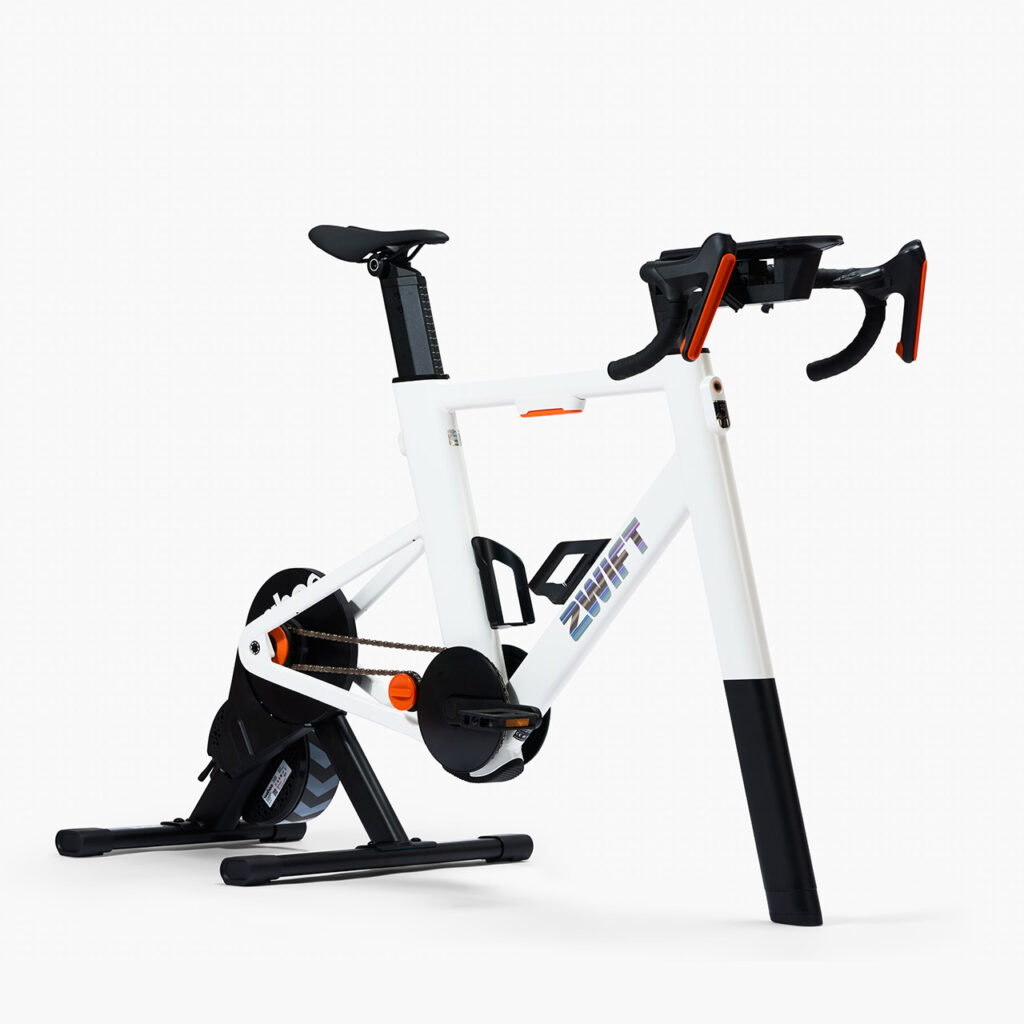
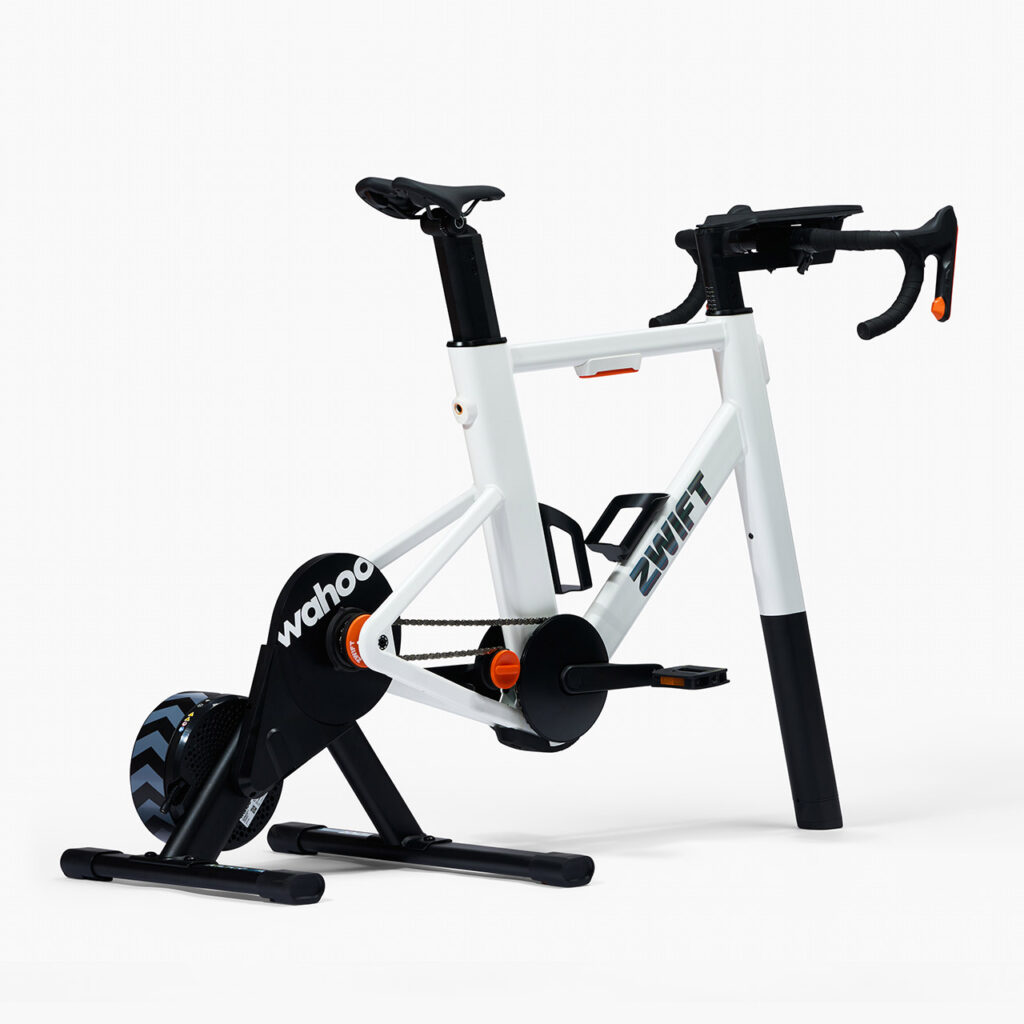
Zwift Ride is the brand’s all-in-one indoor cycling setup, which combines the excellent Wahoo KICKR CORE 2 with Zwift’s Ride Smart Frame to create an indoor smart bike.

The Ride Smart Frame enables you to adjust its fit so you can replicate your real-world setup, and is for those serious about training.

With a Zwift Cog replacing a traditional cassette, virtual shifting is controlled from the Smart Handlebar, which also provides full control of the Zwift in-game experience.

With £200 off, Zwift says it represents the deepest discount it has ever provided in the UK.

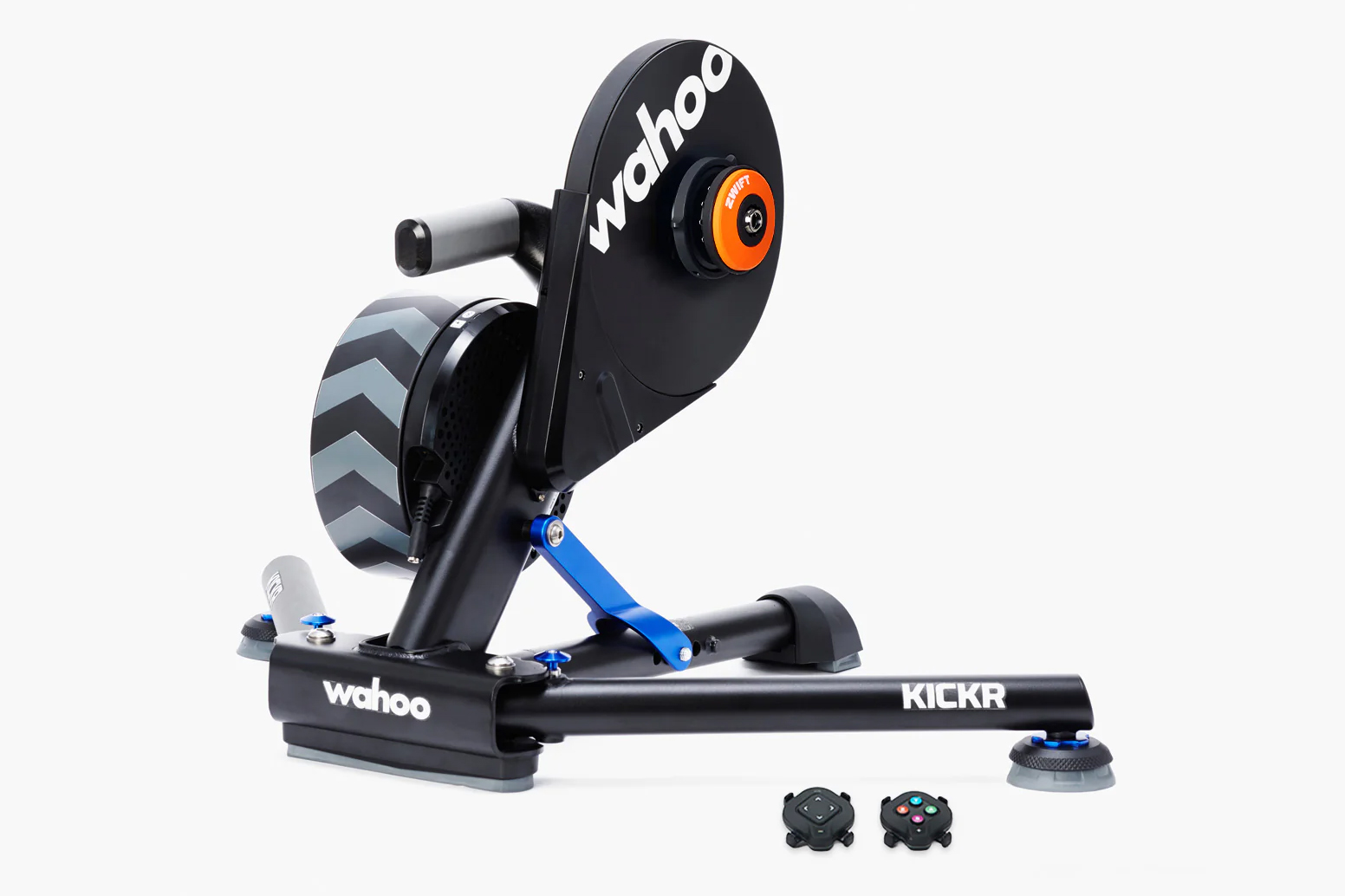
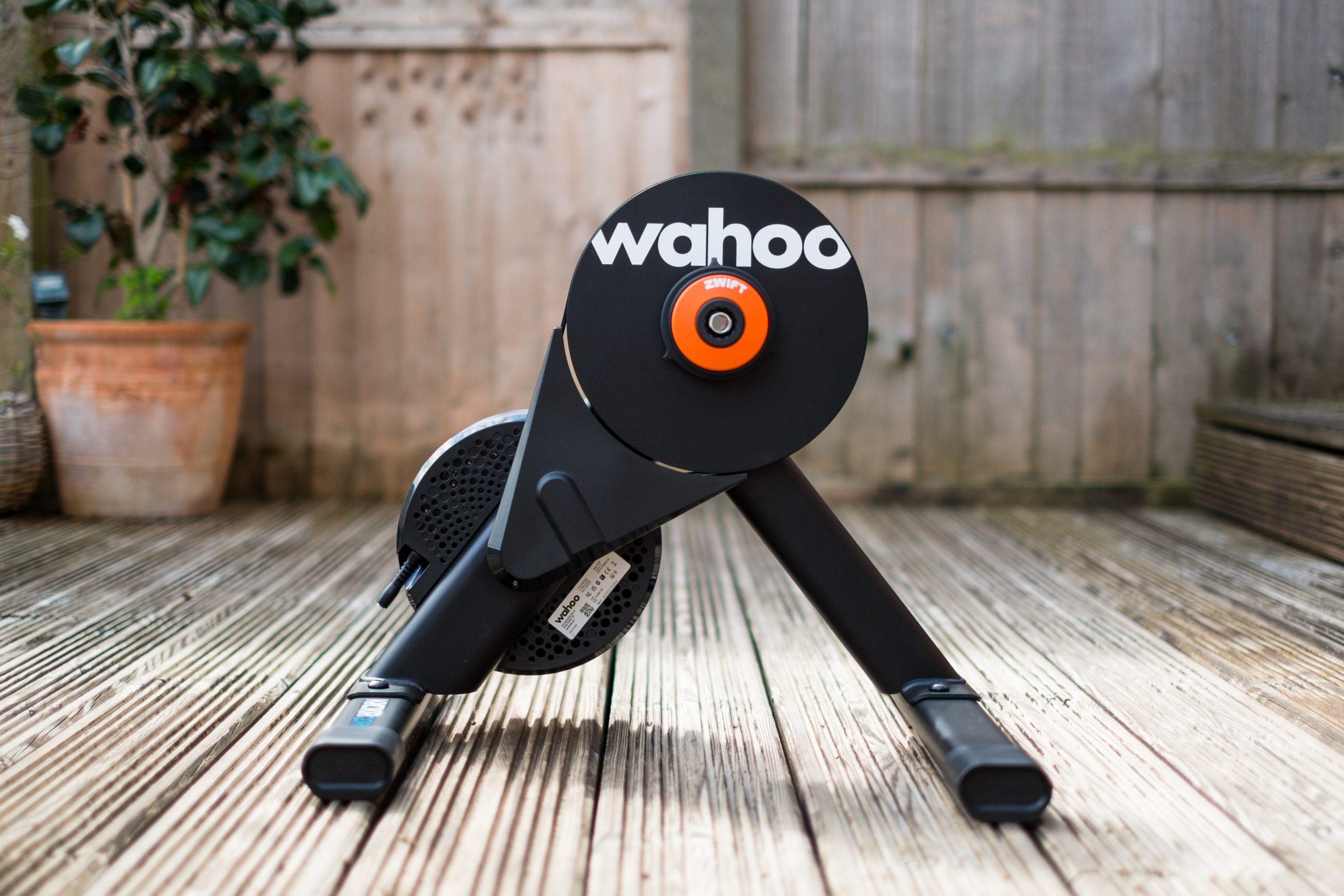
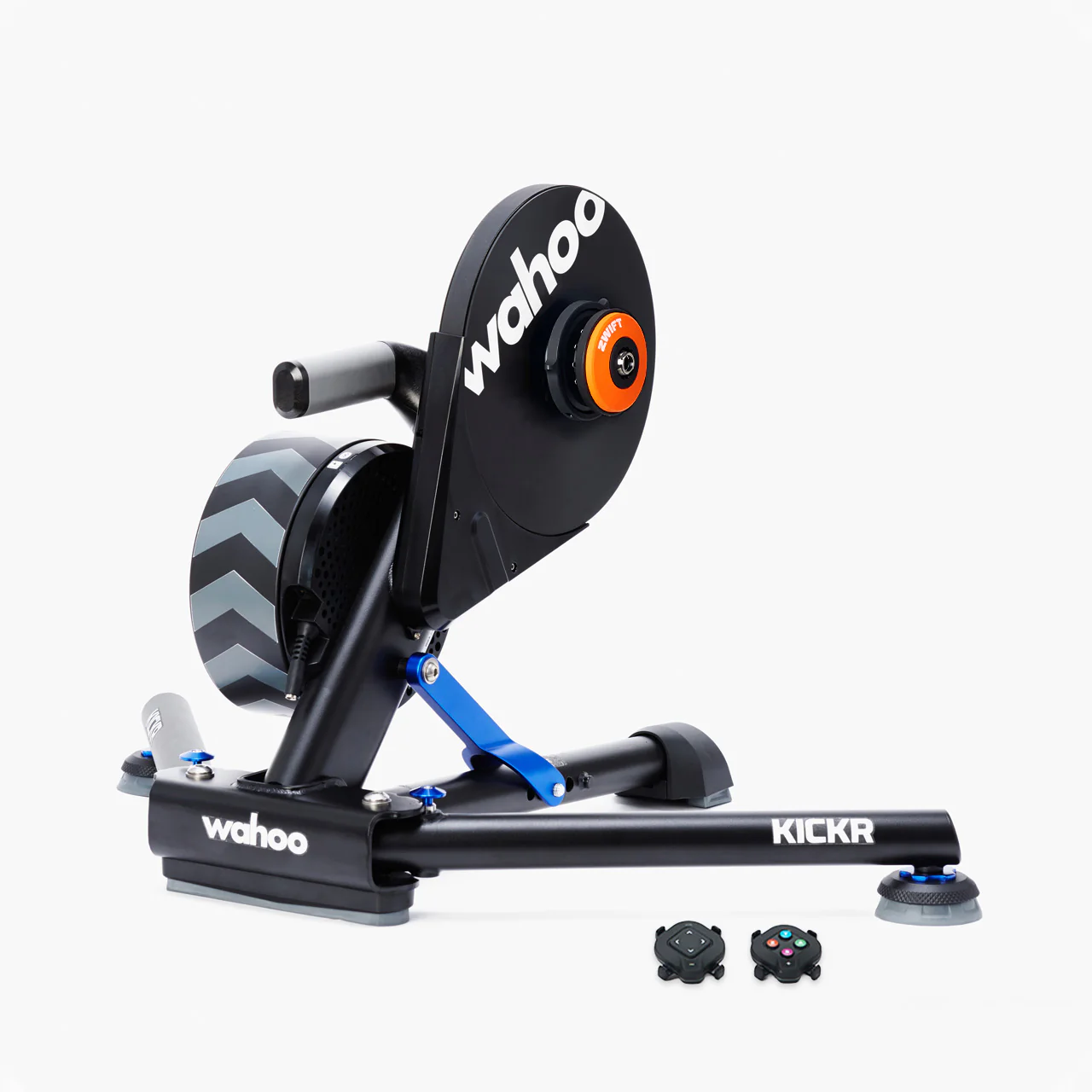
Wahoo KICKR V6 with Zwift Cog and Click – $599.99

This is a storming deal.

For 11 days, the Wahoo KICKR V6 has $450 off and includes the Zwift Cog and Click. This adds an extra $49.99 in value, while enabling easier setup and virtual shifting right out of the box.

This offer is exclusive to Zwift.com – marking not only the lowest price ever for this trainer, but the first time it has been bundled with Zwift Cog and Click.

The trainer features a high level of connectivity, including Wi-Fi, and boasts performance-oriented tech, such as +/- 1% power accuracy, side-to-side movement, auto-calibration and firmware updates.

We gave it a 4.5-star rating when we tested it, praising its excellent ride feel and build quality, accurate data with reliable automatic calibration and quiet operation.

Wahoo KICKR CORE V2 with Zwift Cog and Click – £449.99 / €449.99

Wahoo Kickr Core 2 smart trainer
We’re big fans of the KICKR CORE V2. Simon von Bromley / Our Media

The original KICKR CORE quickly became a benchmark in the smart trainer boom, delivering a great ride experience, reliable accuracy and sturdy construction without a premium price tag.

Its successor, released earlier this year, stays true to that formula, while adding modern connectivity upgrades and refining its performance even further.

When our indoor cycling specialist, Simon Von Bromley, reviewed the KICKR CORE 2, he awarded it a strong 4.5-star rating, praising its build quality and usability.

The trainer is available to consumers in the UK and EU for £449.99 / €449.99, although it’s not available in the US.

Xiaomi’s 17 Ultra Leica Edition smartphone comes with a manual zoom ring

Xiaomi just launched its flagship 17 Ultra by Leica phone that may make you feel bad about your current device’s cameras. Naturally it’s a spec monster, with a 1-inch sensor 50MP f/1.67 main camera and 1/1.4-inch 200MP periscope telephoto camera. But it also offers an interesting new mechanical feature: a manual zoom ring that also activates the camera automatically when you rotate it.

Both the regular Xiaomi 17 Ultra and Leica edition come with a Snapdragon 8 Elite Gen 5 SoC with up to 16GB of LPDDR5X RAM and 1TB of UFS 4.1 storage, along with a 6.9-inch 120Hz AMOLED display that can hit up to 3,500 nits of peak brightness. On top of the impressive main and telephoto lenses, they also offer a 50MP ultrawide and a 50MP selfie camera. And battery life shouldn’t be an issue, thanks to the 6,800mAh silicon-carbon battery that supports 90 watt wired and 50 watt wireless charging.

Xiaomi 17 Ultra Leica edition
Xiaomi

The 17 Ultra by Leica adds some very, well Leica touches. Those include a two-tone finish, red dot status symbol on front, textured edges and film simulations like Leica’s Monopan 50 black and white. As for the zoom ring, Xiaomi says “its rotation [eliminates] the need for tedious screen taps… and can detect displacements as small as 0.03mm.” It can also be reprogrammed for functions like exposure compensation and manual focus. 

Other features unique to that model include a “Leica Moments” 3:2 aspect ratio, special encryption chip, and dual-satellite connection. And as befits a special edition, it comes in a custom box with a lens cap, lanyard, magnetic case and branded cleaning cloth.

The one caveat is the price. Where phones for the Chinese market are often cheaper than North American models, Xiaomi’s 17 Ultra by Leica and the regular 17 Ultra start at CNY 7,999 ($1,140) and CNY 6,999 ($995) respectively with 512GB or storage and 16GB of RAM — right up there with the latest high-end Pixel 10 and Galaxy 25 models. 

This article originally appeared on Engadget at https://www.engadget.com/mobile/smartphones/xiaomis-17-ultra-leica-edition-smartphone-comes-with-a-manual-zoom-ring-093502893.html?src=rss

CamThink NeoEyes NE301 is an open-source STM32N6-based edge AI camera

The NeoEyes NE301 by CamThink is described as a low-power edge AI camera built around STMicroelectronics’ STM32N6 microcontroller. The camera combines on-device neural network inference, a built-in web interface, and modular hardware design aimed at battery-powered and outdoor deployments. The camera is based on the STM32N6570 MCU, which integrates an Arm Cortex-M55 core with Helium […]

Cursor CEO Warns Vibe Coding Builds ‘Shaky Foundations’ That Eventually Crumble

Michael Truell, the 25-year-old CEO and cofounder of Cursor, is drawing a sharp distinction between careful AI-assisted development and the more hands-off approach commonly known as “vibe coding.” Speaking at a conference, Truell described vibe coding as a method where users “close your eyes and you don’t look at the code at all and you just ask the AI to go build the thing for you.” He compared it to constructing a house by putting up four walls and a roof without understanding the underlying wiring or floorboards. The approach might work for quickly mocking up a game or website, but more advanced projects face real risks.

“If you close your eyes and you don’t look at the code and you have AIs build things with shaky foundations as you add another floor, and another floor, and another floor, and another floor, things start to kind of crumble,” Truell said. Truell and three fellow MIT graduates created Cursor in 2022. The tool embeds AI directly into the integrated development environment and uses the context of existing code to predict the next line, generate functions, and debug errors. The difference, as Truell frames it, is that programmers stay engaged with what’s happening under the hood rather than flying blind.


Read more of this story at Slashdot.

Gmail Users May Soon Be Able To Change Their Email Address and Keep the Old One

Google appears to be testing a feature that would let users change their @gmail.com address for the first time, according to an official support document. The support page exists only in Hindi, suggesting an India-first rollout, and Google notes that users will “gradually begin to see this option.”

The feature would let users switch to a new @gmail address while retaining full access to their old one, effectively giving a single account two working email addresses. Emails sent to either address would arrive in the same inbox, and existing data in Drive and Photos would remain unaffected. Users who switch cannot register another new address for 12 months. Google has not officially announced the feature.


Read more of this story at Slashdot.

Apple Settles Brazilian Antitrust Case, Must Allow Third-Party App Stores and External Payment Links

Apple has agreed to a settlement with Brazil’s antitrust regulator that will require the company to allow third-party app stores on iPhones and permit developers to direct users to external payment options, marking another country where Apple’s tightly controlled App Store model is being pried open by government action.

Brazil’s Administrative Council of Economic Defense approved the settlement this week, resolving an investigation that began in 2022 into whether Apple’s restrictions on app distribution and payments limited competition. Under the new rules, developers can offer third-party payment methods within their apps alongside Apple’s own system. The fee structure varies: purchases through Apple’s system remain subject to a 10% or 25% commission plus a 5% transaction fee. Apps that include a clickable link to external payment will face a 15% fee, while static text directing users elsewhere incurs no charge. Third-party app stores will pay a 5% Core Technology Commission.


Read more of this story at Slashdot.

Post-Christmas Indoor Deals! Zwift’s Big New Year Sale + Wahoo’s Boxing Day Sale

Zwift just launched what they’re calling a “Big New Year Sale” running through January 5, while Wahoo has launched Boxing Day discounts.

Some of these sale prices match what we recently saw for Cyber Weekend, but we’re also seeing the lowest price ever in the UK for the Zwift Ride with KICKR CORE 2, and the lowest price ever on the Wahoo KICKR V6. See below for details!

Note: shopping links in this post are affiliate links to Zwift and Wahoo. Your purchase through these links helps support Zwift Insider, so thank you in advance!

Zwift Ride with KICKR CORE 2

This weekend Zwift repeats their big discounts on the Zwift Ride with KICKR CORE 2 from Cyber Weekend, except they’re lowering the price even more in the UK, to the lowest price I’ve ever seen.

  • US: $999 (Regularly $1,299)
  • UK: £899.99 (Lowest Price Ever, Regularly £1,099)
  • EU: €999.99 (Regularly €1,199)
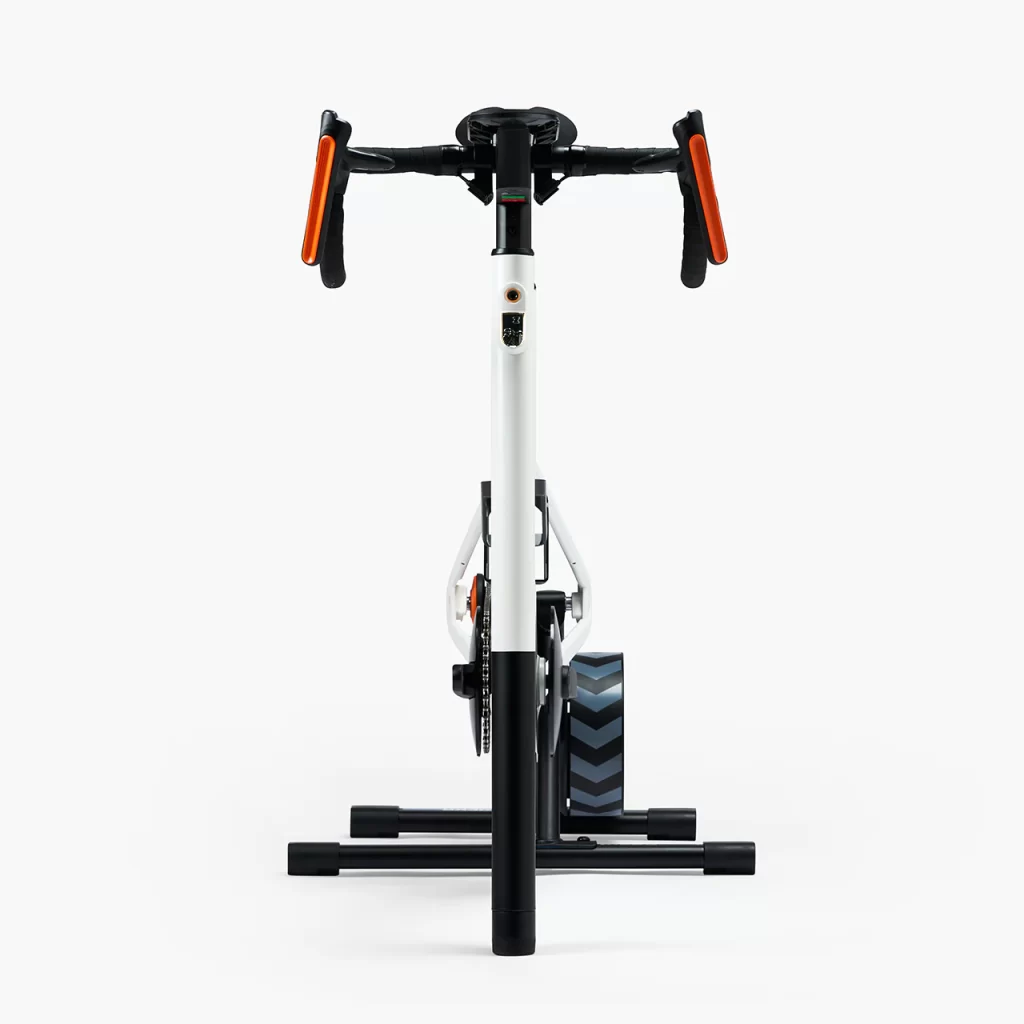
Front view of a stationary exercise bike with a white frame, black handlebars with orange grips, and a black flywheel on a chevron-patterned stand against a plain white background.

KICKR V6: $599 (Regularly $1049)

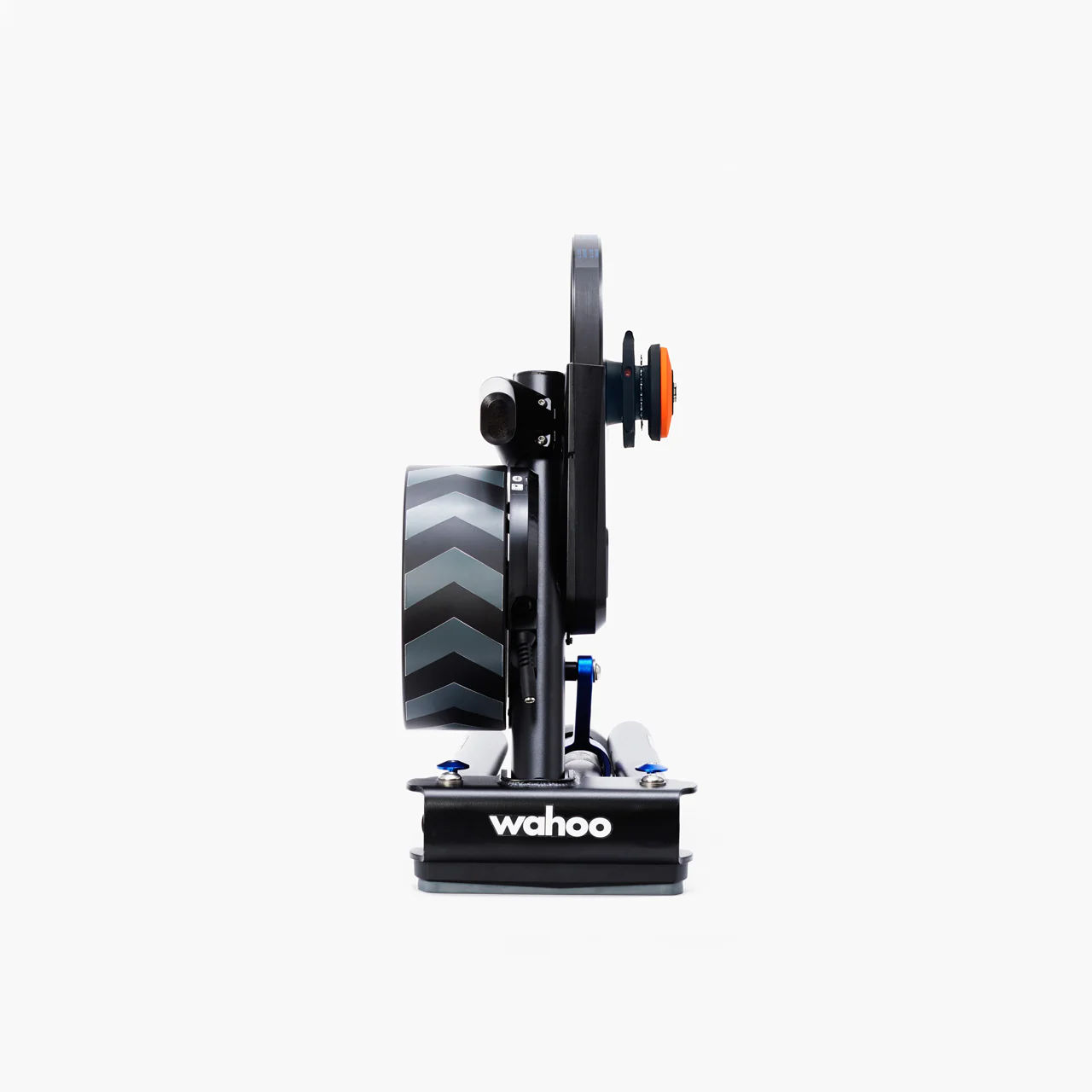
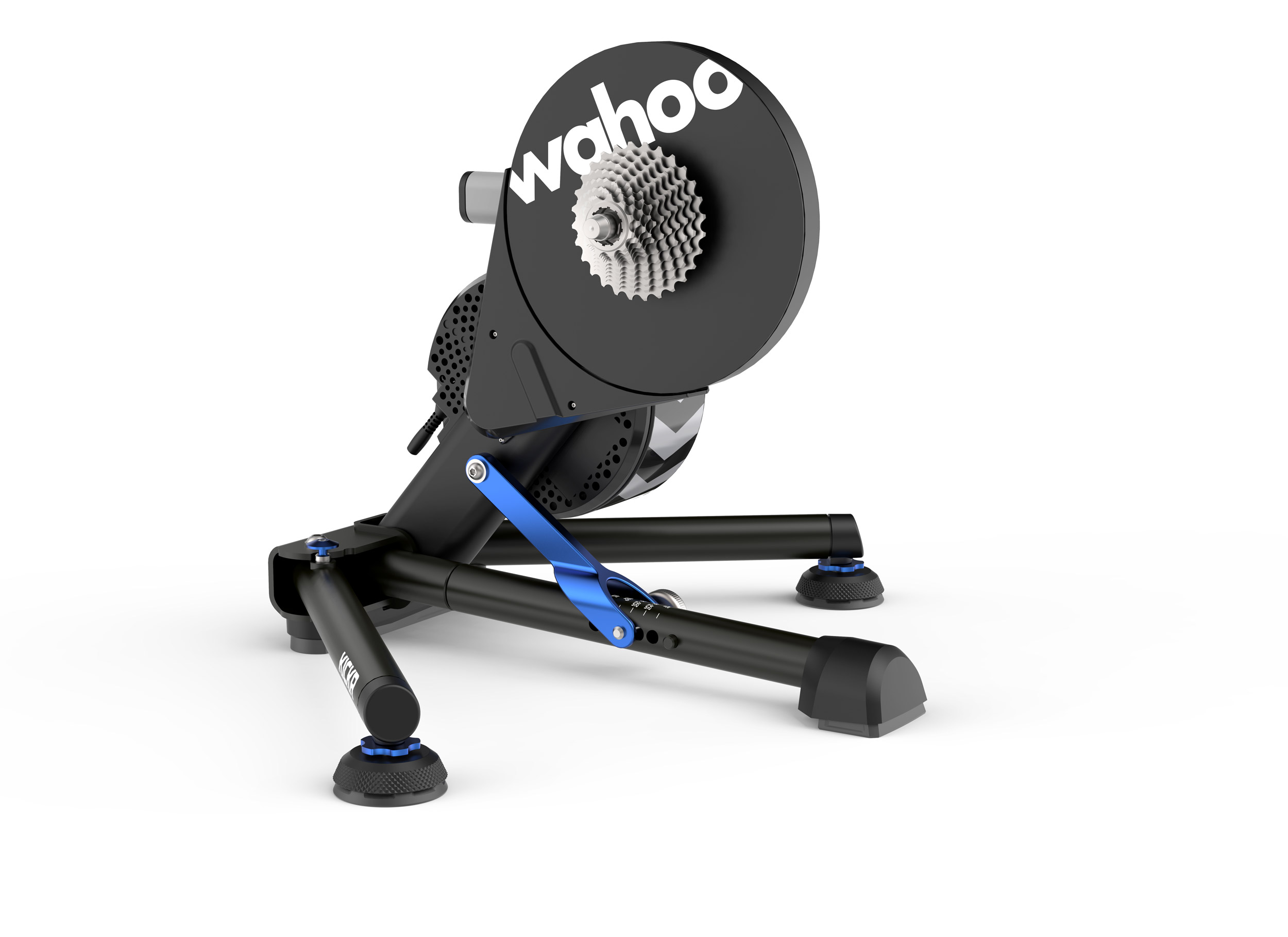
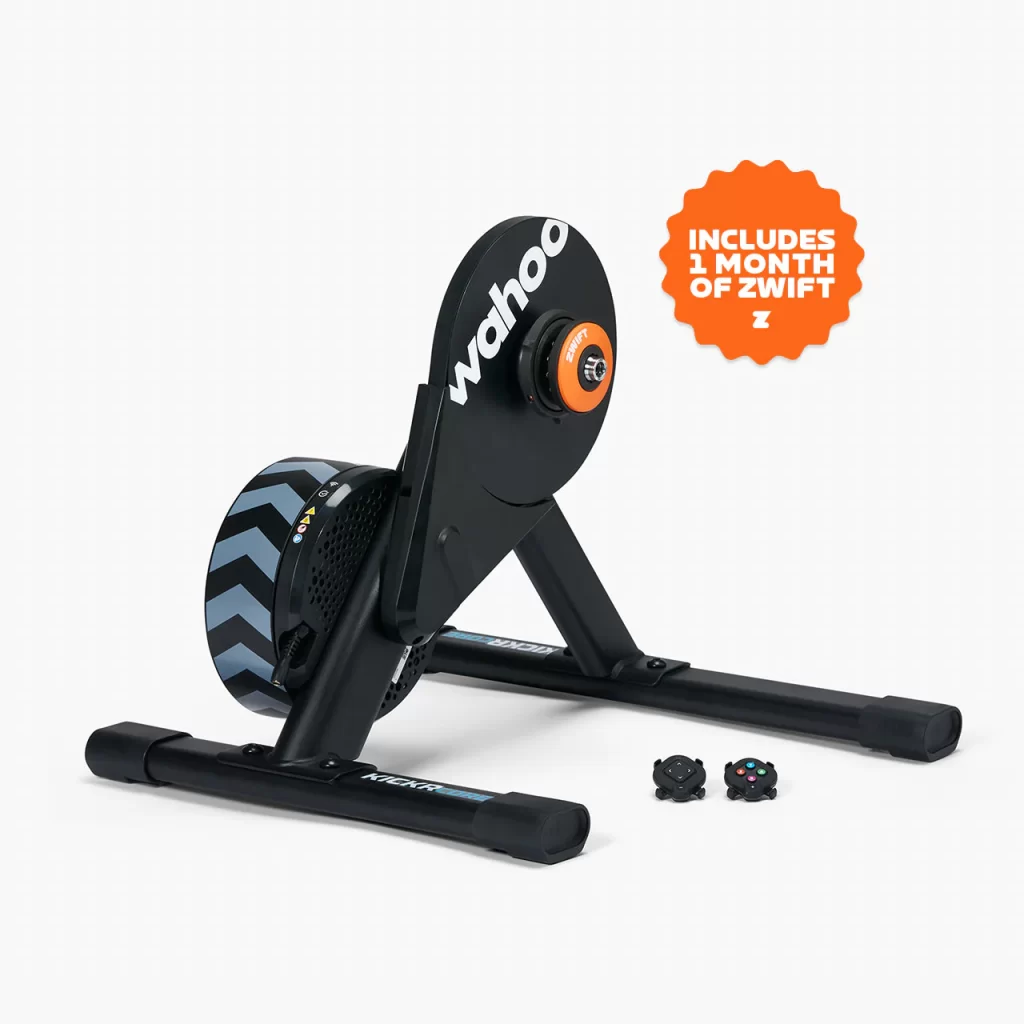
This is Wahoo’s flagship trainer, and my go-to for personal Zwifting sessions when I’m not testing other trainers. It does everything the KICKR CORE 2 can do, only better, including strong +/-1% power accuracy, a beefy flywheel for a realistic ride feel, WiFi connectivity, Zwift virtual shifting capability, and much more.

I’ve never seen it on sale for such a low price (42.9% off)… get it while you can!

Note: Zwift’s sale applies to the KICKR with Zwift Cog & Click, while Wahoo is offering the same pricing for the KICKR with a standard cassette.

KICKR CORE 2 with Zwift Cog & Click

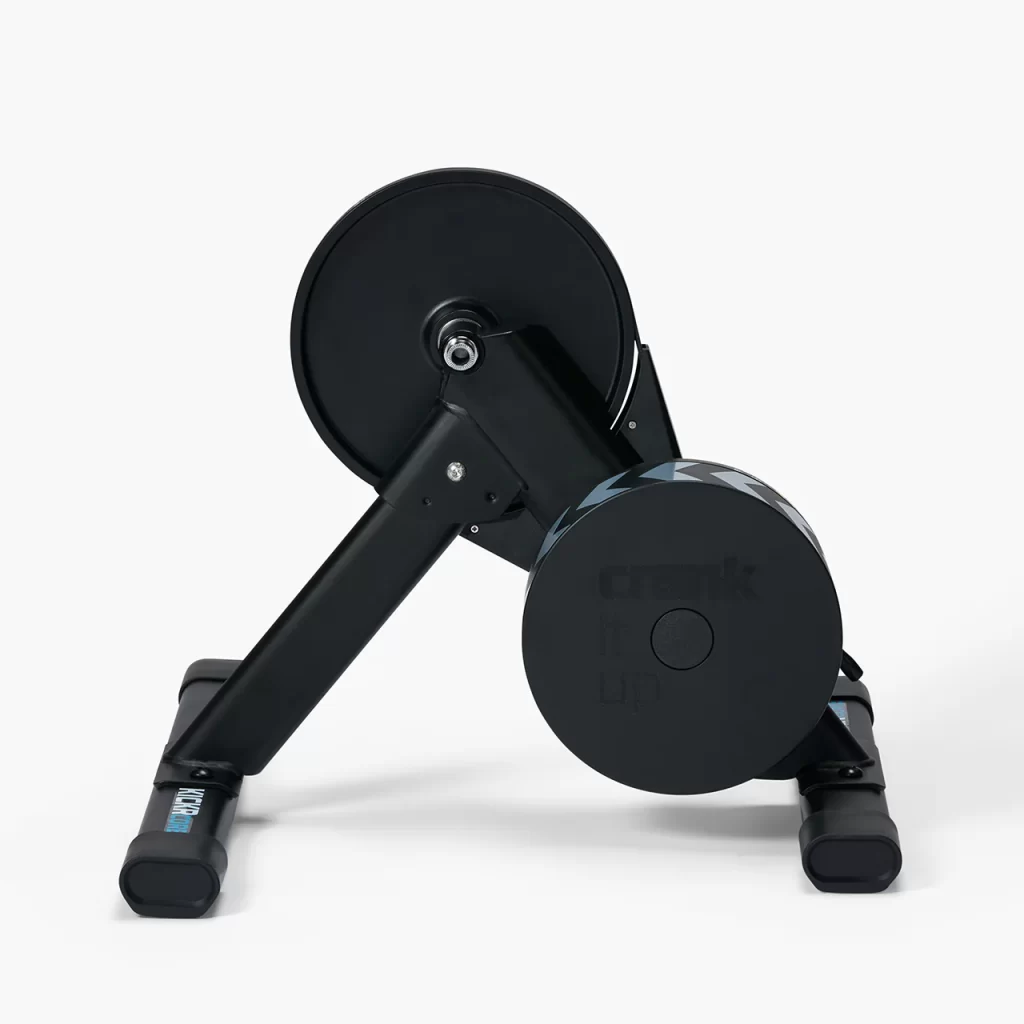
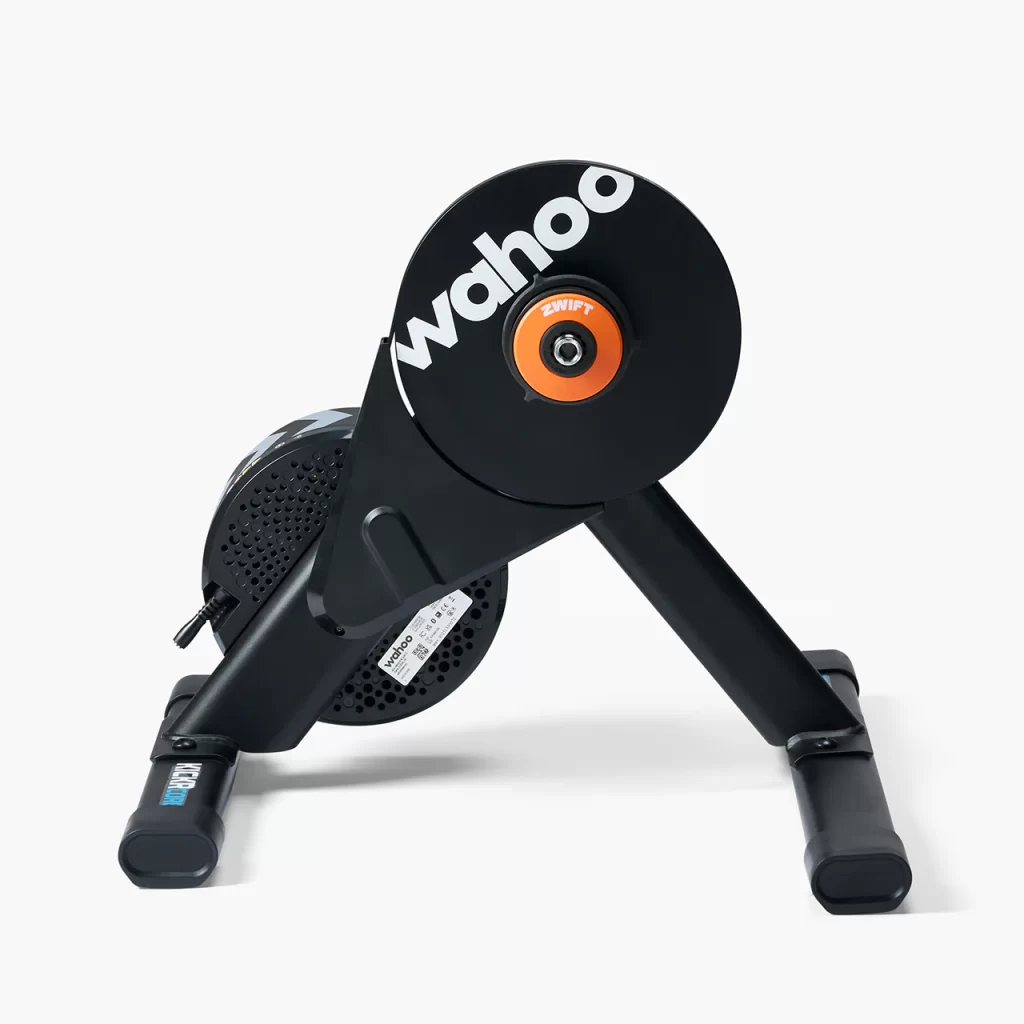
Wahoo’s newest trainer is on sale in the UK and EU. The KICKR CORE 2 builds on the strong reputation of the original KICKR CORE by adding WiFi, Race Mode, Bluetooth Bridging of other sensors, and more.

  • UK: £399.99 (Regularly £499.99)
  • EU: €399.99 (Regularly €549.99)
  • US: $549.99 (No Discount)

Price includes 1 free month of Zwift ($20 value) for new subscribers only.

KICKR BIKE SHIFT: $2,039 (Regularly $2,549)

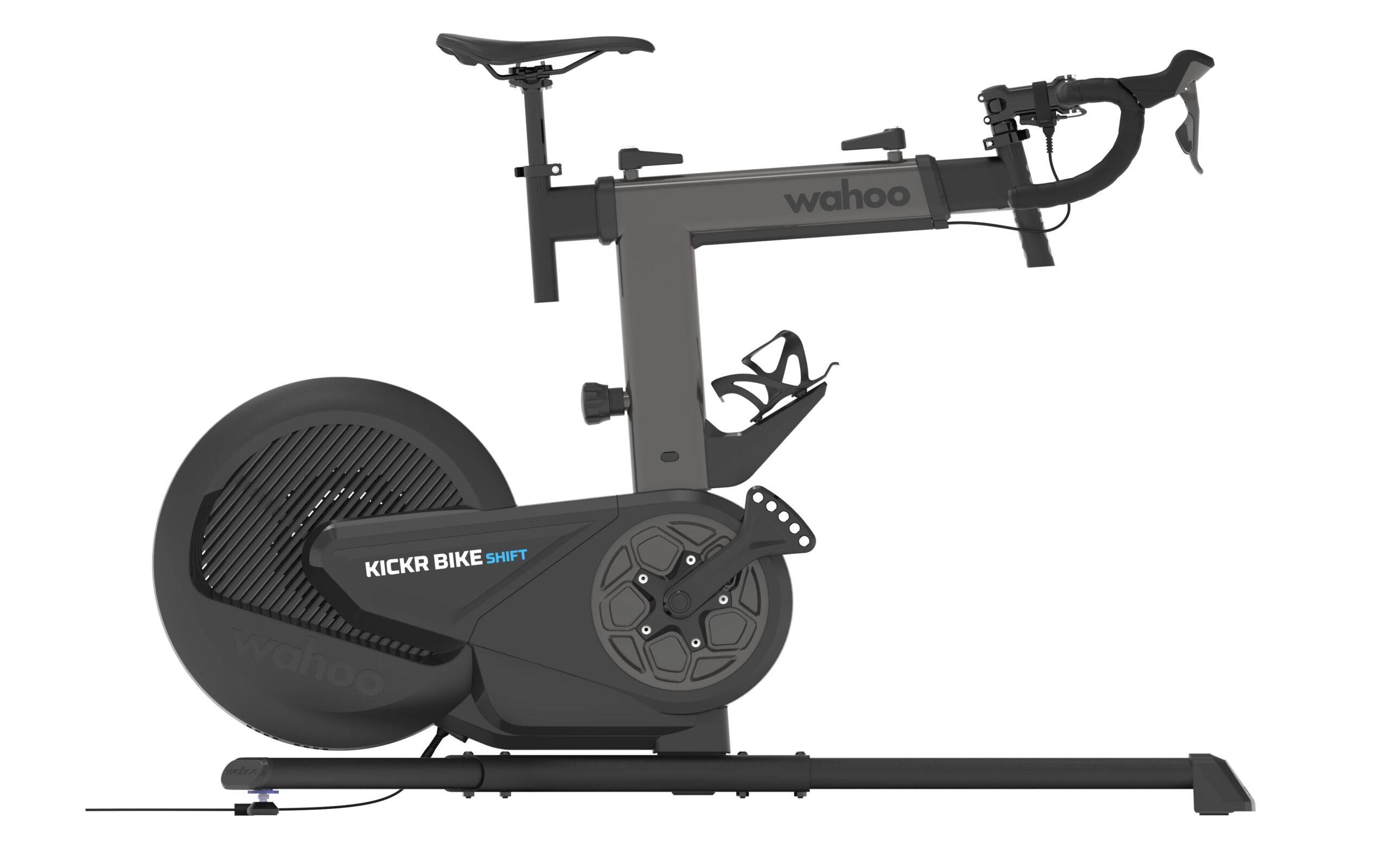
Wahoo’s “budget” smartbike shares many features with the fully-loaded Pro model, including virtually silent operation, customizable electronic shifting, easy adjustability, and WiFi connectivity. (It only lacks the Climb gradient simulator, which many riders turn off anyway.) Available this weekend at a strong discount.

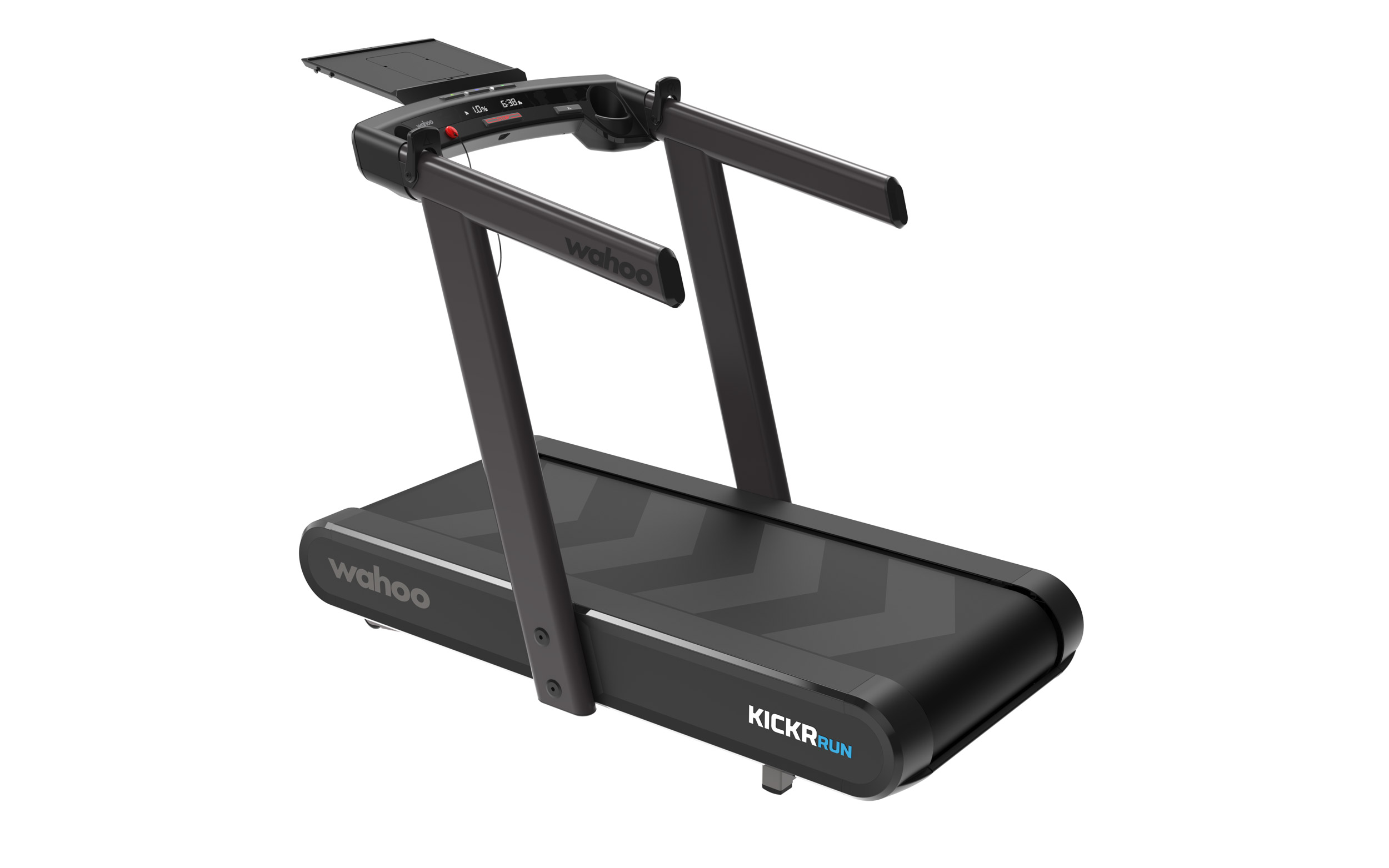
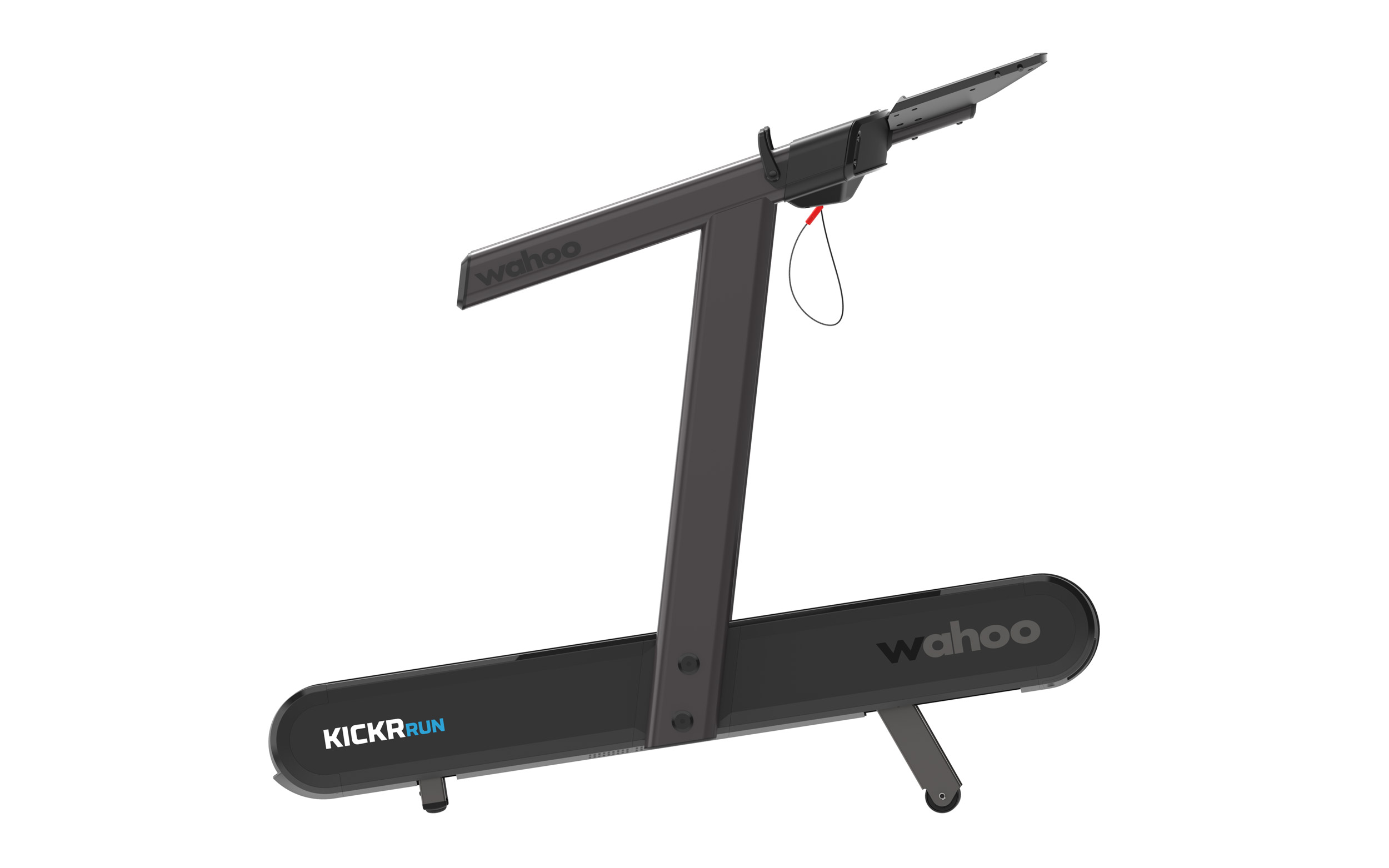
KICKR RUN: $5,249 (Regularly $6,999)

Wahoo’s cutting-edge smart treadmill has taken the industry by storm with its RunFree Mode, which uses advanced sensors to automatically adjust the belt speed to match your pace, eliminating the need for manual controls. The responsive surface, grade simulation, and lateral tilt all mimic outdoor running conditions, challenging stabilizer muscles while providing dynamic movement.

Fake MAS Windows Activation Domain Used To Spread PowerShell Malware

An anonymous reader shares a report: A typosquatted domain impersonating the Microsoft Activation Scripts (MAS) tool was used to distribute malicious PowerShell scripts that infect Windows systems with the ‘Cosmali Loader’. BleepingComputer has found that multiple MAS users began reporting on Reddit yesterday that they received pop-up warnings on their systems about a Cosmali Loader infection.

Based on the reports, attackers have set up a look-alike domain, “get[dot]activate[dot]win,” which closely resembles the legitimate one listed in the official MAS activation instructions, “get[dot]activated[dot]win.” Given that the difference between the two is a single character (“d”), the attackers bet on users mistyping the domain.


Read more of this story at Slashdot.