Lego Voyagers is a co-op puzzle game from the studio behind Builder’s Journey

Annapurna Interactive showed off a first like at Lego Voyagers at Summer Game Fest Live, the next game from Light Brick Studio, the developers of Lego Builder’s Journey.

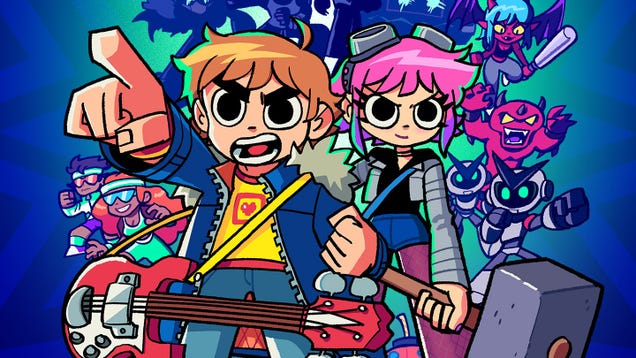
Lego Voyagers is co-op puzzle game where you and a friend will play as two Lego studs, traveling through a realistic, brick-based world solving puzzles. The trailer showed off several different locales your studs will journey through, including a Lego speedboat and rocket launch. To make your way through the game’s various challenges, you’ll move and build new structures by picking up bricks with your studs.

The game looks like it builds on the calming vibes of Builder’s Journey, but with a focus on co-op gameplay. Light Brick’s first game worked like a riff on Monument Valley, tasking you with building a path for your bricks through a minimalistic Lego world. Voyagers takes things in a Split Fiction-direction, just with a lot more chill.

Lego Voyagers is “coming soon” to PS5, PS4, Xbox Series X / S, Nintendo Switch and PC. You’ll be able to play with a friend using only one copy of the game thanks to a feature called Friend’s Pass.

This article originally appeared on Engadget at https://www.engadget.com/gaming/lego-voyagers-is-a-co-op-puzzle-game-from-the-studio-behind-builders-journey-222331161.html?src=rss

I Was Excited About The Deadpool Game Starring Neil Patrick Harris Until I Realized It Was Gonna Make Me Sick

Geoff Keighley’s Summer Game Fest showcase is about halfway over, and the show hasn’t really had the sauce so far. I don’t mean in terms of the games it’s showing, I’m talking about the actual showmanship. Keighley’s stage show has been pretty paint-by-numbers without a lot of good bits and showmanship. That changed…

Read more…

Meta Announces First-party ‘Deadpool VR’ Game Voiced by Neil Patrick Harris

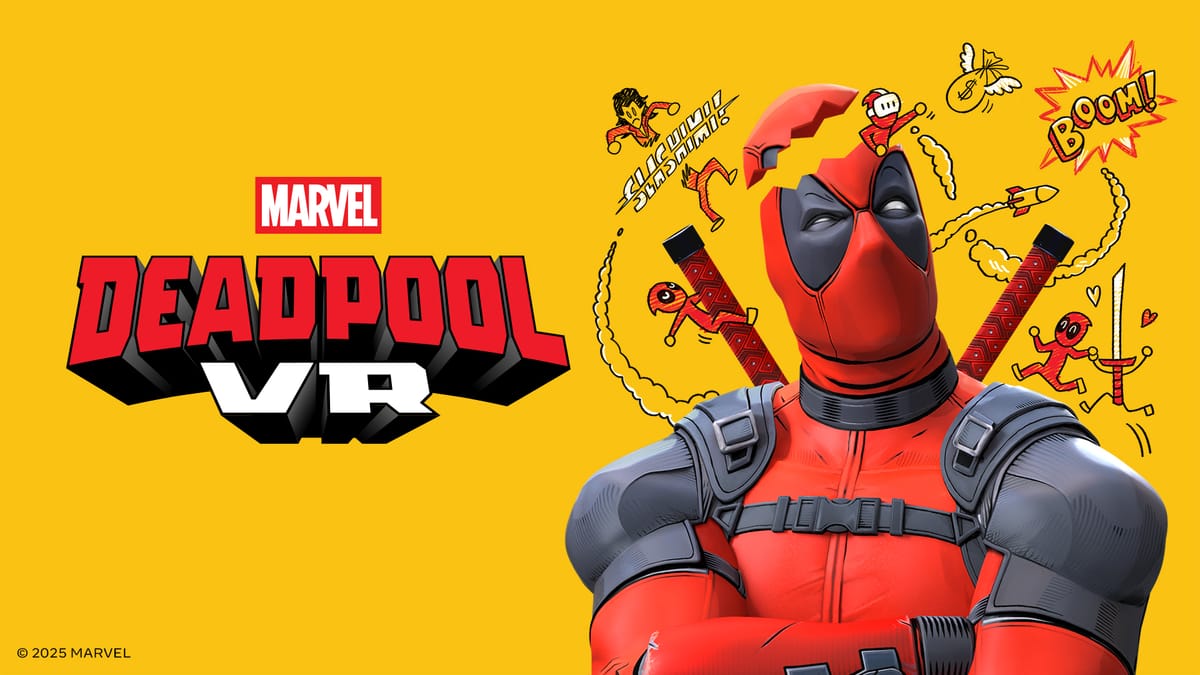
Meta’s first-party VR game studio Twisted Pixel revealed its latest upcoming title: Marvel’s Deadpool VR. Set for release later this year, the game is said to feature an all-new, original Deadpool story, with the main character voiced by Neil Patrick Harris.

Marvel’s Deadpool VR will be the first game released by Twisted Pixel since the studio was acquired by Meta back in 2022. The game is planned for release “later this year” and will be exclusive to Quest 3 and 3S. Catch the reveal trailer right here.

Here’s the studio’s pitch for the game:

Marvel’s Deadpool VR features an all-new original story. After being pulled through a portal to Mojoworld, Deadpool sees a chance to get rich—like really rich. He signs a sketchy contract without reading any of the fine print and then it’s off to visit a bunch of locations from across the Marvel universe, battling against iconic (and not-so-iconic) villains. It’s real metaverse stuff—in the Marvel Universe sense, not the VR one.

Twisted Pixel’s spent years capturing Deadpool’s unique blend of parkour and combat, building on the beat-em-up bona fides it established in Path of the Warrior.

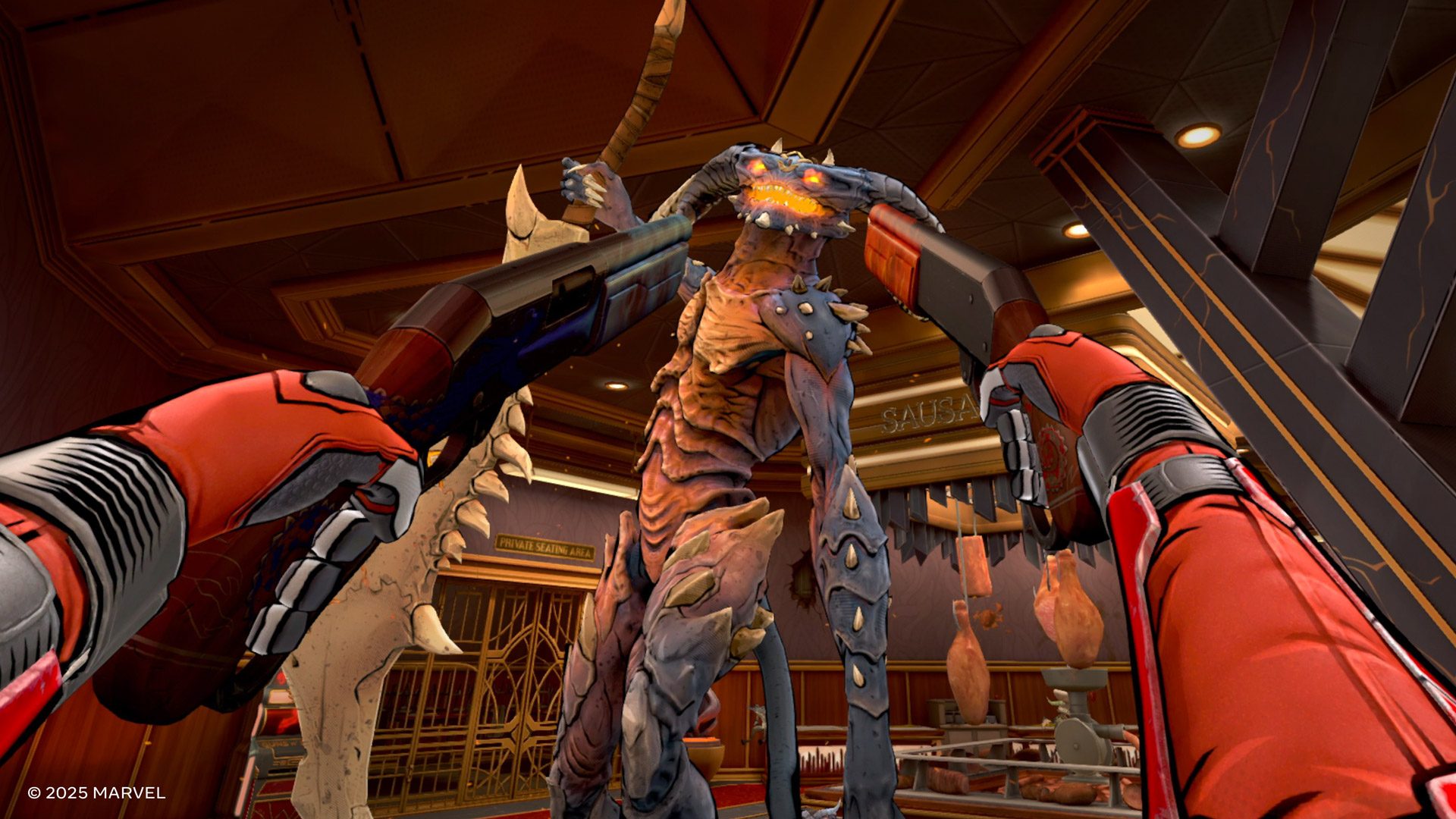
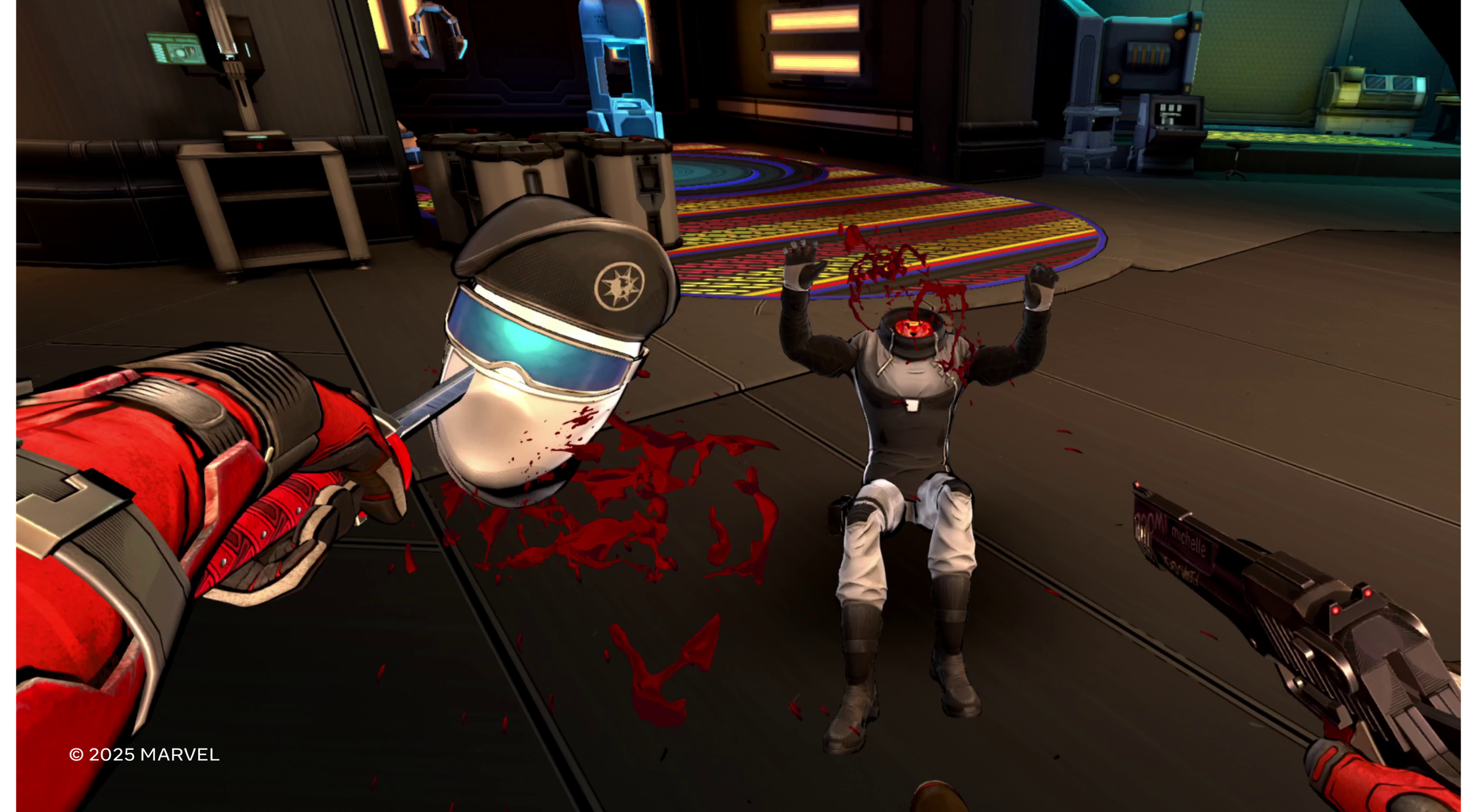
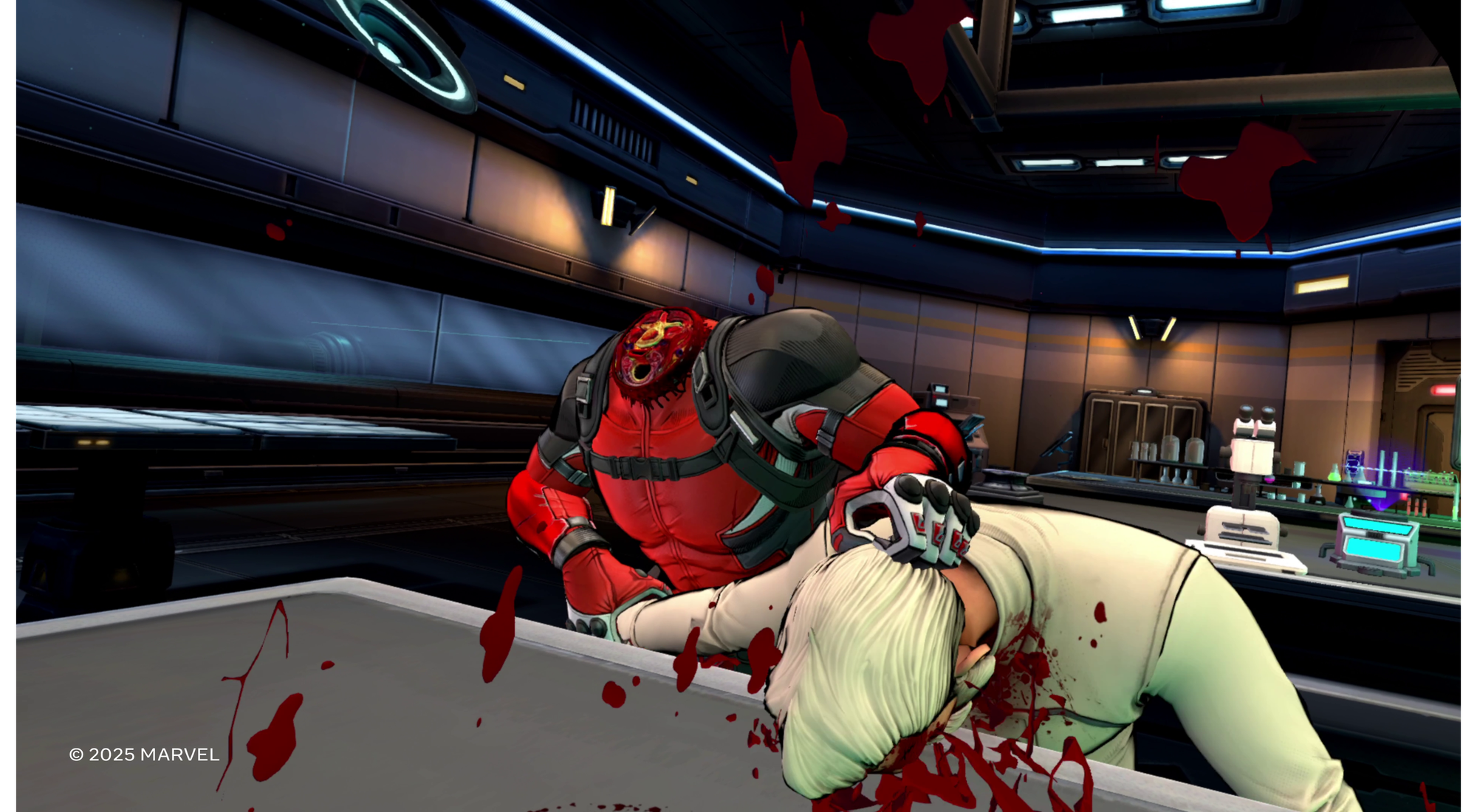
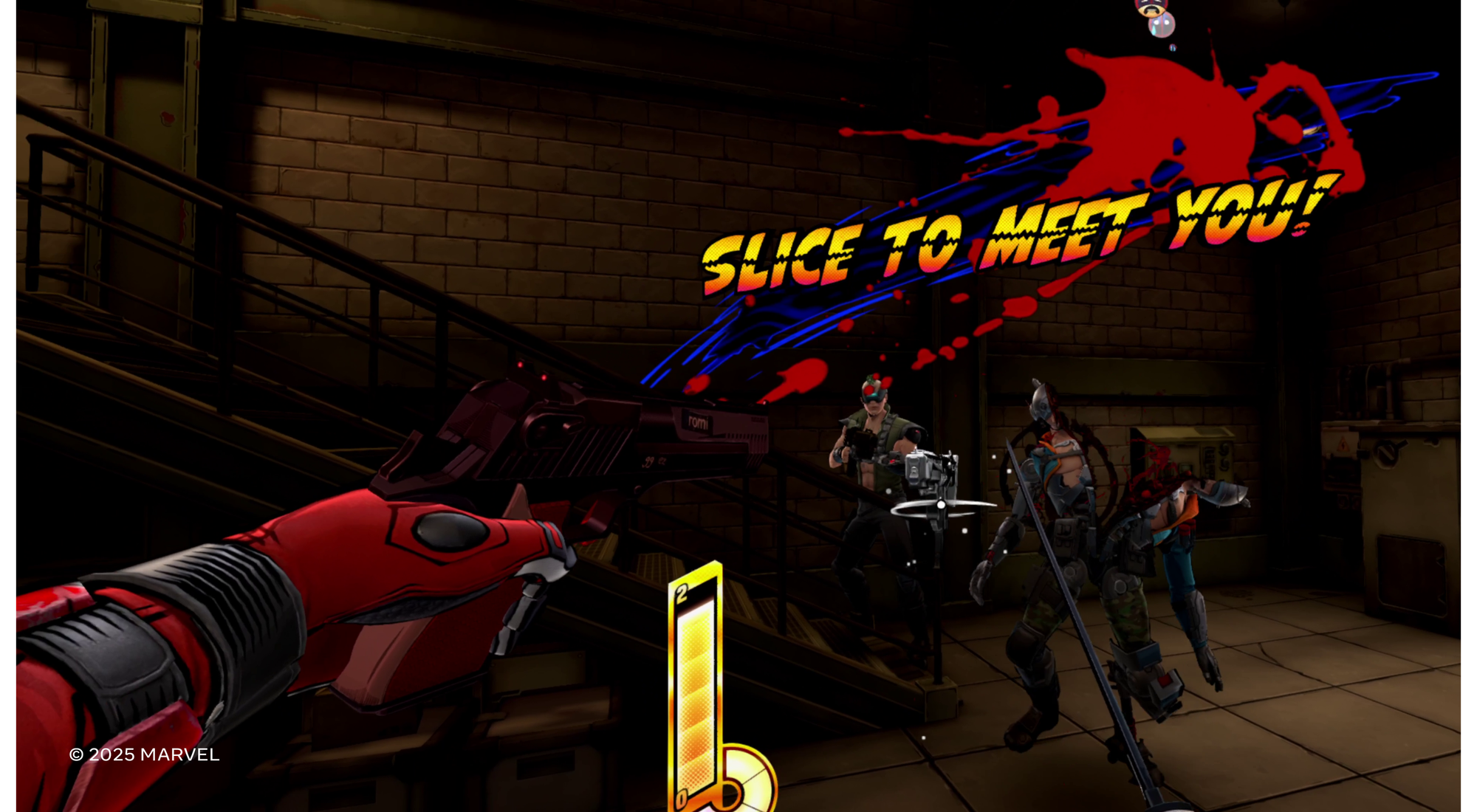
Like any great VR game, if you can imagine it, you can probably do it. Sure, you can simply stab or shoot your enemies, but where’s the fun in that? Punch someone while holding a grenade? Check. Take your recently exploded-off arm and throw it at the bad guys? Gross, but also check. Hold an enemy’s face into a spinning propeller? A bloody, but efficient, check. Soldiers, demonic dogs, weird humanoid lizards, creepy worm-things, they’re all waiting to be dismembered in creative (some might say sadistic) ways.

We went hands-on with an early build of Deadpool VR so be sure to check out our preview here.

The post Meta Announces First-party ‘Deadpool VR’ Game Voiced by Neil Patrick Harris appeared first on Road to VR.

Out of Words is a cozy stop-motion co-op adventure from Epic Games

A new co-op adventure is coming from Epic Games. Made by WiredFly and Kong Orange, Out of Words will offer a stop-motion-flavored platform adventure that’s a little bit cozy and a little bit fantasy. The controllable humans have had their mouths stolen — that’s why it’s called Out of Words. (It’s a little On The Nose.)

The cute figures and creatures have been crafted by hand, and cutscenes suggest they’ve been stop-motion animated alongside the gaming parts. Alongside the two humans you seemingly control, there’s also a cute flying stingray. According to Epic Games, much of that whimsy originates from the mind of acclaimed poet Morten Søndergaard.

Out of Words
Epic Games

A core navigation dynamic will be the ability to invert gravity, allowing players to run upside-down alongside each other. There are other traversal powers, including monstrous arms that can grab and slingshot players across spaces.

Out of Words launches in 2026, and is coming to the Epic Games Store, PS5 and Xbox Series X and S.

This article originally appeared on Engadget at https://www.engadget.com/gaming/out-of-words-is-a-cozy-stop-motion-co-op-adventure-from-epic-games-220803056.html?src=rss

Hands-on: ‘Marvel’s Deadpool VR’ Nails the Vibe, But Needs Work on Feel

We got an early look at Marvel’s Deadpool VR, the upcoming title from first-party Meta studio Twisted Pixel.

You can see our coverage of the game’s announcement, but here’s the deets: Deadpool VR is being developed by Twisted Pixel and planned for release later this year. The game will be exclusive to Quest 3 and Quest 3S. Check out the trailer for an idea of the gameplay.

I recently met with Meta and Twisted Pixel to go hands-on with an early version of Deadpool VR and found that the game has strong visuals and understands the Deadpool ‘vibe’, but it feels like there’s a lot of tuning left to do to make the combat and VR interactions satisfying and enjoyable.

After the high bar set by both Iron Man VR and Batman Arkham Shadow, I went into the Deadpool VR demo ready to have fun with another superhero VR game.

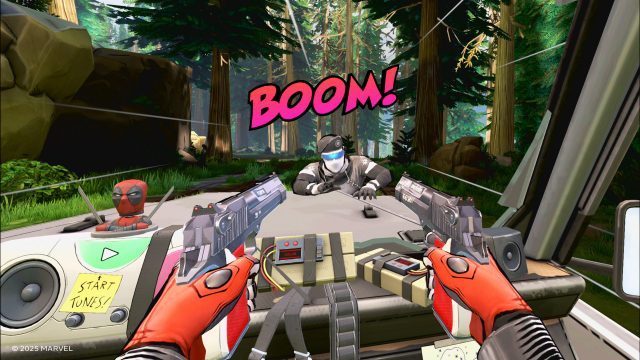
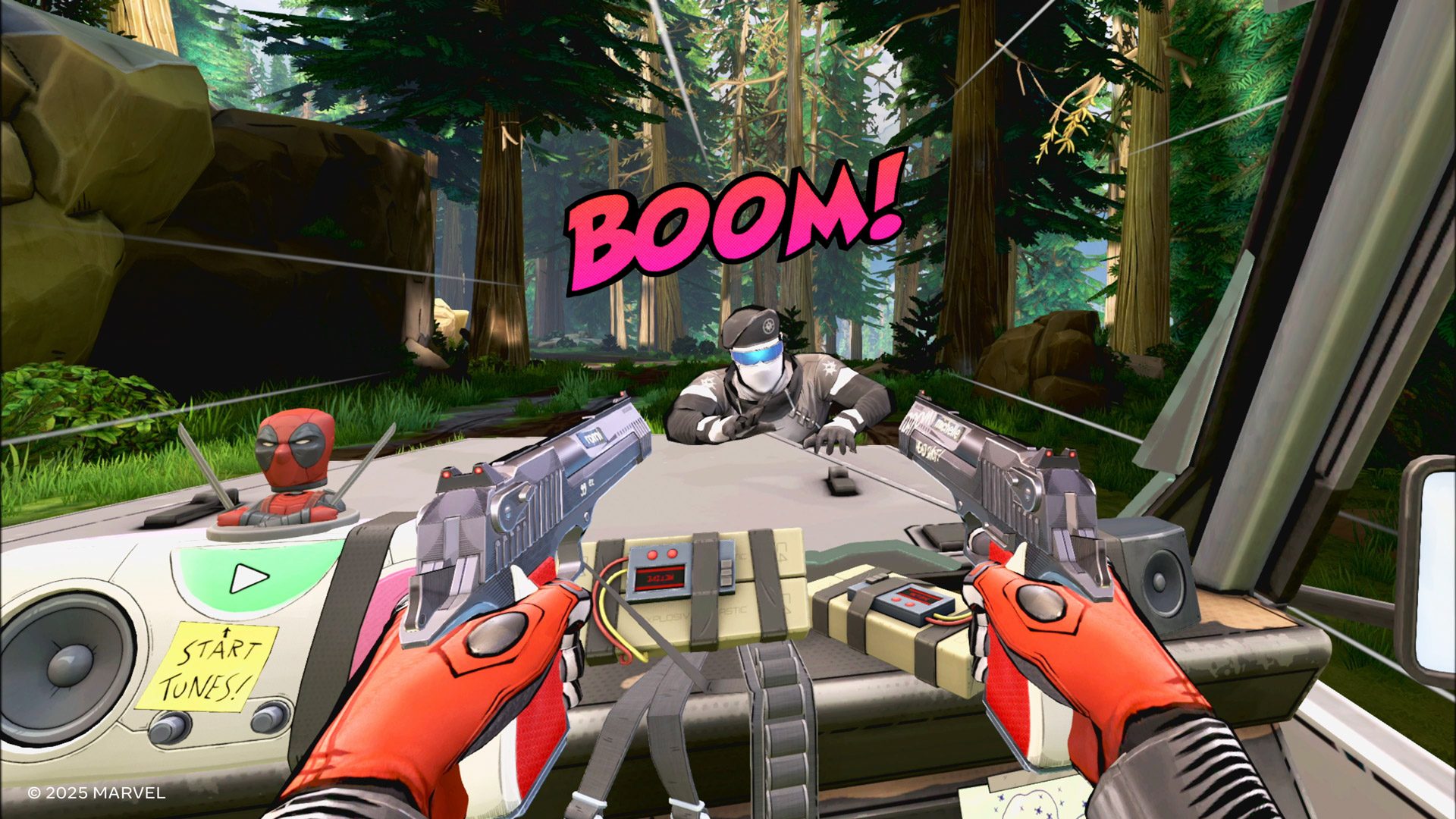
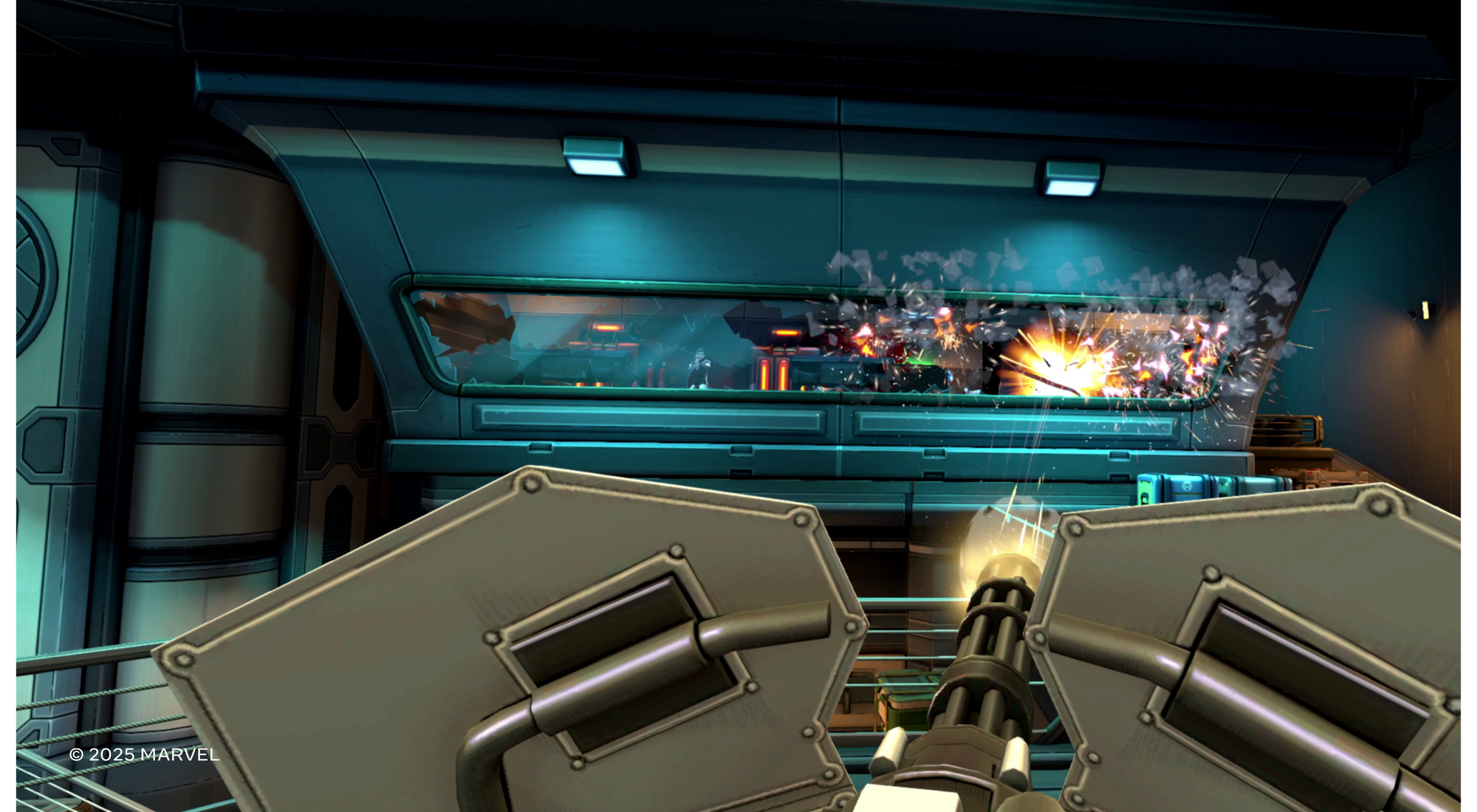
Starting off with the good stuff, the game’s visual presentation is an obvious strong point. The screenshots in this article don’t do it justice; the cel-shaded look fits well with both the game’s style and the limitations of a standalone headset. The overall art direction is clearly on point, with a cohesive look throughout. Deadpool VR was sharp and ran smoothly throughout my entire time playing the game.

Twisted Pixel has also done a good job of capturing the essence of Deadpool in the game. Neil Patrick Harris (well known as both a face and voice in film, TV, and videogames) as the voice feels like a great fit for Deadpool’s sarcastic, fourth-wall breaking energy. And the writing for the character feels on-point too.

As for the gameplay, Deadpool VR is positioned as an action shoot-’em-up (and stab’em-up), and Twisted Pixel says it has gone to lengths to make an exciting and dynamic combat sandbox full of fun and zany mechanics. ‘If you think you can, try it’ was a mantra the dev team repeated on several occasions, highlighting its efforts to reward player creativity.

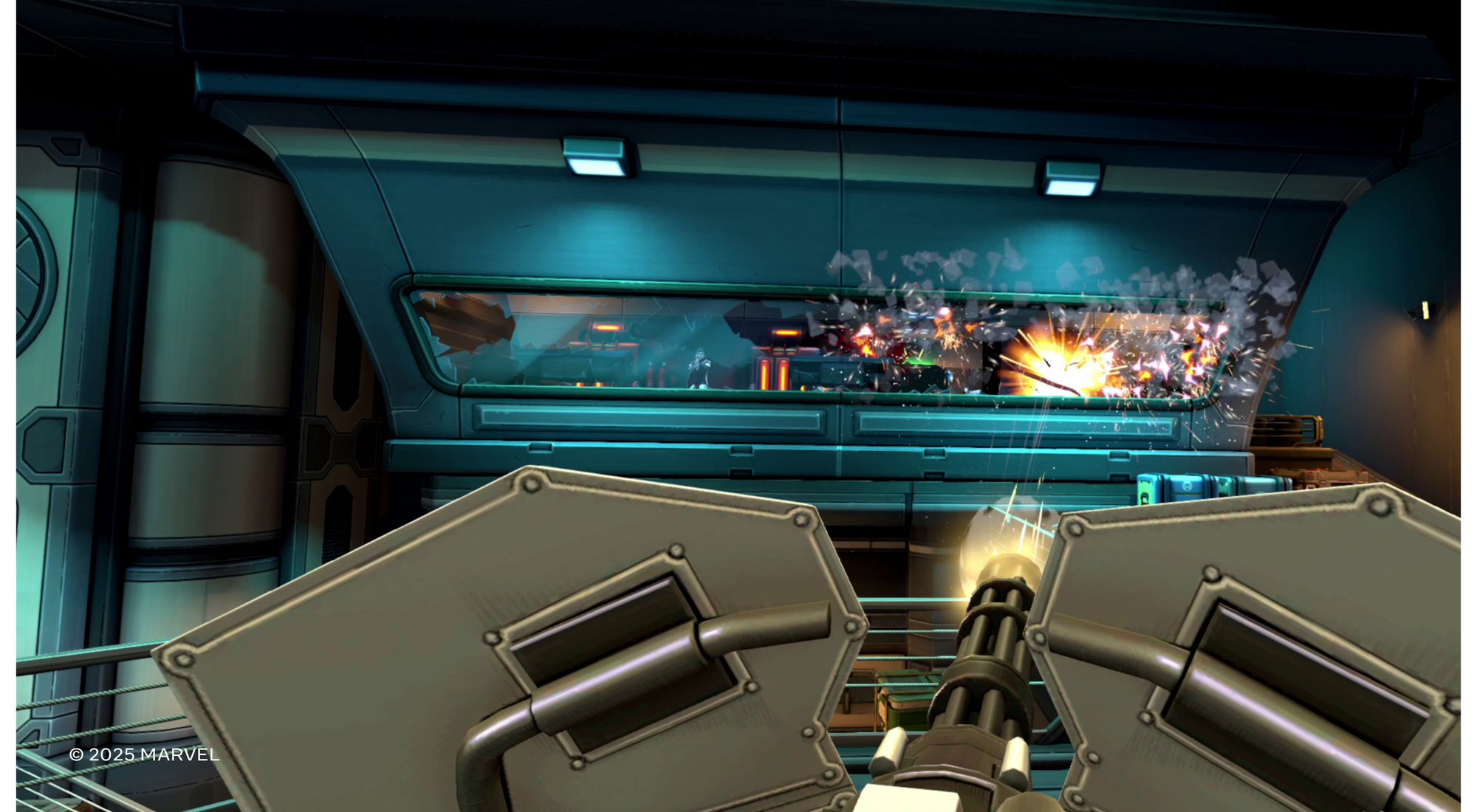
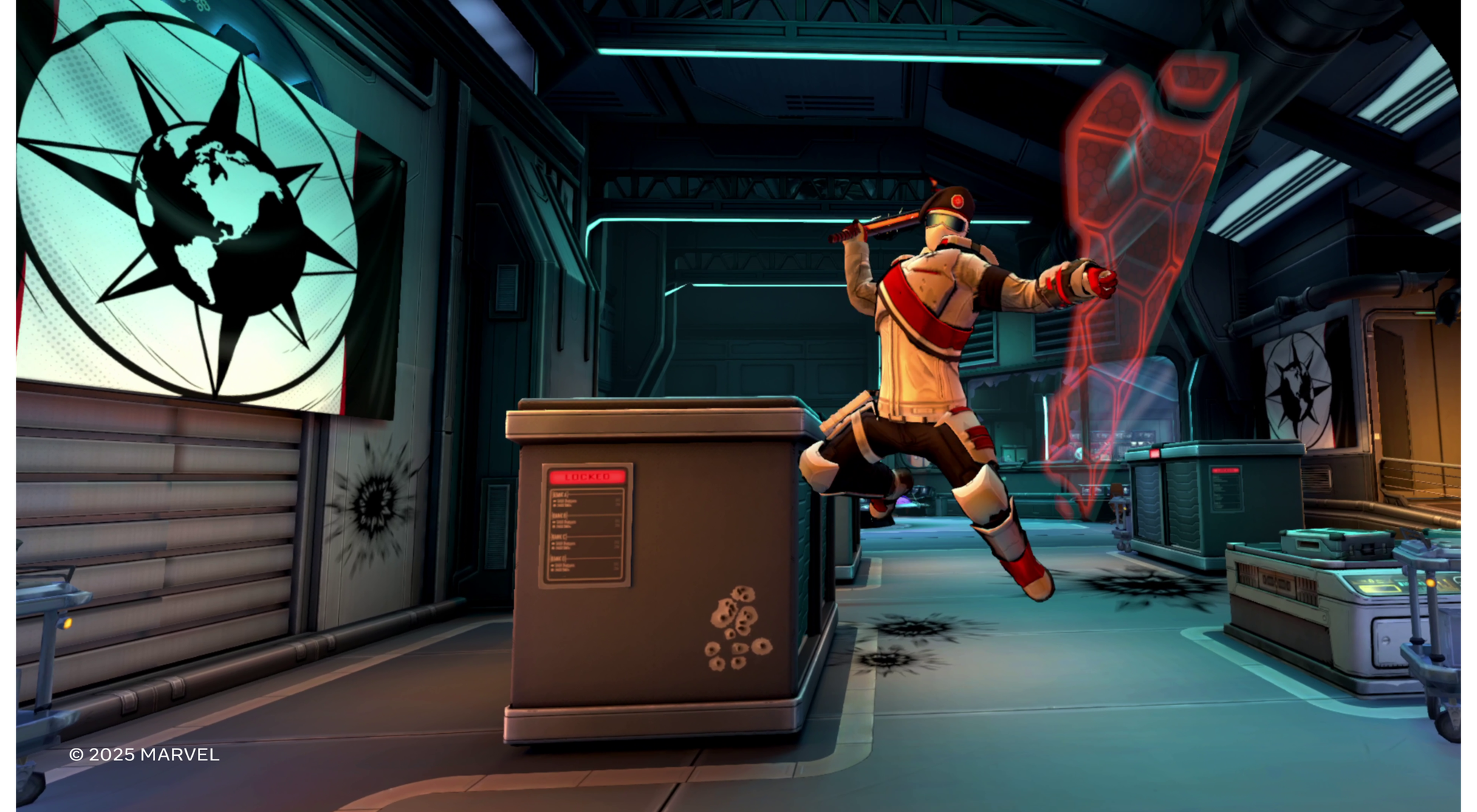
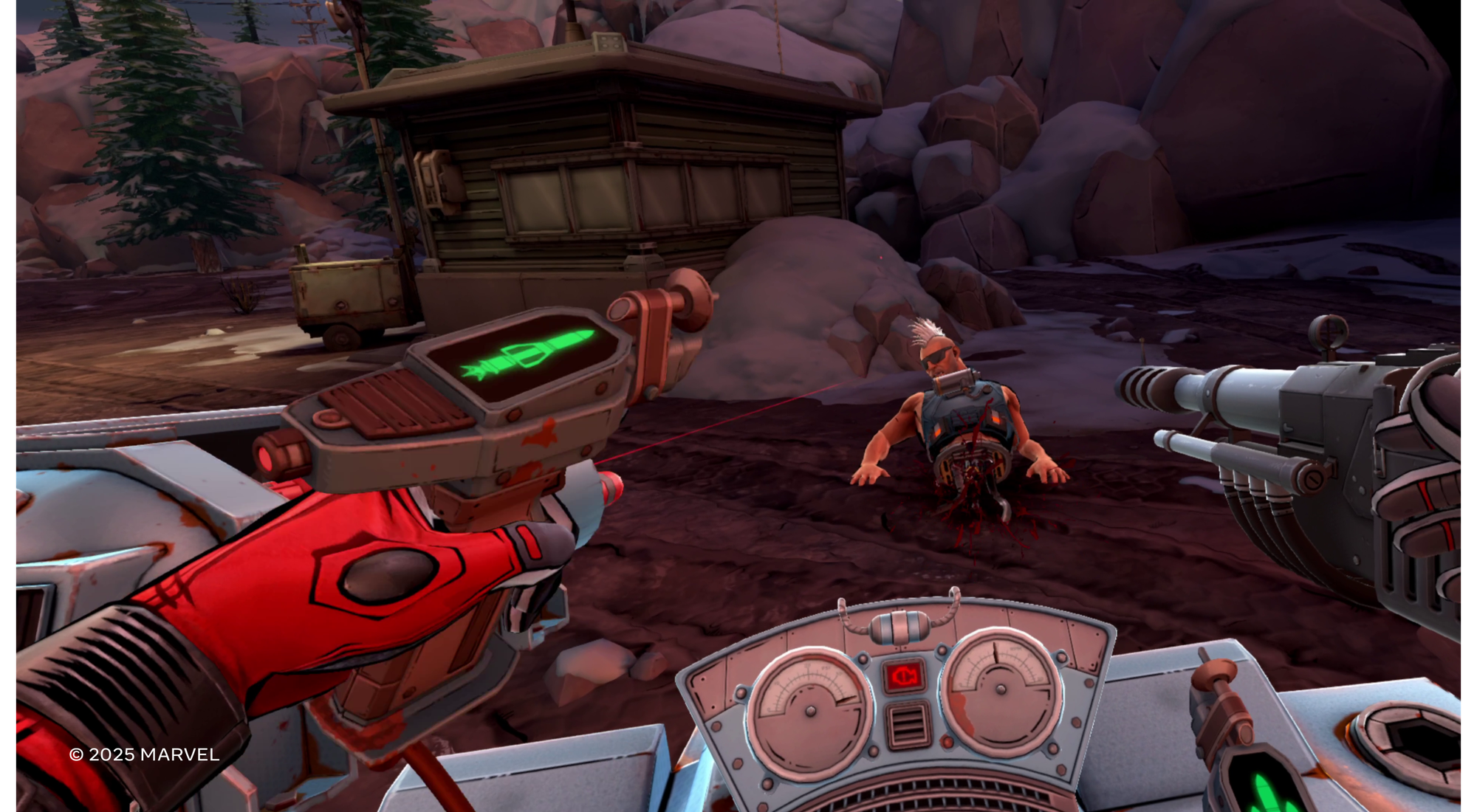
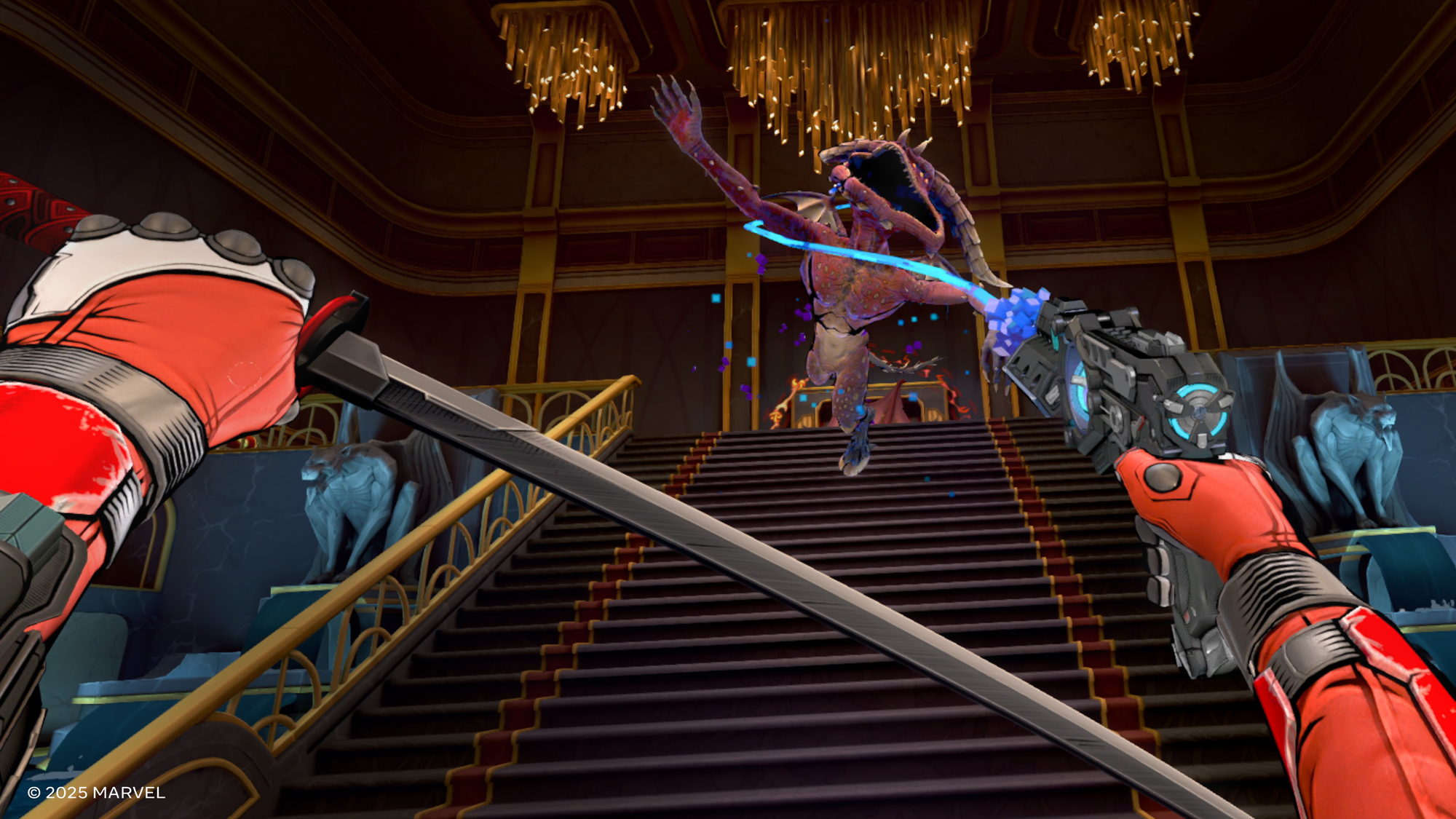
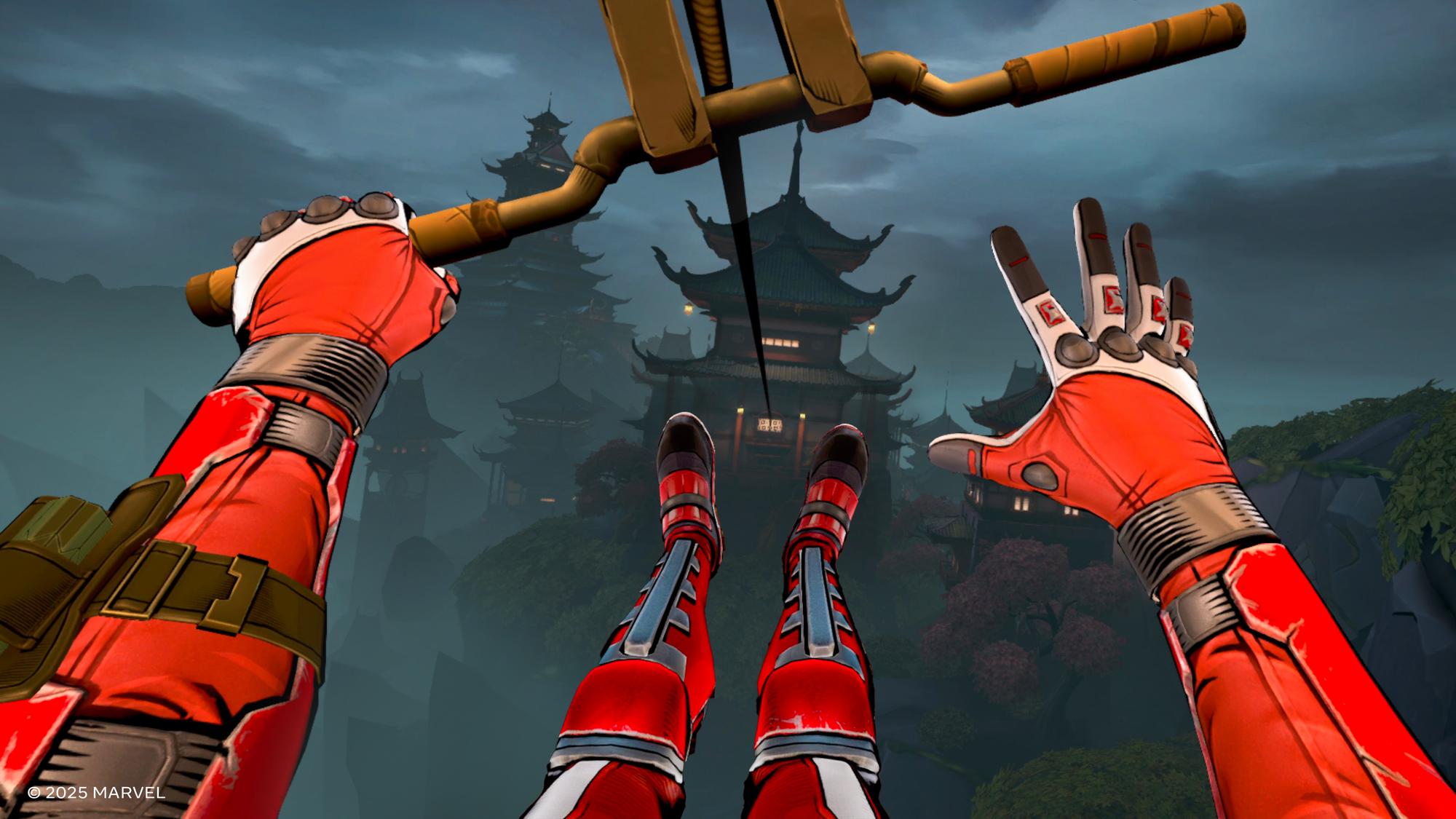
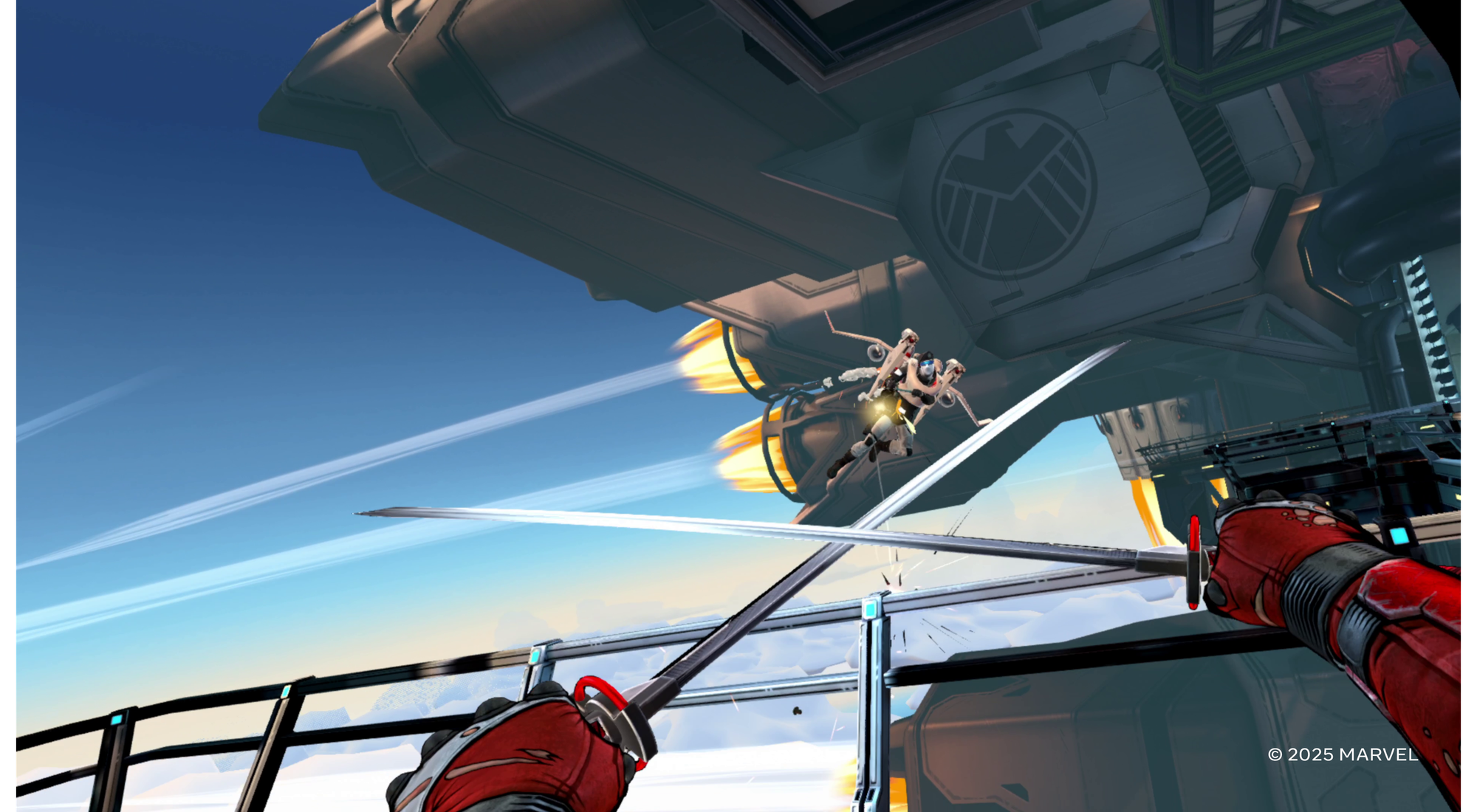
Indeed, there’s plenty of tools at your disposal. Just in the demo I was able to wield pistols, shotguns, SMGs, dual katanas, grenades, and a grappling hook. And there’s sliding, wall-running, jump-kicking, and grappling as both means for movement and attack.

Image courtesy Twisted Pixel

In theory this all should make for stylish and fun gameplay, but there’s something that’s not landing for me when it comes to the overall game-feel.

Guns feel reasonably good upon pulling the trigger (in particular, I like the way recoil feels), but in an effort to streamline the combat, there’s no hands-on interactions with the weapons. It’s really just point-and-shoot. If a weapon does reload, it happens automatically after the whole clip is spent.

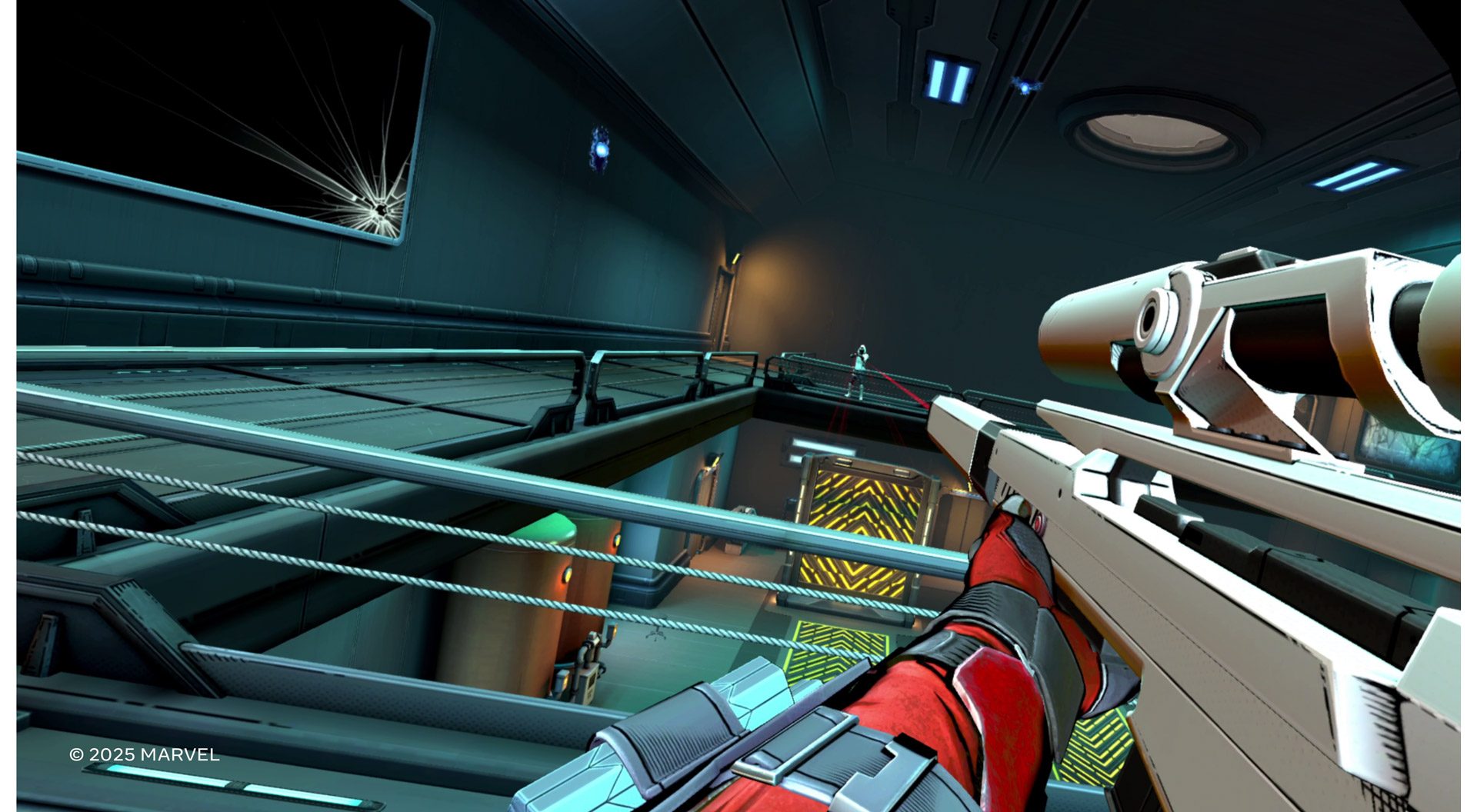
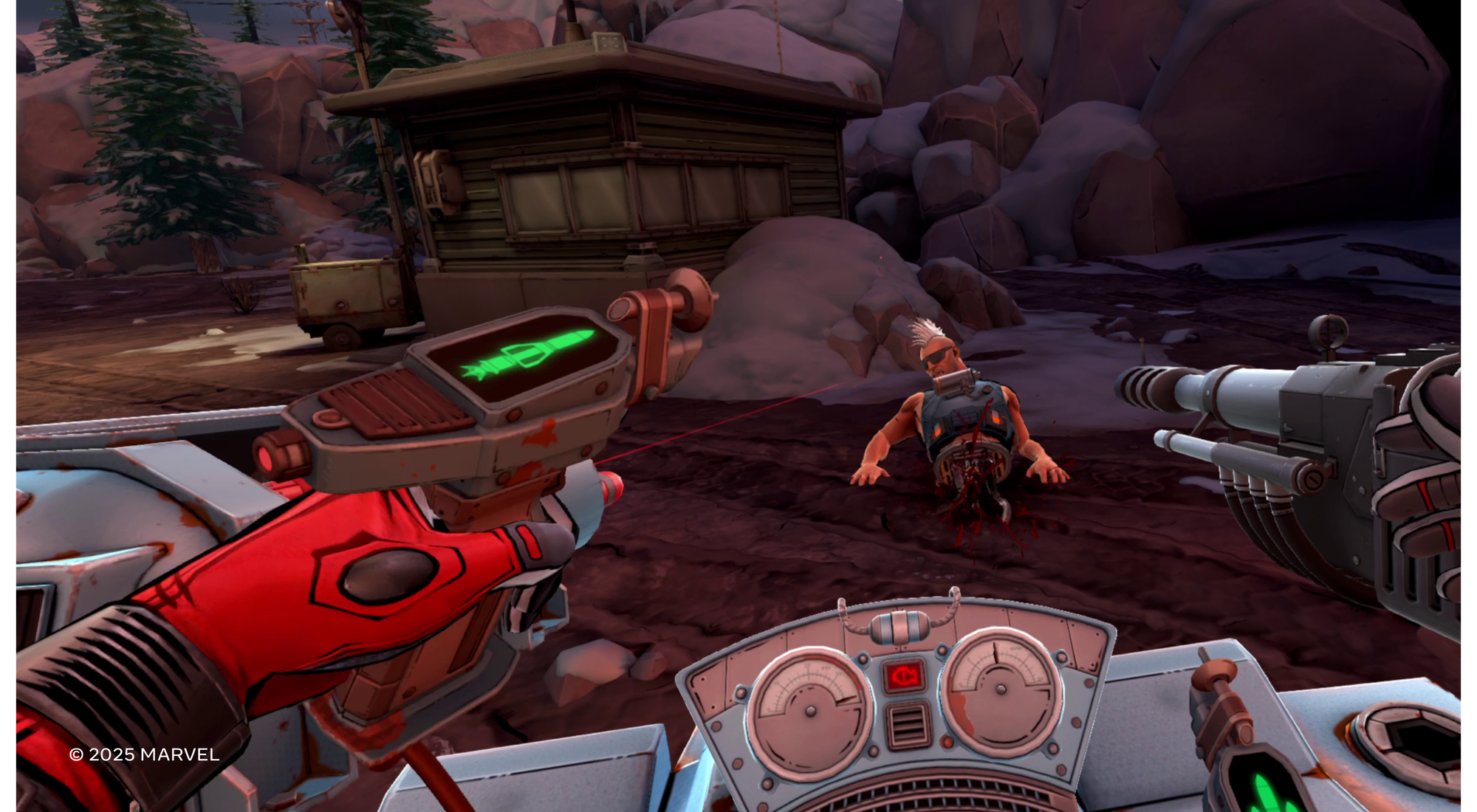
Despite not having a functional scope, the sniper rifle felt surprisingly satisfying to use | Image courtesy Twisted Pixel

But hey, I get it. There’s a lot more going on and the studio clearly wanted to make the weapons simple on purpose so players can more easily put the rest of their tools to use.

So out come the katanas… what could be more badass?! Of course the first thing you’re going to try to do when you pull out two sick samurai swords is clang them together to strike fear into your enemies! Except you can’t because the blades phase through each other. And listen, I get it, Deadpool VR is an arcade-y action game, not a sim. But other arcade-y VR games with swords, like Until You Fall, let you clang and grind your blades together in an oh-so-satisfying way.

That was my first clue that the melee combat needs some extra attention. Maybe this is simply a tutorial issue, but as far as the game’s feedback showed, it was unclear if it wanted players to primarily stab or slash with the swords. One seemed to work better than the other at different times (perhaps on an enemy-to-enemy basis?). Beyond that, so much of the combat relies on artificial motion using your thumbstick that attacking with the swords feels more like ‘jousting’ by using the stick to glide toward enemies instead of really swinging your swords at them. Fighting this way doesn’t deliver the ‘sword wielding fantasy’ very effectively.

Image courtesy Twisted Pixel

Perhaps this is just a tutorialization issue. The demo had some tutorials to show the player what was expected, but maybe the full game will have clearer tutorials (or things will become more apparent with more playtime).

But then there’s the details that don’t feel quite right in VR. Like when throwing a katana into an enemy and it sticks into their body, but I can’t walk up to them and pull it back out (instead it just respawns on my back). Yet, you can pull your katana out of a stabbed enemy if you stab them up close (instead of throwing your blade).

There were numerous inconsistencies like this. Another one that stood out to me was when I tried to activate a big red button by pressing it with the heel of my pistol. After two tries and the button not responding, I holstered my pistol, then pressed the button again with my hand… which caused it to respond as expected.

In 2025, this kind of ‘attention to interaction consistency’ is largely considered table stakes for a serious VR game, even if it isn’t a heavily ‘sim’ focused title. Without it, a game starts to feel like it was designed for a flatscreen before being ported to VR.

The thing that really stood out to me after my time in the demo was that, on paper, Deadpool VR has a fun and dynamic combat sandbox. But it didn’t manage to feel even as good as something like Robo Recall, another VR action-arcade game which is now more than eight years old.

Granted, Twisted Pixel mentioned outright that it knows it still has a lot of mechanical polish to do, especially when it comes to melee. I’m hopeful that in the time between now and the ‘later this year’ release, the game will get a significant tuning pass to close the gap between the quality of its presentation and the feel of its gameplay.

The post Hands-on: ‘Marvel’s Deadpool VR’ Nails the Vibe, But Needs Work on Feel appeared first on Road to VR.

Killer Inn turns Werewolf into a multiplayer action game

Killer Inn is a little bit murder mystery and a little bit third-person action game, and combined, it looks like a lot of fun. Square Enix and developer Tactic Studios revealed Killer Inn during today’s Summer Game Fest kickoff stream. A beta for the game is coming to Steam soon and it’s available to wishlist now.

Killer Inn is a lot like the movie Clue, or the TV show The Traitors, or the social improv game Werewolf, or the video game Spy Party — it’s all about uncovering players’ true intentions and concealing your own, with a murderous twist. Each round includes 24 players, some of whom are wolves, while the rest are lambs. As a lamb, the players’ goal is sniff out the wolves and survive their attacks, and the wolves are out to blend in with the herd, stealthily killing when they can. Each kill leaves behind a clue for other players to find. The game ends when one team has eliminated all members of the opposing group.

It isn’t pure social strategy — there are various weapons, traps, poisons, bits of armor and masks to use, and a range of characters to choose from. Killer Inn is playable solo or with up to four players.

This article originally appeared on Engadget at https://www.engadget.com/gaming/pc/killer-inn-turns-werewolf-into-a-multiplayer-action-game-220859571.html?src=rss

Hands-On: Deadpool VR Shoves Meta Head-First Into The Future Of Gaming

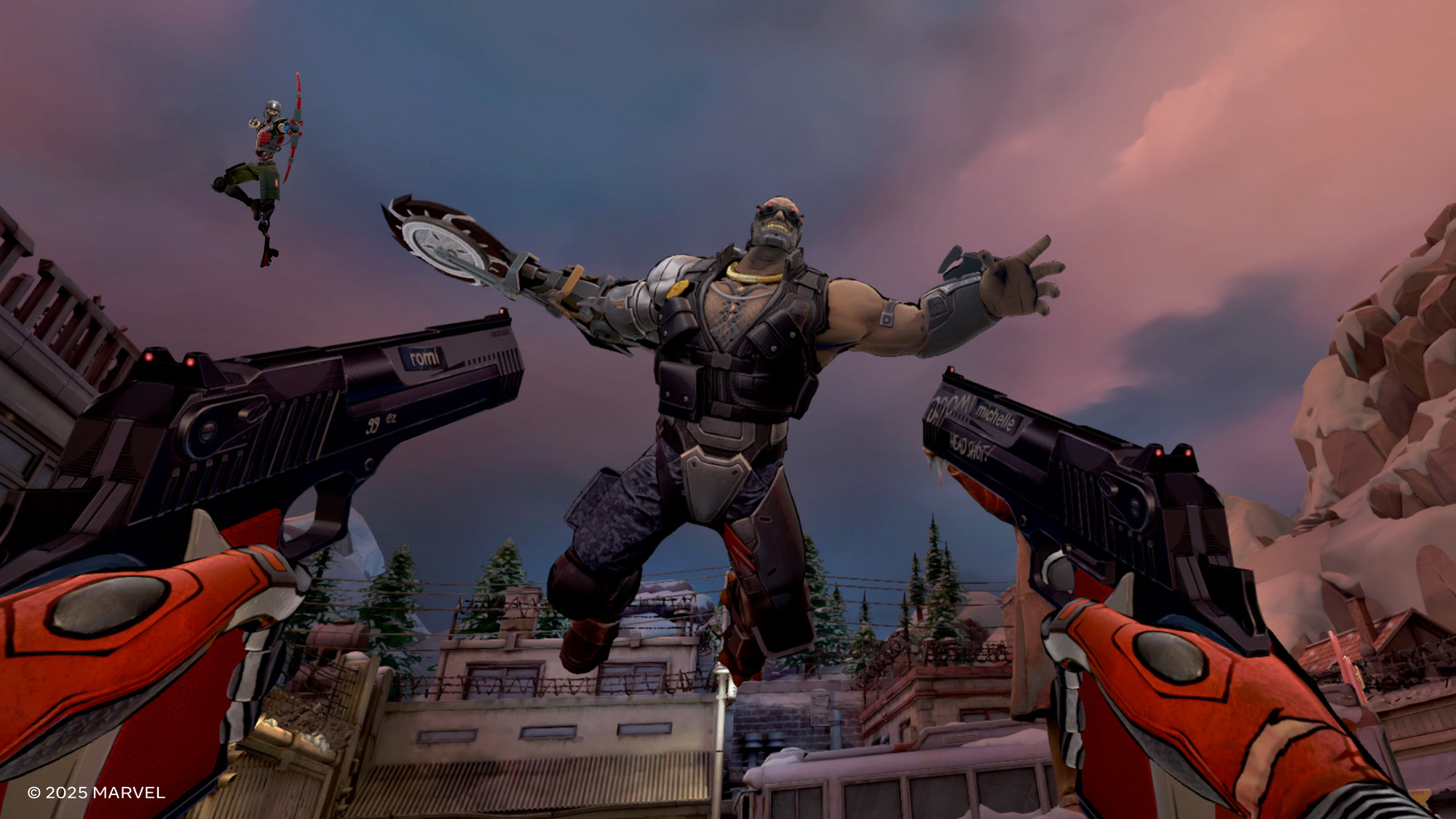
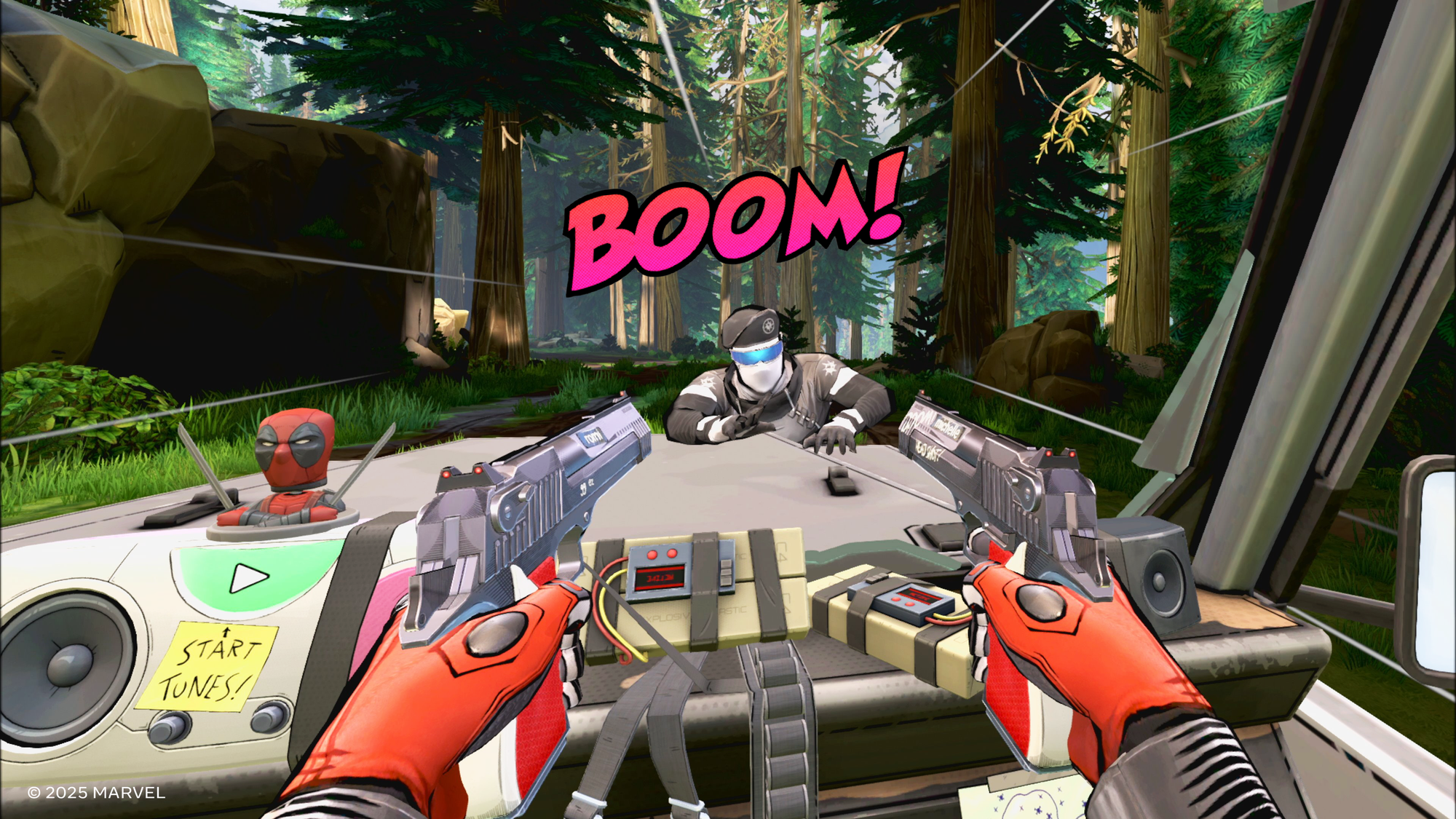
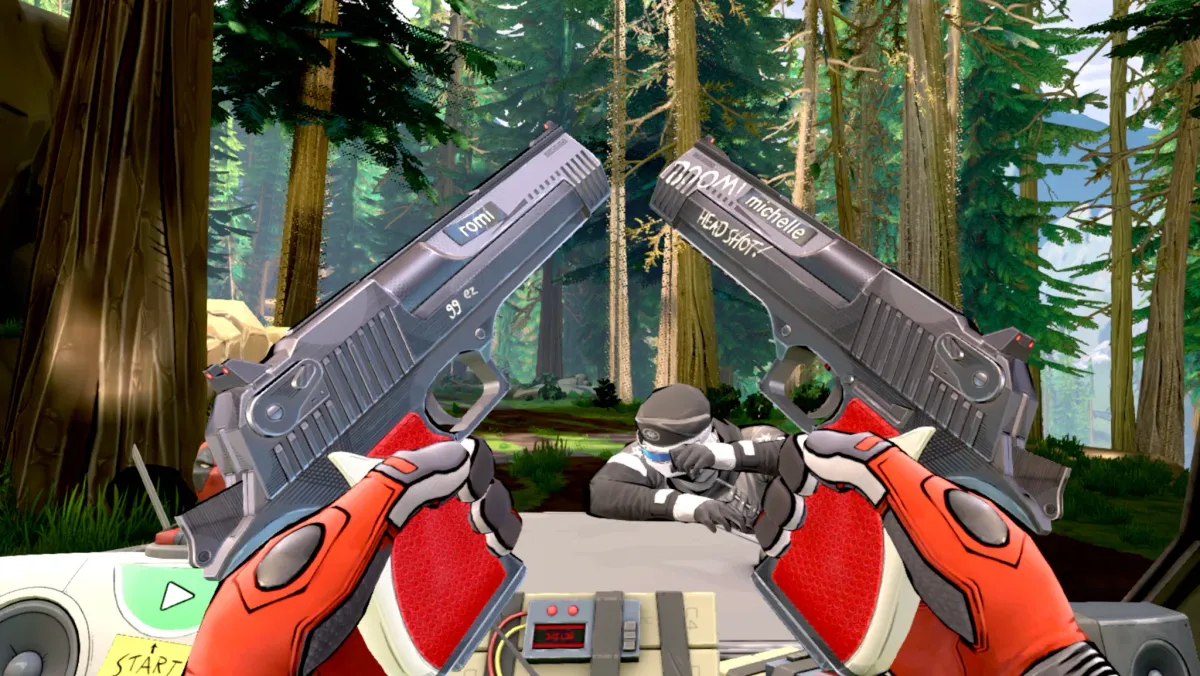
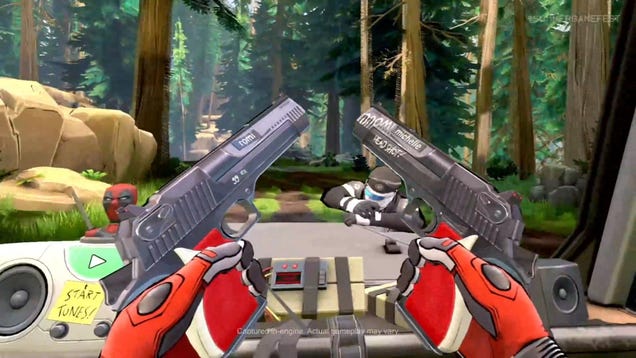
I was looking down at Romi and Michelle in each hand and admiring Deadpool’s trigger discipline. Only when my finger touched the controller would he actually touch the trigger of one of his guns.

Marvel’s Deadpool VR Is Meta’s Next Quest 3 Blockbuster
Marvel’s Deadpool VR, voiced by Neil Patrick Harris, is Meta’s next Quest 3 exclusive blockbuster game.
UploadVRDavid Heaney

Romi & Michelle’s High School Reunion is a 1997 comedy film starring Mira Sorvino and Lisa Kudrow as the titular characters. Apparently, in VR, they’re also the names of Deadpool’s guns. It looks like he taped the names on and scribbled other stuff onto them in crayon. Deadpool is so deeply violent and unserious he just might be the perfect hero for VR.

When Meta first showed the trailer for Deadpool VR at their offices in New York, I was sure it was Ryan Reynolds’ voice I heard. Now, writing this later, I can’t tell if the voice in my head and influencing the words on this page is Reynolds or Neil Patrick Harris.

On second thought, it definitely is Neil Patrick Harris. Which is impressive because I only heard him in game for a relatively brief time, while the guy who played Hal Jordan has had at least three whole movies to convince me he’s “the merc with a mouth.”

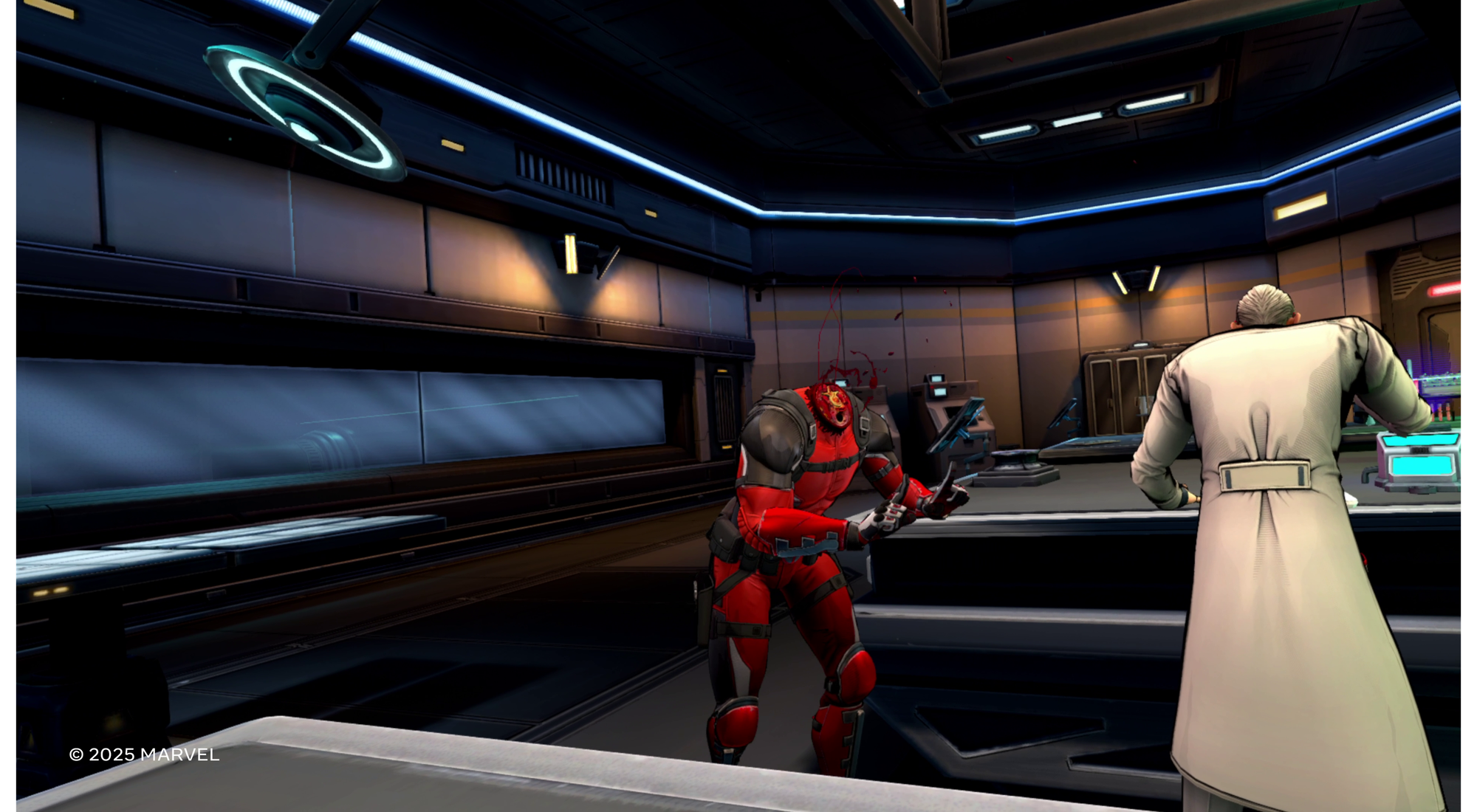
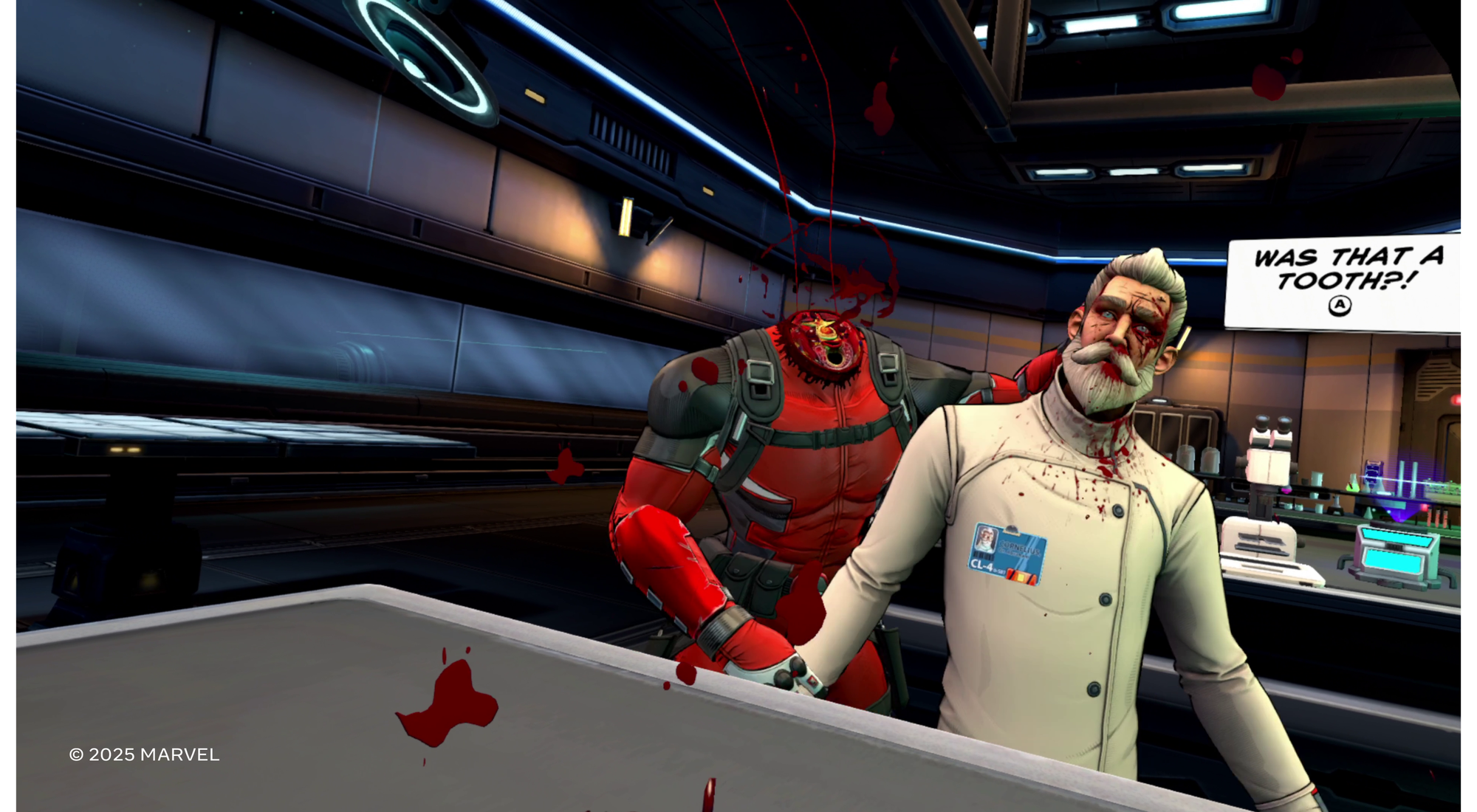
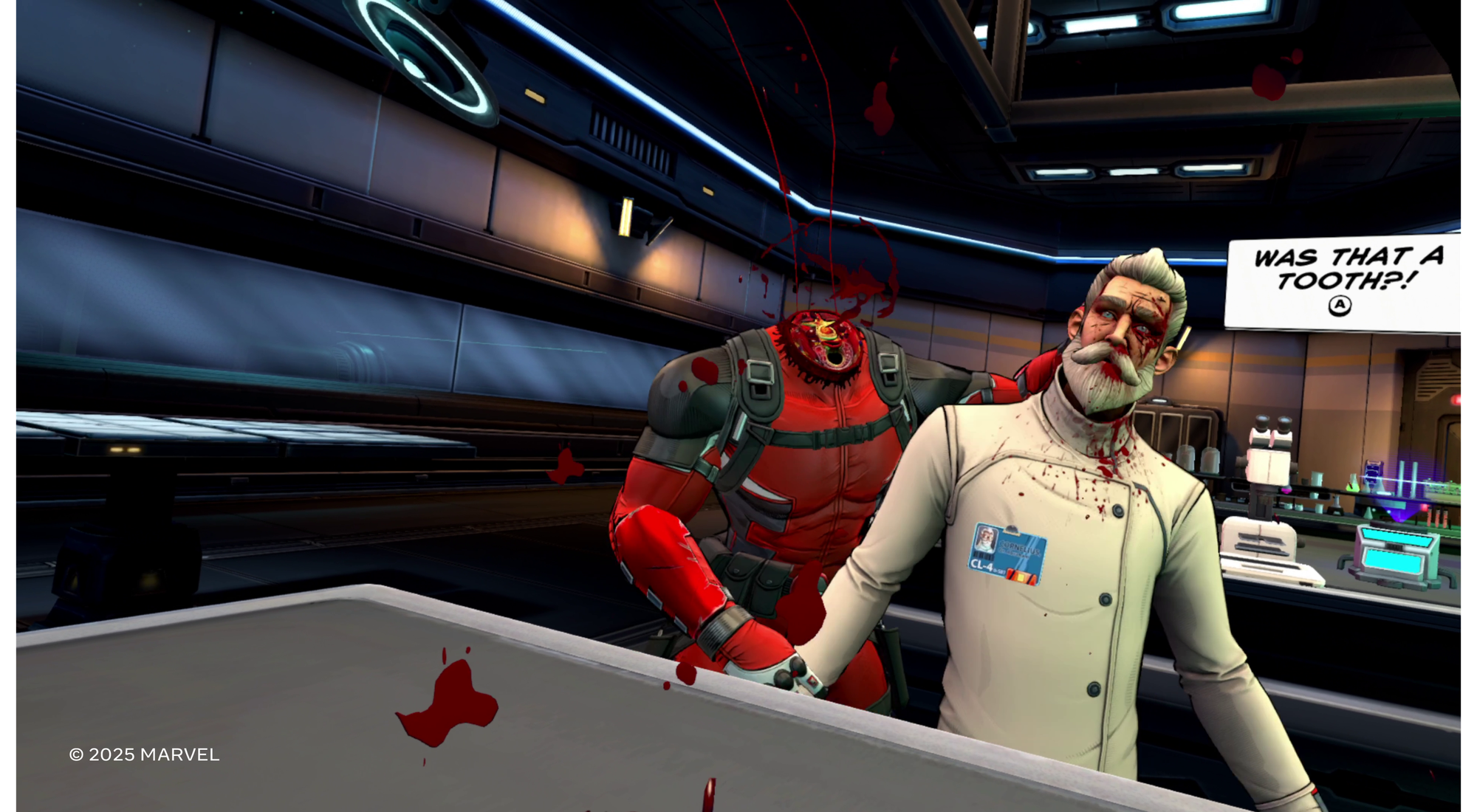
No shade on Reynolds’ work. He does his best for the Marvel Cinematic Universe, but the moment I heard the hint of Doogie Howser as a decapitated head on a table, I started to smile.

Head-First Into Gaming’s Future

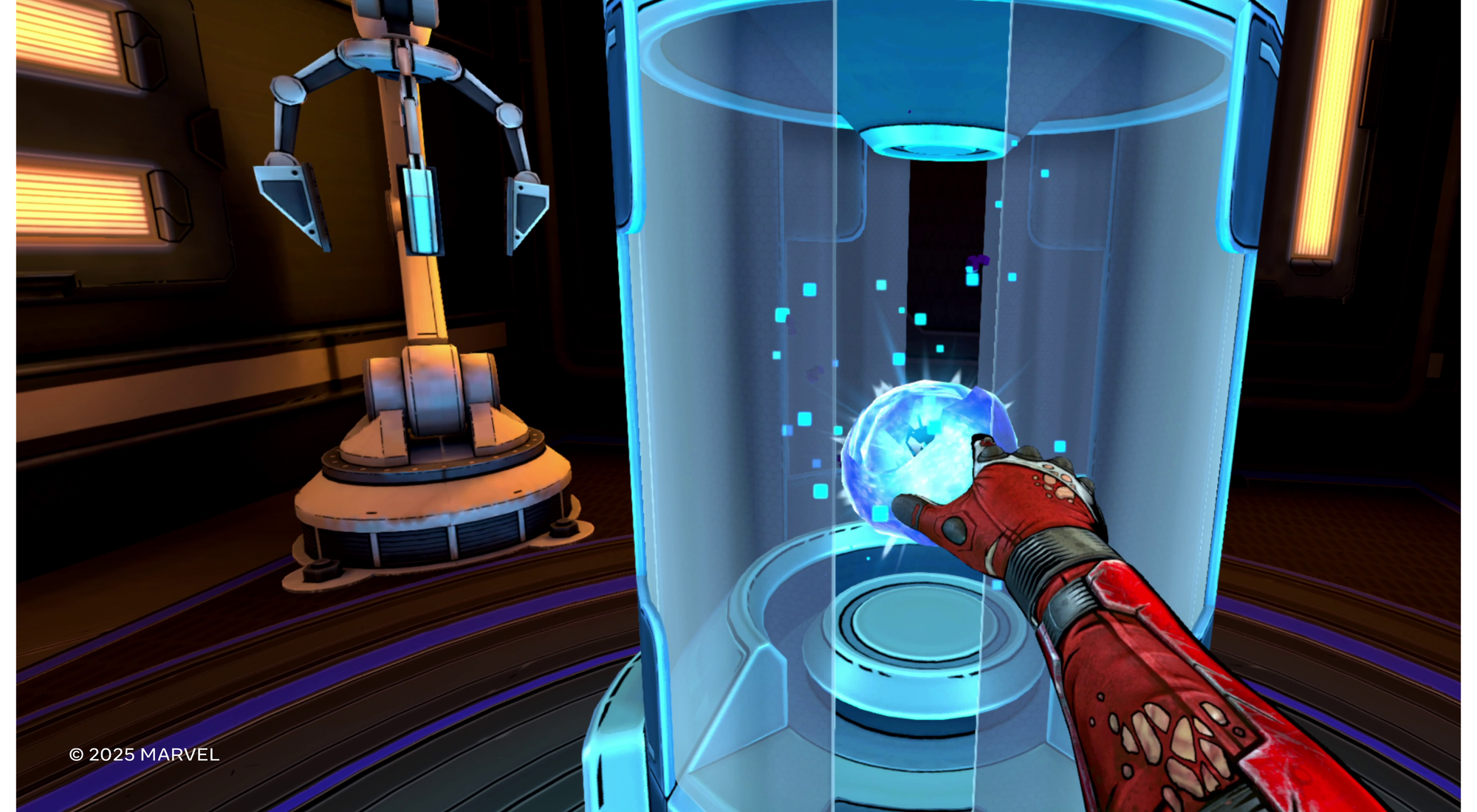
Twisted Pixel’s demo starts off needing to navigate Deadpool’s body over to rejoin his head. Starting a VR game demo as a decapitated head on a table is a new experience for me, but ultimately, donning Deadpool’s body makes a lot of sense.

In comics and movies Deadpool is aware he’s in a form of media and speaks directly to the reader or viewer. Meta-owned Twisted Pixel continues that into VR, starting with this bloody introduction to the character.

“4th wall breaks are something unique to Deadoool’s character and we wanted to make sure we acknowledge that and have fun with it in a few different ways throughout the game,” Meta’s Dan Bullock wrote over email. “These come across both through Deadpool’s dialogue and a few specific scenarios that directly relate to the gameplay. It can be easy to over-use a mechanism like this but I really like where we landed and I think our players will too!”

It’s easy enough to use the analog stick to tell the body where to go. The body dispatches the lab tech for you and then, as Deadpool’s fleshy neck approaches, you get the same sense of relief Deadpool must feel locking back into control over his perspective in step with his body’s actions.

Deadpool’s got a pair of katanas accessible over each shoulder and handguns at each hip. Toss them at enemies and more will respawn to grab and do it again. This is run-and-gun arcade gaming with no apologies for extreme VR movement, except for the most extensive comfort options screen I’ve ever seen. I didn’t have time to look at it long. Instead, to get my preferred comfort setup, Deadpool made me tell him I’m new to VR. He’s such an asshole.

By the end of my demo, I was strafing left toward three bad guys while another shot at me from my right. I grabbed the katana off my back and stuck him to a wall without missing a beat gunning toward the other guys. I did so many things as Deadpool in such a short amount of time, I cannot remember it all. The developers repeatedly encouraged us to try stuff out to see if it works. I had incredible fun killing bad guys in wildly different ways, and I couldn’t find any obvious spots breaking the illusion of embodying Deadpool. That level of immersion for that length of time handling that many weapons and it all just worked? It suggests Deadpool is shaping up to be an impressive game. That it can only be played in VR is the point, sure, but Twisted Pixel went all out in taking the best of gaming’s traditions and sharpening them up for VR in an accessible way.

I pushed through major discomfort about 15 minutes into the demo. For the first time I can remember, I found myself comfortable again in VR without taking a break. I always recommend taking a break when someone describes feeling the way I did during an active VR game with as much simulated movement as this one. Here, I pushed through and felt great afterward.

Deadpool VR feels like Twisted Pixel brought the complete power of Quest 3 to gaming and pushed it to somewhere very special. Everything the studio is doing here with Meta, from the hardware’s clarity and frame rate to the lighting and bright color palette of the game, appears drawn to the task of making extended active gaming in full VR a fun and comfortable experience. Sometimes slicing someone right down the middle in VR is fun and satisfying, and Deadpool embraces this.

Double jumping as Deadpool feels really really great in VR too. The developers said mixed reality wasn’t a consideration during their development cycle and thank god for that. Why do I need my physical living room if I’m double jumping over a rail to kill some dudes in VR? Batman doesn’t care about my living room when he’s prowling Gotham, why would Deadpool give a fuck about furniture?

Deadpool is the guy sliding into kneecaps while slicing another guy in half and using his own meat sack body to just aim his mass in the direction of evildoers. Devs are aiming for a mature rating here and, based on my time, mature gamers skeptical of Meta’s dedication to moving gaming forward as a medium using VR should withhold their judgment until after they spend some time as Deadpool.

VR gaming can be really bloody, physical, and funny, and all of that can be pulled together by a very skilled team. That team appears to be Twisted Pixel. Deadpool VR suggests that Batman: Arkham Shadow embodying players as The Dark Knight (and previously, Iron Man) was not a fluke for Meta’s VR gaming design experts. When asked, Deadpool’s creators said Camouflaj’s work on Batman was entirely separate from theirs. That suggests Meta has at least two fully staffed teams incredibly adept at building long-form role-playing power fantasies in full VR.

The comfort options screen I barely touched at the start of my demo might be one of the most important innovations in gaming. VR is for making the impossible something you can actually experience, and that means tailoring virtual reality to billions of people. What I saw in Deadpool is the suggestion that Meta’s development studios continue to build out a toolbox for comfort and accessibility — one that other developers can use to make almost any impossible idea much more comfortable to experience in a headset for extended periods of time.

We’ll of course be curious to see how Deadpool VR comes together across the full game. I picked up numerous weapons throughout the demo beyond the ones Deadpool seems to come outfitted with, and I expect an extended arsenal throughout. Still, I was left wondering how progression would be handled and how difficulty will stack across a full campaign.

Iron Man, Batman and Deadpool exist in different cinematic universes. Their VR equivalents represent some of the best power fantasies gaming has ever produced, and all of them come from Meta-owned development studios producing games for VR. Alyx’s Gravity Gloves feel great, but those were first released five years ago now and ninja-hopping your way through a level as an almost invincible Deadpool feels so much more freeing, even before you start tossing endless murder blades at anyone looking at you funny.

Deadpool’s trigger discipline is impressive here, and his almost effortless approach to killing bad guys is a strong fit for the medium. I can’t wait to let Neil Patrick Harris’ Deadpool back inside my brain later this year for more mayhem. Look for this exclusively on Quest 3 and 3S.

Deadpool VR, Voiced By Neil Patrick Harris, Is Meta’s Next Quest 3 Exclusive Blockbuster

Marvel’s Deadpool VR is a Quest 3 & Quest 3S exclusive action-adventure game launching later this year.

Developed by the Meta-owned studio Twisted Pixel Games in collaboration with Marvel Games, Deadpool VR promises to put you in the suit of the super-antihero in “an over-the-top mix of parkour and chaotic combat where anything goes—from grenade-assisted takedowns to literally losing your head in a Helicarrier heist”.

0:00

/1:26

The game has a cell-shaded graphics style, and will feature “a bunch” of locations from across the Marvel universe where you’ll encounter and battle “iconic” villains.

Unlike in the films though, Deadpool in VR is voiced by Neil Patrick Harris, not Ryan Reynolds.

Twisted Pixel Games?

Twisted Pixel Games was founded in 2006, and mostly made Xbox games published by Microsoft for the first decade of its existence. In fact, Microsoft owned the studio from 2011 until 2015, when it became an independent company again.

On contract from Facebook, between 2017 and 2019 Twisted Pixel released four VR games:

  • Wilson’s Heart (Rift): a 2017 black & white psychological horror game with voice acting from Peter Weller, Alfred Molina, Rosario Dawson, and Michael B Jordan.
  • B-Team (Go/Quest): a 2018 collection of minigames, including a running game where you avoid obstacles and a wave shooter, ported to Quest in 2022.
  • Defector (Rift): a 2019 action-packed spy thriller reminiscent of Mission: Impossible.
  • Path of the Warrior (Rift/Quest): a 2019 brawler, essentially a first-person VR take on games like Streets of Rage, Final Fight, or Double Dragon.

In 2022, Twisted Pixel Games was acquired by Meta.

Deadpool VR is set to be the third blockbuster VR game in three years released by Meta’s Oculus Studios for its Quest headsets. It follows last year’s Batman: Arkham Shadow from Camouflaj, which followed Asgard’s Wrath 2 from Sanzaru Games the year before that.

It will also be the second official Marvel game available on Quest headsets. Two years before Arkham Shadow, Camouflaj ported Iron Man VR from PlayStation VR to Quest 2.

Deadpool himself was a playable character in the 2018 multiplayer Oculus Rift PC VR game Marvel Powers United VR, released by Sanzaru before the original Asgard’s Wrath. Meta shut down Marvel Powers United VR in 2020, and while a fan project brought back single-player last year, Meta put an end to its official distribution just a month later.

Thus, for players of Marvel Powers United VR who own a Quest 3 or Quest 3S, the new Marvel’s Deadpool VR could be a return to embodying the super-antihero.

Marvel’s Deadpool VR “in-engine” screenshots.

Marvel’s Deadpool VR is exclusive to Quest 3 and Quest 3S, and will arrive “later this year”. We recently went hands-on with a demo build of the game, and you can read our impressions here:

Hands-On: Deadpool VR Shoves Meta Head-First Into The Future Of Gaming
Donning a superhero’s bloody body is a perfect fit for Quest headsets in Twisted Pixels’ Deadpool VR.
UploadVRIan Hamilton

How to Set Up and Start Using Your New Nintendo Switch 2

So, you’ve braved the pre-order sites, or maybe you’ve just gotten lucky while waiting in line—either way, you’ve got yourself a Nintendo Switch 2. Congratulations! But before you start gaming, there are a few things you’ll need to keep in mind while setting up your console. Nintendo is known for being user friendly, but also a bit particular. Case in point: You can only do a full transfer of your Switch 1 data to your Switch 2 during setup, and if you miss this opportunity, you’ll have to reset your device to try again, or manually copy over your games and save data piece-by-piece later on.

Luckily, I’ve got your back. Read on for a quick guide on how to set up your Nintendo Switch 2, and the three other features you should set up before you start playing.

How to start setting up a Nintendo Switch 2

For the most part, setting up a new Switch 2 out of the box is straightforward, but you’ll still want to pay close attention to each step before moving on, especially when it comes to transferring console data.

First, remove your Switch 2 and your joy-con controllers from their packaging. Then, plug your joy-cons into their respective slots (they’ll attach magnetically, so it’s much simpler than on the first Switch). If you don’t know which joy-con goes where, the one with red highlights goes to the right of the screen, and the one with blue highlights goes to the left.

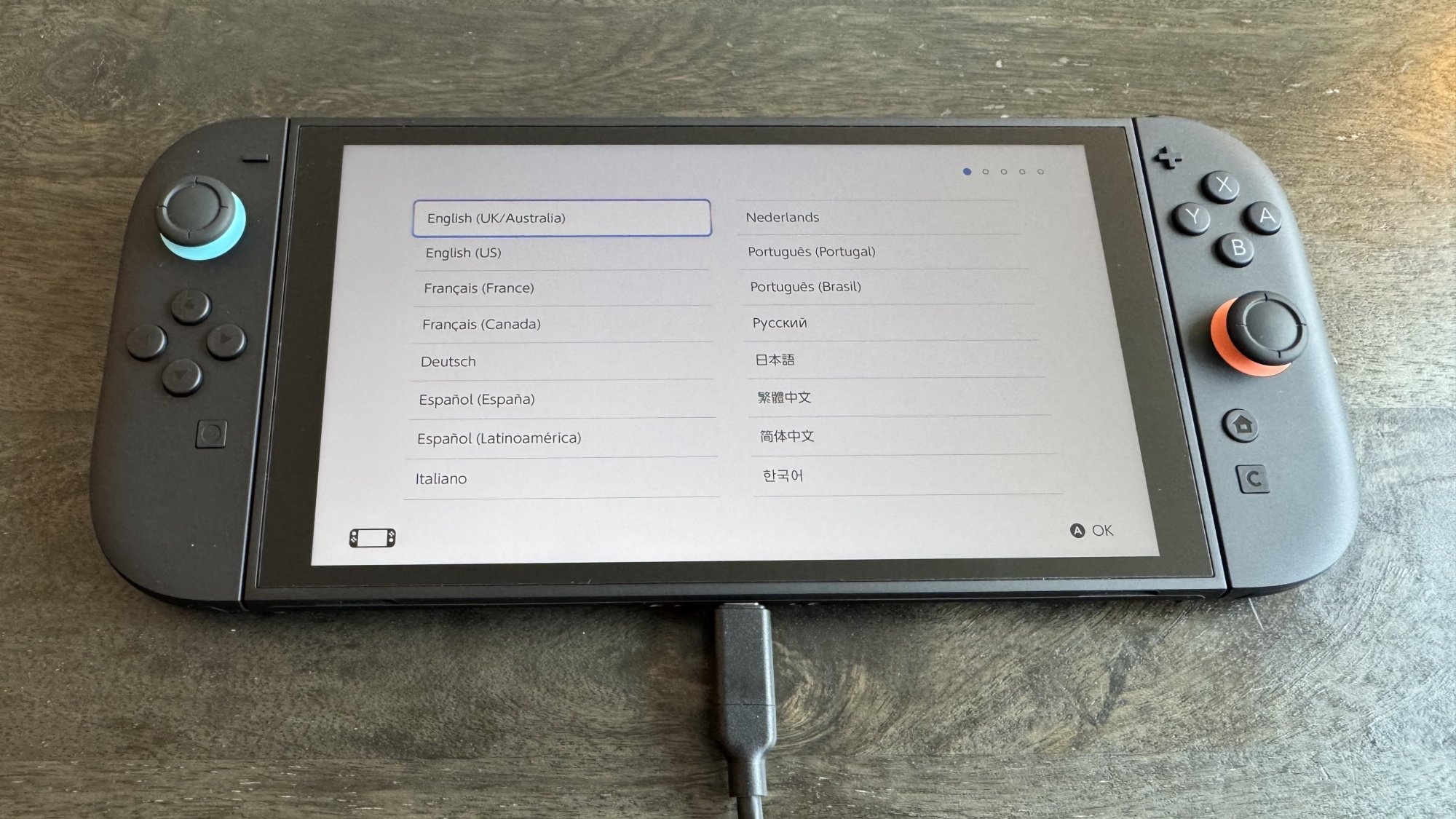
Next, plug your Switch into power using the included charging brick and cable, and power it on. On the screens that follow, select your language and region, then read and accept the end-user license agreement.

Switch 2 language

Credit: Michelle Ehrhardt

You’ll see a screen to connect to the internet and download the console’s day-one system update. This technically isn’t mandatory, and skipping it (with the X button on the right joy-con) will instead take you to time zone settings. However, most features will be locked down, including backward compatibility, until you download it, so I recommend doing it during setup if possible. If you do skip this step, you can access the update later under Settings > System > System Update.

Once you’re connected to the internet and you’ve started downloading the update, you’ll be able to continue setup while it downloads. Now, you’ll pick your time zone and click through a couple of tutorial pages. These will instruct you about portable and TV play, tell you how to use the kickstand and extra USB-C port, and walk you through detaching your joy-con from the console (press in the button on the back of the joy-con, underneath the trigger, and pull). You can also click through an optional tutorial on connecting your Switch 2 to a TV, if you like, after which you’ll get quick guides on using the included joy-con grip accessory and the joy-con wrist straps.

If your console hasn’t finished updating, it’ll finish that now, and then take you to your first big decision: do you want to transfer your Switch 1 data to your Switch 2?

Transferring Switch 1 data to the Switch 2

During Switch 2 setup, Nintendo will allow you to transfer your Switch 1 data to your Switch 2, but there are a few caveats.

You’ll know you’re ready for this once your system update is downloaded and you’re on a screen that says “To Nintendo Switch Console Owners,” above a graphic of someone holding a Switch 1 and Switch 2. 

Next to the graphic, you’ll see two buttons: Begin System Transfer, Don’t Transfer Data, plus a third button below that explains the process to you, but leaves out a few key details.

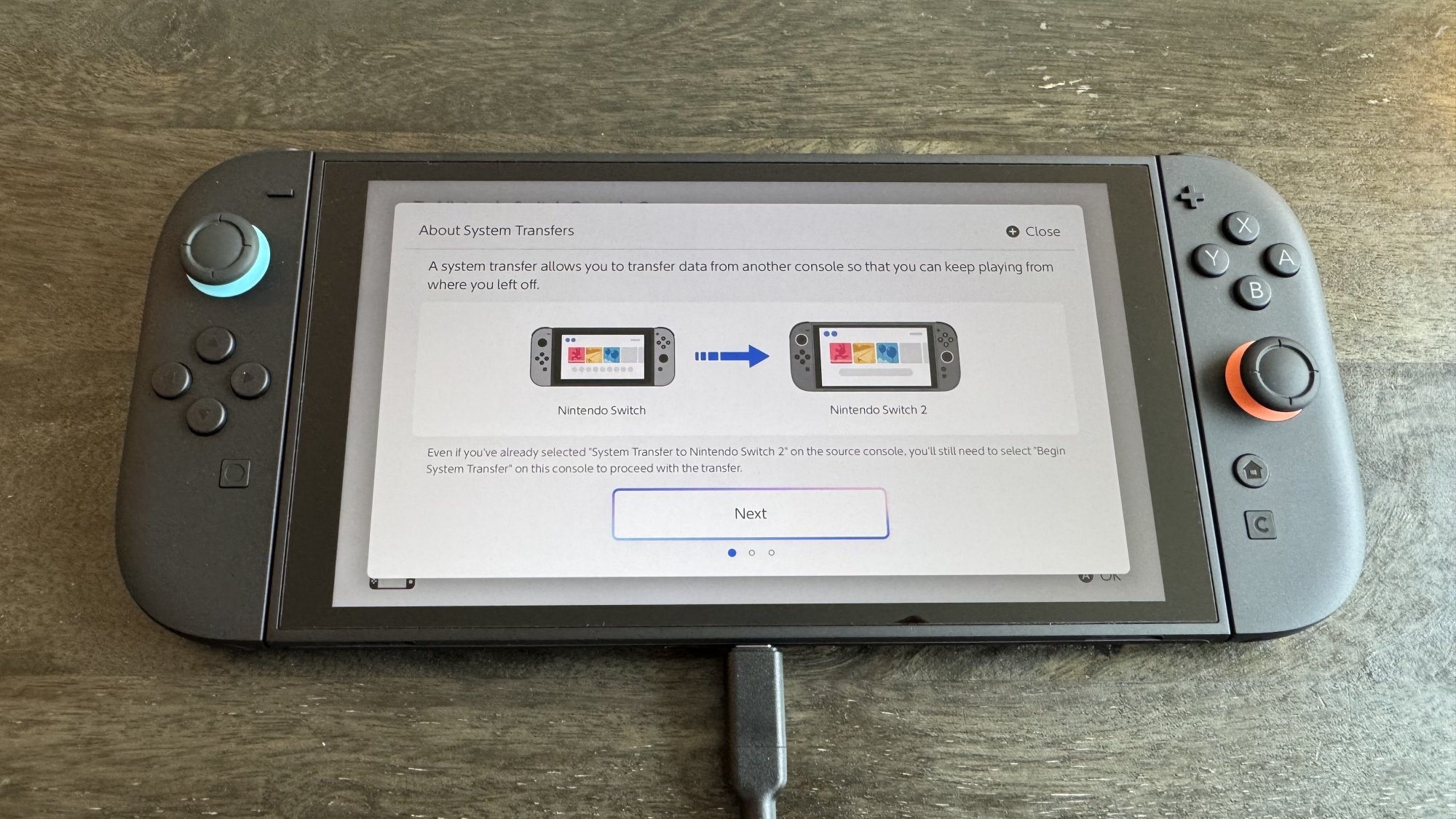
Before you make your decision, the most important thing to remember is this: There are actually two ways to transfer data from the Switch 1 to the Switch 2, and despite what you might have read elsewhere, locally transferring your Switch 1 data to the Switch 2 during setup will not factory reset your original Switch. Unless you’ve taken extra steps beforehand, this is the option Nintendo’s setup process will recommend to you, so most users don’t need to be scared about accidentally erasing their original consoles.

Switch 2 System Transfer

Credit: Michelle Ehrhardt

If you stick with a local transfer, it will simply copy over your data to your Switch 2, so that it exists on both systems. There are a few specific cases where some data will get removed from your original device as it makes its way over to your new one, but for the most part, you’ll be able to keep using your original device as usual after the transfer, and there are ways to get that data back later on (I’ll get into that). Just know that save data for specific games, as well as some free-to-play games, may have been deleted from your Switch 1 and moved over to your Switch 2. Don’t worry— Nintendo will warn you about which software will be affected during the transfer process. Additionally, screenshots and video captures stored on a microSD card attached to the Switch 1 will need to be moved over manually later on.

How to transfer your Switch 1 data locally

With that in mind, if you want to transfer your data locally, which is what most people should do, click the Begin System Transfer button and follow the instructions—this involves signing into your Nintendo account, keeping your original Switch powered on and in close proximity to the Switch 2, and activating the transfer on your original Switch under Settings > System Settings > System Transfer to Nintendo Switch 2.

How to transfer your Switch 1 data using Nintendo’s servers

The confusion about factory resets comes from this data transfer option, which involves using the Nintendo servers. This will factory reset your Switch, and is best if you plan to sell it anyway, or if you expect to be away from your original Switch during Switch 2 setup and don’t mind setting up your original console from scratch when you get back to it. To start this kind of transfer, power on your original Switch, navigate to the System Transfer page mentioned above, then select I don’t have a Nintendo Switch 2 yet. Take note of the Download Deadline for later. Conveniently, that does point to one upside to this method: you can start it before you even have a Switch 2 in hand.

Now, click Next, then Upload Data, then OK, followed by another OK. Click Start Initialization to begin factory resetting your original Switch. 

From here, your original Switch will revert to how it was before you bought it, and you’ll need to move over to your Switch 2, click Begin System Transfer, and sign into your Nintendo account. If the system detects that you have transfer data to download from the cloud, it’ll walk you through the process. Note, however, that if you don’t download your transfer data before the deadline you jotted down earlier, you’ll lose access to it.

If you want to skip the data transfer process…

If you’d rather not transfer your data, that’s also fine, but you won’t have an opportunity to do so later, and will instead need to move games and save data over manually. Click the Don’t Transfer Data button, then Continue to move to the next step.

Adding a user and parental controls

With system transfers out of the way, you’re through the hardest part of setting up your new console. Now, you’ll be prompted to add a user to the system. Here, you can sign in with your Nintendo Account to get access to your Switch Online subscription and your collection of downloadable games, or create a local user profile. After that, you can add more users as you like, or you can save that for later (simply navigate to System Settings > User > Add User).

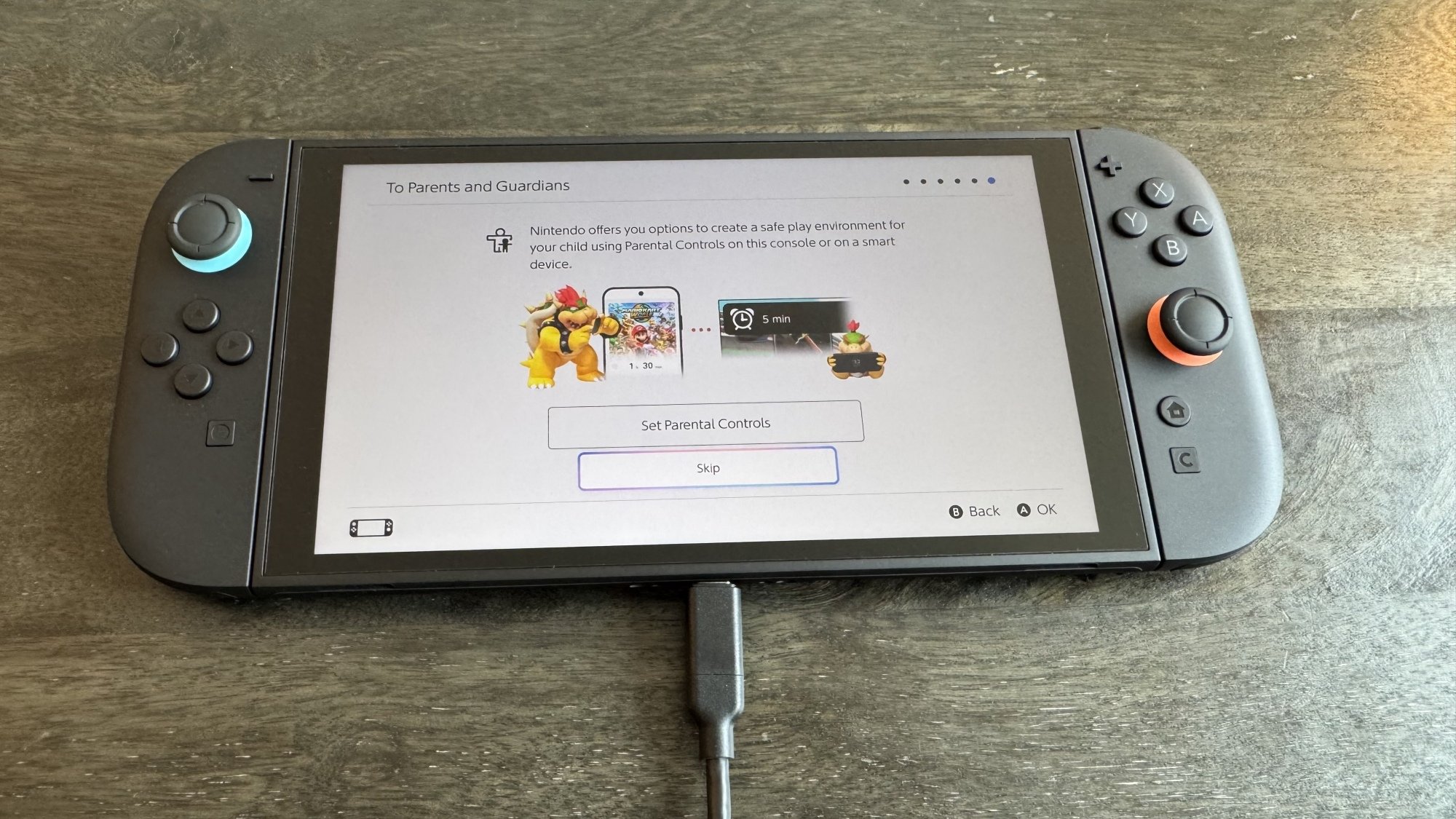
Next up, parental controls. Like with additional users, you can set these up later under System Settings > Parental Controls, but there’s no harm to setting them up now as well. To do so, click Set Parental Controls. 

Switch 2 parental controls

Credit: Michelle Ehrhardt

You’ll have a few options. Most of these will prompt you to use Nintendo’s Parental Controls app, but you can also click the X button on the right-hand joy-con to set up limited parental controls directly on the console. Doing so will allow you to select from a number of presets that will block access to certain games and communication features, but not much else. Using the app, meanwhile, will let you set a daily play time limit, bedtime settings, restrictions on the new GameChat feature, and see reports on play time and games played. It also doesn’t require a Switch Online subscription, so it’s worth using if you have a smart device.

To set up parental controls using the app, first download it for either iOS or Android using the information on the screen, then click the “If You’ve Already Downloaded the App” button. Enter the registration code from your app into your Switch 2 system, then follow the instructions in the app to finish setup. Which buttons you’ll need to click will depend on the controls you’d like to activate, as well as for which users and systems, but it’s fairly straightforward.

MicroSD card limitations

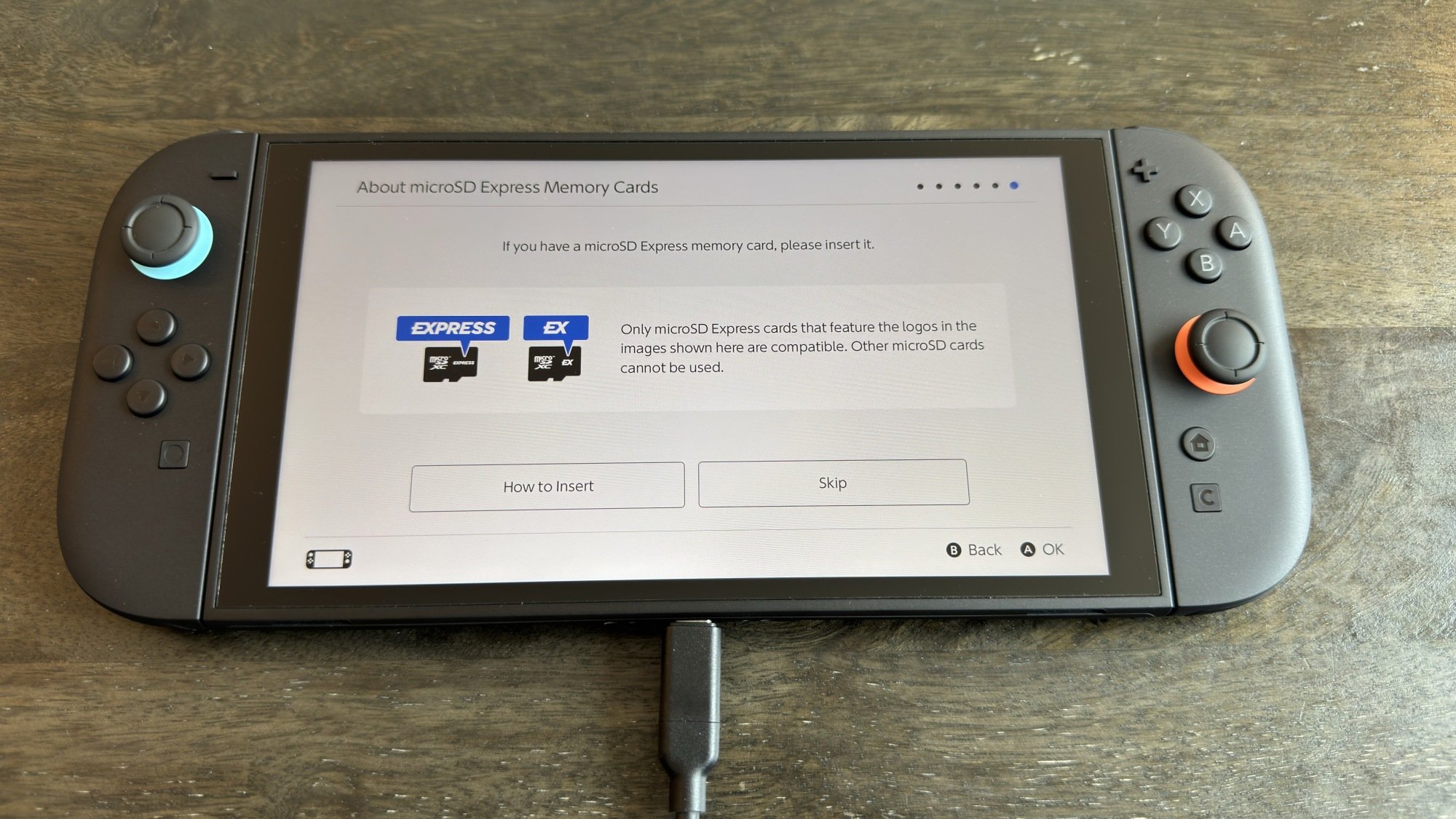
Just a couple more screens. First, a quick warning about microSD cards. Unlike the Switch 1, the Switch 2 is only compatible with microSD Express cards, which are faster, but options for them are also a bit more limited—in other words, there’s a good chance you won’t be able to use the same microSD card from your Switch 1 on your Switch 2. To use a microSD card on Switch 2, it’ll need either of the two logos shown in the image below. A bit of a bummer, but at least a microSD card is optional (it’ll help you store more games, but the included storage on the Switch 2 is more generous than on the Switch 1).

Switch 2 MicroSD card warning

Credit: Michelle Ehrhardt

Oh, and like on the Switch 1, the microSD slot is hidden under the kickstand, in case you’re having trouble finding it.

Virtual Game Cards

You’re technically through setup at this point, but there are still a few features you’ll probably want to configure before you start gaming. The most obvious of these is Virtual Game Cards, Nintendo’s new system for managing games purchased digitally.

Essentially, like the name implies, these work similarly to physical game cards, but over the internet. This means that, unlike with your Steam library, you can only have a game loaded to one console at a time. “Loading” is what Nintendo calls this, but for the most part, it just means your game is downloaded and ready to play.”(Technically, you can still play the same game on two separate consoles at the same time, but doing so is a bit obtuse—click through here for more details.)

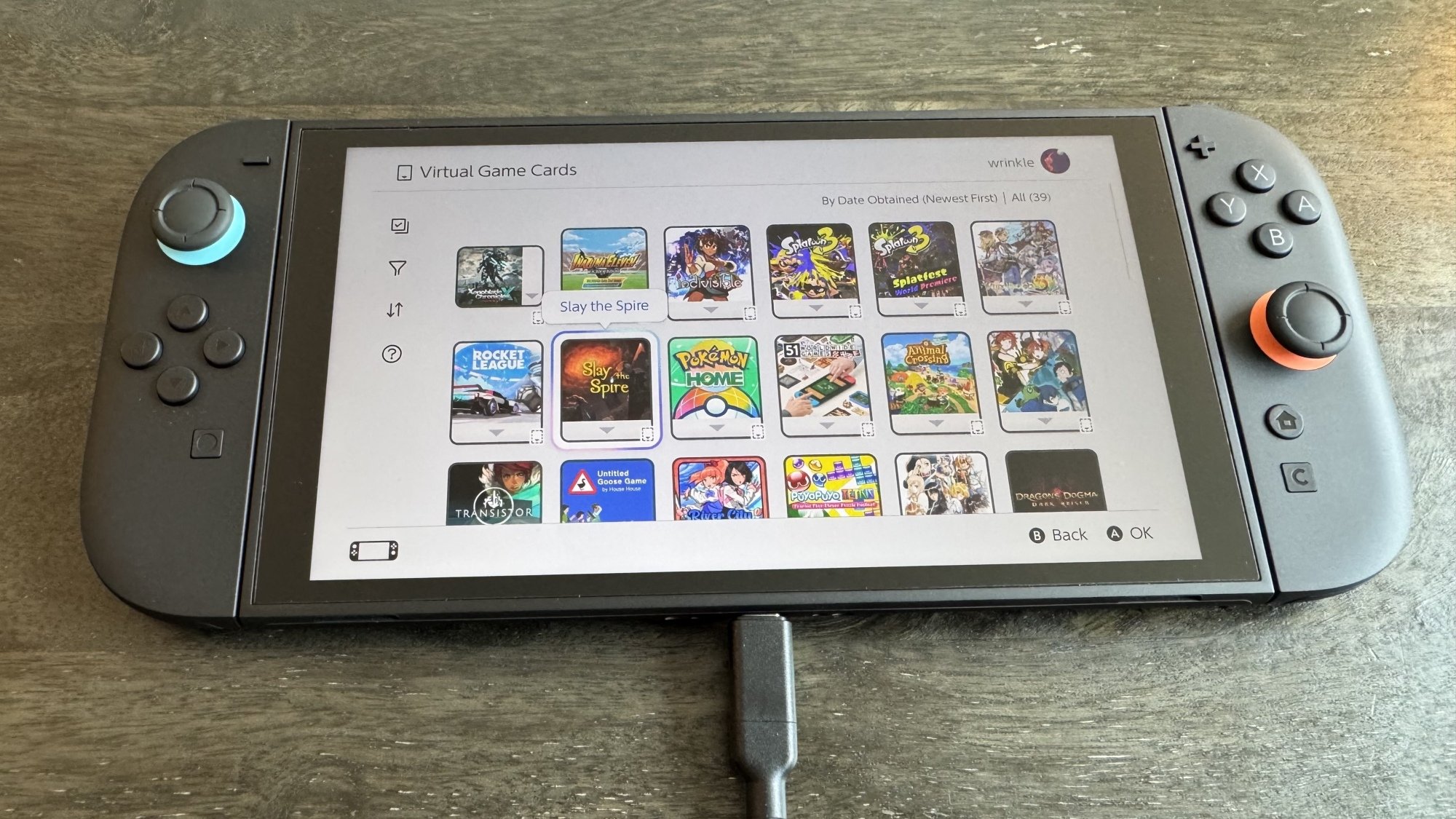
To access your Virtual Game Cards, click the Virtual Game Card icon in the bottom row on your Switch 2’s home screen—it’ll look like a game cartridge. From here, if you’ve signed into your Nintendo account, you’ll see all your digital purchases and will be able to download and play them from here. If you haven’t signed into your Nintendo Account, you’ll have the option to do so.

Switch 2 virtual game cards

Credit: Michelle Ehrhardt

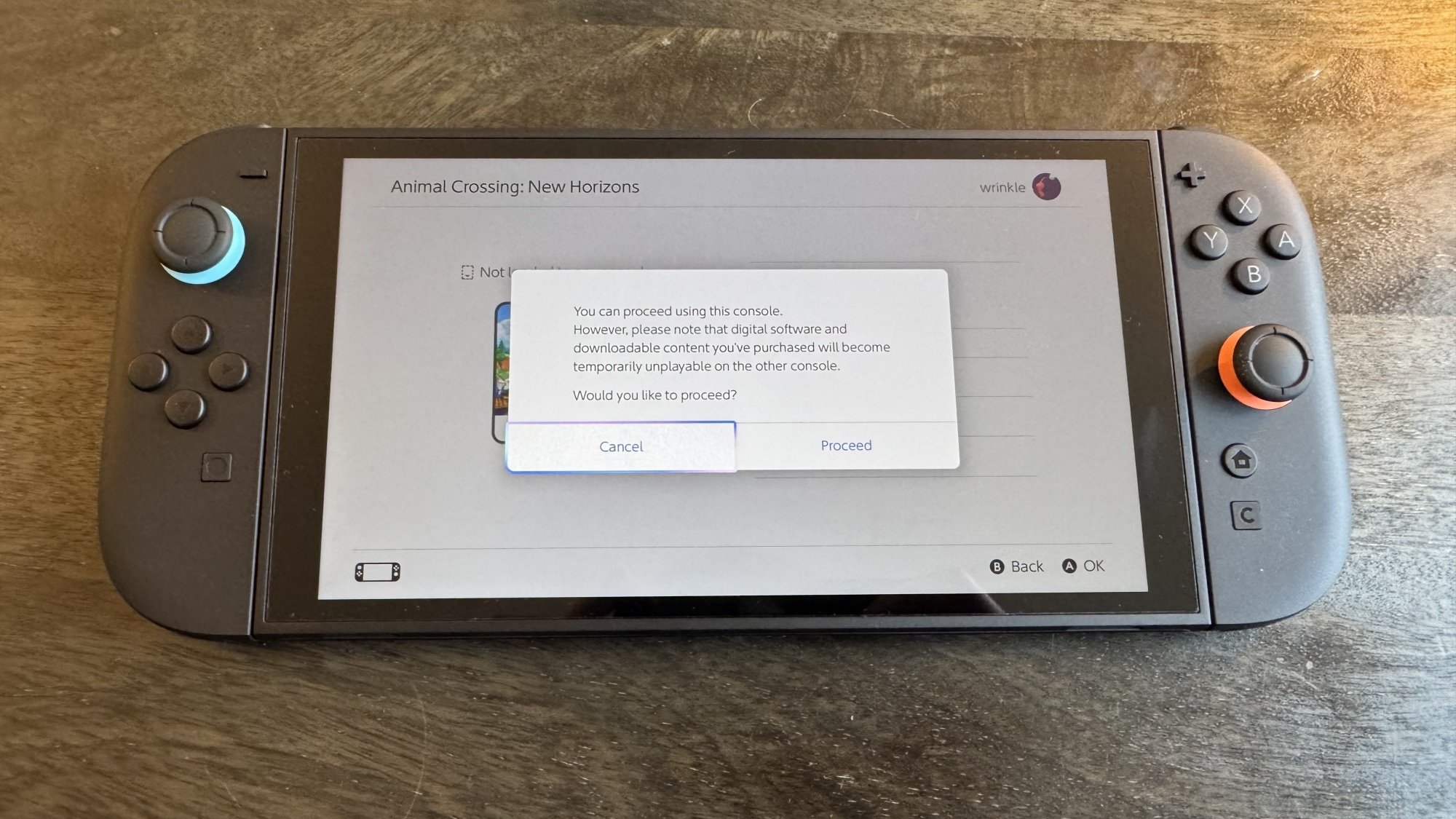
Now, you’ll have a few options. First, if a game isn’t loaded onto your original Switch, you can simply download it to your Switch 2 without issue by clicking Load to This Console. If the console isn’t set as your primary device (likely the case if you didn’t do a transfer), you might see a warning if you try to open a game, but you can click the If You Don’t Have That Console button to download your game anyway. It will simply cease being playable on the other console while you use it on this one, although that’s always the case when moving a Virtual Game Card between systems. Still, you can always change your primary device later by de-registering your original device and connecting your Switch 2 to the eShop. This won’t be necessary for simply accessing your library, but will extend any Nintendo Online benefits to all users on that device, rather than the one associated with your Nintendo Account.

Virtual game cards load screen

Credit: Michelle Ehrhardt

Alternatively, if you do have access to your old console and have it nearby and powered on, you can link it to your new one to directly transfer your digital game to it, without having to re-download it from the internet. You’ll need to be in close proximity for this, and you can only have two consoles linked at a time (although you can freely unlink and link consoles as needed). With that set up, click Load to This Console on the system you want to move the Virtual Game Card to to get started. Transferring a game like this will also remove access to that game from your old device, and if you like, you can initiate this process from the device that’s transferring the game instead, by navigating to the desired Virtual Game Card on it and clicking Load to Another Console.

How to lend a Virtual Game Card to someone else

You’ll also notice that you can lend a Virtual Game Card to members of a “Family Group.” To do this, you’ll first need to set up a Family Group online. On Nintendo’s website, log into your Nintendo Account, then click the Family Group tab on the left hand side of your account page. Here, you can invite members to join your Family Group via email, or create a Family Group account for your child. Note that if you have a Nintendo Switch online Family Plan subscription, members of your Family Group will be able to use its benefits (for up to eight accounts), although accounts that are part of your family group can also still use their individual subscriptions.

With a Family Group set up, on the Virtual Game Card page, click the game you’d like to lend out, then Lend to a Family Group Member. Next, bring your Switch 2 in close proximity with that Family Group Member’s device—this needs to be done in person.

Finally, click Select a User to Lend to. You can lend up to three games to three different accounts at once, and borrowers will be able to play these games for 14 days. During that time, you won’t be able to play the Game Card, and the borrower won’t get access to your save data while borrowing. However, they will keep their own save data for their next borrowing period, or if they choose to buy the game themselves. There are no limits to how often you can lend out a game, and you can re-lend games immediately upon the borrowing period expiring. Also, while you’ll need to lend out your games in person, they’ll return to you remotely.

Transferring save data

Even if you didn’t transfer your Switch 1 data to your Switch 2 during setup, you can still access its save data on your new device. You have a couple of options here.

First, the free option. On your original Switch, go to System Settings > Data Management > Transfer Your Save Data. Click Send Data to Another Console, then pick the user whose saves you want to send to your Switch 2. Pick the saves you want to send over, then click OK. Note that these saves will be deleted from your original console once moved over.

Next, with your Switch 2 in close proximity to your Switch 1 (this also needs to be done in person), navigate to System Settings > Data Management > Transfer Your Save Data. Click Receive Save Data. 

To move data from your Switch 2 to your Switch 1, simply perform these steps in reverse.

Second, the paid option. If you have a Nintendo Switch Online membership, you can also use cloud saves to move save data between devices. By default, these are enabled automatically and will keep both of your systems up to date with the most recent saves. However, you can also manually download cloud saves either from a game’s software menu (press + or – while hovering over it on the Switch home screen) or from System Settings > Data Management > Save Data Cloud. You can also disable automatic save data download from here, if you like.

Lock your home screen behind a passcode

Finally, you can lock your Switch 2 with a PIN for some added security, kind of like a cell phone. To set this up, simply go to Settings > System > Console Lock. Click OK, then follow the instructions on the screen that pops up to enter your PIN.

There’s plenty more to dive into with the Switch 2, which I’ll cover over the following week. For now, though, this should be enough to get you started. Happy gaming!

Here’s a silly puppet boxing game you never knew you needed

I have not played a single boxing game outside of Wii Sports this century, but that could be about to change. Summer Game Fest Live brought us the reveal of Felt That: Boxing, which stars puppet pugilists.

This project from the appropriately named Sans Strings Studio and Seth Green’s animation company, Stoopid Buddy Stoodios, is billed as “a comedic, over-the-top boxing game set in a world where the charm of furry puppets collides with the fury of boxing.” The clip is structured like a trailer for an underdog sports movie and it is just delightful. 

The snippets of gameplay suggest there will be training minigames that include dodging slices of burnt toast that a trainer hurls at your puppet (who is named Fuzz-E) and, uh, plunging a toilet. According to the description on the YouTube video, the developers are aiming to make the “boxing mechanics are intentionally ridiculous, favoring fun over precision, with [puppet] limbs flailing about with an insane sense of chaos.” Lovely.

This trailer was immediately the most interesting thing during SGF Live up to that point. Felt That: Boxing does not yet have a release window, but you can wishlist it on Steam now, like I just did.

This article originally appeared on Engadget at https://www.engadget.com/gaming/heres-a-silly-puppet-boxing-game-you-never-knew-you-needed-215616201.html?src=rss

Lawmakers Vote To Stop NYPD’s Attempt To Encrypt Their Radios

alternative_right shares a report: New York state lawmakers voted to stop the NYPD’s attempt to block its radio communications from the public Thursday, with the bill expected to head to Gov. Kathy Hochul’s desk. The “Keep Police Radio Public Act” passed both the state Senate and state Assembly, with a sponsor of the legislation arguing the proposal strikes the “proper balance” in the battle between transparency and sensitive information.

“Preserving access to police radio is critical for a free press and to preserve the freedoms and protections afforded by the public availability of this information,” state Sen. Michael Gianaris (D-Queens) said in a statement. “As encrypted radio usage grows, my proposal strikes the proper balance between legitimate law enforcement needs and the rights and interests of New Yorkers.”

The bill, which was sponsored in the Assembly by lawmaker Karines Reyes (D-Bronx), is meant to make real-time police radio communications accessible to emergency services organizations and reporters. “Sensitive information” would still be kept private, according to the legislation. In late 2023, the NYPD began encrypting its radio communications to increase officer safety and “protect the privacy interests of victims and witnesses.” However, it led to outcry from press advocates and local officials concerned about reduced transparency and limited access to real-time information.

A bill to address the issue has passed both chambers of New York’s legislature, but Governor Hochul has not yet indicated whether she will sign it.


Read more of this story at Slashdot.

Mortal Shell II is dark, gross and coming in 2026

Developer Cold Symmetry jumpstarted Summer Game Fest Live with the first trailer for Mortal Shell II, a sequel to Mortal Shell with what looks like an equal amount of gruesome imagery. The game is expected to launch in 2026, but you can register right now to try a beta version of Mortal Shell II when it becomes available.

According to the game’s Steam page, Mortal Shell II is a standalone sequel to the original Mortal Shell released in 2020. It combines deliberate, Dark Souls-style action with a grotesque, dark setting, not unlike Dark Souls itself. The trailer offers ample examples is full of over-the-top enemies — of particular note, a giant armored snail — and lots of sharp things piercing soft flesh.

Playing as “the Harbinger” you’ll travel through “more than 60 dungeons,” leveraging the “Shells” of fallen warriors to gain new abilities, Cold Symmetry writes. It sounds like the just the kind of punishing experience Soulslike fans get out of bed for.

Mortal Shell II is coming to PC, PS5, and Xbox Series X / S in 2026.

This article originally appeared on Engadget at https://www.engadget.com/gaming/mortal-shell-ii-is-dark-gross-and-coming-in-2026-214811717.html?src=rss

The soulslike action RPG Code Vein is getting a sequel

Bandai Namco is making a sequel to the 2019 action RPG Code Vein. The sequel, appropriately-named Code Vein II, is coming to PC, PS5 and Xbox Series X/S in 2026. The announcement was made during the Summer Game Fest kickoff stream. 

The first one was a popular soulslike, and the sequel will probably follow this winning formula. It received mixed reviews, but the dungeon-crawling seemed solid and the difficulty wasn’t over the top.

The graphics for Code Vein II look sharp and the story seems convoluted, but fun. It looks to be carrying over some story beats from the first one. It’s still set in a post-apocalyptic future and still follows a protagonist with vampire-like abilities. We’ll have more on this one as it gets closer to the actual release.

This article originally appeared on Engadget at https://www.engadget.com/gaming/the-soulslike-action-rpg-code-vein-is-getting-a-sequel-214216149.html?src=rss

Anti-vaccine quack hired by RFK Jr. has started work at the health department

Notorious anti-vaccine advocate David Geier has begun working at the US Department of Health and Human Services and is seeking access to sensitive vaccine safety data that the Centers for Disease Control and Prevention had previously barred him from accessing—at least twice—according to reporting from The Wall Street Journal.

Geier and his father, Mark Geier, who died in March, are known for peddling the thoroughly debunked falsehood that vaccines cause autism, publishing a long list of dubious articles in low-quality journals that push the idea. In particular, the two have blamed the mercury-containing vaccine preservative, thimerosal, despite numerous studies finding no link. Thimerosal was largely abandoned from vaccine formulations in 2001 out of an abundance of caution.

In 2011, an investigation by the Maryland State Board of Physicians found that the Geiers were misdiagnosing autistic children and treating them with potent hormone therapies in a treatment they dubbed the “Lupron Protocol.” Mark Geier was stripped of his medical license. David Geier, who has no medical or scientific background and holds only a bachelor’s degree, was disciplined for practicing medicine without a license.

Read full article

Comments