Teenage Mutant Ninja Turtles Coming To VR In 2026 On Quest & Steam

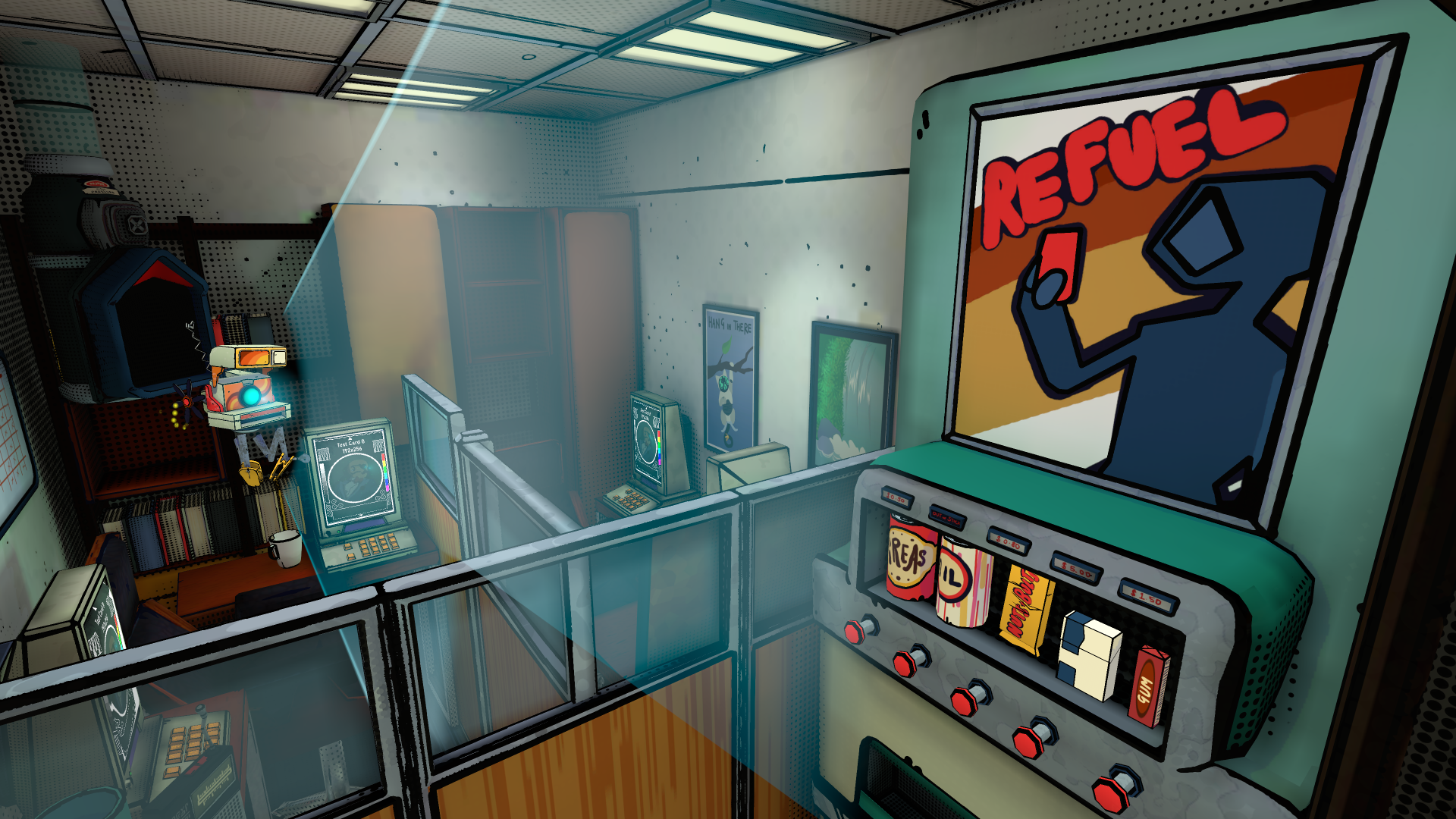
Gorn 2 development studio Cortopia revealed Teenage Mutant Ninja Turtles: Empire City is coming to major VR headsets in 2026.

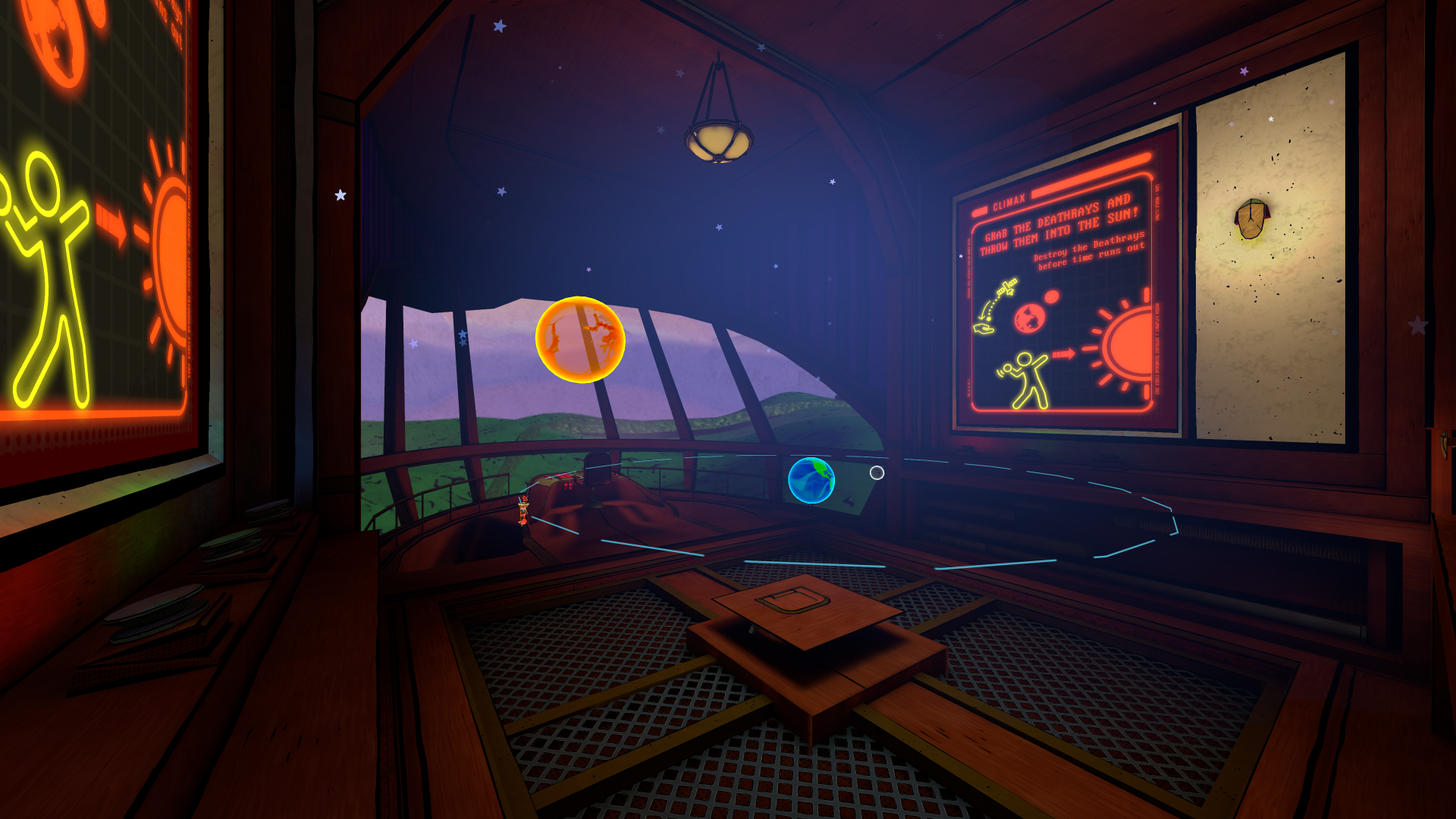
A teaser trailer doesn’t show any gameplay, though there are a few screenshots revealed on the store pages on Steam and Quest for wishlisting. Beyond Frames Entertainment is listed as the publisher. Cortopia previously worked on Escaping Wonderland, Wands, and Down The Rabbit Hole.

For TMNT, the official text explains that you can “Don the mask of Leonardo, Raphael, Donatello, or Michelangelo in the first ever Teenage Mutant Ninja Turtles VR game.”

“In the vacuum left by Shredder’s demise, the Foot Clan’s grip tightens on the streets you once called home. It’s time to reclaim what’s yours,” the description explains. “Master each Turtle’s signature weapon with precision strikes and blocks in this first-person action adventure.”

The game promises “fluid parkour” and “fan-favorite villains” as well as co-op play with up to three others.

We’ll dig up more details as we can, but Teenage Mutant Ninja Turtles: Empire City is suddenly one of the most anticipated VR games coming in 2026.

The PS5 Pro gets a $50 discount in Sony’s Days of Play sale

Sony is revving its engines for its latest Days of Play sale, which includes the first official price cut for the PS5 Pro. The console will drop by $50 to $650 in the US. The sale starts on May 28 and runs until June 11.

You might have been able to find a PS5 Pro for less than the list price elsewhere, but this is the first time Sony has put it on sale on its own storefront. Retail partners will match the discount. If you don’t yet have a PS5 (or a powerful gaming PC) and can afford a Pro, it’s the way to go for the very best PlayStation experience. We gave it a score of 88 in our review — it might have scored higher but for the price and the lack of a built-in disc drive.

There are other discounts on consoles in the US and Canada as part of the sale. A bundle of either the standard PS5 or Digital Edition with a copy of Call of Duty: Black Ops 6 starts at $400/$510 CAD (for the Digital Edition). Sony says that will save you $120/$160 CAD compared with buying them separately. The PS5 standard and digital versions will be on sale in Europe and Asia too, starting at €400/£340/¥65,980.

It’s worth noting that Sony has considered raising the prices of PS5 hardware to offset the cost of tariffs. Microsoft this month jacked up the prices of Xbox consoles recently for that reason. So if you’ve been on the fence about getting a PS5 or PS5 Pro, now might be the time to snap one up.

Elsewhere in the Days of Play sale, accessories are getting discounts. You can save on the PlayStation VR2 ($50 off), PlayStation VR2 and Horizon Call of the Mountain bundle ($50 off), Pulse Explore earbuds ($30 off), DualSense Edge controller ($30 off), PlayStation Access controller ($20 off) and the DualSense controller ($20 off). Things like PS5 console covers and external storage drives will get price cuts as well.

You will, of course, be able to snap up PS5 games for fewer dollars than usual. MLB The Show 25, the brilliant Astro Bot and Lego Horizon Adventures are among the many first-party games getting discounts. If you haven’t played The Last of Us Part II and don’t want to wait a year or two before finding out where the story of HBO’s adaptation will go after that (somewhat unsatisfying) season finale on Sunday, you might like to snap up the remastered edition of the misery simulator, which will be included in the sale.

Hundreds of other games will be featured. The list includes several Assassin’s Creed titles, Grand Theft Auto V, Final Fantasy VII Remake and Rebirth, Indiana Jones and the Great Circle, Marvel’s Spider-Man 2 and Balatro. On top of that, movies will be on sale through Sony Pictures Core

Elsewhere, some PlayStation Plus plans will be 33 percent off for new subscribers. Upgrading to the Extra or Premium tiers may cost you a third less than usual as well. That stinks for long-term PS Plus members who’d like to add another year or two (especially after recent price increases in several regions), but that’s standard practice for plans such as these as companies try to boost subscriber numbers.

Speaking of which, Sony is adding an extra few games to the PS Plus Game Catalog for Extra, Premium and Deluxe members. They are:

  • Another Crab’s Treasure (PS5, May 29)

  • Skull and Bones (PS5, June 2)

  • Destiny 2: Legacy Collection (PS5 and PS4, June 4)

  • Grand Theft Auto III (PS5 and PS4, June 10)

Another Crab’s Treasure is a delightful Soulslike that was one of my favorite games of 2024. One of the best things about it is an accessibility option that gives you a giant pistol that can one-shot any enemy. Skull and Bones landed last year after years of delays and I’d say that “at no extra cost” is the best way to try it. Destiny 2: Legacy Collection includes hundreds of hours of gameplay with all of the expansions from the game’s Light and Darkness Saga, except for the last chapter, The Final Shape.

As it happens, the latest batch of monthly PS Plus games (which all PS Plus subscribers can claim and keep in their libraries as long as they maintain the membership) includes Destiny 2: The Final Shape, which will be available on May 28 for PS4 and PS5. The other titles, which you can claim starting on June 3, are NBA 2K25 (PS5 and PS4), last year’s remake of Alone in the Dark (PS5) and the Jet Set Radio-esque Bomb Rush Cyberfunk (PS5 and PS4). That’s a solid lineup!

Last but not least, two bona fide all-timers are joining the Classics Catalog on June 5 for PS Plus Premium/Deluxe subscribers. Myst and its sequel Riven will be available to members on PS4 and PS5 at no extra cost. Premium/Deluxe subscribers will have access to two more game trials from May 28: Kingdom Come: Deliverance 2 (PS5) and Sid Meier’s Civilization VII (PS5 and PS4)

This article originally appeared on Engadget at https://www.engadget.com/gaming/playstation/the-ps5-pro-gets-a-50-discount-in-sonys-days-of-play-sale-144517141.html?src=rss

Everybody’s Mad About Uno

More than 50 years after its debut, Uno has achieved unprecedented popularity among adults, but its resurgence is creating problems and confusions as players disagree on fundamental rules. WSJ, in a fun story [non-paywalled source]: Think politics divides? Try mixing competitors with different views on stacking “action” cards, or getting everyone to agree on the true power of the Wild card. And nobody can seem to decide whether staples of the game of their youth — like mandating players yell “Uno!” when they have one card left — are socially acceptable at a bar with strangers. Mattel has responded by actively settling rule debates on social media, definitively stating that stacking Draw 2 cards is prohibited, while simultaneously embracing the game’s divisive nature through marketing campaigns. The company’s “Show ‘Em No Mercy” variant, featuring more aggressive rules, became the second-best-selling card game in the United States last year according to research firm Circana, trailing only classic Uno itself.


Read more of this story at Slashdot.

NVIDIA CEO Signs MSI’s RTX 5070 Toy Story GPU And Buzz Lightyear Approves

NVIDIA CEO Signs MSI's RTX 5070 Toy Story GPU And Buzz Lightyear Approves
This year’s Computex event in Taipei ended up being an especially busy one with lots of new product announcements (like the GeForce RTX 5060), and a fair amount of product showcases to boot. Falling into the latter category, MSI shared some photos of a visit by NVIDIA CEO Jensen Huang to its booth during the event, where he sat down for a

Nikon Confirms Camera Price Hikes Are Coming, You Can Probably Guess Why

Nikon Confirms Camera Price Hikes Are Coming, You Can Probably Guess Why
Are you in need of new Nikon hardware? You better act fast! The ongoing specter of trade tariffs is casting a shadow over the global imaging industry, with Nikon becoming the latest major player to confirm impending price increases on its cameras and lenses in the United States. Effective June 23, consumers can expect to see higher price tags

F1 in Monaco: No one has ever gone faster than that

The principality of Monaco is perhaps the least suitable place on the Formula 1 calendar to hold a Grand Prix. A pirate cove turned tax haven nestled between France and Italy at the foot of the Alps-Maritimes, it has also been home to Grand Prix racing since 1929, predating the actual Formula 1 world championship by two decades. The track is short, tight, and perhaps best described as riding a bicycle around your living room. It doesn’t even race well, for the barrier-lined streets are too narrow for the too-big, too-heavy cars of the 21st century. And yet, it’s F1’s crown jewel.

Despite the location’s many drawbacks, there’s something magical about racing in Monaco that almost defies explanation. The real magic happens on Saturday, when the drivers compete against each other to set the fastest lap. With overtaking as difficult as it is here, qualifying is everything, determining the order everyone lines up in, and more than likely, finishes.

Coverage of the Monaco Grand Prix is now filmed in vivid 4k, and it has never looked better. I’m a real fan of the static top-down camera that’s like a real-time Apple TV screensaver.

Read full article

Comments

Browser Company Abandons Arc for AI-Powered Successor

The Browser Company has ceased the active development of its Arc browser to focus on Dia, a new AI-powered browser currently in alpha testing, the company said Tuesday. In a lengthy letter to users, CEO Josh Miller said the startup should have stopped working on Arc “a year earlier,” noting data showing the browser suffered from a “novelty tax” problem where users found it too different to adopt widely.

Arc struggled with low feature adoption — only 5.52% of daily active users regularly used multiple Spaces, while 4.17% used Live Folders. The company will continue maintenance updates for Arc but won’t add new features. Arc also won’t open-source the browser because it relies on proprietary infrastructure called ADK (Arc Development Kit) that remains core to the company’s value.


Read more of this story at Slashdot.

GeForce RTX 5090 Falls Below MSRP In Europe, Could A US Price Drop Follow?

GeForce RTX 5090 Falls Below MSRP In Europe, Could A US Price Drop Follow?
The NVIDIA GeForce RTX 5090 is an interesting GPU for this Blackwell generation. On one hand, it’s by far the fastest gaming GPU we’ve ever seen, aided in part by a generous 32GB of fast GDDR7 VRAM. On the other hand, the same GPU has experienced a monumental shift in early pricing since its release a few short months ago. Some prices in the

Marshall’s latest Bluetooth speaker can play for two days straight

The perfect Bluetooth speaker for park hangs is here. Marshall upgraded its portable speaker lineup with the Kilburn III, which notably has an impressive playtime of at least 50 hours. Not only does it double the battery life of Marshall’s previous model, the Kilburn III will far outlast the competition, like the Beats Pill or the Bang & Olufsen A1 and their 24-hour playback limits.

Marshall’s third iteration of the Kilburn comes roughly seven years after the Kilburn II was introduced. Beyond the massive jump in battery life, the company improved the water and dust resistance to IP54, meaning it can handle some dirt and splashes of water. Marshall preserved the signature guitar amp look of the Bluetooth speaker, while also keeping the tactile control knobs that make adjusting volume, bass and treble much easier.

The control panel of the Marshall Kilburn III portable Bluetooth speaker.
Marshall

You’ll still get Marshall’s True Stereophonic sound that makes the music sound the same no matter where you’re sitting or standing. Even if you crank the speaker to 10, Marshall promises that the bass, mids and trebles will remain balanced. The Kilburn III weighs 6.7 lbs for an easier time bringing to get-togethers and can even charge your phone.

The Kilburn III’s upgrades are going to cost you, though, since it retails for $379.99 now. Marshall kept the black and brass colorway that comes with a velvet-lined carrying strap, but added a cream colorway for the refresh. The Kilburn III is currently available on Marshall’s website, but will arrive at its retail partners on June 10.

This article originally appeared on Engadget at https://www.engadget.com/audio/speakers/marshalls-latest-bluetooth-speaker-can-play-for-two-days-straight-140059345.html?src=rss

Unseen Diplomacy 2: Spy Harder Promises New VR Espionage Thrills This Year

Unseen Diplomacy 2: Spy Harder expands upon the roomscale espionage experience with a full campaign on Quest and PC VR.

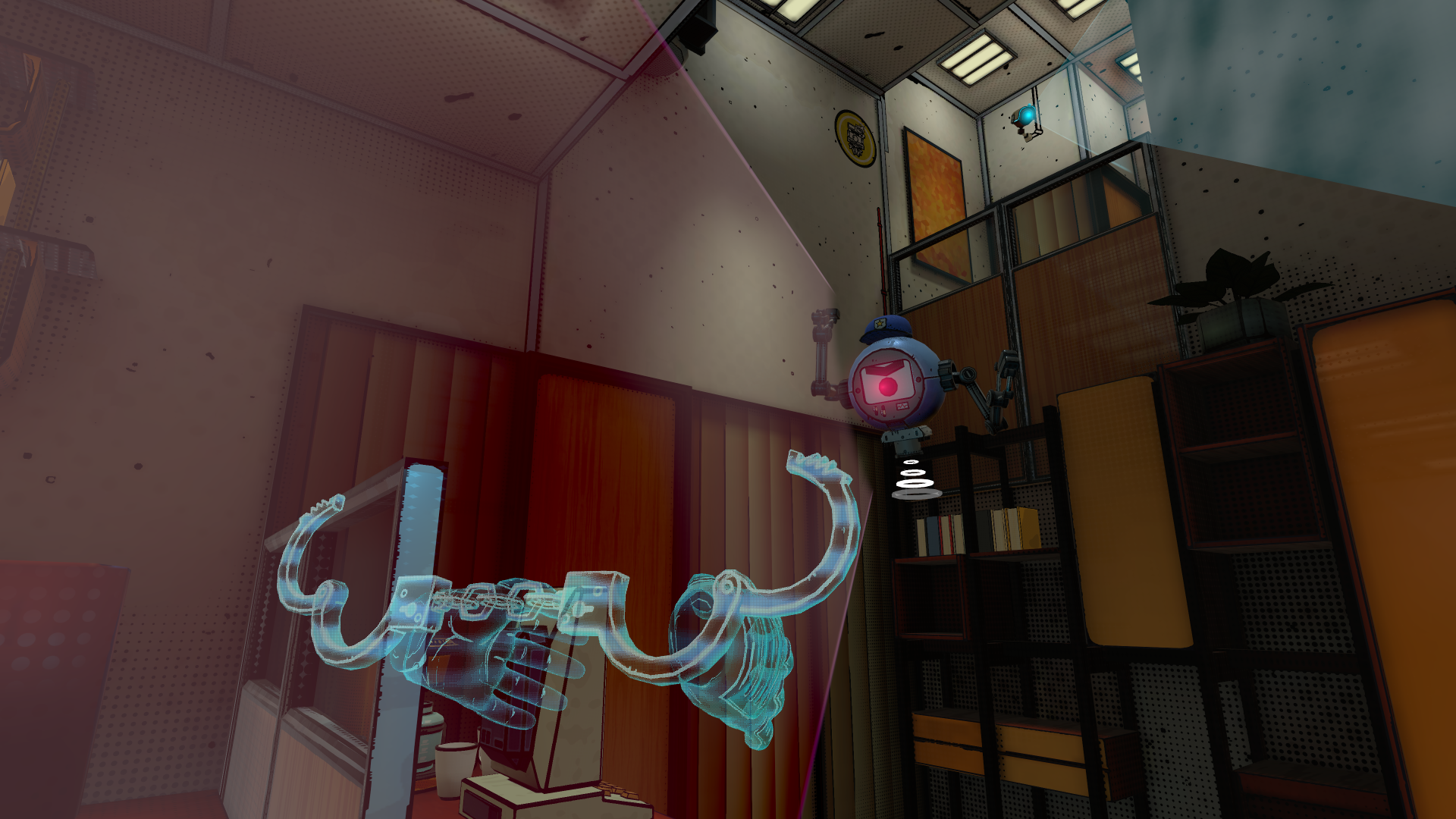
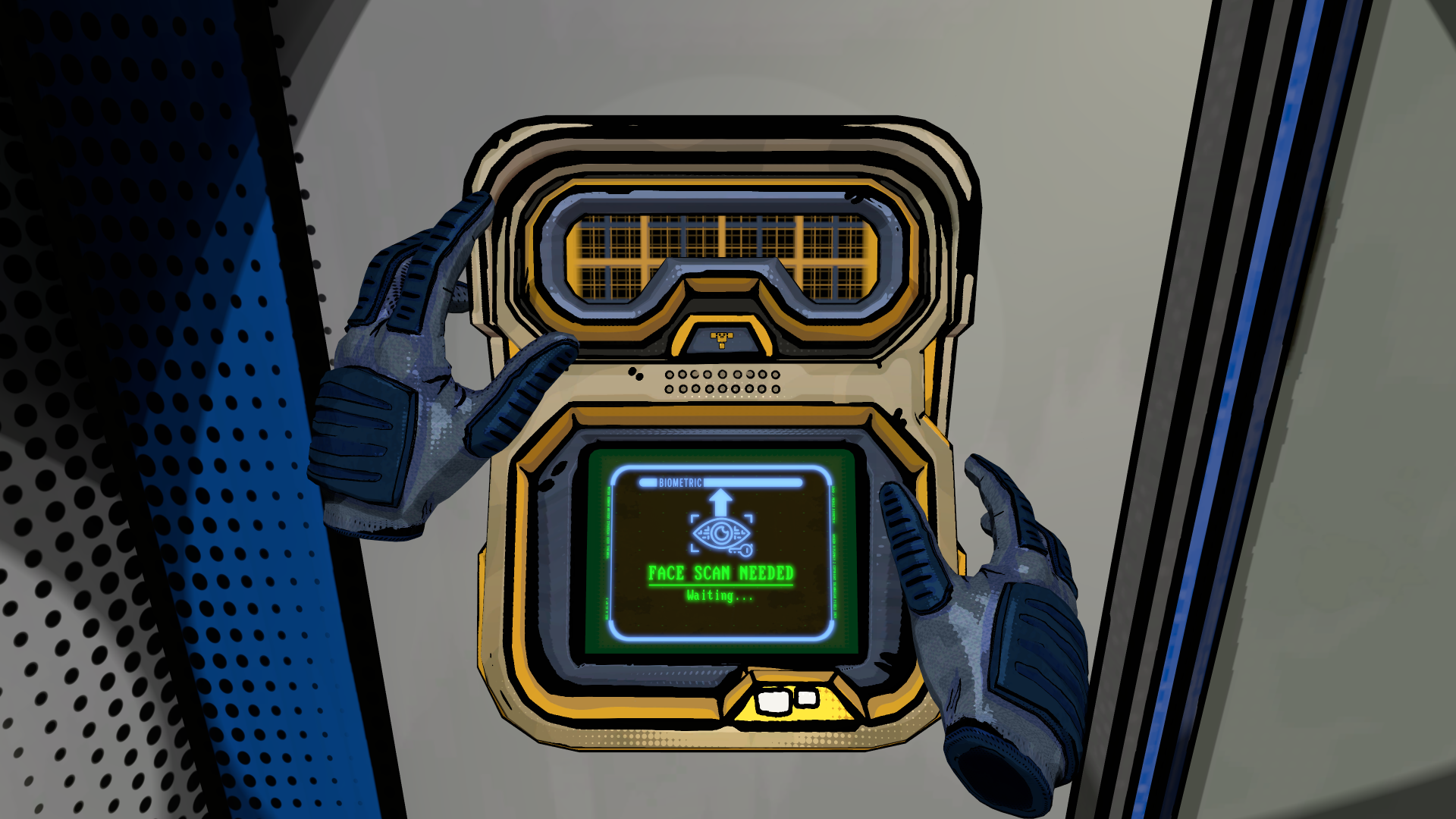
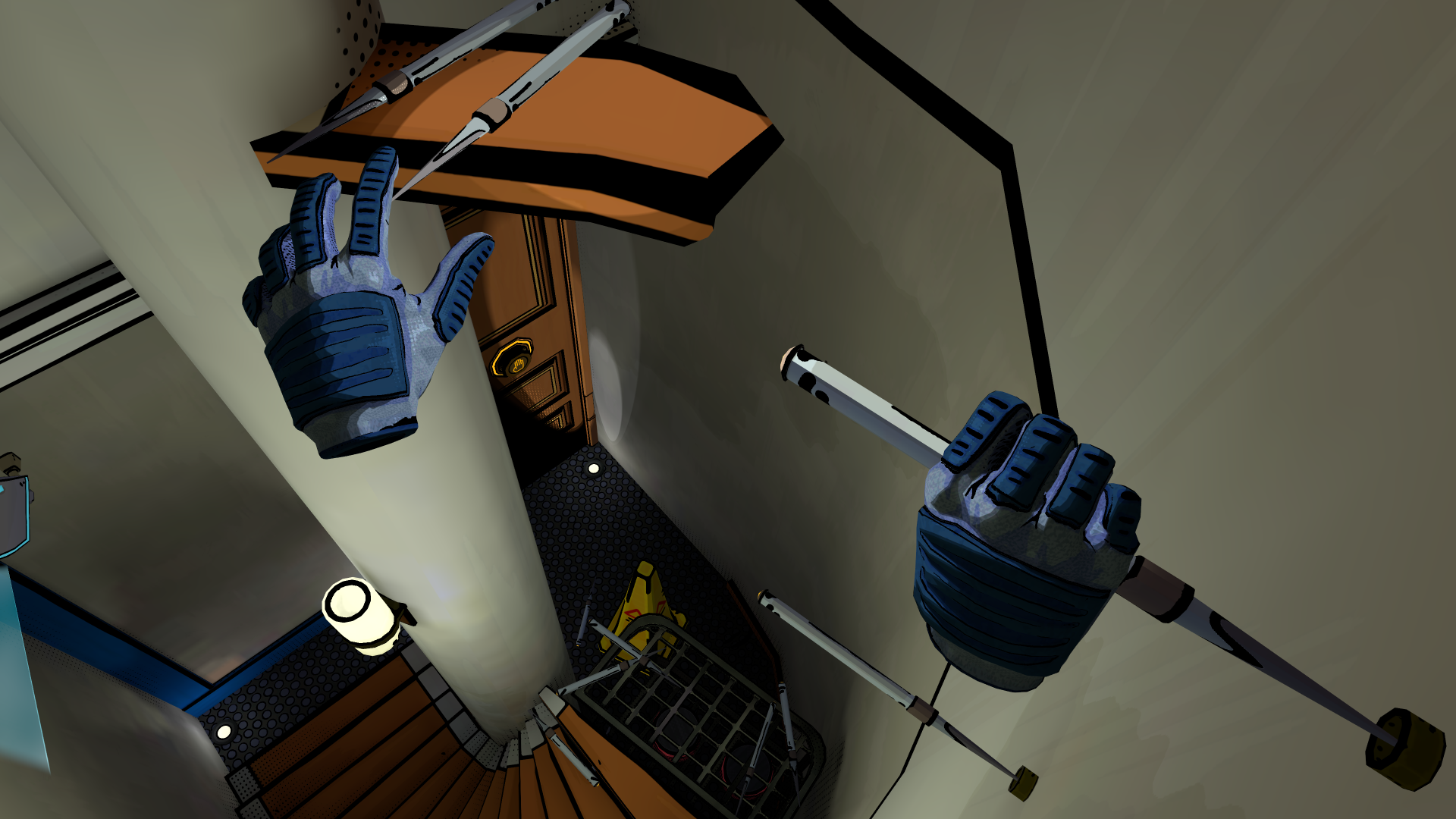
Nine years since Unseen Diplomacy launched on PC VR, Cornish developer Triangular Pixels seeks to build upon the original game’s foundations with the upcoming sequel. Promising a full campaign, expanded gameplay mechanics, and comic book-esque visuals, you play as a spymaster leading an elite agency across a 90s inspired retro-futuristic setting filled with analog technology.

0:00

/1:10

Reveal trailer

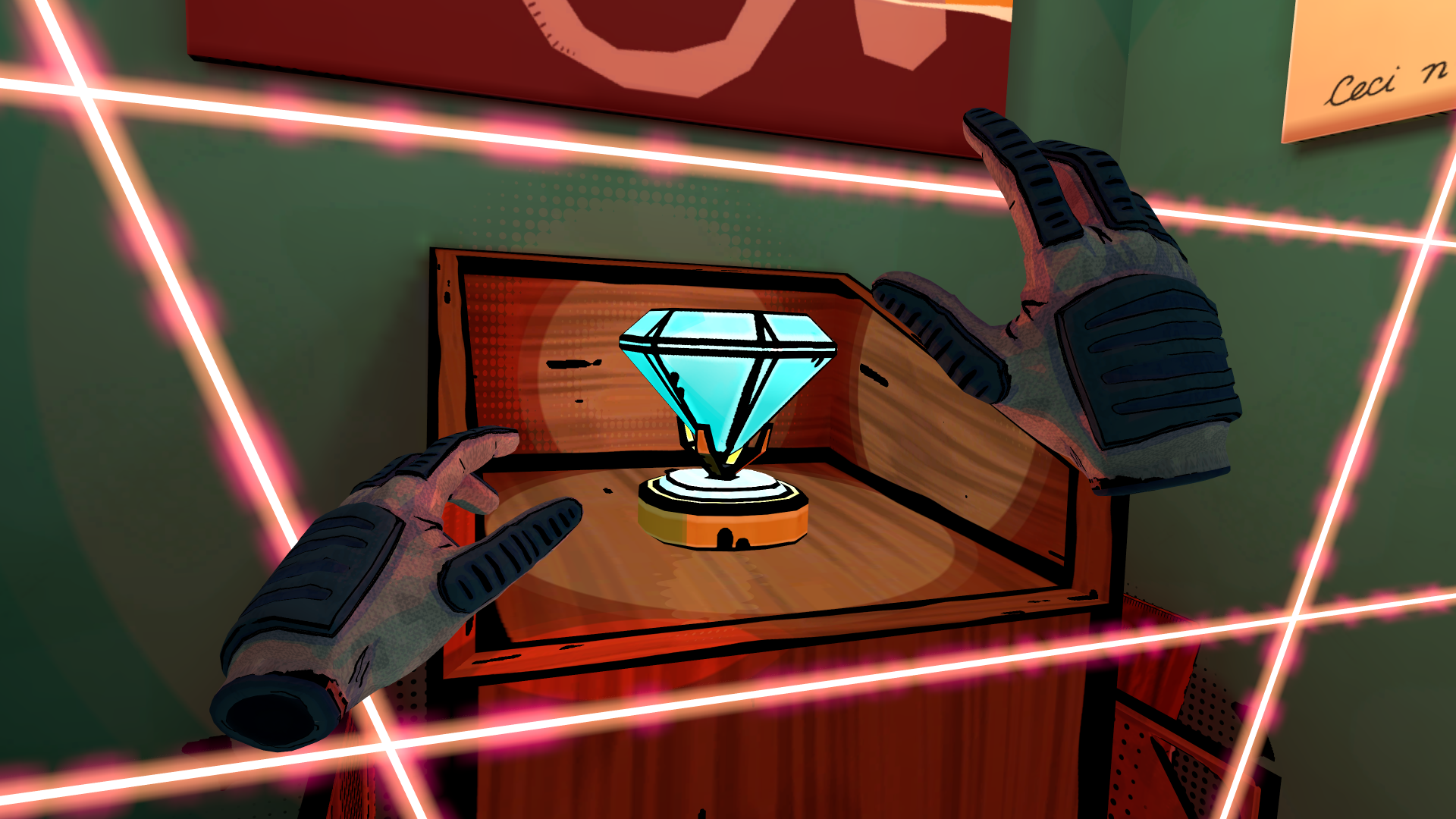
As an elite spy, your goal is to sneak through these enemy bases to steal intel and resources, sabotaging your foe’s plans and then escape without being noticed. As a roomscale experience, this involves physically crawling through vents, rolling under lasers, hacking computers and more. All while being armed with new gadgets like wire clippers, blow darts, and other disguises.

As the spymaster, your job also involves managing the agency in what Triangular Pixels states will provide “a strategic layer to the game.” This involves recruiting agents, managing resources and deploying operatives across various missions to stop various villains, stating that success varies across different playthroughs “depending on the choices the players make.”

Unseen Diplomacy 2 adapts these missions to fit your available space using procedurally generated levels. Quick Play is also available where you can share your results with friends, while accessibility options include one-handed play, difficulty controls, a seated mode, and support for those with tremors. The studio also confirmed a mixed reality mode that’s exclusive to the Quest version.

“We’ve listened to our community and taken everything they loved about Unseen Diplomacy, amped it up and refined it”, said Katie Goode, creative director at Triangular Pixels in a prepared statement. “Unseen Diplomacy 2 is bigger, smarter, and more immersive, designed to push the limits of VR espionage action. It’s not just a sequel – it’s a full evolution of the experience and we can’t wait for players to get their hands on it!”

The original Unseen Diplomacy launched to critical acclaim before later earning a BAFTA nomination, and it’s influenced other titles like Laser Dance. Triangular Pixels originally announced a sequel back in 2018 after releasing Smash Hit Plunder on PlayStation VR, though it was still seeking funding partners. Last year, the studio secured funding through the UK Games Fund and a then-undisclosed “leading VR company,” which is now confirmed to be Meta.

Unseen Diplomacy 2 targets a 2025 launch on Quest 3 and Steam.

Four Strategies for Getting Better Sleep Away From Home

Sleep can be a mysterious process even under ideal conditions, but when you’re in a completely alien environment like a hotel room or other temporary lodging it can become seemingly impossible. But if you take a little control over your environment, you can get more—and better—sleep no matter where you find yourself at night.

Make the space feel more like home

Studies have shown that aspects of our home environment like sound and smell can help us be more relaxed and and happy when we’re away, so replicating those aspects of your life in an unfamiliar spot can help you sleep:

  • Sound. If you normally sleep with a white noise machine, bring it with you when you travel, or find a travel-size model or phone app that simulates it.

  • Smell. Everyone’s home has a unique scent map. Bringing those scents with you can trick your brain into feeling “at home” in a strange place. Using the same lotions, shampoos, and soaps on the road can recreate that scent matrix. Bringing an item of clothing that smells like the dryer sheets or detergent you use at home into bed with you can also help make an unfamiliar bed seem inviting.

  • Routine. Another way to make an unfamiliar place seem more like home is to keep to your usual routine. However you approach bedtime at home—whether it’s reading a book, meditating for a few moments, or watching a little mindless television—do it as much as possible in your temporary digs. Try to hit the sack around the same time as usual, if you can, and keep to the same bathroom routine as well.

Control the environment

As much as possible, you want to control the physical environment that you’re sleeping in. If you’re used to sleeping in a pitch-black room, block light sources as much as possible by clipping curtains shut (binder clips work well for this), putting tape or Post-It notes over incidental light sources like alarms and thermostats, and blocking gaps under doors that allow light to leak in.

If you prefer some light while you’re sleeping, bring a nightlight with you that you can plug in to make sure even the darkest room is illuminated. And adjust the temperature, if you can—most people sleep better when the room is a little on the cool side, about 60 to 65 degrees. But if you’re used to sleeping in a warmer or even colder environment, try to get as close to that as you can.

Select a strategic location

If you have control over the location of your room (when staying at a hotel, for example), use that control to select a spot that’s conducive to a good night’s sleep. That starts with the location of the building itself—if you have a choice of guest rooms or hotels to spend the night, choose one far away from busy streets or other sources of noise. Then look for a spot that’s far from common areas like elevators or lobbies—or your friend’s living room where everyone stays up all night chatting.

Get out of bed (for a little while)

Finally, if you’re struggling to fall asleep in a strange place despite all of these efforts, give up and get out of bed. Forcing yourself to lie there and count the minutes as they slip past you just reinforces the connection between stress and anxiety and that bed, making it even less likely that you’ll fall asleep. Instead, after about 20 minutes it’s best to get up and do something relaxing for a short period of time. This resets your body and mind and breaks the association between frustration and the bed, making it easier to relax when you try again.

ROCm GPU Compute Performance With AMD Ryzen AI MAX+ “Strix Halo”

This month I have been running many Linux benchmarks of the HP ZBook Ultra G1a with the very exciting Ryzen AI MAX+ PRO 395 Strix Halo SoC featuring the powerful Radeon 8060S graphics. While there were the very promising OpenGL and Vulkan benchmarks shown so far from AMD Strix Halo on Linux — including the very compelling performance compared to Microsoft Windows 11 — many are interested in the ROCm compute aspects for Strix Halo. Here are some of the first benchmarks of the GPU compute performance for the Ryzen AI MAX+ PRO with the new ROCm 6.4.1 release compared to Strix Point as well as Intel Xe2 Lunar Lake on their Compute Runtime stack.

Texas Bill Introduces A Big Policy Change Affecting Apple And Google App Stores

Texas Bill Introduces A Big Policy Change Affecting Apple And Google App Stores
Texas is on the cusp of enacting one of the nation’s most stringent social media regulations, with House Bill 186 (also referred to as HB 18) set to prohibit individuals under the age of 18 from creating and maintaining accounts on platforms like TikTok, Facebook, and Snapchat. This sweepingly restrictive legislation, driven by concerns over

The Samsung Galaxy S25 is cheaper than ever right now

Memorial Day weekend might be over but the sales have kept coming. Current deals include an all-new low price on the Samsung Galaxy S25, which is down to $685 from $860. The 20 percent discount is available on the 256GB model in either Silver Shadow or Mint. 

Samsung released the Galaxy S25 smartphone early this year alongside the S25+, Edge and Ultra. We gave it an 82 in our review thanks to its improved Gemini AI experience and new high-powered processor. It also offers 28 hours of battery life, a four hour improvement from its predecessor. 

Our biggest quip with the Samsung Galaxy S25 is that many things mirror the specs of its predecessor. The device offers the same display and camera sensors as the Galaxy S24. It’s also almost the exact same thickness, with just 0.4 millimeters shaved off. 

Follow @EngadgetDeals on X for the latest tech deals and buying advice.

This article originally appeared on Engadget at https://www.engadget.com/deals/the-samsung-galaxy-s25-is-cheaper-than-ever-right-now-133851668.html?src=rss

Your Samsung Phone Has a Secret Desktop Interface

If you’ve got a Samsung phone, you’ve got an alternative, lightweight option for computing on the go: Galaxy handsets come with a desktop interface called DeX built right in, and depending on what you need to do, you might be able to use this mode in place of a laptop while on your travels.

Essentially, you plug your Samsung phone into a TV or monitor, and Android shifts to look more like Windows or macOS. You’re still using the same software and the same apps, but you get floating windows and easier multitasking.

While a lot of the apps will stick to their mobile views, you can make use of apps such as Google Docs or Google Chrome to get work done while you’re away from home (or just in a different room). And of course you’ve got access to all your movie and music streaming apps too, on a bigger screen.

How to set up Samsung DeX

You’ve got a few different connection options when it comes to Samsung DeX. It actually works wirelessly if you have a TV or monitor with Miracast technology built into it—or a streaming box or dongle with Miracast support. That includes most Samsung TVs made in the last few years, for example, so if you’re heavily invested in the Samsung ecosystem then you’re already a step ahead.

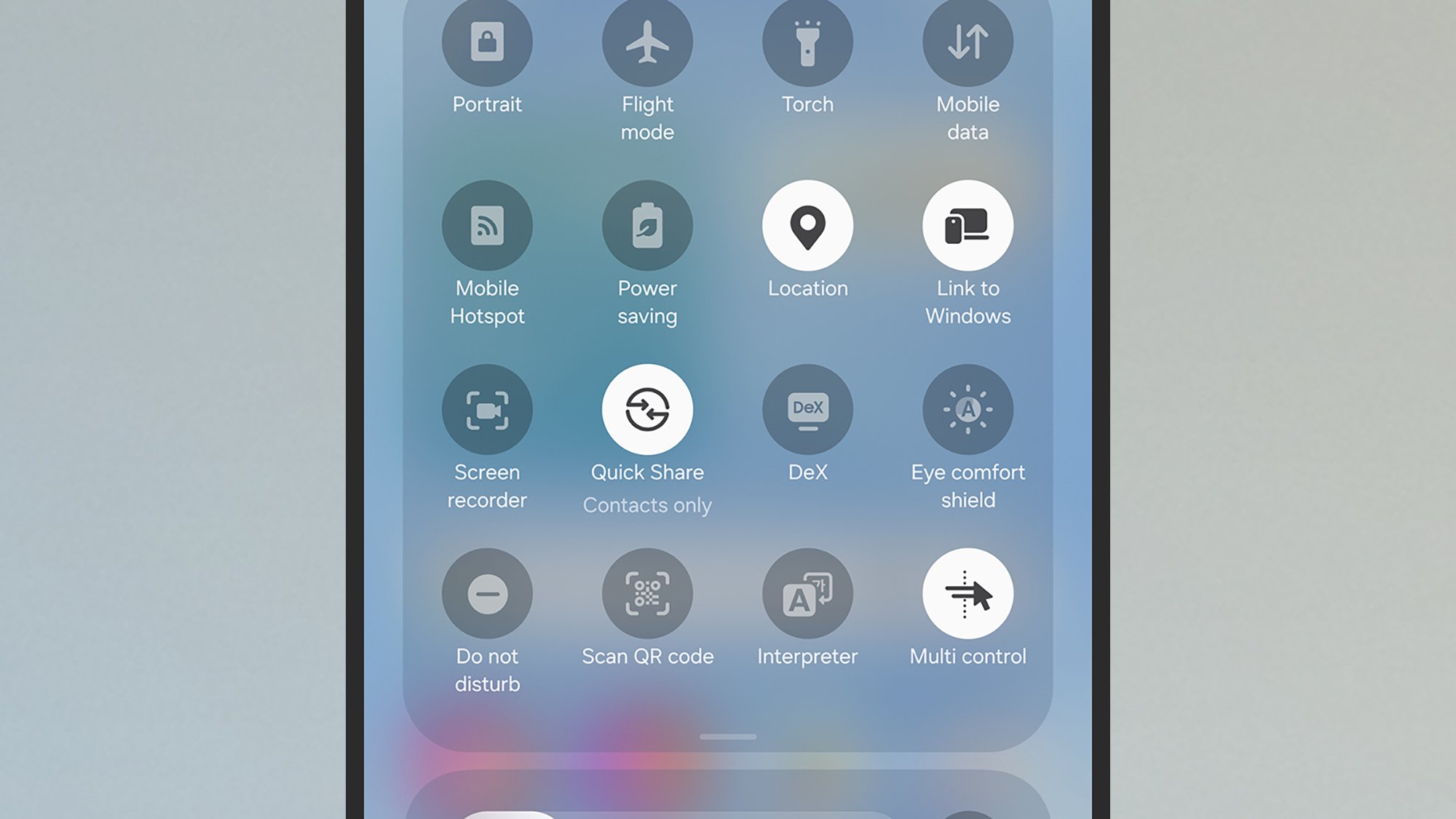
To launch Samsung DeX wirelessly, open Settings on your Galaxy phone, then choose Connected devices > Samsung DeX. Alternatively open the Quick Settings panel (swipe down from the top right of the screen), then tap the DeX button—if you can’t see it, swipe down on the panel of tiles to see the full selection. Your phone will scan your wifi network for compatible hardware, and you can tap on a device to connect.

Samsung DeX button
DeX in Quick Settings.
Credit: Lifehacker

If you can configure Samsung DeX with a wired connection, it’s usually easier and more reliable. The cable you’re going to need will depend on the external monitor or television you’re connecting to: You might need a USB-C to USB-C cable, for example, or a USB-C to HDMI cable. Most cables should work with the right connectors, but I’d advise searching for ones that specifically mention DeX in the listing.

You can use USB-C hubs and docking stations too, which is handy if you want to plug a mouse and keyboard in as well. Again, most models should work, but they won’t necessarily all work—a bit of internet research should guide you towards products people are already using with DeX. This $12 Ugreen hub is the one I’ve been using for Samsung DeX, so you can see you don’t necessarily need to spend a lot of money here.

Samsung DeX screen
DeX can be set to launch automatically.
Credit: Lifehacker

You don’t have to use a keyboard and mouse with DeX, because you can use your phone’s keyboard, and turn it into a makeshift trackpad (you can even use an S Pen to control DeX). However, if you need to get some serious work done, from essay writing to emailing, then you’ll probably want to hook up a mouse and keyboard. That’s what I’ve done: The Galaxy phone, HDMI cable, and keyboard and mouse all plug into the hub.

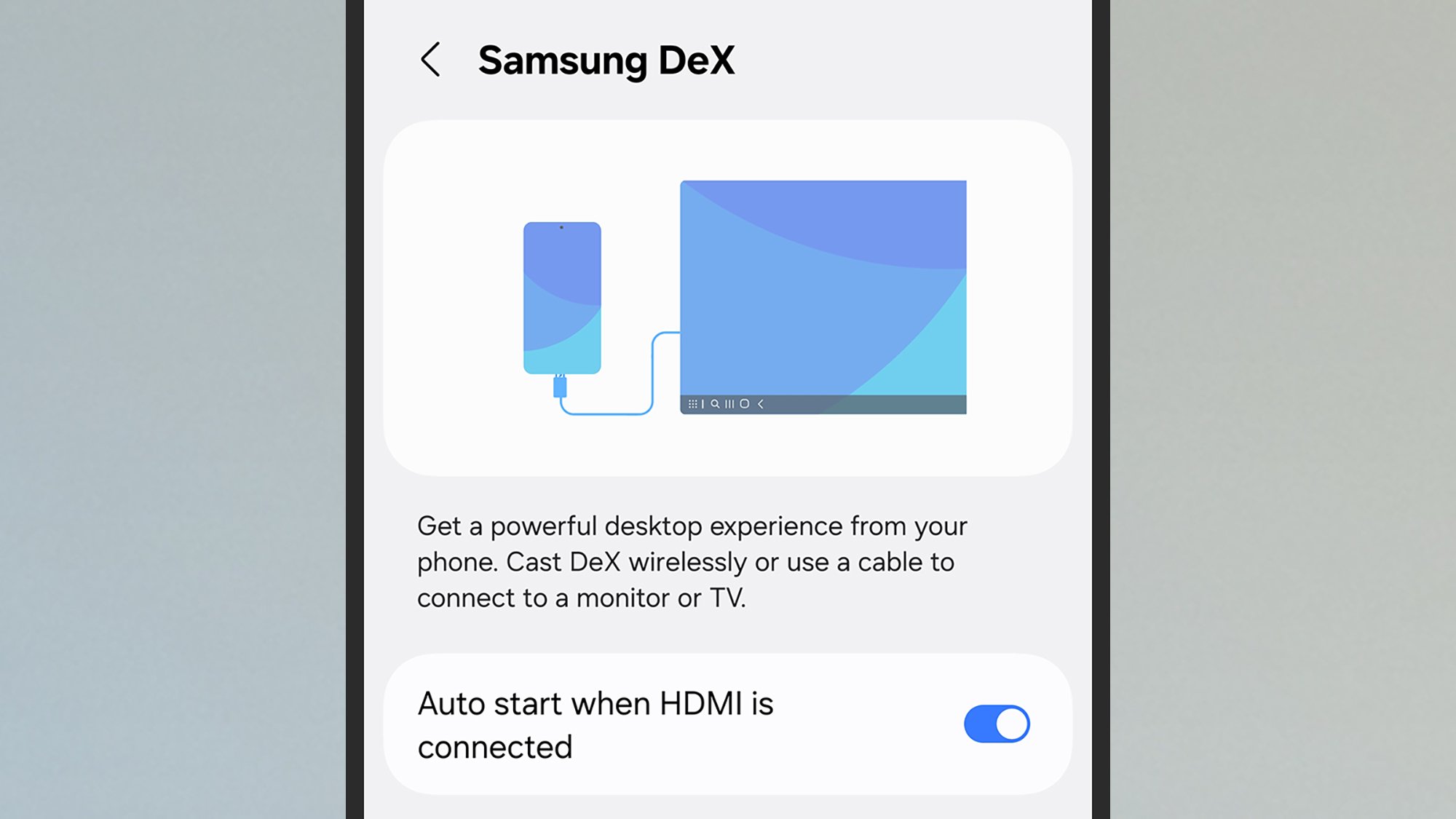
Launching DeX in a wired configuration is the same as launching it in a wireless configuration, though if you’re using cables and hubs then as soon as you connect an external monitor to your Galaxy device, you should see a prompt to connect. Future connections can be launched automatically (to manage this open Settings on your phone, then choose Connected devices > Samsung DeX).

How to use Samsung DeX

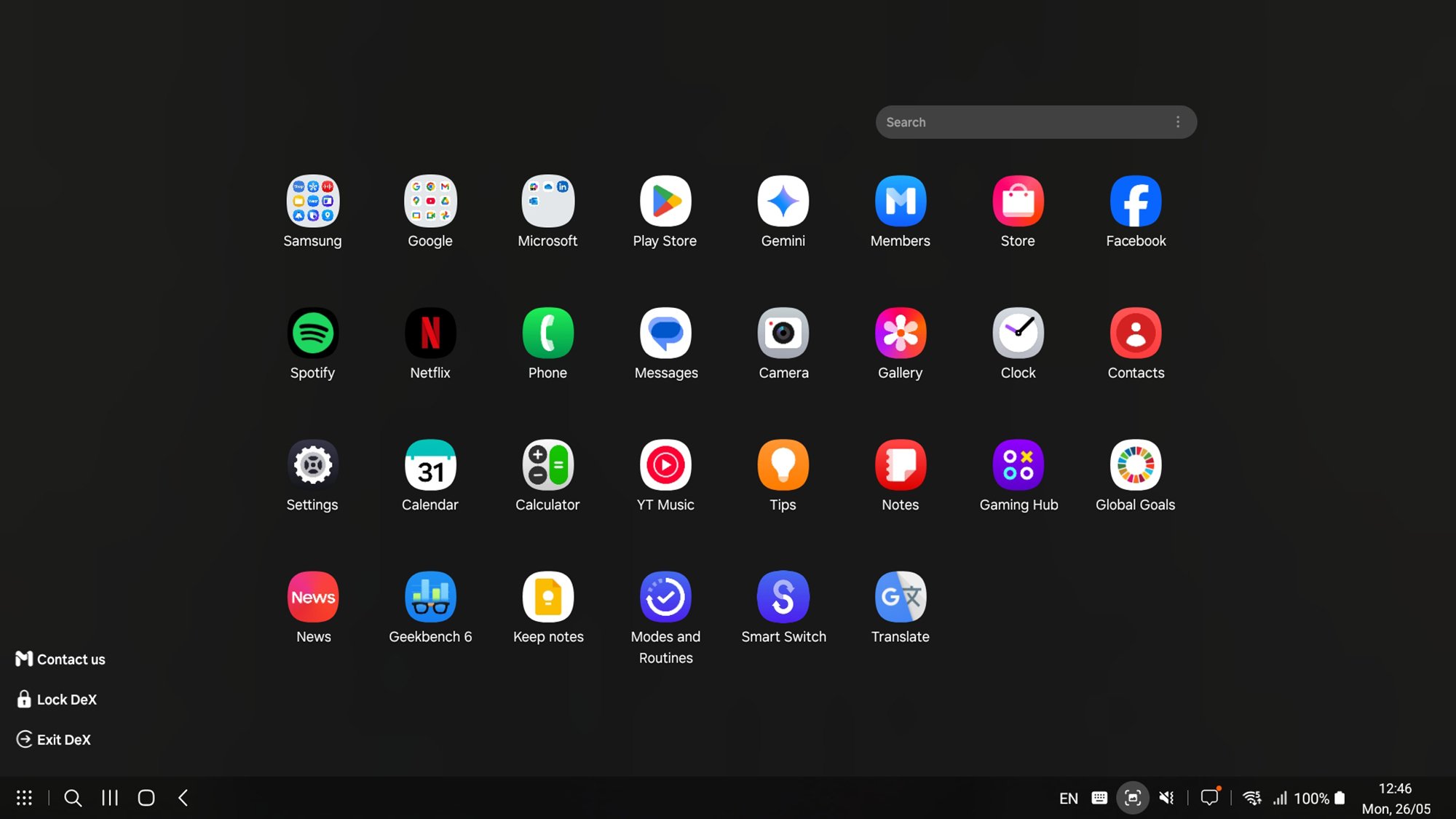
With DeX launched, you should see the desktop interface up on the external screen. It’s a bit like having a second monitor for your phone, because you can carry on using apps on your Galaxy device the same as you normally would. You’ll find a few app shortcuts already on the DeX desktop, which you can double-click to launch, and a taskbar showing open apps along the bottom.

In the lower left corner, you’ve got the standard Android buttons: the recent apps button, the home button, and the back button. To the left of those is a search button and an all apps button, which brings up shortcuts to every app installed on your phone. Over on the right of the taskbar, you’ve got an array of buttons, including ones for checking notifications, taking screenshots, and checking battery and signal level.

Samsung DeX app drawer
The app drawer view in DeX.
Credit: Lifehacker

To customize DeX further, double-click the Settings shortcut on the desktop, then pick Samsung DeX. You’ve got a host of options here, covering font size, wallpaper, the shortcuts available on the taskbar, how the keyboard and mouse work, and whether to play audio through your phone or through the speakers attached to the bigger screen.

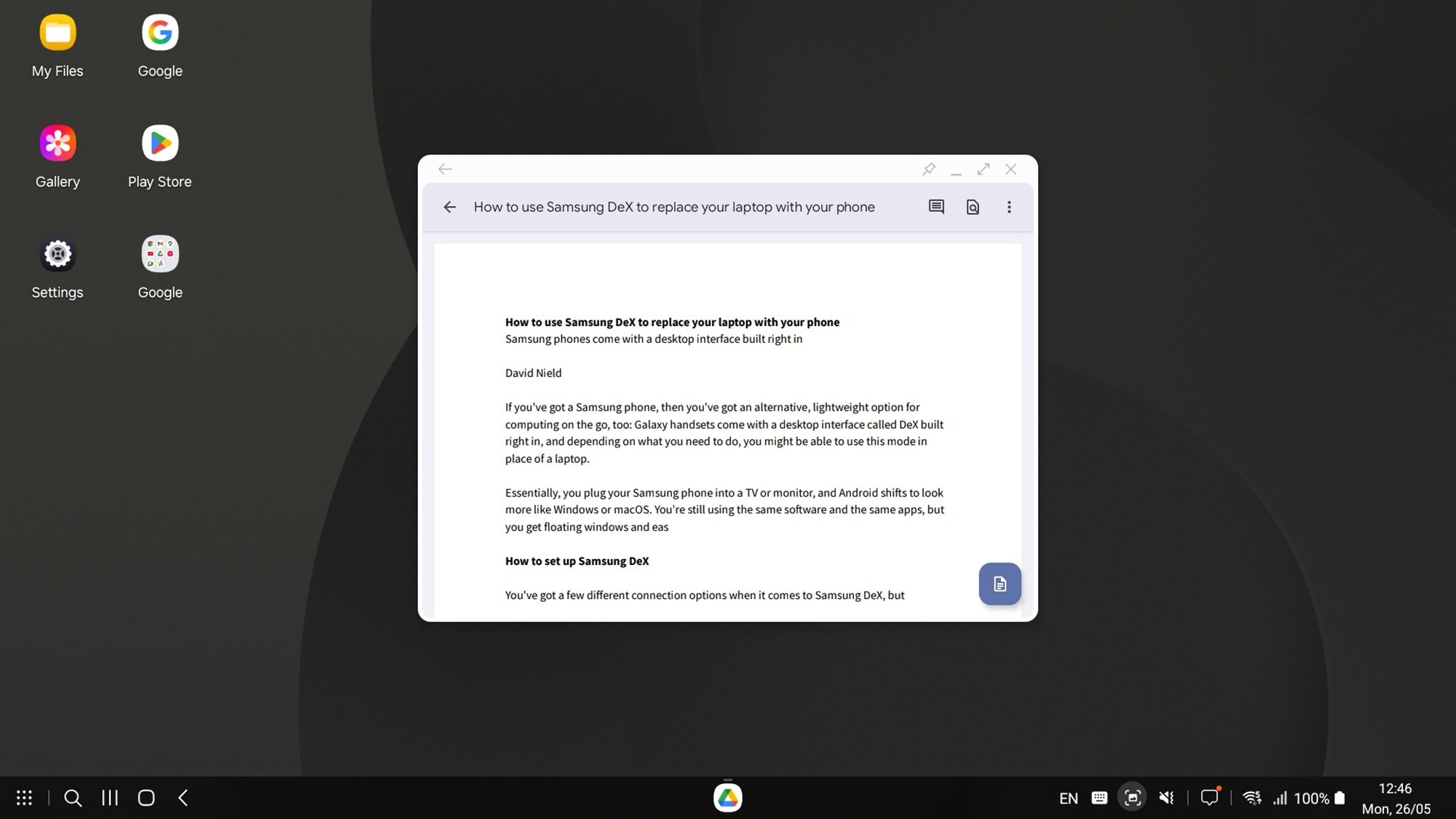
Operating DeX is fairly straightforward. Apps appear in Windows, with shortcut buttons in the top right corner. They will (from left to right) pin an app window (keep it on top of other apps), minimize an app window, put an app window full screen, or close the app. You’re able to resize windows using their edges and move them about using their title bars much as you would on Windows or macOS.

Samsung DeX app
DeX means you can get work done on the go.
Credit: Lifehacker

There are a bunch of keyboard shortcuts you can make use of too, which make it a little easier to get around the interface: Ctrl+Enter (Windows keyboard) or Cmd+Enter (Mac keyboard) will take you to the home screen desktop. To see all of the shortcuts you can use, press Ctrl+/ (Windows) or Cmd+/ (Mac).

It all works slickly and quickly, and while Samsung DeX isn’t something I use a lot, it occasionally comes in handy—especially in moving between home and the office when I only need to carry a Galaxy phone in my pocket. It’s actually such a good idea that Google is expected to include its own version of DeX in Android 16.


War Declared On Nintendo Switch 2 Scalpers With Strict Auction Ban

War Declared On Nintendo Switch 2 Scalpers With Strict Auction Ban
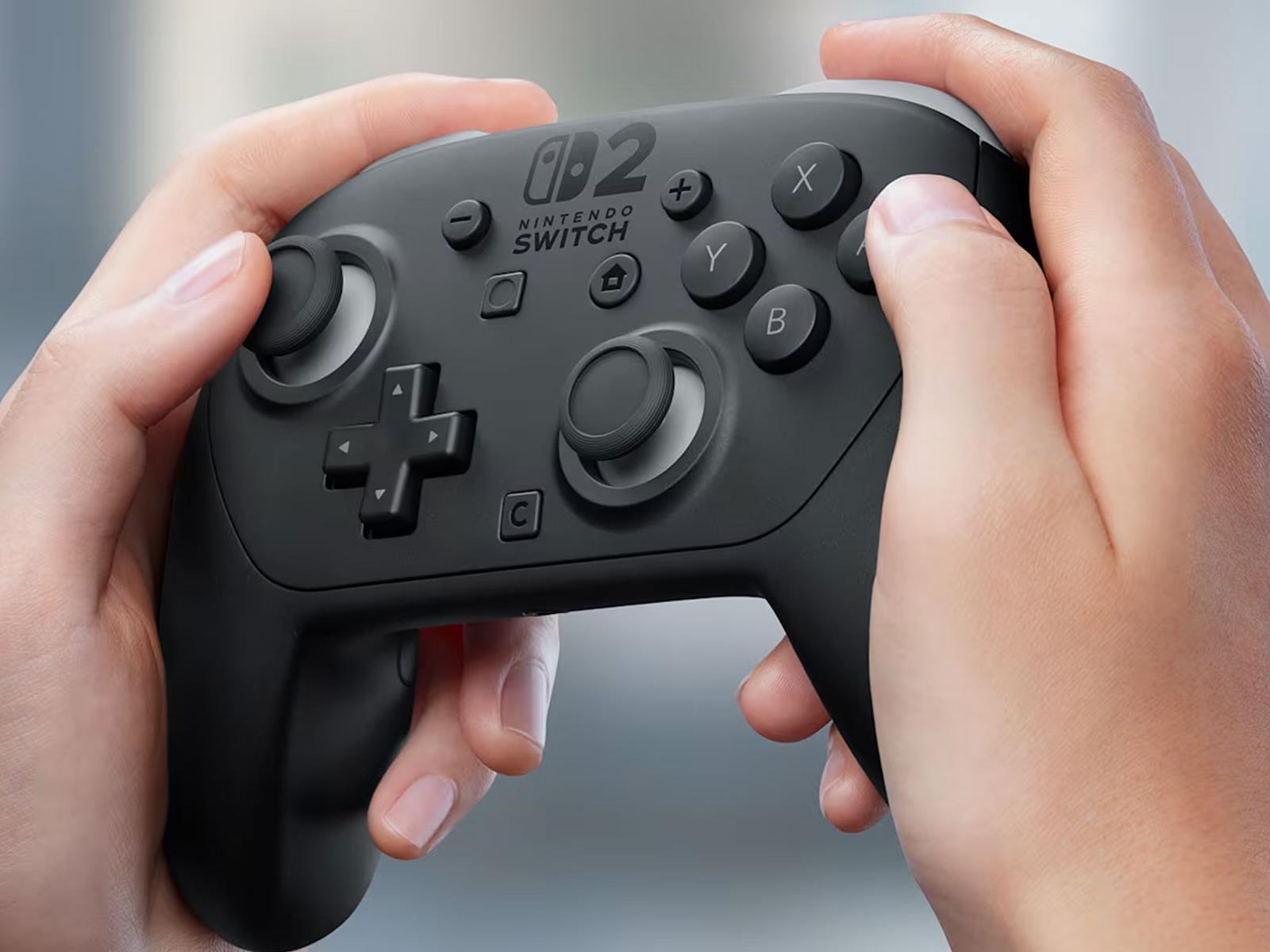
It should come as no surprise that scalpers are already flooding auction sites with listings for Nintendo’s upcoming Switch 2 console, which releases to retail on June 5, 2025 (a week from this Thursday). It happens with every new piece of highly anticipated hardware, and it only adds to the issue of there not being enough supply to meet demand.

Europe Warns Giant E-tailer To Stop Cheating Consumers or Face Its Wrath

The European Commission warned Chinese e-tailer SHEIN on Monday that it must address multiple consumer law violations or face fines across EU member states. Regulators found SHEIN’s website displayed fake discounts not based on actual prior prices, used pressure-selling tactics with false purchase deadlines, provided misleading information about consumer return rights, made deceptive sustainability claims, and hid contact details from customers. SHEIN has one month to respond to the findings and propose corrective measures, adding regulatory pressure to a company already facing US tariff challenges despite generating an estimated $38 billion in revenue last year.


Read more of this story at Slashdot.