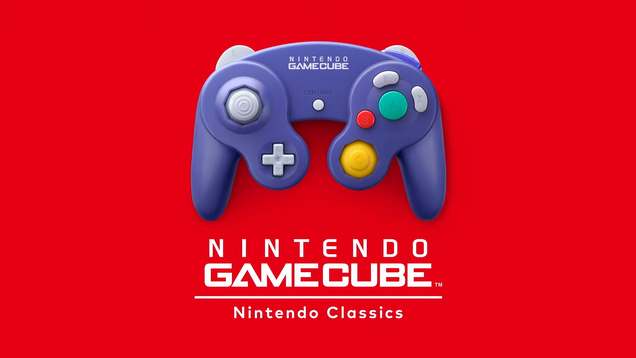
During today’s big Switch 2 Direct, Nintendo announced that GameCube games will be playable on the upcoming hybrid console when it launches in June. You’ll need a Switch Online membership to access the new classic games.

During today’s big Switch 2 Direct, Nintendo announced that GameCube games will be playable on the upcoming hybrid console when it launches in June. You’ll need a Switch Online membership to access the new classic games.
As part of the various areas of the kernel overseen by Greg Kroah-Hartman, on Sunday he sent out the driver core updates for the Linux 6.15 kernel. The driver core changes this cycle aren’t too notable except for revising the Rust bindings now that more developers are attempting to use them…
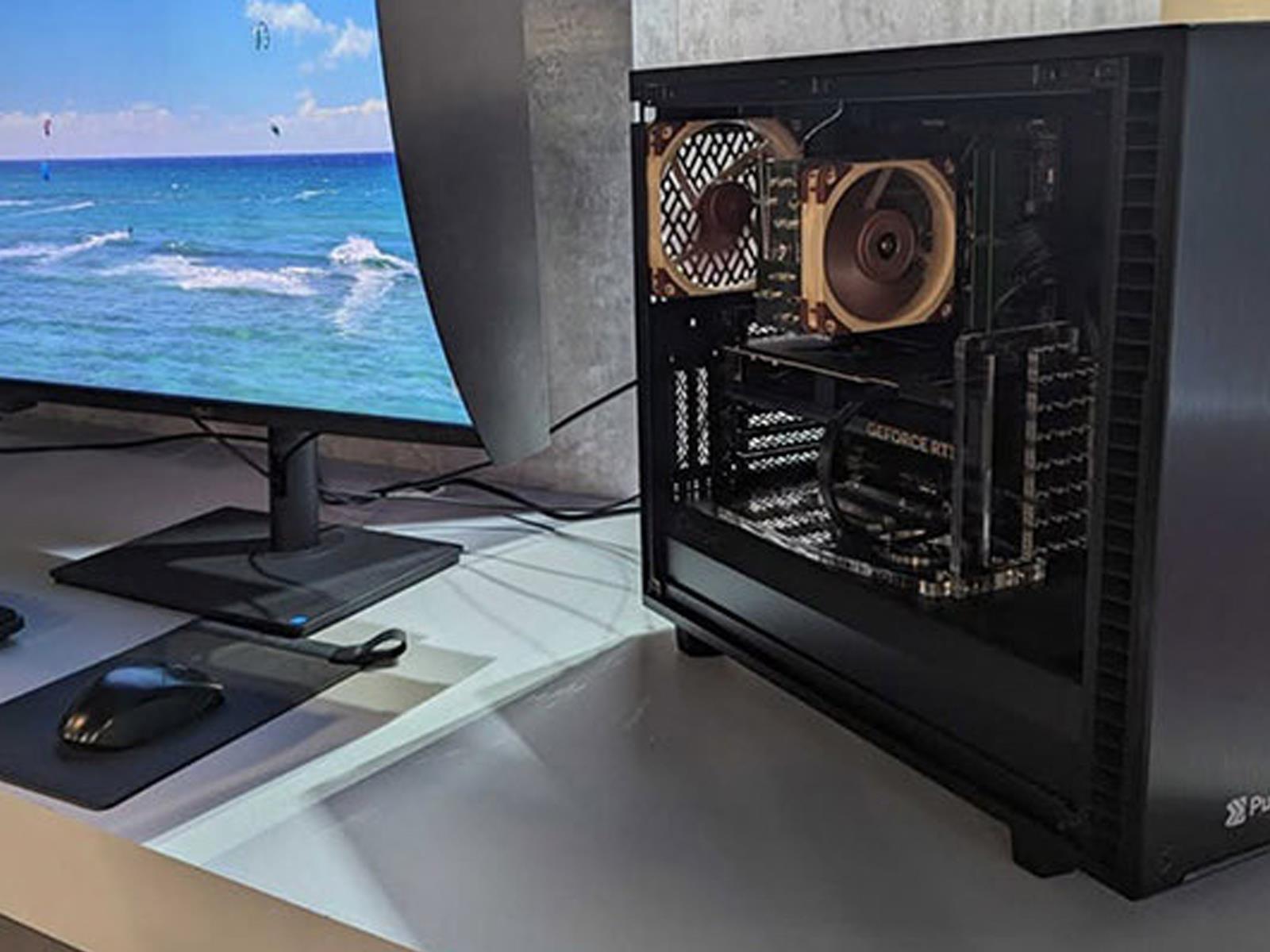
The CPU’s translation lookaside buffer (TLB) caches the results of
virtual-address translations, significantly speeding memory accesses. TLB
misses are expensive, so a lot of thought goes into using the TLB as
efficiently as possible. Reducing pressure on the TLB was the topic of Rik
van Riel’s memory-management-track session at the 2025 Linux Storage,
Filesystem, Memory-Management, and BPF Summit. Some approaches were
considered, but the session was short on firm conclusions.
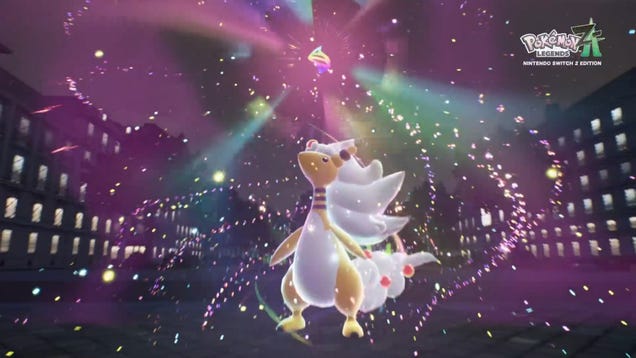
We’re about 30 minutes into Nintendo’s hour-long Switch 2 Direct, and one of the big announcements the company made is that some old Switch games are getting “Switch 2 Editions” that will have improved performance on the beefier system. However, while some games like The Legend of Zelda: Breath of the Wild and Tears…
We finally have all the answers about the Nintendo Switch 2, including its games. The company used its Switch 2 Nintendo Direct to announce Mario Kart World, the latest iteration in the series, and one that is all about off-roading.
That’s right, Mario Kart World will allow you to “drive virtually everywhere.” That means you can grind down railings, jump off walls and even drive off the race track. You can also enter a mode called Free Roam which let’s you simply drive around and enjoy the scenery with friends. Cue me as my forever choice Yoshi excitedly driving across the globe.
Unsurprisingly, with a name like Mario Kart World, the courses will take place in regions around a contiguous game world. You’ll also get a bit more of an immersive experience as Nintendo is going to change things up based on the time of day and the weather.
When it comes to a four-race Grand Prix, Nintendo is even having you do the legwork and drive between the courses. How you do along the way will impact your standing in the competition. There’s also a new mode called Knockout Tour, which takes you from one end of the globe to another — but with elimination checkpoints along the way. You must be above the place listed on the screen, say eighth for example, or you’ll get kicked out of the race. Oh and did we mention there’s now 24 drivers, upping the competition?
A new Mario Kart game for the Switch 2 isn’t exactly a surprise. We got a first look at a potential Mario Kart game back in January, when Nintendo released a first-look at the Switch 2. While the gaming company didn’t say anything specific about Mario Kart World, it did show a snippet of play on the device. You can watch that original preview here — it starts at about 1:40 in the video.
Mario Kart World will exclusively be available for the new Nintendo Switch 2. Both the game and the device will arrive on June 5, but Nintendo will announce more information about Mario Kart World during another Nintendo Direct on April 17.
This article originally appeared on Engadget at https://www.engadget.com/gaming/nintendo/mario-kart-world-features-24-player-races-off-roading-and-sick-grinds-134117381.html?src=rss
Nintendo won’t let you escape two of its most critically-acclaimed games ever. It’s announced there will be Switch 2 versions of both Legend of Zelda: Breath of the Wild and Tears of the Kingdom. Both titles will benefit from the next-gen console’s increased power, with enhanced framerates and resolution during play, as well as HDR support for deeper colors and contrast. Nintendo wasn’t specific on the difference between handheld and TV play just yet, but we know the new console will feature several resolutions for play, from 1080p through to 4K.
The Switch 2 is also capable of up to 120 FPS, so you’re likely to see a difference. For reference, Tears of the Kingdom on the original Switch was locked at 30 FPS in both the Switch’s handheld and TV modes.
Also, the new mobile Switch App will have new Zelda-specific features for these new editions. It can turn your smartphone into a (sort-of) Sheikah Slate. It’ll guide you around maps with voiced directions, and you’ll be able to share your creations with QR codes so that others can create your Mad Max destruction machines in their games.
And if you’re a Switch Online subscriber with the Expansion pack, you’ll get both upgraded iterations for free, provided you own the originals.
This article originally appeared on Engadget at https://www.engadget.com/gaming/nintendo/nintendo-announces-upgraded-switch-2-editions-of-zelda-breath-of-the-wild-and-tears-of-the-kingdom-134039778.html?src=rss
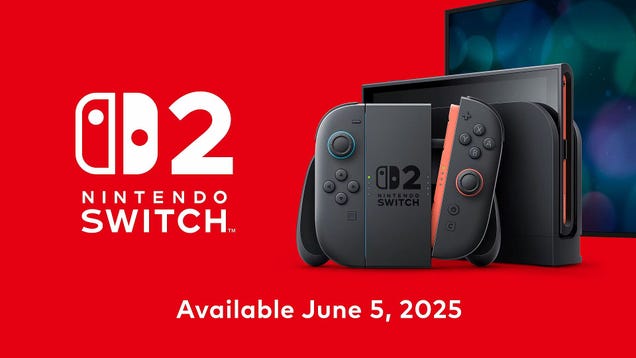
It’s happening! It’s official! We now finally know nearly everything important about the Switch 2. In today’s Switch 2 Direct, Nintendo broke down details of what the console will offer, what specs it offers, and when it’ll be available to buy.
Nintendo just dropped a boatload of Switch 2 news. We got the release date, which is June 5, and plenty of details. The company also pulled the lid off a mysterious Joy-Con feature. The rumors were right. They can double as mouse-like controllers.
One Joy-Con can be used as a traditional controller, held vertically, while the other slides along the table as a mouse. This could allow for near-perfect ports of Wii and Wii U games that relied on motion control, in addition to ports of PC titles. A Joy-Con will also combine with the gyroscope for unique gameplay experiences. Incidentally, this functionally will even work on pants.
The good use case here should be first-person shooters. Computer mouse controllers offer a level of precision that consoles have typically struggled to match, but this looks like an attempt to address this particular issue. It could even make the Switch 2 a powerhouse for franchises like Civilization. As a matter of fact, the company announced a port of Civilization VII.
The company revealed that a Switch 2 version of Metroid Prime 4 will use this feature. Nintendo might also release games that make special use of this functionality down the line. It also pulled the lid off a game called Drag x Drive that’s controlled via mouse Joy-Con.
The company even showed off nifty-looking demos, but these look mostly like mini-games. I, for one, would very much like a new Mario Paint.
The company also revealed another tool for the Switch 2. This is the mysterious “C” button. The button calls up voice chat. Finally, a Nintendo console with easy voice chat.
This article originally appeared on Engadget at https://www.engadget.com/gaming/nintendo/the-switch-2s-joy-cons-can-double-as-mouse-like-controllers-133355339.html?src=rss
Voice chat was never easy on the Nintendo Switch. Thankfully, with the Switch 2, Nintendo is making it an essential part of the new console. By pressing the new “C” button, located on the right Joy-Con, players can jump into a GameChat with their friends and family. Nintendo demoed the feature during its recent Switch 2 Direct, alongside a new Switch 2 Camera that will go on sale on June 5, the same day as the new handheld.
If you’ve ever watched someone stream on Discord, you’ll have an idea of what to expect from GameChat. Along the bottom of the interface are windows for every chat participant. At any time, up to four of your friends can start sharing their screen, and join with video chat if they own the Switch 2 Camera. Every Switch 2 unit features a microphone along the top of the device to facilitate voice communication, and GameChat allows up to 12 people to converse over voice. In the demo Nintendo showed off, friend streams appeared to run noticeably worse than the main gameplay.
“Safety features are in place to help players have a safe and secure chat experience, such as the ability to report a person while in a chat session,” says Nintendo. Additionally, children under the age of 16 will need approval from their parent to use GameChat, which they can obtain through an updated version of the Nintendo Switch Parental Controls App.
Nintendo said a Nintendo Switch Online membership will be required to use GameChat. However, the company will offer a free trial through March 31, 2026.
This article originally appeared on Engadget at https://www.engadget.com/gaming/nintendo/the-nintendo-switch-2-offers-built-in-voice-chat-and-screensharing-133334225.html?src=rss
I’ve been complaining about tech a lot recently, and I don’t apologize for it. Complaining feels great. That feeling of beleaguered, I-against-the-world self-righteousness? Highly underrated.
But a little righteous complaint goes a long, long, loooong way. (Just ask my wife.) Too much can be corrosive, it can make you insufferable to others, and it can leave you jaded, as many people, myself included, have become about technology.
I had three recent experiences, however, that were each quite small in their way but which reminded me that not everything in the tech world has fallen victim to the forces of “enshittification.” Once in a while, technology still feels easy and—dare I co-opt the world from Apple’s marketing department?—even magical.
If you ask me, graphic design peaked in 2001 with Windows XP’s bright blue taskbar and green start button. Every UI design choice since was made by cowards.
OK, you might not share my passion for the Windows XP taskbar, which is fine (I guess). But maybe you miss the simple grey aesthetic of Windows 2000, or the comforting orb of Vista. Whatever your taskbar preference, you can bring it back with RetroBar, a free, open source application that replaces the taskbar in Windows 11 with something better. (It will also work if you’re running an older version, including Windows 7 SP1, Windows 8.1, or Windows 10.)
To get started, download the application from Github. There’s an installer and a portable application—use whichever you prefer. Note that Windows may prevent you from running the application because of an unknown publisher, which is a commonsense safeguard, but you can click the Run anyway button should you choose to use the software regardless. Once you do, you will immediately see the classic grey taskbar of yore.
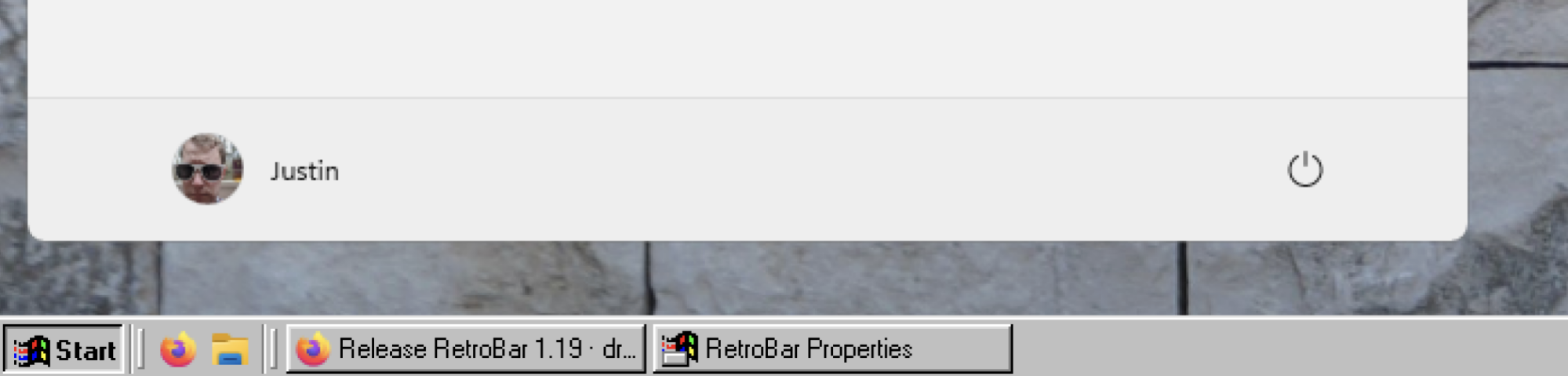
You can right-click an empty area in the taskbar and then click Properties to bring up the options menu, which allows you to choose from a wide variety of taskbars. (The one you’re probably looking for is named “Windows XP Blue.”)

Obvious aesthetic benefits aside, the Windows XP taskbar does work differently from the Windows 11 taskbar in a few ways I find helpful:
Every window is represented on the taskbar, not just each application.
The launcher icons, to the left, are kept seperate from the currently open windows.
You can also change the size of the taskbar to make more room, just like you could back in the day.
You can customize what happens when you click the clock—I prefer seeing the calendar.
If you decide you want the Windows 11 taskbar back after all, you can right-click an empty space on the taskbar and choose Exit Retrobar. You can always launch the application again, the next time you decide to reject modernity and embrace tradition.
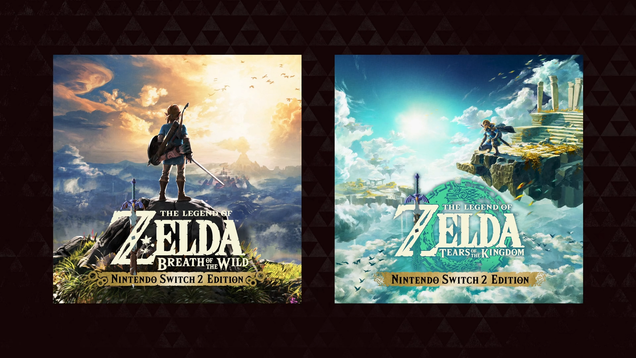
Today, during Nintendo’s big Switch 2 Direct we learned that The Legend of Zelda: Breath of the Wild and it’s even bigger sequel, The Legend of Zelda: Tears of the Kingdom, will be some of first Switch games to get a Switch 2 Edition paid upgrade, allowing for improved visuals and other cool features.
If there’s one thing Nintendo has always understood, it’s that everyone may want to play together, but might not all own the same game. With the Switch 2, the company is launching GameShare, enabling local multiplayer on multiple consoles with just one copy of a title. Yes friends, this is the wireless multiplayer feature from the Nintendo DS or, depending on your era, the modern day GameBoy Link Cable.
With the first Switch, multiplayer was limited to sharing JoyCons on the same console hardware. But for the successor, if two people each have a Switch 2 but one copy of a compatible game, then they’ll be able to play wirelessly on their own hardware. But that’s not all, as you’ll also be able to do this with four consoles at a time, including original Switch and Switch Lite models.
Unfortunately for now, the list of games compatible with GameShare is pretty thin, but Nintendo says more will be coming in the future. At launch, it’ll work with Captain Toad: Treasure Tracker, Super Mario 3D World / Bowser’s Fury, ClubHouse Games (pictured above), Super Mario Odyssey and Big Brain Academy.
This article originally appeared on Engadget at https://www.engadget.com/gaming/nintendo/nintendo-lets-switch-2-players-share-their-games-132431186.html?src=rss
In our previous article, we explored the top 5 command line archive tools, including tar, shar, ar, cpio, and gzip.
In this follow-up, we will cover 5 more archiving and compression utilities that are useful for various scenarios, along with their features, options, and practical examples.
The post 5 Advanced Archive Tools for Linux Command Line – Part 2 appeared first on Linux Today.
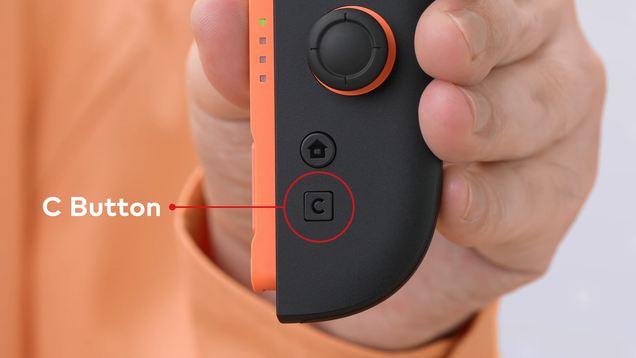
Happy Switch 2 Day everyone. Nintendo is holding its Switch 2 Direct showcase right now, and one of the first big reveals the company announced has cleared up the mystery of the console’s new “C” button on the right Joy-Con. It stands for “Chat.” Nintendo is finally bringing native voice chat to one of its consoles.
On systemd-based Linux distributions, managing and restarting services automatically after a failure is relatively straightforward. However, many older or minimal Linux systems rely on alternative init systems such as SysVinit and Upstart, which require different approaches to manage and restart services.
In this guide, we’ll explore how to automatically restart a failed service on non-systemd systems using SysVinit and Upstart.
The post How to Automatically Restart a Service After Failure on SysVinit and Upstart appeared first on Linux Today.
There is no doubt that Telegram is the best alternative compared to other messaging apps like WhatsApp; it’s free, offers way more features, keeps your messages securely on servers, provides end-to-end encryption, and focuses on data privacy at its core.
The post How to Install Telegram on Ubuntu (and Other Linux Distros) appeared first on Linux Today.
For those of you who still have dedicated audio players: version 4.0 of
Rockbox, a replacement firmware for many players, has been released.
This release brings support for a number of new devices, updated codecs, a
number of user-interface improvements, some new games, and more. (LWN last
reviewed Rockbox in 2010 — and looked at
the ill-fated Android port that year as
well).