Nine Items That Clean Your House for You (That Aren’t Robot Vacuums)

We may earn a commission from links on this page.

While it can be fulfilling to put in the work and make your home spotless, we simply don’t always have the time.

You might already have a robot vacuum zooming around to collect dust and dirt on your behalf, but there are a surprising number of lesser-known—and equally convenient—cleaning gadgets that could also be pitching in. From window cleaners to toilet scrubbers, here are some tech tools you can buy to outsource whatever chore you most despise.

Automatically clean your glass

Let’s start off with windows, which can be tedious to clean and still end up infuriatingly streaky when all is said and done. The Hobot-298 window cleaning robot is certainly a splurge at $299 on Amazon (though price-tracking tool Camelcamelcamel says that’s lower than its average price of $435), but it’s effective: Fill it with water, attach it to a window, and let it mist and polish away. It’s particularly useful if your home has large, tall windows that are hard to reach. There is a cheaper option, too: The FMART T9Pro Window Cleaning Robot for $134.79.

You can also consider this cordless window vacuum from Sharper Image. It sprays down the glass and removes the water, sorting it into a separate reservoir so the clean and dirty water never mix. It’s just $63.99.

Automatically clean hard floors

Yes, you likely know all about robot vacuums, but what about robot mops? The iRobot Braava Jet, $309 on Amazon, uses a precise jet spray to make your floors gleam, and it connects to your phone or smart home devices, learns the layout of your house, and can work in concert with Roomba robot vacuums to, per the company, “team up to vacuum to mop automatically in perfect sequence.”

Then again, try a robot that does it all for the ultimate automatic experience. There are some great robot vacuum/mop combos on the market, though they can be pretty expensive, so it might be worth it to start small and see how you like a cheaper version. Consider one from ROPVACNIC for just $139.98.

Finally, if you sweep a lot (I’m looking at you, people with long hair or fluffy pets) it might be worth it to upgrade to a stationary dust pan. It’s kind of like a big vacuum that sits in the corner and you use your broom to direct dirt to it. From there, it just sucks it up. It’s not fully automatic, since you still have to sweep, but it’s more convenient than what you’re doing now, isn’t it? It’s $149 on Amazon.

Automatically clean the toilet
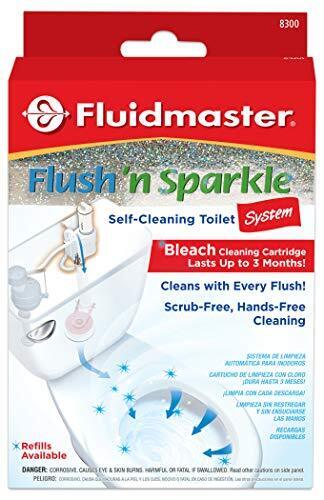
Consider the beautifully named Fluidmaster 8300 Flush ‘n Sparkle toilet cleaning system. You stick it in your tank and it disperses a little bleach whenever you flush. It can last up to three months, which is a long time to go without having to scrub your bowl, and it’s only $10.59.

Automatically take care of the trash

The future is now, baby, because you can even have a robot take care of the trash for you. The Airdeer automatic trash can ($219) packs your trash, seals the bag, and adds a new bag to the container with the touch of a button—basically, it does everything besides actually taking out the trash. It comes with six refill rings, each of which holds 20 trash bags. 

Automatically clean up after the cat

For the most part, cats are the most self-cleaning pet you can get, but that doesn’t mean it isn’t annoying and nasty to deal with their litter boxes. Some self-cleaning litter boxes are on the spendy side, but you can find quality alternatives on Amazon. For instance, the Autoscooper 11 not only has a fantastic name, but is just $179.99. It is open on the top to not only reduce odors, but help your cat with the transition from regular litter box to fancier model, as other litter robots on the market fully enclose your kitty and might be a little too stressful.

Automatically clean your dishwasher

Again, you can do this yourself, but you shouldn’t have to (or that’s what I think, anyway). Clean your dishwasher by stuffing a cleaning pod into the space you’d normally put a detergent pod, then let it rip. It’s just $8.99 for six tablets on Amazon.


Google Password Manager finally syncs to iOS—here’s how

Late last year, I published a long post that criticized the user unfriendliness of passkeys, the industry-wide alternative to logging in with passwords. A chief complaint was passkey implementations tend to lock users into whatever platform they used to create the credential.

An example: when using Chrome on an iPhone, passkeys were saved to iCloud. When using Chrome on other platforms, passkeys were saved to a user’s Google profile. That meant passkeys created for Chrome on, say, Windows, wouldn’t sync to iCloud. Passkeys created in iCloud wouldn’t sync with a Google account.

GPM and iOS finally play nice together

That headache is finally over. Chrome on all platforms now uses the Google Password Manager, a tool built into Chrome, to seamlessly sync keys. GPM, as it’s abbreviated, will sync passkeys to all Chrome browsers logged in to the same user account. I’ve spent a few days testing the new capabilities, and they mostly work hassle free. The tool can be accessed by opening this link in Chrome.

Read full article

Comments

Apple is keeping its DEI program

Apple is far from saintly, but, compared to its fellow tech giants, it did something right. The company’s shareholders have voted to keep its diversity, equity and inclusion policies, following a push by conservative think tank, the National Center for Public Policy Research (NCPPR), to remove them, Reuters reports. The Center’s proposal, Request to Cease DEI Efforts, failed 8.84 billion votes to 210.45 million votes — or about 2.3 percent of the vote. 

Many of these programs emerged or expanded when the Black Lives Matter movement exploded onto the global stage in 2020. However, President Trump’s criticisms and threats that DEIs could violate the law — along with spineless greed from executives — has seen companies like Meta and Google reduce or even fully remove these programs. Those in favor of the proposal at Apple argued that the company could face an uptick in discrimination cases if current policies remain. 

At the meeting, Apple CEO Tim Cook stated that “strength has always come from hiring the very best people and then providing a culture of collaboration, one where people with diverse backgrounds and perspectives come together to innovate.”

Now, none of this is to say that Apple has incredible DEI efforts. Previously, its shareholders rejected greater transparency about its racial and gender gaps. They also voted down a measure that would require Apple to further investigate the risks of its AI efforts. 

Cook is also doing plenty of appeasing when it comes to Trump. The pair reportedly met last week and Apple has announced $500 billion in US-based spending over the next four years. He also donated $1 million to Trump’s inauguration and attended it alongside Mark Zuckerberg, Jeff Bezos and other tech executives.

This article originally appeared on Engadget at https://www.engadget.com/big-tech/apple-is-keeping-its-dei-program-130033491.html?src=rss

Nine Worthwhile Fire TV Stick Apps You Should Try

However you watch your Fire TV Stick, you probably have the same assortment of apps as most people: Netflix, YouTube, Prime Video, Disney+, the list goes on. But there are some useful apps beyond the mainstream you should definitely consider using. And, because Amazon Fire TV Stick is ultimately an Android device, you can even run specialized Android apps on it to truly unlock the power of this small little streaming device.

Downloader

Downloader app

Credit: Amazon

Underneath Fire TV OS lies Android, which means your Fire TV Stick is capable of running any verified Android APK. But to get there, you’ll need to do two things. First, enable developer access (I have a guide on that here), then download Downloader.

Downloader can help you download any app using its built-in browser. You can navigate to any trusted APK site, like APK Mirror or apps hosted on Github, to directly download APKs to your Fire TV Stick.

Kodi

kodi on fire tv stick

Credit: Khamosh Pathak

Kodi is an all-in-one media center, and it’s immensely customizable. It’s free, open source, and its library of plugins enable features like live TV and cloud syncing. You can use Kodi to stream movies and TV shows from your own home server, or use the integrated plugins to stream free content online.

Kodi isn’t officially available on the Amazon Appstore, but it’s quite easy to install the Kodi app using the APK. I have a detailed guide on how you can use Downloader to install and setup Kodi.

If Kodi seems like a lot, I recommend you look into Plex and Jellyfin. Plex is a mainstream media center. It’s really well designed, but a lot of its cross-device features are behind a paywall. Jellyfin, on the other hand, is completely free and open source, and while the interface is basic, it’s fast and feature rich.

VLC

VLC app.

Credit: Amazon

Even though I prefer to use IINA on the Mac, VLC is an undeniable classic. VLC is a video app that will play anything you throw at it, and that’s true even for VLC for Fire TV Stick. The app will stream content online, or play locally hosted media. VLC will even download subtitles, and sync them up for you.

SmartTube

SmartTube app

Credit: SmartTube

SmartTube is one of the few ad-free third-party YouTube clients available on Fire TV Stick. (NewPipe is a great option for Android smartphones). Like Kodi, SmartTube is not in the Amazon Appstore, so you’ll have to download it using Downloader. That said, it is hosted on Github, and the app is open source, so it can be checked for security issues.

SmartTube is 100% ad-free, and even integrates SponsorBlock to automatically skip over sponsored sections of videos. It supports 4K and HDR content, customizable buttons, and live chat, but the app doesn’t support voice search.

AirScreen

AirScreen app

Credit: Amazon

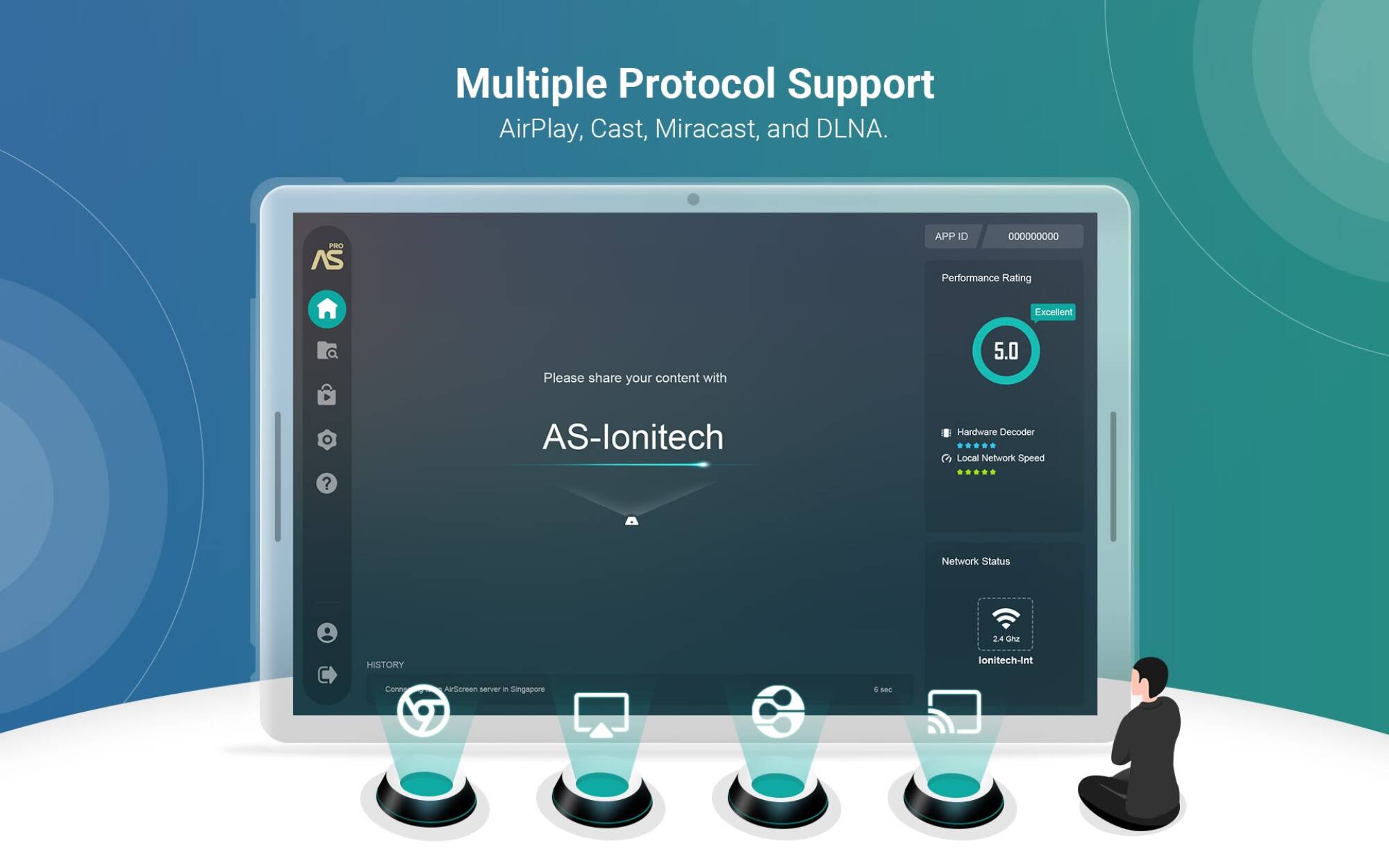
AirScreen adds AirPlay to your TV, without the need to buy an expensive Apple TV. The AirScreen app can turn the Fire TV Stick into a wireless display receiver for many platforms like AirPlay, Miracast, and even Chromecast, so you can share your screen from your iPhone, Mac, or Android phone.

ProtonVPN

If you’re looking for a private and secure VPN app, I recommend Mullvad VPN for it’s simple pricing (and the fact you don’t need an account to use it). Mullvad VPN isn’t on the Amazon Appstore (though you can always use Download to install the Android version). If you want a VPN designed for Fire TV Stick, I recommend Proton VPN. It has a generous free plan (no data cap, but limited to three servers, and one connection per account), and a paid upgrade if you need more, like streaming content from other countries in 4K.

Tubi

Tubi app

Credit: Amazon

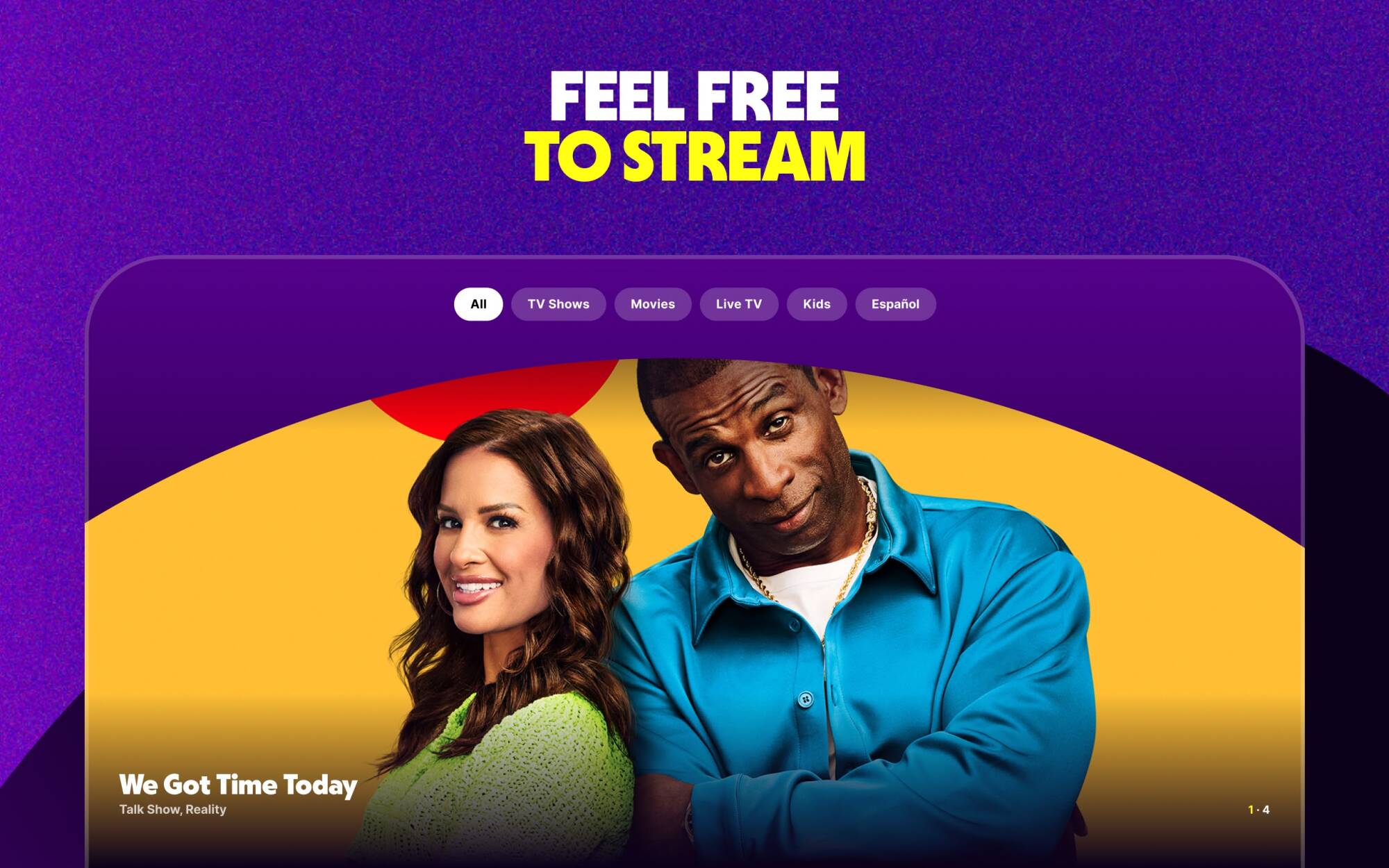
Tubi offers a little of everything, including movies, TV shows, and live TV. There’s a huge catalog of content, with over 50,000 movies and TV shows. The upside is the app is completely free to use. The only downside is, of course, ads.

If you don’t mind sitting through the ads, though, it’s a great way to access some free entertainment. Lifehacker sibling site PCMag loved Tubi in its full review of the service.

The Roku Channel

The Roku Channel

Credit: Amazon

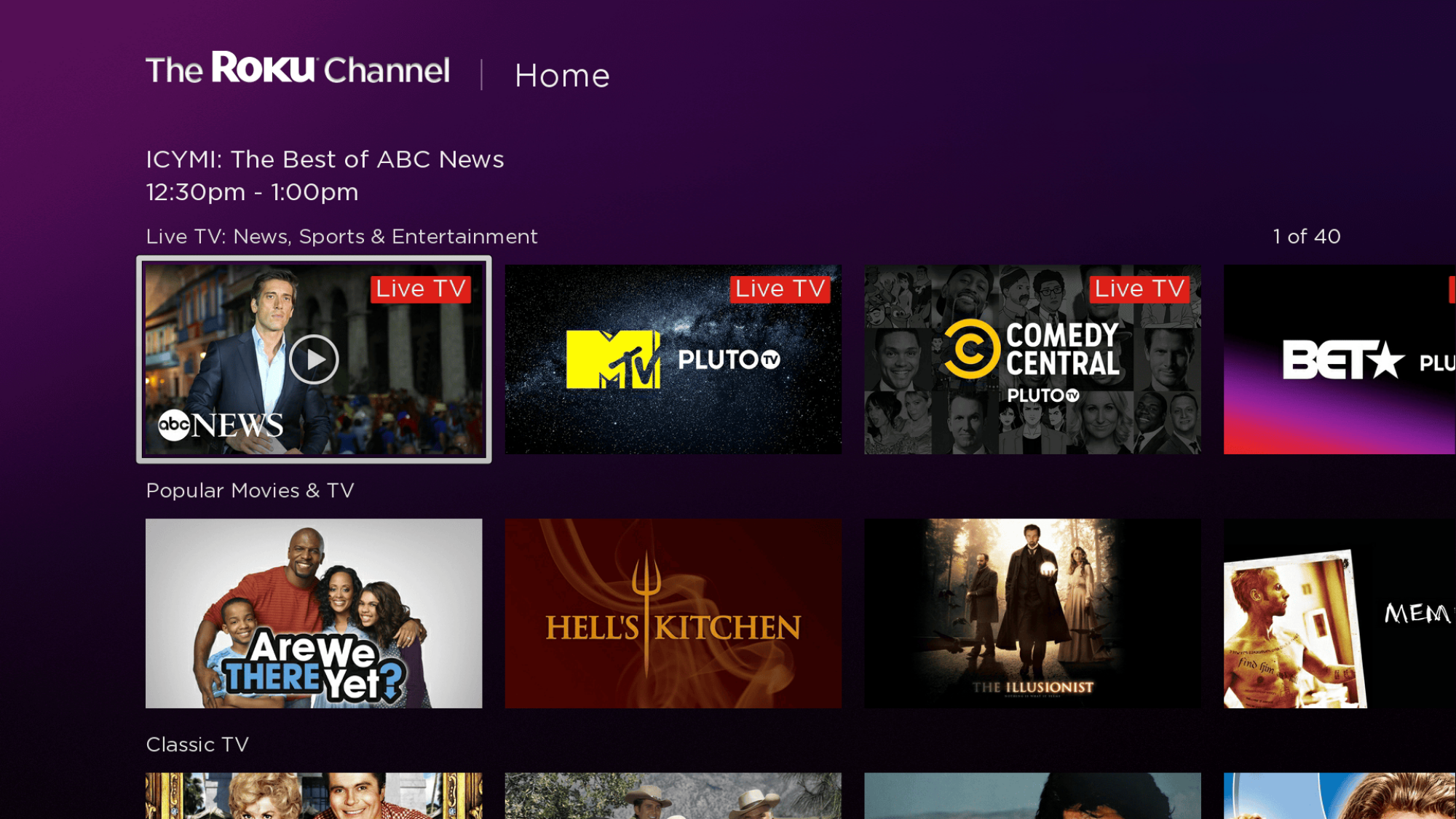
You don’t need a Roku device to enjoy The Roku Channel. The Fire TV Stick version offers a vast library of free to watch movies and TV shows, even if it’s not all the latest and the greatest content on the market. You also have access to live TV, live sports, kids shows, news, and more. Plus, it’s actually quite easy to use as well—given it’s a Roku app.

Airy TV

Airy TV

Credit: Amazon

Airy TV is yet another free TV channels app, especially useful if you don’t want to spend money on services like YouTube TV. It’s completely free, and doesn’t even require you to sign up for an account. Boot up the app, and you’re streaming live TV. Of course, you have to sit through ads, but that’s standard for apps like this. Airy TV has a good collection of channels for streaming movies, TV shows, and even live sports—including MMA.

Meta In Talks For $200 Billion AI Data Center Project

An anonymous reader quotes a report from Reuters: Meta Platforms is in discussions to construct a new data center campus for its artificial intelligence projects, with potential costs exceeding $200 billion, The Information reported on Tuesday, citing people familiar with the matter. Meta executives have informed data center developers that the company is considering building the campus in states including Louisiana, Wyoming or Texas, with senior leaders having visited potential sites this month, the report said.

Read more of this story at Slashdot.

How to follow the Amazon’s Alexa event today

It’s sort of out of character for Amazon to be hosting a devices event in February, as opposed to its usual Fall launch. But this morning (February 26) at 10am ET, the company is holding a presentation in New York City. As it’s done in the past, Amazon won’t be livestreaming this event, and you won’t be able to watch Panos Panay and his colleagues present to members of the media. Don’t worry about FOMO, though. Engadget will be attending and liveblogging the event, so if you follow our updates it’ll almost feel like you’re right there with us! 

We’ll have commentary and contextualization on the announcements, as well as the in-person vibes and quality of snacks. Our Sam Rutherford will be sharing pictures, too, so you won’t miss a thing. Scroll down to see what we’ve posted so far, and keep this page open all day for the latest updates! I recommend having drinks or snacks handy while you follow along with us.

This article originally appeared on Engadget at https://www.engadget.com/how-to-follow-the-amazons-alexa-event-today-200022694.html?src=rss

North Korea’s Unprecedented $1.5 Billion Crypto Heist Exploited Human Element, Not Code

North Korean hackers have executed the largest cryptocurrency theft in history, draining $1.5 billion from Dubai-based exchange Bybit by compromising its multisignature cold wallet system. The attackers stole over 400,000 ethereum and staked ethereum coins without exploiting code vulnerabilities or infrastructure.

Security researchers from Elliptic identified North Korean signatures in the subsequent laundering operations, consistent with the nation’s ongoing cryptocurrency theft operations that fund its weapons programs. Investigators determined the hackers manipulated the user interfaces on multiple Bybit employees’ devices simultaneously, tricking authorized personnel into approving what appeared to be legitimate transactions. This sophisticated attack “altered the smart contract logic and masked the signing interface,” according to Bybit’s disclosure.

“The Bybit hack has shattered long-held assumptions about crypto security,” noted researchers at Check Point. “No matter how strong your smart contract logic or multisig protections are, the human element remains the weakest link.”

Read more of this story at Slashdot.

11 standouts from Steam Next Fest’s thousands of free game demos

If you head over to the Steam Next Fest charts right now, Valve will offer you a glimpse of the 2,228 games offering free downloadable demos as part of the event through Sunday, March 3. That is way too many games to effectively evaluate in such a short time, even with the massive resources of the Ars Orbiting HQ.

But we haven’t let that stop us from trying. With the assistance of some early access provided by Valve and game publishers, we’ve spent the last few days playing dozens and dozens of the most promising Next Fest demos in an attempt to pull out some interesting-looking needles from Valve’s massive haystack. Below are the results of that search—a varied list of 11 titles we think are worth investing some time (and zero dollars of money) into a demo download.

But this is just a starting point. Please use the comments below to share any other diamonds in the rough you think your fellow Ars readers need to know about.

Read full article

Comments

The best Apple Arcade games for 2025

It’s been nearly five years since Apple Arcade launched, and while the service hasn’t fully delivered on Apple’s promise back in 2019, it can still be worth paying for. Of course, that’s provided you’re willing to hunt through the 200-ish games currently available on the service. I’ve been playing Apple Arcade games since it launched and these are just a few of my favorites that have stood the test of time.

Apple originally released Apple Arcade with the promise of high-quality, exclusive games that are playable across basically every device the company makes. That includes the iPhone, iPad, Mac and Apple TV (though you need a controller for the latter). Over time, Apple started allowing games originally launched in the App Store as well, provided that they met certain criteria. All Apple Arcade games are ad-free and have no in-app purchases, something that really helps differentiate its offerings over the flood of low-quality games in the App Store.

While Apple Arcade launched with a pretty excellent lineup, additional games have unfortunately been fewer and farther between in recent years. Apple has also pulled a number of games from the service, including some of the best ones you could get like Sayonara Wild Hearts, Cozy Grove, Assemble with Care, Shinsekai: Into the Depths and numerous others. It’s a reminder that with a subscription service, things can go away at any time.

While we’re not seeing the same cadence of high-quality original games on Apple Arcade as we did a few years ago, I still think the service is worth the $7 per month or $50 per year subscription if you do a lot of gaming on your phone. Some of the best games in the history of the App Store are here (anything with a “plus” symbol denotes a game that was originally sold in the App Store and then brought to Apple Arcade), and there are still a number of excellent originals worth playing. It is worth noting that the “plus” games were not designed with Mac or Apple TV playback in mind and thus only work on an iPhone or iPad. These 16 games are some of the best you can play, and there are a bunch more I want to try for future inclusion on this list. In the meantime, this should be more than enough to get you started.

Check out our entire Best Games series including the best Nintendo Switch games, the best PS5 games, the best Xbox games, the best PC games and the best free games you can play today.

This article originally appeared on Engadget at https://www.engadget.com/gaming/best-apple-arcade-games-140053796.html?src=rss

Fruits and Flowers May Counteract Harmful Effects of Microplastics

New research suggests that anthocyanins, the antioxidants responsible for the vibrant colors of fruits and flowers, may help counteract reproductive harm caused by microplastics. The Guardian reports: The new review of scientific literature on anthocyanins found that the compounds are probably protective against a range of plastic-induced impacts on hormones, reductions in testosterone and estrogen, decreased sperm counts, lower sperm quality, erectile dysfunction and ovarian damage. […] Researchers said that mice exposed to microplastics, then treated with anthocyanins, showed increased sperm quality, including increased sperm count and motility, and the antioxidants overall reduced testicular damage. The new paper also pointed to research that found some microplastics reduce testosterone levels because they harm Leydig cells, which are responsible for the hormone’s production. Anthocyanins seem to helped restore testosterone production and protect Leydig cells.

In women, impacts on fertility and sexual development could be mitigated by anthocyanins that seem to protect hormone receptors from plastic chemicals such as bisphenol, phthalates and cadmium. The chemicals can mimic hormones, or cause hormonal responses. Microplastics in ovarian tissue cause inflammation that seems to lower levels of estrogen and other hormones. Research found that treating rats exposed to microplastics protected the ovarian tissue and normalized levels of estrogen and other hormones. “Its antioxidant properties help preserve ovarian function and potentially maintain fertility, highlighting its therapeutic potential in managing ovarian damage,” the authors wrote.

Read more of this story at Slashdot.