
Compare Red Hat Enterprise Linux AI’s simplicity with OpenShift AI’s scalability to make an informed decision about Red Hat’s AI solutions.
Category Archives: Linux
GNOME 48 Desktop Environment Released, Here’s What’s New
GNOME 48 “Bengaluru” desktop environment brings notification stacking, performance boosts, new fonts, digital wellbeing tools, and more.
Machine Learning in Linux: Stability Matrix – Package Manager for Stable Diffusion
Stability Matrix is a desktop application. It’s a multi-platform package manager and inference UI for AI image generation. It works with Stable Diffusion and Flux. Here’s our verdict.
Rising Malware Threats to Linux: Understanding Risks and Defenses
If you’ve been keeping up with the latest IT security news, you may have noticed the increase in the number of attacks on network security within Linux systems. Cloud Snooper, EvilGnome, HiddenWasp, QNAPCrypt, GonnaCry, FBOT, and Tycoon have become prime malware variants to be aware of as a Linux admin.
Mesa 25.0.2 Changes Range From Fixing Soft FP64 For Old AMD GPUs To RX 9070 Fixes
Even amid the ongoing FreeDesktop.org GitLab cloud/server migration, Eric Engestrom has managed to release Mesa 25.0.2 on schedule as the newest stable release for these open-source OpenGL and Vulkan drivers for Linux systems…
Difference Between Su, Sudo Su, Sudo -i, and Sudo -s
There are tons of reasons to switch to another user’s or the root user’s account, however there are multiple ways to do so, which we are going to learn today.
Three ways to help students learn about the impact of technology
As adults, it’s easy for us to see the impact technology has had on society and on our lives. Yet when I tell pupils that, within my lifetime, it wasn’t always illegal to hold your mobile phone to your ear and have a call while driving, they are horrified. They are living in the now and don’t yet have the perspective to allow them to see the change that has happened.

With the greater understanding we now have of technology and its impact, we can better learn from previous mistakes, make decisions around ethical behaviour (such as whether to use a phone while driving), and critically engage in real-world issues.
As teachers, allocating some time to this topic throughout the year can seem challenging, but by implementing a few small changes, the benefits might be more than you imagine. Here are three ways you can help your students explore the impact of technology.
1. Change the format of your lessons by stepping away from devices
As teachers know, some computing lessons work best when students don’t use devices, whether it’s a matter of students designing programs before starting to code them, drawing maps of their school network, or discussing the implications of bias in AI training models. It’s important that learners recognise that computers are tools — sometimes they allow us to do and achieve great things, but sometimes there are other approaches that are more suitable.

Spending time discussing the impact of technology can help learners decide for themselves when technology is an asset, and when it is a burden. Another advantage of changing the format of your computing lessons away from device usage is that they may appeal to a wider range of students. While some students may not be interested in using technology, they may enjoy debating ethics, discussing world events, or finding solutions to real-world problems — all of which can take centre stage in a more discussion-focused computing lesson.
This approach can also demonstrate to your class that lots of different skill sets are needed in the computing industry, and inspire your learners to consider career paths they might have otherwise dismissed. In addition, open, discussion-based lessons can give your learners food for thought, encouraging them to approach tasks in subsequent lessons with a greater appreciation of broader issues — whether they’re designing a program, deciding what features to build into a website, or how to structure a database.
2. Connect your lessons to real-world events
Young people exist in an interesting space when it comes to world events. Even if they’re not engaged in current affairs, they’ll probably still encounter a lot of content about what’s happening in the world. They may see snippets of news footage on television, hear adults talking about a big event, or — with so much of their lives now happening online — stumble across trending stories and associated opinions while using social media, apps, and websites.
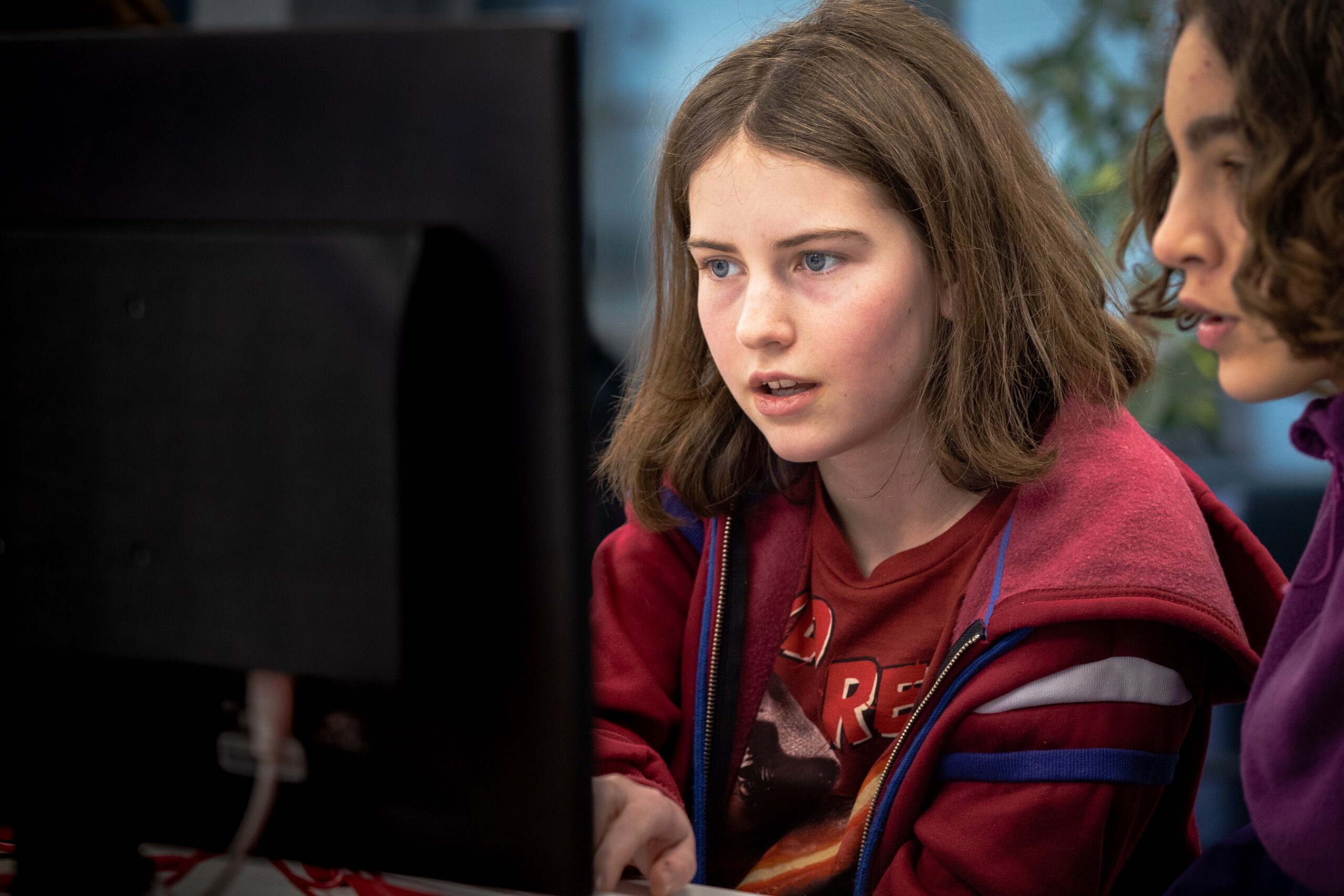
Young people will often try to make sense of all these bits of information, filling in the blanks. The problem is that if we don’t talk to young people about what they’re hearing, they may fill in the blanks incorrectly. Before you know it, they might be anxious that artificial intelligence will take over the world, or that adults hate TikTok for no reason.
It’s important to equip young people with the skills to think about real-world events — and developments related to technology — critically and calmly.
Headlines such as “Why the USA is banning TikTok” or self-help articles with titles like “Why muting people on social media will change your life” could make brilliant focus points for a lesson or activity about the impact of technology. Discussing these kinds of headlines and articles can help your learners consider their own opinions, apply what they know about how technology works, and gain a sense of grounding in our often turbulent world.
By encouraging your learners to articulate what they know and apply it to real-world situations, you’ll enrich their computing education while also nurturing responsible digital citizens.
3. Encourage students to have difficult conversations
The role of a computing teacher is often broad. Beyond curriculum and teaching responsibilities, it will usually involve providing tech support (changing ink in printers, for instance) and dealing with safeguarding incidents that have happened between pupils at the weekend.
Safeguarding is a key part of teaching. Effective safeguarding should include teaching your learners about what to do in difficult scenarios, like when a WhatsApp group goes awry, when an image is shared on social media when it shouldn’t have been, or when a game becomes popular that your learners aren’t old enough to play.

Each of these scenarios is an example of technology’s impact on our lives. It’s important that your learners know how to deal with these scenarios and can have different opinions while talking and listening to each other. Also, if your learners can do these things, it will make things easier in the future if you need to talk to a particular learner about something inappropriate they’ve done.
By encouraging your learners to have difficult conversations, you’ll practise how to navigate the tension between legality, rules from home, and best-practice advice from external sources. You’ll also have lessons that you can refer back to: “Remember when we were discussing the TikTok ban? How might some of those conversations relate to this situation? What about when we discussed when to block people on games or on social media? Would that be appropriate here?”
Raising awareness that the impact of technology can enrich lessons
Technology is going to continue to impact the lives of the pupils we work with, whether they can recognise that or not. Increasing their awareness of the impact technology is having, in both positive and negative ways, will enrich your lessons, show that content is relevant to your learners, and help protect them when they have to make their own critical decisions.
There are suggestions in this article to use with learners of all ages, but if you want more support on how to teach the topic with older learners, we have an online course for educators (helloworld.cc/impactoftech) and a unit of work for 14-year-olds (helloworld.cc/ks4impact).
A version of this article also appears in Hello World issue 24.
The post Three ways to help students learn about the impact of technology appeared first on Raspberry Pi Foundation.
[$] MM medley: huge page allocation, page promotion, KSM, and BPF
As the 2025 Linux
Storage, Filesystem, Memory-Management, and BPF Summit (LSFMM+BPF)
approaches, the density of memory-management patches on the mailing lists
has increased. Included among those are patches aimed at improving the
reliability and performance of huge-page allocation, implementing page
promotion on tiered-memory systems, adding a different approach to
deduplicating memory, and replacing the BPF memory allocator. Read on for
an overview of each.
Mesa RADV vs. AMDVLK Vulkan Driver Performance For The AMD Radeon RX 9070 Series
With my launch day testing of the Radeon RX 9070 graphics cards on Linux the Mesa RADV driver was used given that is what is predominantly used by Linux gamers/enthusiasts and is used out-of-the-box by all of the major Linux distributions. Last week AMD released an AMDVLK Vulkan driver with RDNA4 GPU support as the company’s official open-source Vulkan API Linux driver. For those curious how the Mesa RADV and AMDVLK drivers are competing for the Radeon RX 9070 series, this article is for you with benchmarks of both drivers and both RX 9070 graphics cards.
14 Awesome Games Linux Users Can Grab in Steam Sale (Ends 20 March)
Looking for the perfect game on Steam to play on Linux? These are some of the best ones available at a discount.
RDK X5 Development Kit Featuring HDMI, MIPI CSI, and Gigabit Ethernet
The RDK X5 is a development kit designed for intelligent computing and robotics. It features a form factor similar to the Raspberry Pi single board computer but is powered by the 10 TOPS Sunrise 5 processor.
Google Developing “Live Update Orchestrator” As New Means Of Live Linux Kernel Updates
While there is Kpatch, Ksplice, and other live patching solutions already in use for patching a running Linux kernel for deploying security updates without downtime, Google engineers are developing the Live Update Orchestrator as a new means of transitioning to a new updated kernel with minimal downtime…
Intel AVX10 Drops Optional 512-bit: No AVX10 256-bit Only E-Cores In The Future
Intel updated their AVX10 whitepaper and associated open-source compiler patches around this next Advanced Vector Extensions standard… While AVX10 had intended to allow either 256-bit or 512-bit modes depending upon processor capabilities, Intel has dropped the 256-bit-only approach and going for 512-bit everywhere.
DAMON Self-Tuned Memory Tiering Shows Nice Improvement For Linux Servers
Linux developer SeongJae Park has posted a set of patches for the Linux kernel’s wonderful DAMON code to provide for self-tuned memory tiering that “just works” and is racking up some nice performance wins…
Google Chrome Replacing FreeType With Rust-Written Skrifa For Font Handling
The Google Chrome web browser is moving away from the FreeType font rendering library and instead pursuing their Skrifa project that is written in Rust for better memory safety around handling fonts on the web…
Miracle-WM 0.5 Released For Mir-Based Wayland Tiling Window Manager
Miracle-WM 0.5 released on Wednesday as their first update of 2025 for this Mir-based Wayland tiling window manager. With this release comes a number of new features and other enhancements…
Ubuntu 25.10 plans to swap GNU coreutils for Rust
It’s easier to replace bits of userland than the kernel. Efforts are afoot to replace the GNU coreutils with Rust ones in the version after next of Ubuntu, 25.10 – which also means changing the software license.
HTTP 304 Not Modified Error: What is it and how to fix it
This blog post will explain everything about the HTTP 304 status code. HTTP 304 Not Modified is a status code that indicates that the server has found no changes in the requested page since the last visit.
The Fedora 42 Beta Is Here, Complete with a COSMIC Spin
Fedora Linux is one of the most popular desktop Linux distributions, and Fedora 42 is now available for beta testing. Fedora Workstation now has GNOME 48 and an updated installer, and there’s now an official version of Fedora with the COSMIC desktop environment.
Vivaldi Browser 7.2 Boosts Performance with Faster Address Bar
Vivaldi 7.2 speeds up browsing with a faster address bar, improved page loading, and new customization tools.