Pokémon Go maker Niantic sells its game division to Saudi-owned Scopely

Niantic Labs just announced that it has found a buyer for its game division after putting out feelers back in February. The Saudi Arabia-owned company Scopely has agreed to purchase the division for $3.5 billion. Scopely was founded in Los Angeles but was purchased using money from Saudi Arabia’s sovereign wealth fund, otherwise called the Saudi Public Investment Fund (PIF).

The agreement includes most of Niantic’s portfolio of AR games, including Pokémon Go, Monster Hunter Now and Pikmin Bloom, among several others. It also includes the company’s social companion apps for Pokémon Go, Campfire and Wayfarer. The deal is still subject to regulatory approval and other closing conditions.

Scopely says it will receive “Niantic’s entire team of exceptional gamemakers and category-leading games.” There are a couple of titles, however, missing from this purchase. Niantic Labs will retain the AR gaming titles Peridot and Ingress.

Scopely is a major player in the mobile games industry. It’s the company behind games like Star Trek Fleet Command, Marvel Strike Force and Monopoly Go!, to name a few.

As for Niantic’s games division, it’s a shadow of its former self. Pokémon Go engaged more than 500 million players in its first year, but the game’s staying power has waned in recent times. At its peak, the mobile monster battler attracted over 230 million players each month. Nowadays, that number has shrunk to around 80 million.

The company has also struggled to replicate the Pikachu-shaped lightning in a bottle with other titles. It tried to reskin the Pokémon Go formula onto other franchises like Harry Potter and NBA basketball, but nothing stuck. The Monster Hunter and Pikmin projects, however, are still active.

This led Niantic to cancel multiple games and lay off hundreds of employees. Niantic’s valuation has taken several hits and the company’s long-promised “real-world metaverse” has yet to materialize. If the sale goes through, the company will focus on building out its standalone entity Niantic Spatial. This group builds real-world 3D maps and is led by company CEO John Hanke.

The Saudi PIF has become a major player in the games industry in recent years. It not only owns Scopely and its parent company Savvy Games Group, but has financial stakes in organizations like Nintendo, EA and Activision Blizzard.

This article originally appeared on Engadget at https://www.engadget.com/mobile/pokemon-go-maker-niantic-sells-its-game-division-to-saudi-owned-scopely-160905447.html?src=rss

You Can Now Remove Your Pictures From a Google Photos Backup Without Deleting Them Entirely

Backups are always a smart move. If your data is only stored in one location, it’s not safe, as it only takes one device failure to lose all that information for good. While there are plenty of ways to back up your data, companies like Google make it easy with built-in cloud backups. Once you set it up, all of the photos and videos you take are synced to the cloud, so you never need to worry about losing everything if your phone goes belly-up.

While cloud backups are convenient, they’re far from the only option you have, as you could routinely save copies of your photos and videos to an external drive. If you move platforms—say, from Android to iPhone—and you’d prefer to use Apple’s services over Google’s, it doesn’t make much sense to keep all that data on Google’s servers, either. Speaking of which: Perhaps you simply don’t want to trust Google with all of the media you’ve taken over the years, and would like to take back the data you’ve already shared.

The trouble is, it’s been difficult to decouple photos and videos from a Google Photos backup without also deleting those items from the device you’re using as well—defeating the purpose entirely. The “best” workaround has been to use a separate device or browser than the one you’re using, which is more of a pain than it should be.

That’s what Google’s “Undo device backup” feature is all about. The company first announced it back in December, as a way for users to remove any photos and videos from the cloud, if those photos and videos are already on the device in question. The feature has been available on iOS first (perhaps as a solution for iPhone users who inadvertently uploaded their media to Google Photos), but Google is now rolling out the feature to Android users too. Now, no matter which platform you use Google Photos on, you can undo your backup while keeping all your photos and videos safe.

How to undo your Google Photos backup

If you want to delete your photos and videos from a Google Photos backup without deleting those photos and videos locally from your device, here’s how: First, open Google Photos on your iPhone or Android. Next, tap your profile picture or initial, then head to Photos settings > Backup.

Scroll down, then choose Undo backup for this device. Here, tap the box next to “I understand my photos and videos from this device will be deleted from Google Photos,” then tap Delete Google Photos backup.

Google says that once you make this decision, Backup will automatically turn off for the device you’re using. As such, make sure you have a plan for how to back up those items going forward. Let’s say you have a Pixel phone, and you choose to undo your backup: Now, those photos and videos only exist on this Pixel. If you break your phone, or it simply spontaneously dies (which does happen), you’ll lose those memories forever.

IBM CEO Doesn’t Think AI Will Replace Programmers Anytime Soon

IBM CEO Arvind Krishna has publicly disagreed with Anthropic CEO Dario Amodei’s prediction that AI will write 90% of code within 3-6 months, estimating instead that only “20-30% of code could get written by AI.”

“Are there some really simple use cases? Yes, but there’s an equally complicated number of ones where it’s going to be zero,” Krishna said during an onstage interview at SXSW. He argued AI will boost programmer productivity rather than eliminate jobs. “If you can do 30% more code with the same number of people, are you going to get more code written or less?” he asked. “History has shown that the most productive company gains market share, and then you can produce more products.”


Read more of this story at Slashdot.

iRobot says there is “substantial doubt” about it as a “going concern”

Robotics firm iRobot, originator of the robotic vacuum Roomba facing stiff competition from lower-priced competitors, told investors Tuesday that there was “substantial doubt” about the company’s survival “as a going concern” in the next year or so.

Investors took iRobot at its word, and its stock price had fallen nearly 40 percent as of 10:20 am Wednesday from the day before. The dire accounting language and market reaction are nothing new for tech firms, but iRobot’s annual report suggests deeper issues than investor confidence. The company saw revenue drop 47 percent in the fourth quarter, it is actively seeking to renegotiate its largest loans, and it has launched a “formal strategic review” to consider refinancing, sale, or other alternatives.

The shaky world of consumer robotics

iRobot’s fortunes have changed dramatically since 2022, when Amazon announced a $1.7 billion bid to buy the struggling but prominent firm.

Read full article

Comments

Sonos soundbars and speakers are up to 36 percent off right now

There’s a sale on some of our favorite Sonos devices happening on Amazon right now. One of the best deals comes thanks to a 36 percent discount on the Sonos Ray compact soundbar. It’s currently available for just $179, down from $279 in either black or white. It’s our runner up for best midrange soundbar. 

The Sonos Ray debuted in 2022 and garnered an 82 in our review thanks to compact, sleek design and easy setup. We also liked its bass performance and overall sound quality for either TV or music. However, it didn’t create as immersive a sound as larger options, so people with a big space might want to opt for something else. 

Then there’s our favorite midrange speaker, the Sonos Era 100. The speaker is currently down to $199 from $249 — a 20 percent discount. It offers great sound quality and has two tweeters. 

Follow @EngadgetDeals on X for the latest tech deals and buying advice.

This article originally appeared on Engadget at https://www.engadget.com/deals/sonos-soundbars-and-speakers-are-up-to-36-percent-off-right-now-153107885.html?src=rss

AMD’s 3D V-Cache Optimizer Driver For Squeezing More Ryzen 9 9950X3D Performance

Merged for the Linux 6.13 kernel was the AMD 3D V-Cache Optimizer driver for being able to influence the kernel’s scheduling decisions on AMD processors where only a subset of CCDs have the larger 3D V-Cache. With this new driver users can communicate their cache vs. frequency preference for influencing where new tasks are first placed if on the CCD with the larger L3 cache or with the higher frequency potential. Here is a look at the impact of using the AMD 3D V-Cache Optimizer driver with the new AMD Ryzen 9 9950X3D.

The 10 Best Hidden AirTags Features

When Apple’s AirTags first launched, I thought that the devices would prove to be useless once the novelty wore off, but after using them for about a year, my assumption has proved to be wrong. AirTags have quite a few useful hidden features that make the product worth checking out even if you’re someone who doesn’t lose things often. Here are the best hidden features of your Apple AirTags.

Rename your AirTags

It sounds obvious, but you really should rename your AirTags to make it easy to identify each item they’re attached to. Instead of having them named “Pranay’s AirTags #1,” you can change it to something like “Pranay’s Blue Backpack.” To do this, go to the Find My app on your iPhone and navigate to Items > AirTag > Rename Item. Once you’ve chosen names that are specific and easy to pronounce, you can try the next tip.

Use Siri to locate your AirTags

When you’re looking for a lost item with an Airtag on it, the fastest way to find it is via Siri. You can ask Siri to locate the item by using a voice command like, “Hey Siri, find Pranay’s Luggage.” Just use whatever name you’ve given the AirTag and Siri will quickly locate the item and you’ll hear a sound that will allow you to find it quickly. This is much faster than going to the Find My app on your iPhone and tapping through to Items > AirTags > Play Sound.

Share your AirTag’s location with a loved one

If you trust your loved ones to keep an eye out for you, then consider sharing your AirTag’s location with them. This can be useful for those who work night shifts or have long drives to work, as it allows loved ones to know where they are in case there’s an emergency. As long as the AirTag is in your car or attached to an item you always carry (house keys, your phone, etc.), this feature will work just fine. Enable it by opening the Find My app on your iPhone and going to Items > AirTags > Share AirTag > Add Person.

Put your AirTags in Lost Mode

Your AirTags have two useful features that let others locate your lost items. One allows you to share contact information with anyone who finds your lost AirTag, and the other lets you share your AirTag’s location with trusted people such as airline employees who are trying to locate your luggage. You can set both of these up by going to the Find My app on your iPhone and navigating to Items > AirTag > Lost AirTag. Tap Show Contact Info or Share Item Location and follow the on-screen instructions to set up these features.

You can find the owner of lost AirTags

In case you come across someone else’s AirTags, you can use your iPhone to try to identify their owner and contact them. If someone has added their contact information to their AirTags, as described in the previous tip, you can locate it quickly via the Find My app on your iPhone. Go to the Items tab and select Identify Found Item. Follow the on-screen prompts to identify the lost AirTag and hopefully reunite it with its owner.

Turn off left behind notifications for your home

If your home is marked incorrectly in your AirTags, you’ll get annoying “This item is left behind” alerts every time you step out. I ordered my AirTags right before a month-long stay at a friend’s place, and their house was automatically marked as my “home.” When I returned to my own house, three of my four AirTags would keep scaring me by telling me that I left behind my suitcase or other items. You can fix this by going to Find My > Items > AirTags > Notify When Left Behind. Tap New Location and mark your home as an exception. This should take care of unwanted alerts.

Check your AirTag’s battery level

Your AirTag’s battery should last for a year, but there’s no way to determine the current battery level. If the battery is really low, your iPhone will send you a notification. You can also see the AirTag in the Find My app, which will show a battery low indicator if your AirTag needs a new battery.

Find your AirTag easily

This is the most popular use for AirTags. Go to the Find My app and open the Items tab. Tap the name of your AirTag and select Find. The iPhone will take a few moments and direct you towards your AirTag.

Look up an AirTag’s serial number

You can also view the serial number and the firmware version of your AirTag in your iPhone’s Find My app. To do that, go to the Items tab in the app, select your AirTag, and tap the name of the AirTag. You’ll now see its serial number and firmware version. This information can be useful if your AirTags are in warranty and to see if the latest software features are available for them.

Creative uses for AirTags

While you’d think AirTags would be best for tracking luggage, keys, or other items that you might lose more often than most, there’s much more that you can use AirTags for. My personal favorite is tracking pets. If you have a cat that often goes outdoors, putting an AirTag on their harness could save you a lot of trouble if the pet ever goes missing. Similarly, people on Reddit have highlighted many creative uses of the product. This includes training your dog to return to you when you play a sound on an AirTag attached to their collar, using it to track people who have dementia (and often get lost as a result), and even tracking a child’s backpack. You should never use AirTags to stalk people, but the product can help you keep an eye on loved ones who can’t protect themselves.

Netgear Unveils Nighthawk RS100, Its Most Affordable Wi-Fi 7 Router Yet

Netgear Unveils Nighthawk RS100, Its Most Affordable Wi-Fi 7 Router Yet
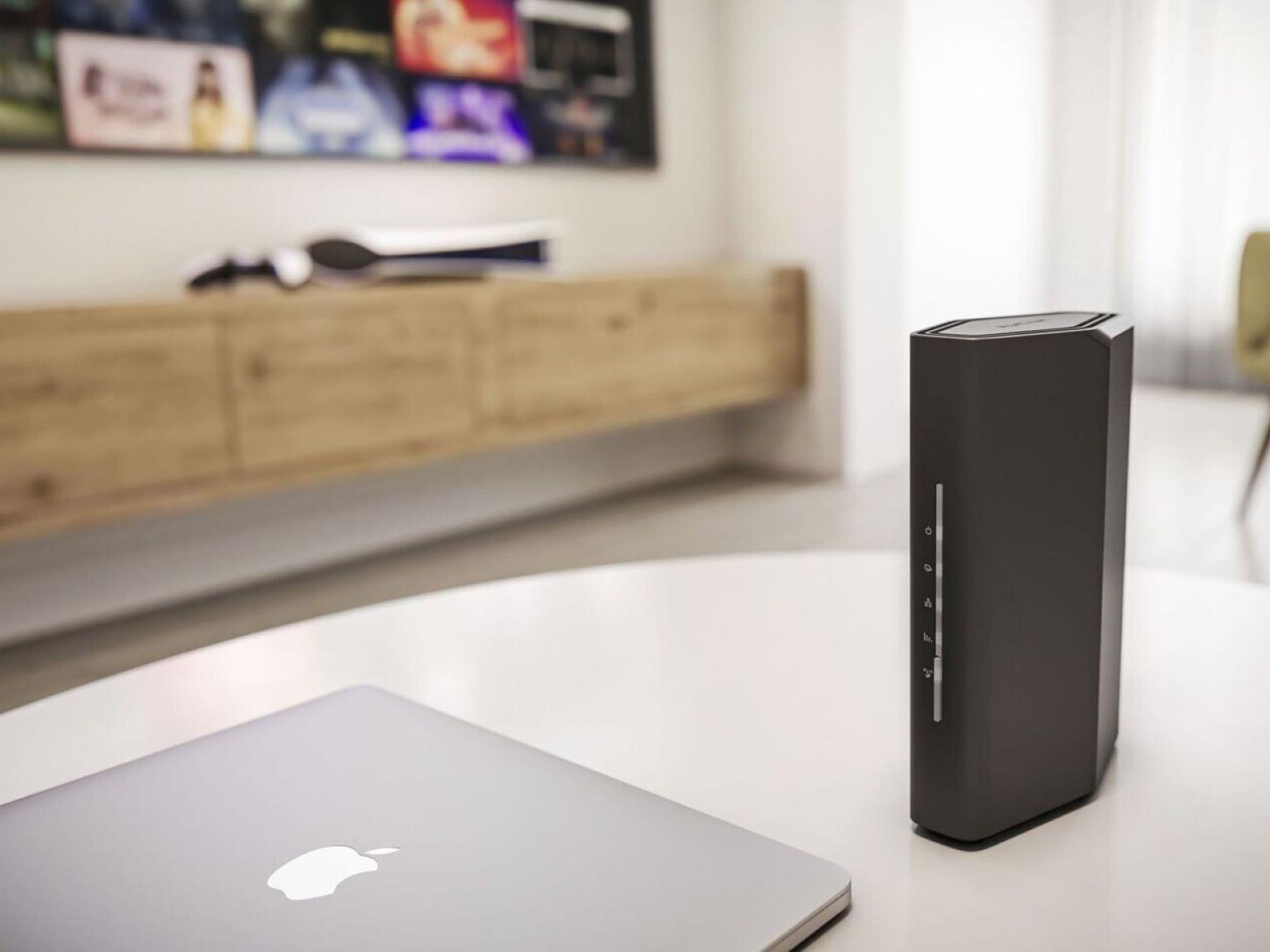
Netgear has launched its most cost-effective Wi-Fi 7 router ever, called the Nighthawk RS100. The budget dual-band router promises ultra-fast bandwidth for only $150. The specs are pretty basic, so as long as households know what they’re getting for the money, the compact RS100 may be solid enough for average use cases. The device supports

Roomba-maker iRobot Warns of Possible Shutdown Within 12 Months

Roomba maker iRobot has warned it may cease operations within 12 months unless it can refinance debt or find a buyer, just one day after launching a new vacuum cleaner line. In its March 12 quarterly report, the company disclosed it had spent $3.6 million to amend terms on a $200 million Carlyle Group loan from 2023, as U.S. revenue plunged 47% in the fourth quarter.

“Given these uncertainties and the implication they may have on the Company’s financials, there is substantial doubt about the Company’s ability to continue as a going concern for a period of at least 12 months from the date of the issuance of its consolidated 2024 financial statements,” the company wrote.

The robot vacuum pioneer has initiated a formal strategic review after a failed Amazon acquisition, the departure of founder Colin Angle, and layoffs affecting over half its workforce. iRobot cited mounting competition from Chinese manufacturers and expects continued losses for “the foreseeable future.”


Read more of this story at Slashdot.

DeepMind’s latest AI model can help robots fold origami and close Ziploc bags

Since its debut at the end of last year, Gemini 2.0 has gone on to power a handful of Google products, including a new AI Mode chatbot. Now Google DeepMind is using that same technology for something altogether more interesting. On Wednesday, the AI lab announced two new Gemini-based models it says will “lay the foundation for a new generation of helpful robots.”

The first, Gemini Robotics, was designed by Deepmind to facilitate direct control of robots. According to the company, AI systems for robots need to excel at three qualities: generality, interactivity and dexterity.

The first involves a robot’s flexibility to adapt to novel situations, including ones not covered by its training. Interactivity, meanwhile, encapsulates a robot’s ability to respond to people and the environment. Finally, there’s dexterity, which is mostly self-explanatory: a lot of tasks humans can complete without a second thought involve fine motor skills that are difficult for robots to master.

“While our previous work demonstrated progress in these areas, Gemini Robotics represents a substantial step in performance on all three axes, getting us closer to truly general purpose robots,” says DeepMind.

For instance, with Gemini Robotics powering it, DeepMind’s ALOHA 2 robot is able to fold origami and close a Ziploc bag. The two-armed robot also understands all the instructions given to it in natural, everyday language. As you can see from the video Google shared, it can even complete tasks despite encountering roadblocks, such as when the researcher moves around the Tupperware he just asked the robot to place the fruit inside of.

Google is partnering with Apptronik, the company behind the Apollo bipedal robot, to build the next generation of humanoid robots. At the same time, DeepMind is releasing Gemini Robotics-ER (or embodied reasoning). Of the second model, the company says it will enable roboticists to run their own programs using Gemini’s advanced reasoning abilities. DeepMind is giving “trusted testers,” including one-time Google subsidiary Boston Dynamics, access to the system.

This article originally appeared on Engadget at https://www.engadget.com/ai/deepminds-latest-ai-model-can-help-robots-fold-origami-and-close-ziploc-bags-151455249.html?src=rss

Toyota tunes up bZ4x with new battery, more power

Earlier today, Toyota and Lexus debuted some improved and some new electric vehicles. The event was focused on the European market, where battery EV penetration is relatively high, and I wouldn’t expect either the Urban Cruiser or C-HR+ crossovers to show up on sale in the US. But we’ll likely find the upgrades to the Toyota bZ4x and the closely related Lexus RZ, or at least some of them, in North American models at some point.

The revised bZ4x will come in three powertrain options, at least in the EU, all with new battery packs. There’s a 165 hp (123 kW) front-wheel drive version coupled to a smaller-capacity 57.7 kWh battery pack (which I would not expect to come to the US), and then 221 hp (165 kW) FWD and 337 (252 kW) all-wheel drive options, both of which use a new 73.1 kWh battery pack.

For comparison, the bZ4xs that went on sale in the US several years ago are offered with either a 71.4 kWh pack for FWD or a 72.8 kWh pack for AWD versions.

Read full article

Comments

My Favorite Podcast App Now Has a Free Web Player

Now more than ever, I rely on my silly little podcasts to disassociate through my days, and yesterday, that got a little easier. Pocket Casts—Lifehacker’s pick for the most full-featured and user-friendly podcast app on the scene, and my own auditory lifeline for the last half-decade or so—has made its web streaming and desktop apps free for all users. Previously, these were paid subscriber-only benefits that would cost you around $40/year to access.

In a statement, the company said it made the change in support of “the open podcasting ecosystem,” noting the audio format “was built on an open, decentralized standard, RSS, which means that anyone can create, share, and listen to content freely, without needing a specific platform’s approval. But today, major platforms are shifting away from open standards, moving creators into proprietary systems that limit distribution and control discovery through algorithms.”

This is a clear shot at competitors like Spotify that have invested big money into the medium while locking some of their shows (and app features) behind a paywall. In particular, Pocket Casts points out that its podcast discovery tools are not algorithmically driven, echoing the ethos of open-source social networks like Bluesky that stand in opposition to the engagement-at-any-cost likes of X and Meta.

The David vs. Goliath stance is slightly disingenuous—though the indie-developed app celebrates the open source ethos and was previously owned by a group of nonprofit public radio stations, it was sold to WordPress owner Automattic in 2021. Still, it’s nice to have an alternative web-based podcast platform that at least nods to an earlier, better era of the internet.

Free access to the Pocket Casts app and web player

The decision to remove the Pocket Casts web and desktop apps from behind the paywall gives users a lot more flexibility with how they listen. Anyone can use either without an account, but a free login will grant access to features like synching across devices. As long as you’re logged in on both, you can start a podcast on your phone and seamlessly pick it up on desktop without a hitch. (It’s worth noting that while Spotify offers similar functionality with Spotify Connect, it requires a Spotify Premium account to access.)

In my testing (I was formerly a free member, despite loving the app), I found all of my subscriptions, listening history, and preferences matched up 1:1 across all my devices. The desktop app is available for both Mac and Windows.

Pocket Casts Plus still offers paid features

Pocket Casts hasn’t gone completely free—you can still pay for Pocket Casts Plus ($39.99/year) to gain access to features like folders, bookmarking, and smartwatch apps. You can also pay $99/year to become a Pocket Casts Patron, which also nets you more cloud storage, early access to new features, and “the undying gratitude of everyone at Pocket Casts.”