You Can Safely Delete These Preinstalled Apps From Your Samsung Galaxy

Like the iPhone, Samsung Galaxy handsets come loaded with a bunch of preinstalled Samsung apps that you don’t necessarily need and might never use—especially as there are Google-made equivalents for a lot of them that you’ll also find on your phone.

As these Samsung apps come preinstalled, you might think that removing them might break something on your device, but you can safely uninstall most of them without worrying (and find them again on the Galaxy Store, if you ever need to get them back).

Clearing out the apps you’re not using regularly means your phone won’t need to download updates for them, and you’ll free up some storage space too. It’s well worth taking a few minutes to delete any apps you don’t need, and that includes the ones Samsung has helpfully installed for you.

You can delete any app on your Samsung phone from the app drawer: Just press and hold on an app icon, then choose Uninstall > OK. These are the ones that One UI lets you get rid of, quickly and safely:

  • Calculator: For doing sums on your phone, courtesy of Samsung.

  • Calendar: Samsung’s alternative to Google Calendar.

  • Clock: Samsung’s own app for checking times and setting alarms.

  • Galaxy Shop: For buying everything from TVs to watches from Samsung.

  • Galaxy Wearable: If you need to manage Galaxy smartwatches.

  • Gaming Hub: A hub for launching your games and finding new ones.

  • Global Goals: Samsung’s app for supporting charities and causes.

  • Notes: For creating notes with text, drawings, images, and more.

  • Penup: Samsung’s app for creating and sharing drawings.
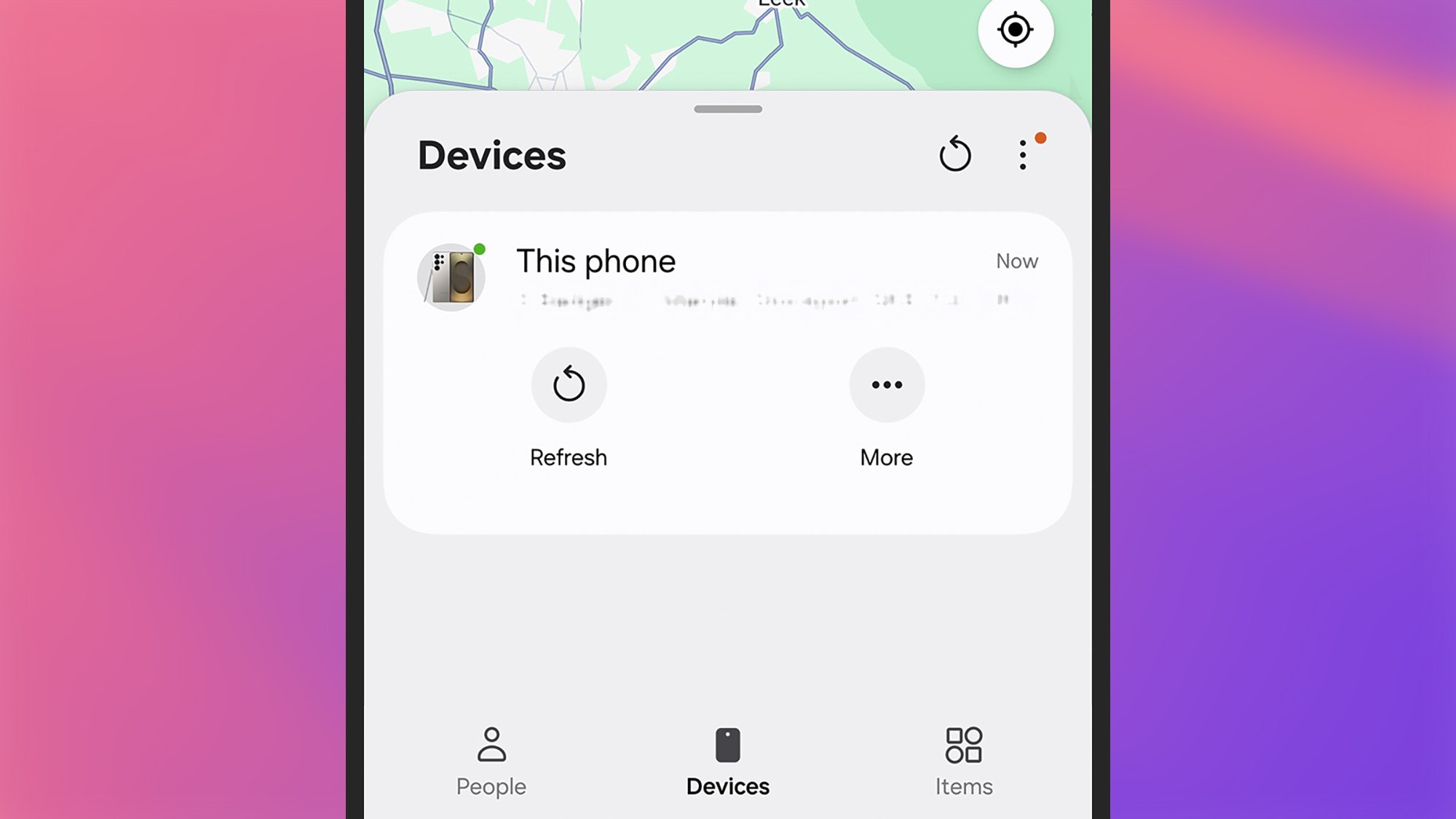
Samsung Find
Samsung’s Find app can track your devices.
Credit: Lifehacker

  • Samsung Find: Locates your family and friends, and your Samsung devices.

  • Samsung Health: For tracking your fitness stats and other health metrics.

  • Samsung Internet: Samsung’s own mobile web browser.

  • Samsung Members: Shows special offers and benefits with your Samsung account.

  • Samsung TV Plus: Free streaming TV channels from Samsung.

  • Samsung Wallet: Samsung’s take on mobile payments and passes.

  • SmartThings: For controlling smart home kit supporting Samsung’s standard.

  • Tips: Get to know the key features on your Samsung phone.

  • Voice Recorder: For audio recordings and transcriptions on your phone.

The preinstalled apps you can’t delete

That’s list constitutes the majority of the Samsung apps that come bundled with One UI, but it’s not all of them. You can’t uninstall Bixby, Camera, Contacts, the Galaxy Store, Gallery, My Files, or Smart Switch as you look to declutter your phone.

Other preinstalled apps you can delete

Depending on where in the world you are, you might also see a range of third-party apps (not made by Samsung) on your Galaxy handset. These can all be safely uninstalled, and may include Facebook, Netflix, and Spotify.

You might also come across various Google and Microsoft apps. These are the ones you can get rid of to free up some space:

  • Google Drive: For accessing your Google Drive files in the cloud.

  • Google TV: Streaming shows and movies across various platforms.

  • LinkedIn: The professional social network owned by Microsoft.
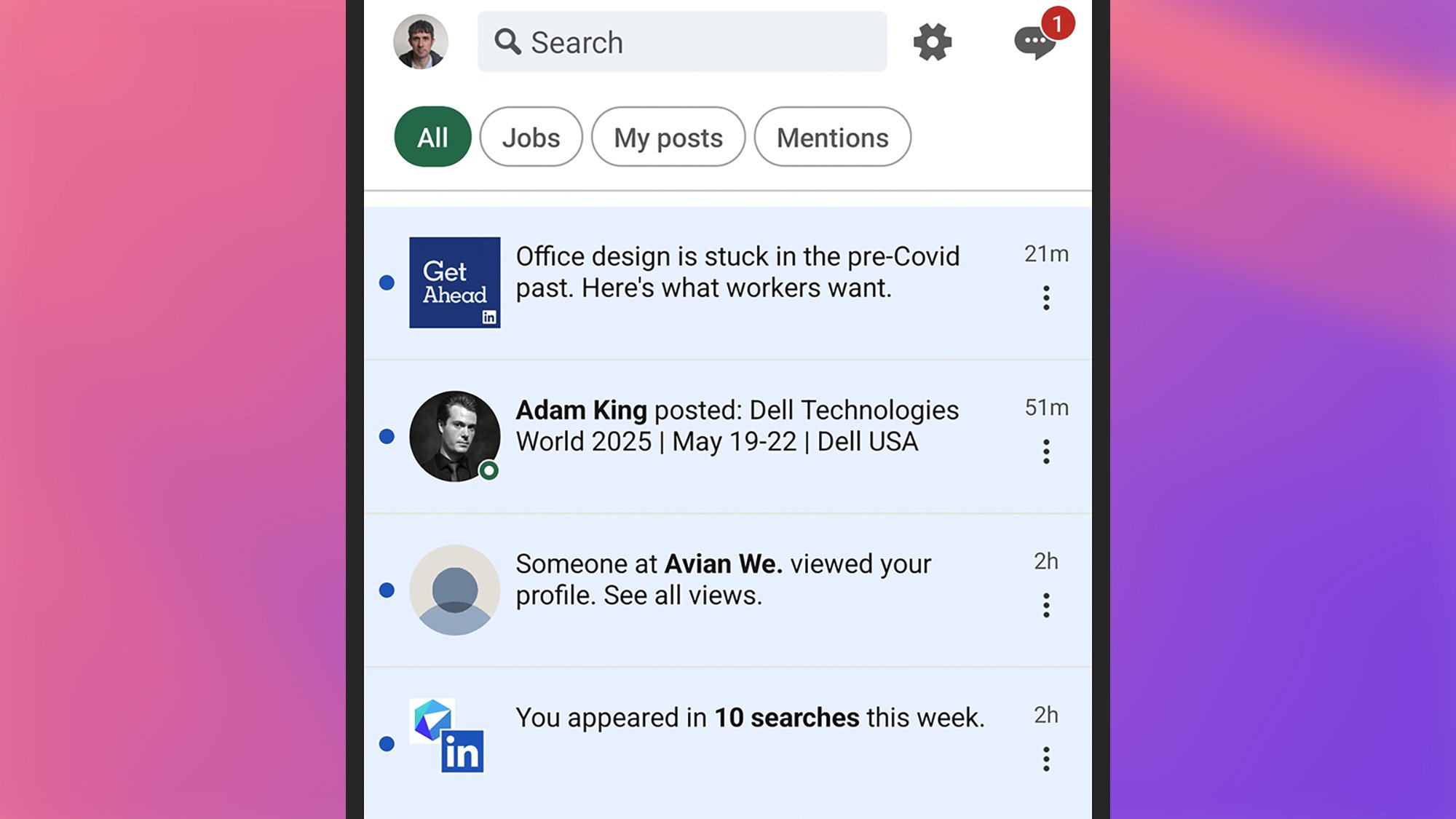
LinkedIn app
If you’re tired of LinkedIn notifications, you can uninstall the app.
Credit: Lifehacker

For some preinstalled apps, including Google Chrome and Microsoft OneDrive, you won’t see an Uninstall option, but you will see a Disable option. Disabling an app hides it from view and stops automatic updates for it, but it doesn’t actually remove it from your phone. You can enable these apps again by opening up Settings and navigating to the Apps.

MSI Unveils A Super Bright 4K Rapid IPS Mini LED Gaming Monitor With A Cool Trick

MSI Unveils A Super Bright 4K Rapid IPS Mini LED Gaming Monitor With A Cool Trick
Give it enough time and dual-mode refresh rate options may just become a standard feature on all (or most) gaming monitors. We’re not quite there yet. In the meantime, MSI is adding to a comparatively small but growing pile of monitors that feature this nifty trick, with the launch of its MPG 274URDFW E16M. Good luck remember the model designation!

Challenge

Nintendo says more about how free Switch 2 updates will improve Switch games

When Nintendo took the wraps off the Switch 2 in early April, it announced that around a dozen first-party Switch games would be getting free updates that would add some Switch 2-specific benefits to older games running on the new console. We could safely assume that these updates wouldn’t be as extensive as the $10 and $20 paid upgrade packs for games like Breath of the Wild or Kirby and the Forgotten Land, but Nintendo’s page didn’t initially provide any game-specific details.

Earlier this week, Nintendo updated its support page with more game-by-game details about what players of these older games can expect on the new hardware. The baseline improvement for most games is “improved image quality” and optimizations for the Switch 2’s built-in display, but others include support for GameShare multiplayer, support for the new Joy-Cons’ mouse controls, support for HDR TVs, and other tweaks.

The most significant of the announced updates are frame rate improvements for Pokémon Scarlet and Violet, the main-series Pokémon games released in late 2022. Most latter-day Switch games suffered from frame rate dips here and there, as newer games outstripped the capabilities of a low-power tablet processor that had already been a couple of years old when the Switch launched in 2017. But the Pokémon performance problems were so pervasive and widely commented-upon that Nintendo released a rare apology promising to improve the game post-release. Subsequent patches helped somewhat but could never deliver a consistently smooth frame rate; perhaps new hardware will finally deliver what software patches couldn’t.

Read full article

Comments

Two Blink Mini 2 security cameras are on sale for $38

You can pick up a pair of Blink Mini 2 security cameras for just $38. This is a discount of 46 percent, as the typical price is $70. The discount is available for both the black and white models. This deal is part of an early Memorial Day sale.

The Blink Mini 2 made our list of the best security cameras, and we gave it kudos for being a great option for the budget-conscious. These are small cameras that are easy to place just about anywhere. You can adjust the head to accommodate a wide variety of angles and we found the setup to be painless and quick.

The image quality is decent, though not astounding. The bright spots can get a bit blown out, but the camera gets the job done. We found that it was particularly useful at night, thanks to the infrared view and the spotlight. This model also offers the ability to set privacy zones and it can double as a doorbell chime if you happen to have a Blink Video Doorbell installed.

The camera is weather resistant, so it works outside. It also integrates with Alexa, which makes sense as Amazon owns Blink. Alexa can be used to adjust settings, arm the camera and more.

There’s no location detection here, so it can’t automatically arm the device when you leave the house. This has to be done manually. Also, it doesn’t offer any cloud storage unless you pony up for a Blink subscription. A basic subscription for one camera costs $3 per month.

Follow @EngadgetDeals on X for the latest tech deals and buying advice.

This article originally appeared on Engadget at https://www.engadget.com/deals/two-blink-mini-2-security-cameras-are-on-sale-for-38-152339616.html?src=rss

Broadcom Employee Data Stolen By Ransomware Crooks Following Hit on Payroll Provider

Broadcom employees have had their personal data compromised following a September 2024 ransomware attack on Business Systems House (BSH), a Middle Eastern subsidiary of payroll company ADP.

The breach, claimed by the Russian-speaking El Dorado ransomware group, wasn’t fully identified until December when stolen data appeared online, according to The Register. Broadcom only received details of affected employees on May 12, 2025. Compromised information potentially includes national ID numbers, financial account numbers, health insurance details, dates of birth, salary information, and contact details.

Five employee accounts were initially compromised, ultimately affecting 560 users. ADP has distanced itself from the incident, stating only “a small subset of ADP clients” in “certain countries in the Middle East” were affected.


Read more of this story at Slashdot.

xAI says an “unauthorized” prompt change caused Grok to focus on “white genocide”

On Wednesday, the world was a bit perplexed by the Grok LLM’s sudden insistence on turning practically every response toward the topic of alleged “white genocide” in South Africa. xAI now says that odd behavior was the result of “an unauthorized modification” to the Grok system prompt—the core set of directions for how the LLM should behave.

That prompt modification “directed Grok to provide a specific response on a political topic” and “violated xAI’s internal policies and core values,” xAI wrote on social media. The code review process in place for such changes was “circumvented in this incident,” it continued, without providing further details on how such circumvention could occur.

To prevent similar problems from happening in the future, xAI says it has now implemented “additional checks and measures to ensure that xAI employees can’t modify the prompt without review” as well as putting in place “a 24/7 monitoring team” to respond to any widespread issues with Grok’s responses.

Read full article

Comments

How to Plant the Perfect Kitchen Garden in a Small Space

We may earn a commission from links on this page.

The reality of home gardening is that you rarely have as much space as you’d like. For many people, all they have is one raised 4×8 foot bed. While that doesn’t feel like a lot of space, you can fit a whole lot of plants into 32 square feet. With a smaller space, you just have to find new and inventive ways to get more variety in your beds. Around where I live, we call this “cramscaping. “

Take advantage of plant timing and growth patterns

Every vegetable and fruit out there has recommended spacing (for instance, tomatoes should be 18 inches apart), and in an ideal world, you’d accommodate them perfectly. However, you can plant closer if needed, while understanding your plants might not be as productive as they’d be if they had more space to grow to their full potential. 

kohrabi growing underneath beans
kohnrabi growing underneath beans, which are trellised up.
Credit: Amanda Blum

To get the most out of limited space, take advantage of space above and below the soil. For instance, radishes and carrots are mostly below ground, while tomatoes are above ground. Thus, they are great to grow next to one another. Grow beets alongside peas and large squash with climbing beans. 

Also consider that plants mature at different rates. Lettuce will grow quickly, and be ready for harvest in mere weeks, while eggplants take all summer. If you plant them at the same time when they’re both small, you’ll harvest your lettuce in time to free up space for your eggplants to spread out. 

Trellising is essential 

use trellises to help plants grow upward
help plants grow upward using trellises, creating horizontal space
Credit: Amanda Blum

When you don’t have as much horizontal space, you have to take advantage of the vertical space. You’ll need to keep plants from sprawling on the ground, and the primary way to do that is by training them up. Choose indeterminate tomatoes (which are more vine-like) instead of determinate (or “bush” tomatoes) so they continue to grow upwards despite pruning. Then prune everything but a few stems and train them onto a tall trellis. Use an obelisk or netting to provide structure for climbing beans, peas, or cucumbers. IYellow squash and zucchini can also be trained to grow upwards along a trellis, as can pumpkins and melons. 

Remember, though, that items on trellises have to be within reach: If you plant a trellis of green beans in the dead center of your bed, you’re not going to be able to reach those beans without stepping on other plants. So trellised plants should be located close enough to the edge of the bed to be accessed. Corners and edges make the most sense. For low trellises such as for squash, you can place them closer to the middle, but test your reach before finalizing planting. 

Start with the largest plants

empty 4x8 bed
Start with an empty 4×8 bed (I left last year’s nasturtiums.)
Credit: Amanda Blum

Begin by sketching out a grid for your bed, foot by foot, and a list of everything you’d like to plant. Lay in the largest plants first: in this case, tomatoes. Since they’ll be the tallest, place them in the corners or close to the edge of the bed, so they’re not shading anything. Now consider anything that needs a wide trellis, like peas and cucumbers or beans. Those should live at the edge of the bed, but leave space on either side of the trellis so you can reach what’s on the other side. These trellises are good at the short ends of the bed, so they don’t prevent you from reaching in. Now, start working your way down the list of plants in descending size. I placed eggplants and peppers, which will all need a trellis, on either side. For the center, which is hard to reach, I chose plants that don’t need support and won’t get too tall, but are larger: kale, chard, and onions. 

What’s left to plan for are short crops that will grow quickly like lettuce, radishes, beets, and carrots. Lettuce is a great buffer between nightshades like eggplant and cruciferous plants like chard and kale, so you can add heads of various lettuces. I don’t worry about root vegetables yet. 

I then add some beneficial flowers like nasturtium, alyssum and marigolds throughout, particularly hanging over the edges of the bed. These flowers will trap aphids, keep pests at bay, and add color. Next, I lay in herbs like basil, dill, parsley, and cilantro. In addition to being great in the kitchen, these all help control pests. These herbs can be sprinkled throughout the bed, but basil and dill do best next to nightshades. 

Now, in all the spaces left, I backfill with root vegetables: rows of carrots, circles of radishes, and blocks of beets. 

Plant established seedlings first, then seeds

sketch of the finished garden
Sketch of the finished garden.
Credit: Amanda Blum

When it comes time to plant, work from the inside out. Start with the plants in the dead center of the bed, and work towards the outside by putting your seedlings into the ground. Once your starts are planted, go back and work sector by sector, seeding things like beets and radishes. Working in this way allows you to see what you’ve already done, so you don’t accidentally overseed an area you’ve already worked on. 

Water everything well and then simply pay attention. Prune plants as soon as they need to be pruned. As plants need to be harvested, replace them or allow larger plants to infill the area.  Keep your bed moist, but not wet, watering at the root —and use a fish fertilizer every other week, adding it to your water. 

Over the season, some plants might do better than others, and you may need to replace them. Because of the tight spacing, eggplants might not get enough sun where they are, or lettuce might get too much. You’ll learn over the season where each plant might succeed, and you should chart it for next year. Each season is another opportunity to learn about your yard, sun profile, and soil, and each season your vegetable garden—no matter how small—will get better.

Apple CarPlay Ultra Rolls A Dash Of Luxury And Custom Designs To Vehicles

Apple CarPlay Ultra Rolls A Dash Of Luxury And Custom Designs To Vehicles
Apple’s next-generation CarPlay, known as CarPlay Ultra, is officially rolling out with the promise of a deeply integrated and enhanced in-car experience for iPhone users, such as real-time content and gauges, and car brand-specific skins. The system, which seems intent on making car screens more iPhone-y, could prove to be the deciding factor

Sigma BF hands-on: Minimal to a fault

In February, Sigma announced the Sigma BF. It’s a full-frame, interchangeable lens camera with just a shutter release, a dial and three buttons. That minimalism speaks to me, and I felt the BF was potentially transformative. Photography is one of my favorite hobbies, and I’ve always felt modern cameras are too complicated. When I received a unit of the Sigma BF to test, I wanted to love it. Unfortunately, it might be too simple.

It all starts with the design. The Sigma BF is one of the industry’s few unibody cameras. It’s carved from a single slab of aluminum, a process Sigma says takes seven hours to complete. The result is a camera unlike any I’ve used before, with build quality that surpasses either of my current Fujifilm models, the X-E3 and X-S20. Now, I know what you’re thinking: The BF looks like an ergonomic nightmare. Surprisingly, it’s not too bad, thanks to the inclusion of two beveled edges where your hands meet the bottom of the camera body.

I tested the Sigma BF with a 50mm F/2 lens from Sigma.
Igor Bonifacic for Engadget

Still, it’s missing a few features that would have made it more comfortable to use, likely due to the limitations of its unibody design. For one, a proper grip would have been nice, especially when you’re using a heavy 50mm lens like the one Sigma sent me for testing. The BF is also missing a hot shoe mount, so third-party thumb grips are off the table. Most annoying of all, it only has a single strap eyelet, so if you don’t want to use a neck strap, you’ll need one that attaches to the camera’s tripod mount. I don’t own one of those, so I had to carry around the $2,000 BF in my hand the entire time I was using it. You can imagine how that felt.

The BF offers a very different shooting experience from your typical digital camera. As I mentioned, it has only a shutter release, a single dial and three buttons (one for powering the camera on and off, one for reviewing your photos and footage and one for accessing the overflow menu). There’s also a touchscreen, but you wouldn’t know it at first, because other than when selecting a focus point and toggling some options, you won’t be using it much while shooting.

The BF’s one dial is the primary way to interact with the camera. To adjust your exposure, you first press left or right on the dial to cycle to a specific setting, and then spin it to tweak the levels as desired. A second smaller screen above the dial allows you to adjust those parameters without interacting with the main display.

A closeup of the Sigma BF's single control dial.
Igor Bonifacic for Engadget

Alternatively, you can press down on the center of the dial to open the BF’s “dual layer” menu system. As the name suggests, Sigma has organized most of what you might need across two levels of menus. For example, say you want to switch the camera from matrix to spot metering. That involves pressing down on the dial, scrolling over to one of the exposure settings, tapping the center of the dial again, and then using your thumb to press the touchscreen and enable spot metering. Accessing most of the settings you’ll need won’t be as tedious, but this worst case scenario demonstrates where the experience of shooting with the Sigma BF falls short.

The BF isn’t great for capturing fleeting moments. In ditching most of the physical controls modern cameras are known for, the Sigma BF makes it difficult to change multiple settings simultaneously. I was most annoyed by the BF whenever I wanted to shoot a fast-moving scene.

On one of my photo walks with the Sigma BF, I saw a father riding a bike with his son in the seat behind him. With my X-E3 or nearly any other camera, capturing that moment would have been simple. I could have changed the drive mode, focus system and shutter speed independently of one another. On the BF, I had to adjust each setting consecutively. By the time I was done, the father and son were long gone.

Some of the BF’s shortcomings could be addressed if Sigma at least allowed you to edit the quick settings screen to show fewer options. I don’t need easy access to change things like the aspect ratio, for example. In 2025, every new camera ships with an overly bloated menu system, and in that regard the Sigma BF is a breath of fresh air. However, allowing the user to make their own tweaks would have made for a much better experience.

And that’s the thing: With the BF, Sigma breaks camera interface conventions that are conventions for good reason. Let me give you one of the more frustrating examples: The camera inexplicably doesn’t offer an easy way to measure the exposure of a scene. There was no meter to indicate whether I was about to under- or overexpose a shot, and I couldn’t add one to the main screen.

The Sigma BF does not have a hot shoe mount or viewfinder.
Igor Bonifacic for Engadget

The only way I could see a histogram, my preferred method for nailing exposure, was to access the second layer of the interface from one of the capture settings. This is an especially confounding decision because you can half press the shutter to make quick exposure compensation adjustments with the control dial, but as soon as you do, the BF jumps out of whatever menu you were looking at. If digging through menus isn’t your thing, there are two live view overlays you can enable to see if you’ve clipped your shadows or highlights. The first is your usual zebra pattern. The second, which Sigma calls False Color, turns most of the screen grayscale and uses warning colors. Neither felt as precise as a proper exposure meter or histogram.

On paper, the BF is a decent camera for video, with support for 6K recording, HEVC encoding and L-Log. Unfortunately, the BF’s minimalism is a weakness here too. To start, framing a shot is a challenge since the camera has a fixed screen. Getting usable footage is also tricky. The BF doesn’t offer in-body image stabilization, and while there are a few L-mount lenses with built-in stabilization, most wouldn’t be practical to use with the BF due to their size and weight.

The Sigma BF features 210GB of built-in memory.
Igor Bonifacic for Engadget

If you’ve gotten this far, you’re probably wondering if I have something positive to say about the BF. Well, the best thing about the camera is that it takes genuinely great photos, which is what makes all its shortcomings all the more frustrating. The 24-megapixel, backside illuminated sensor and Sigma’s lenses capture and render detail beautifully without being clinical. The BF also has great subject detection autofocus that makes shooting portraits of people and pets easy.

The Sigma BF has some interesting ideas about what a camera can look like in 2025, but those ideas are often marred by poor execution. As a first stab at a minimalist camera, the BF has enough going for it, and with refinement, I could see future versions evolving into something special. For example, I’d love to see Sigma find a way to include a flip-out screen in the BF’s unibody frame. Until then, $2,000 is a lot to ask for a camera that could be so much more.

This article originally appeared on Engadget at https://www.engadget.com/cameras/sigma-bf-hands-on-minimal-to-a-fault-144024445.html?src=rss

Montana Becomes First State To Close the Law Enforcement Data Broker Loophole

Montana has enacted SB 282, becoming the first state to prohibit law enforcement from purchasing personal data they would otherwise need a warrant to obtain. The landmark legislation closes what privacy advocates call the “data broker loophole,” which previously allowed police to buy geolocation data, electronic communications, and other sensitive information from third-party vendors without judicial oversight.

The new law specifically restricts government access to precise geolocation data, communications content, electronic funds transfers, and “sensitive data” including health status, religious affiliation, and biometric information. Police can still access this information through traditional means: warrants, investigative subpoenas, or device owner consent.


Read more of this story at Slashdot.

The Coinbase Hack Compromised One Million Customers’ Information

Data breaches are most often the work of external bad actors, but sometimes the call comes from inside the house. Cryptocurrency exchange Coinbase has disclosed that hackers paid off support agents—both employees and contractors located outside the U.S.—who had access to company systems to provide customer data and then demanded a $20 million ransom not to leak the information.

Coinbase was notified of the ransom demand on May 11, just a few days before reporting the incident to the Securities and Exchange Commission (SEC). The company has said the staff involved were fired and reported to law enforcement when their unauthorized access was detected, but they were still able to provide information to attackers.

What happened with Coinbase?

The threat actors, with the help of insiders with access to Coinbase systems, were able to collect personally identifiable information on roughly one million individuals (just 1% of Coinbase customers). According to a Coinbase blog post detailing the incident, the compromised data included the following:

  • Names, addresses, phone numbers, and emails

  • Last four digits of Social Security numbers

  • Masked bank account numbers and identifiers

  • Government ID images, such as driver’s licenses and passports

  • Account data, such as balance snapshots and transaction history

  • Corporate data available to support agents

The breach did not include login credentials, two-factor authentication (2FA) codes, or private keys, and hackers do not have access to customer funds, Coinbase Prime accounts, or customer hot or cold wallets.

Coinbase has said they are not paying the $20 million ransom and instead are offering those funds as a reward for information about the attack. The company is also expanding its U.S.-based support to monitor and manage the impact on customer accounts.

What Coinbase customers need to do

Coinbase sent email notifications from the address no-reply@info.coinbase.com to all affected customers—these messages went out at 7:20 a.m. on May 15. Flagged accounts will have to go through several ID checks to make large withdrawals, so you may experience delays with transactions.

If you were impacted by the breach, be on the lookout for impersonation scams. The aim of the attack, according to Coinbase, was to acquire customer information, reach out pretending to be from Coinbase, and use social engineering tactics to trick targets into transferring their money. Know that Coinbase will never ask for your credentials (including passwords and 2FA codes) or request that you transfer assets to another “safe” account, vault, or wallet, and they will never call or text you to give you a seed phrase or wallet address. They also will not ask you to contact an unknown number for customer support.

You can also take steps to secure your account, like enabling 2FA using a hardware key and turning on withdrawal allow-listing, which limits transfers to accounts in your address book that you know and trust. If you believe your account has been compromised, lock it down and contact security@coinbase.com.

Finally, Coinbase says they intend to reimburse customers who were tricked into sending funds to the attackers. You’ll find more information in the notification email.

AMD Surges On Hot EPYC And Ryzen X3D Demand To Chip Away At Intel Share

AMD Surges On Hot EPYC And Ryzen X3D Demand To Chip Away At Intel Share
Folks, we’re living in some strange and wild times. Don’t worry, we’re not diving into politics or anything like that—we know how to say in our lane, which is technology. And as it relates to tech, the latest market share results by Mercury Research highlight some interesting and unexpected trends, most of which are to the benefit of AMD and

Cable giants Cox and Charter agree to $34 billion merger

Two of the largest cable companies in the US are intent on merging. Charter Communications’ proposed acquisition of Cox Communications — the largest division of Cox Enterprises — will value the former at over $34 billion inclusive of debt.

In Cox Communications, the Cox family, which acquired its first cable business in 1962, already operates the largest private broadband company in America, supplying homes in more than 30 states, and it will be the majority shareholder in the acquisition with a stake of around 23 percent. In a press release, Charter said it will inherit Cox Communications’ commercial fiber and managed IT and cloud businesses, while Cox Communications’ residential cable business will move to Charter’s Charter Holdings subsidiary.

“Cox and Charter have been innovators in connectivity and entertainment services – with decades of work and hundreds of billions of dollars invested to build, upgrade, and expand our complementary regional networks to provide high-quality internet, video, voice and mobile services,” said Chris Winfrey, President and CEO of Charter. “This combination will augment our ability to innovate and provide high-quality, competitively priced products, delivered with outstanding customer service, to millions of homes and businesses.”

The new combined company will continue to operate its cable, broadband and mobile consumer businesses under Charter’s Spectrum brand, and said it will offer existing customers the choice to stick with their current plans or pay less for new bundled services it intends to offer.

Of course, such mega-mergers are rarely cut and dried. Rivals, like Comcast, might attempt to scuttle the deal, while government antitrust enforcers may also not allow the transaction to go through.

This article originally appeared on Engadget at https://www.engadget.com/big-tech/cable-giants-cox-and-charter-agree-to-34-billion-merger-140652859.html?src=rss

Sony Unveils WH-1000XM6 Headphones With A Big ANC Upgrade And Scene-Based Profiles

Sony Unveils WH-1000XM6 Headphones With A Big ANC Upgrade And Scene-Based Profiles
It’s been three years of wondering and waiting, but we guess Sony was taking its time honing and refining its all-new WH-1000XM6 headphones. Building on the previous WH-1000XM5 as well as listening to its core fans, Sony promises that the WH-1000XM6 brings worthwhile and significant advancements in noise cancellation, sound quality, and user

Clean Energy Just Put China’s CO2 Emissions Into Reverse For First Time

For the first time, the growth in China’s clean power generation has caused the nation’s carbon dioxide emissions to fall despite rapid power demand growth. From a report:The new analysis for Carbon Brief shows that China’s emissions were down 1.6% year-on-year in the first quarter of 2025 and by 1% in the latest 12 months. Electricity supply from new wind, solar and nuclear capacity was enough to cut coal-power output even as demand surged, whereas previous falls were due to weak growth.

The analysis, based on official figures and commercial data, shows that China’s CO2 emissions have now been stable, or falling, for more than a year. However, they remain only 1% below the latest peak, implying that any short-term jump could cause China’s CO2 emissions to rise to a new record.


Read more of this story at Slashdot.

SoundCloud Just Updated Their Terms of Service After AI Policy Backlash

You might be having a bad week, but AI is having a worse one. First there was the “racism glitch” that beset Grok, and now music platform SoundCloud is facing some serious criticism for a clause buried in its terms of service.

The imbroglio began in February 2024, when SoundCloud quietly changed its TOS to include:

In the absence of a separate agreement that states otherwise, You explicitly agree that your Content may be used to inform, train, develop or serve as input to artificial intelligence or machine intelligence technologies or services as part of and for providing the services.

That quietly sat there in the TOS for more than a year, but this week, Ed Newton noticed the change and posted about it on his X account. The response was immediate and fiery, with many musicians and SoundCloud users decrying the use of their music to train AI.

But some of that user ire seems misplaced; it’s a more nuanced situation than it seems at first.

What Soundcloud was planning to do with AI

It’s easy to see why musicians wouldn’t want their art used to train machines designed to replace them, but, according to SoundCloud, the TOS change was never about that.

The company’s president, Eliah Seton, issued an open letter on Wednesday explaining that they were using AI for “powering smarter recommendations, search, playlisting, content tagging, and tools that help prevent fraud” but the company has never “used artist content to train AI models. Not for music creation. Not for large language models. Not for anything that tries to mimic or replace your work.”

According Seton, it’s basically been a misunderstanding. “The language in the Terms of Use was too broad and wasn’t clear enough. It created confusion, and that’s on us,” Seton wrote.

Opt-in or opt-out: The eternal question

SoundCloud may have cleared up how it has used AI in the past, but company reps waffled on what it plans to do with your music in the future. The initial response to the controversy, delivered in a statement to Verge from Marni Greenberg, SVP and head of communications at SoundCloud, explained, “Should we ever consider using user content to train generative AI models, we would introduce clear opt-out mechanisms in advance.”

The community responded with, “shouldn’t that read ‘opt-in?'”

“Yeah, opt-in. Sounds great,” SoundCloud responded, eventually.

How SoundCloud is planning to change its terms of service

In his open letter, SoundCloud CEO Seton got specific about planned changes to the service’s terms of service. The offensive AI section will be replaced with:

We will not use Your Content to train generative AI models that aim to replicate or synthesize your voice, music, or likeness without your explicit consent, which must be affirmatively provided through an opt-in mechanism.

So AI won’t be used for replication or synthesis of users’ music unless they opt in. Presumably, SoundCloud’s will continue to use AI for recommendations, tagging, and play-listing, a much more benign, and generally accepted used of the technology.

A couple of lessons from this flare-up: One, dealing with AI requires companies to be crystal clear with their users about how AI will be employed. Two, we should all read the TOS.